
The Hidden Dangers of Wall Taps: A 2026 Diagnostic Guide
Direct-plug electrical outlet extenders (commonly known as wall taps or multi-outlet adapters) are the unsung heroes of modern living rooms and home offices. However, as consumer electronics demand more power—driven by high-wattage GaN fast chargers, space heaters, and always-on Matter smart home hubs—the thermal and electrical stress on these adapters has reached unprecedented levels. According to the U.S. Consumer Product Safety Commission (CPSC), improper use of temporary wiring and adapters contributes to thousands of residential electrical fires annually.
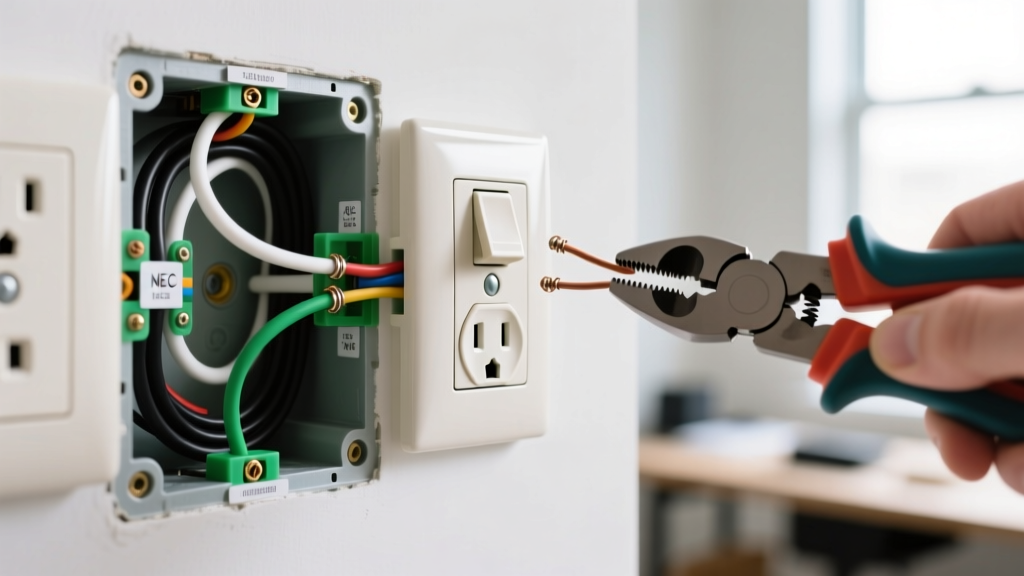
As a DIY electrician or homeowner, knowing how to accurately diagnose a failing outlet extender is critical. Is the wall tap melting? Is it causing your GFCI to nuisance-trip? Is the wall receptacle itself failing under the mechanical load? This guide provides a deep-dive, expert-level troubleshooting framework to isolate and resolve failures in electrical outlet extenders.
Phase 1: The Triage Protocol (Isolating the Fault)
Before replacing parts or calling an electrician, you must determine whether the fault lies with the extender, the plugged-in devices, or the wall receptacle. Follow this isolation sequence:
- Visual & Olfactory Inspection: Unplug the extender. Smell for ozone or melting plastic (polyvinyl chloride off-gassing). Inspect the brass prongs for blue/green oxidation or black scorch marks.
- The Bypass Test: Plug the suspect high-draw device directly into a known-good wall outlet on a different circuit. If the breaker trips or the device fails, the extender is innocent; the device or circuit is at fault.
- Receptacle Tension Test: Using a National Fire Protection Association (NFPA) recommended outlet tester, check the wall receptacle. If a standard plug slides out with less than 1 pound of force, the internal brass wipers of the wall duplex are worn out. The extender's weight is exacerbating a pre-existing mechanical failure.
Failure Mode 1: Thermal Overload & The 1875W Trap
The most common reason electrical outlet extenders overheat, melt, or trip breakers is a fundamental misunderstanding of continuous vs. non-continuous loads. Most standard 15-amp wall taps (like the popular GE Enbrighten 6-Outlet Wall Tap, Model 43755, priced around $14) are rated for a maximum of 1875 watts (15A x 125V).
The NEC 80% Continuous Load Rule
Under NEC Article 210.20(A), if a load is expected to run for 3 hours or more (e.g., a space heater, a desktop PC, or a dehumidifier), the circuit and the adapter must be derated to 80%. This means your 1875W extender is only safely rated for 1500 watts of continuous draw.
- Edge Case: Plugging in a 1500W space heater leaves only 375W of headroom. If you simultaneously plug in a 100W laptop charger and a 60W smart TV into the same extender, you exceed the continuous safety threshold, even if you remain under the absolute 1875W breaker-trip threshold.
- Diagnostic Tool: Use a plug-in watt meter (like the Kill A Watt P4460, ~$25) between the wall and the extender to measure real-time true RMS wattage, not just the manufacturer's stated draw.
Failure Mode 2: GFCI Nuisance Tripping
If your electrical outlet extenders are plugged into a GFCI-protected receptacle (common in kitchens, bathrooms, and garages) and the GFCI trips randomly, the extender is likely the culprit. But why?
EMI Filters and Leakage Current
Many premium extenders (such as the Belkin Pivot-Plug BE108000-08, ~$30) include built-in surge protection. To achieve UL 1449 surge ratings, manufacturers install Metal Oxide Varistors (MOVs) and Electromagnetic Interference (EMI) filter capacitors. These capacitors intentionally bleed a tiny amount of current (usually 0.5mA to 2mA) to the ground wire to filter high-frequency noise.
A standard Class A GFCI is designed to trip when it detects a ground fault leakage of 4mA to 6mA. If you daisy-chain multiple surge-protecting extenders, or if the extender's EMI capacitors are degrading due to age and heat, the cumulative leakage current can easily reach the 5mA threshold, causing nuisance tripping without an actual shock hazard.
Expert Fix: If an extender causes GFCI trips, test it with a Klein Tools RT250 GFCI Receptacle Tester. If the tester shows the GFCI trips at the correct threshold but the extender still causes random trips under load, the extender's internal MOV/capacitor bank is degrading. Discard the surge-protecting extender and replace it with a standard, non-surge wall tap.
Failure Mode 3: Mechanical Sag and Receptacle Wear
Modern electrical outlet extenders are heavy. When loaded with bulky transformer plugs (like older laptop bricks or smart home hubs), the physical torque applied to the wall receptacle can exceed 15 inch-pounds. This causes the extender to 'sag', pulling the hot and neutral prongs partially out of the internal contacts.
The Arcing Hazard
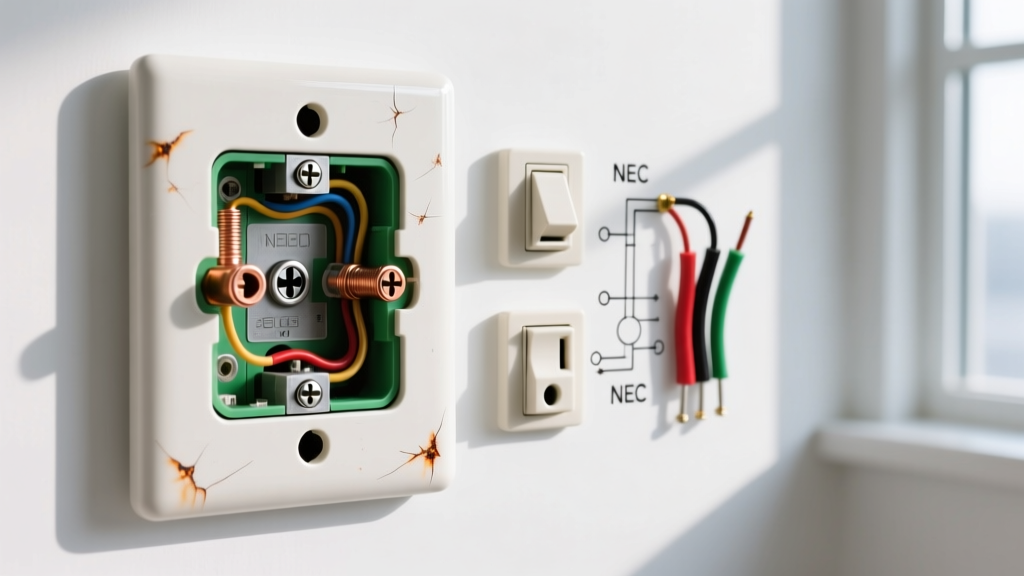
This micro-gap creates high electrical resistance. According to Ohm's Law, increased resistance at a constant voltage leads to localized heat generation (P = I²R). This heat carbonizes the plastic face of the extender and the wall plate, eventually leading to series arc faults. If your home's AFCI (Arc-Fault Circuit Interrupter) breaker is tripping, a sagging, heavy wall tap is a prime suspect.
Diagnostic Matrix: Symptom to Solution
| Symptom | Diagnostic Test | Root Cause | Expert Solution |
|---|---|---|---|
| Extender faceplate feels hot to touch (>110°F) | Measure true RMS wattage; check for 80% rule violation. | Continuous load exceeding 1500W on a 15A tap. | Split high-draw devices across two separate wall circuits. Upgrade to a 20A rated tap if the wall receptacle is a NEMA 5-20R. |
| GFCI trips immediately upon plugging in extender | Test extender on a non-GFCI circuit; test GFCI with RT250. | Shorted MOV in surge-protecting tap; or degraded EMI capacitors. | Replace with a standard non-surge tap. Do not use surge taps on GFCI circuits. |
| AFCI Breaker trips randomly; buzzing sound from wall | Visual inspection for sag; check prong engagement depth. | Mechanical sag causing micro-arcing at the receptacle wipers. | Replace the worn wall duplex receptacle (Leviton T5262). Use a short-cord relocatable tap instead of a direct-plug extender. |
| Smart Wi-Fi extender drops offline frequently | Check Wi-Fi signal; measure parasitic heat near the SoC. | Thermal throttling of the internal Wi-Fi/Thread radio chip. | Ensure the smart extender is not placed behind furniture blocking convection cooling. Move high-draw loads to a different outlet. |
Direct-Plug Extenders vs. Short-Cord Relocatable Taps
When troubleshooting reveals that a direct-plug adapter is fundamentally incompatible with your physical space or load requirements, the correct engineering solution is to switch to a short-cord relocatable power tap. Below is a comparison to guide your replacement purchase.
| Feature | Direct-Plug Wall Tap (e.g., GE 43755) | Short-Cord Relocatable Tap (e.g., APC P310) |
|---|---|---|
| Mechanical Stress | High (transfers all weight to wall receptacle wipers) | Zero (weight rests on floor/desk; cord absorbs strain) |
| UL Standard | UL 498 (Attachment Plugs and Receptacles) | UL 1363 (Relocatable Power Taps) |
| Surge Protection | Rare / Poor thermal dissipation for MOVs | Common / Excellent thermal mass for MOVs |
| Best Use Case | Low-draw electronics (routers, phone chargers, LED lamps) | High-draw / heavy transformer plugs (PCs, heaters, AV gear) |
The Rise of Smart Extenders: 2026 Troubleshooting Nuances
The 2026 market has seen a massive influx of 'smart' electrical outlet extenders featuring built-in Wi-Fi, Zigbee, or Matter-over-Thread radios for individual socket energy monitoring. While convenient, these introduce new failure modes:
- Parasitic Draw & Heat: The internal System-on-Chip (SoC) and radio antennas generate a constant 1W to 3W of heat. When enclosed in a tight plastic housing behind a sofa, this ambient heat degrades the internal brass tension springs faster than in 'dumb' extenders.
- Relay Welding: Smart extenders use internal electromechanical relays to turn sockets on and off. If a user switches off a socket while a high-inductive load (like a vacuum cleaner or laser printer) is running, the inductive kickback can cause the relay contacts to arc and weld shut. If your smart extender socket will not turn off via the app, the internal relay is fused. Do not attempt to repair; replace the unit immediately.
Final Safety Directives
Electrical outlet extenders are classified by the NEC and NFPA as temporary wiring solutions. They are not a substitute for hiring a licensed electrician to install additional hardwired duplex receptacles or a dedicated 20-amp circuit for your home office or entertainment center.
When troubleshooting, always prioritize your safety. Use a non-contact voltage tester (like the Fluke 1AC-II) before handling any scorched or melted adapters, and never bypass a tripping breaker by simply moving the extender to a different room. If an extender shows physical deformation, discoloration, or emits a fishy/ozone odor, it has reached the end of its service life and must be recycled. For more comprehensive home electrical safety guidelines, refer to the NFPA Home Fire Safety resources and the CPSC Electrical Safety Center.