
Why Your Ethernet Electrical Outlet Fails: The Core Culprits
In modern smart homes, the convergence of high-voltage AC power and low-voltage data is inevitable. Homeowners and DIYers frequently install combo wall plates or place data jacks adjacent to AC receptacles to power Wi-Fi 7 access points, PoE security cameras, and smart home hubs. However, when an ethernet electrical outlet fails to pass data or deliver Power over Ethernet (PoE), the root cause is rarely a simple broken wire. It is almost always a symptom of electromagnetic interference (EMI), code-violating proximity, or termination fatigue.
As of 2026, with Cat6A becoming the baseline for 10-Gigabit backhaul and 802.3bt (PoE++) delivering up to 90W over copper, the tolerances for poor termination are virtually zero. Below is an expert-level diagnostic framework to isolate and repair failures in combined power and data wall outlets.
1. Electromagnetic Interference (EMI) & NEC Violations
The most common reason a newly installed ethernet electrical outlet drops packets or fails to negotiate gigabit speeds is Electromagnetic Interference (EMI). Standard 120V AC Romex (12/2 or 14/2) generates a 60Hz magnetic field and harmonic noise. If unshielded twisted pair (UTP) Cat6 cabling is run parallel to AC lines without adequate spacing, Near-End Crosstalk (NEXT) and alien crosstalk will corrupt data frames.
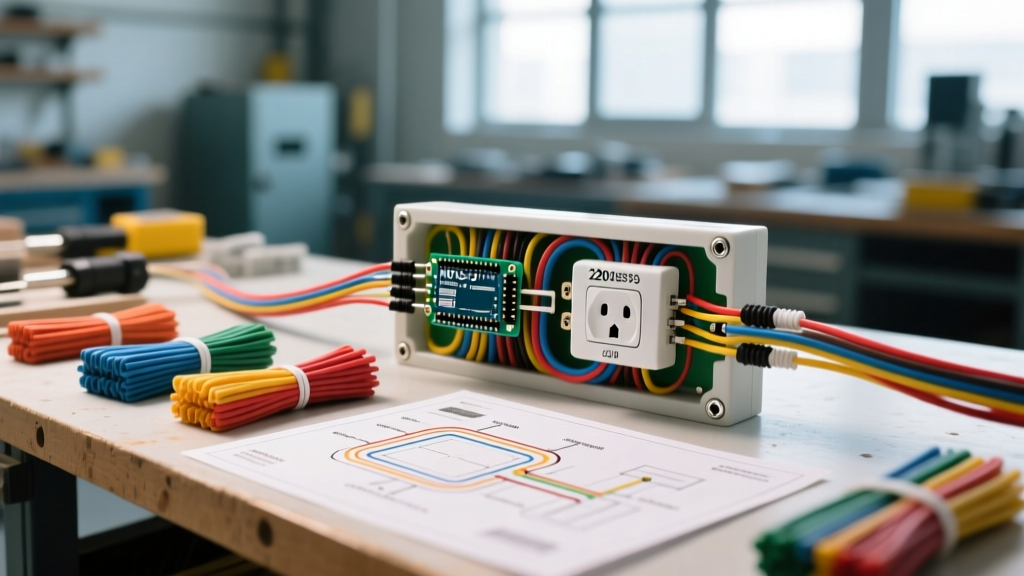
NEC Compliance Warning: According to National Electrical Code (NEC) Article 800.133, low-voltage communications cables must maintain a minimum separation of 2 inches (50mm) from standard 120V power cables unless separated by a continuous, firmly fixed nonconductive raceway or barrier. Sharing a single-gang electrical box without a physical divider is a direct code violation and guarantees signal degradation.
2. T568A vs. T568B Mismatches
While TIA/EIA standards recognize both T568A and T568B wiring schemes, mixing them on opposite ends of a single cable run creates a crossover cable. In the era of Auto-MDIX, most gigabit switches can auto-correct this, but older PoE injectors, legacy smart hubs, and budget 2.5G switches often fail to initialize the link, resulting in a dead port.
3. Punch-Down Fatigue and IDC Failures
Insulation Displacement Contacts (IDCs) inside Cat6 keystone jacks rely on precise metal tines slicing through the wire insulation. If a DIYer uses a cheap, uncalibrated punch-down tool, or re-terminates the same jack multiple times, the tines splay outward. This causes micro-gaps that fail under the thermal expansion of PoE loads, leading to intermittent connectivity.
Step-by-Step Diagnostic Workflow
Do not immediately rip the drywall open. Follow this systematic isolation process to identify the exact failure point of your ethernet electrical outlet.
- Visual & Physical Inspection: Remove the faceplate. Verify that the AC power wires and the Cat6 jacket are not touching. If they are bundled together with zip-ties inside the gang box, separate them immediately. Ensure the Cat6 jacket extends at least 1/4 inch into the rear of the keystone jack; untwisting more than 0.5 inches (13mm) of the internal wire pairs destroys the cable's impedance and ruins return loss.
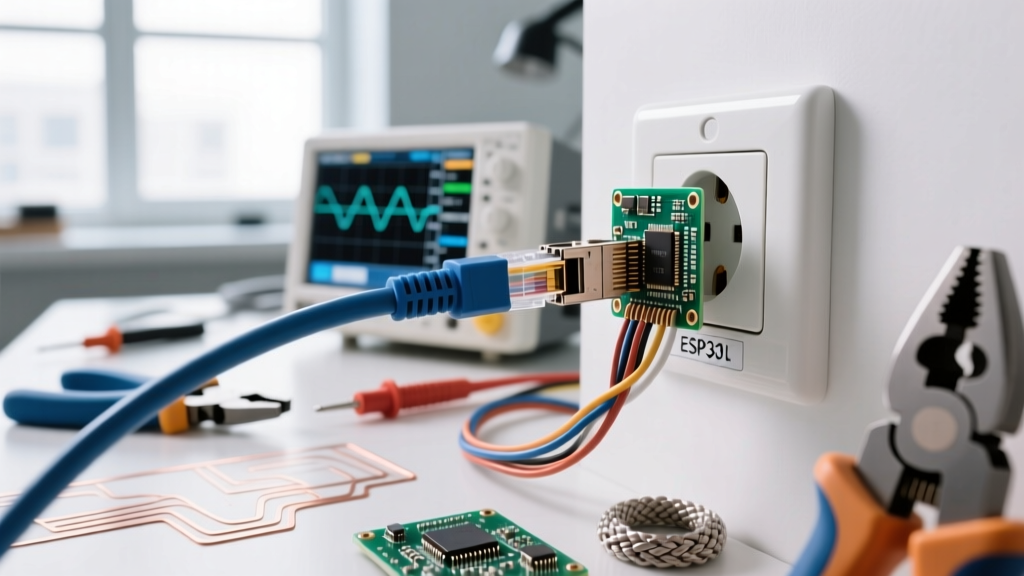
- Wire Mapping & Continuity Testing: Connect a toner and probe or a basic wire mapper (like the Klein Tools Scout Pro 3) to the patch panel and the wall jack. Look for split pairs (where wires are punched down in the wrong order but maintain continuity). Split pairs will pass a basic continuity test but will fail catastrophically at gigabit speeds due to crosstalk.
- EMI & Crosstalk Measurement: If wire mapping passes but the link drops, use a certifier or advanced verifier like the Fluke Networks MicroScanner PoE. Check the Signal-to-Noise Ratio (SNR). If NEXT or FEXT (Far-End Crosstalk) fails, the cable has been run too close to an AC source or the pairs were untwisted too far at the termination point.
- PoE Voltage Drop Test: For smart home devices requiring PoE, measure the DC voltage at the outlet. 802.3af requires 44-57V; 802.3at requires 50-57V. If your switch outputs 54V but the outlet reads 38V under load, you have high resistance at the IDC punch-downs or damaged copper in the wall.
Symptom-to-Solution Troubleshooting Matrix
| Symptom | Probable Cause | Actionable Fix |
|---|---|---|
| Link negotiates at 100Mbps instead of 1Gbps/10Gbps | Split pairs, untwisted pairs > 0.5", or EMI from adjacent AC | Re-terminate using T568B; ensure 2" separation from Romex; verify jacket enters jack. |
| PoE camera reboots randomly at night (IR mode) | Voltage drop due to splayed IDC tines or 24 AWG CCA wire | Replace keystone jack; ensure 23 AWG solid bare copper is used (never CCA). |
| Dead port, no link lights | T568A/B mismatch, broken punch-down, or severed cable | Verify wiring scheme at both ends; use TDR (Time Domain Reflectometer) to find cable breaks. |
| Intermittent drops when AC appliance turns on | Severe EMI / Inductive coupling from high-draw appliances | Reroute Cat6 away from AC lines; upgrade to shielded Cat6A (F/UTP) with grounded jacks. |
Advanced PoE Troubleshooting for Smart Home Hubs
With the proliferation of Wi-Fi 7 access points and PTZ security cameras in 2026, Power over Ethernet (PoE) is standard. However, combo ethernet electrical outlets often become thermal bottlenecks. The Telecommunications Industry Association (TIA) warns that bundling Cat6 cables in tight, enclosed gang boxes alongside heat-generating AC transformers can raise the ambient temperature of the copper, increasing DC resistance and causing PoE voltage drop.
If your 802.3bt (Type 4) device is failing to draw its full 90W, check the following:
- Wire Gauge: Ensure the in-wall cable is 23 AWG solid copper. Copper-Clad Aluminum (CCA) has 55% higher resistance and is a severe fire hazard under high-wattage PoE loads.
- Keystone Jack Rating: Standard Cat5e jacks are not rated for high-wattage PoE. Upgrade to a Cat6A jack with robust metal IDC housings, such as the Leviton QuickPort Cat6A (approx. $14 per unit), which dissipates heat effectively.
- Thermal Management: If the AC receptacle in the combo plate is serving a high-draw device (like a space heater or microwave), the heat radiating through the shared faceplate can trigger the PoE switch's thermal protection, shutting down the data port.
2026 Tool & Component Recommendations
Diagnosing combined power and data outlets requires specialized gear. Avoid cheap $15 continuity testers; they cannot detect split pairs or measure PoE voltage under load.
- Klein Tools Scout Pro 3 ($135): Excellent for basic wire mapping, identifying split pairs, and toning cables through drywall.
- Fluke Networks MicroScanner PoE ($850): The industry standard for verifying PoE standards (af/at/bt), measuring exact cable length, and identifying switch port IDs.
- Paladin 3551 Impact Tool ($45): A professional-grade 110-style punch-down tool with an adjustable impact dial. Set to 'High' for 23 AWG solid Cat6.
- Leviton 406/412 Combo Faceplates ($8-$12): Use structured media faceplates that provide physical barriers between AC and data modules.
Frequently Asked Questions
Can I run Cat6 and Romex in the same stud bay?
Yes, but they must not be strapped together. According to the Fluke Networks Knowledge Base and BICSI guidelines, if you must cross AC and data lines, do so at a strict 90-degree angle to minimize inductive coupling. If running parallel, maintain at least 2 inches of separation, or use shielded Cat6A with a grounded drain wire.
Why does my PoE camera work on a patch cable but fail at the wall outlet?
Patch cables use 24 AWG stranded copper, which is flexible and terminates cleanly. In-wall cables use 23 AWG solid copper. If your punch-down tool's blade is dull, it will crush the solid copper core instead of slicing the insulation, creating a high-resistance joint that chokes PoE current. Snip the ends and re-terminate with a fresh blade.
Is T568A or T568B better for 2026 smart homes?
Electrically, they are identical in performance. However, T568B is the overwhelming standard for US residential and commercial AV/IT integrators. Standardize on T568B across all ethernet electrical outlets, patch panels, and custom patch cables to eliminate crossover faults and simplify future troubleshooting.
Final Safety & Code Reminders
Before opening any combo ethernet electrical outlet, always verify that the AC power is disabled at the breaker panel. Use a non-contact voltage tester (NCVT) on the AC terminals, but remember that NCVTs can sometimes give false negatives on shielded or deeply recessed wires. Treat all line-voltage terminals as live until proven dead with a multimeter. By respecting NEC separation distances and utilizing precision termination tools, you can ensure your data infrastructure is as reliable as your electrical grid.