
The 2026 Standard: Upgrading to USB-C Receptacles
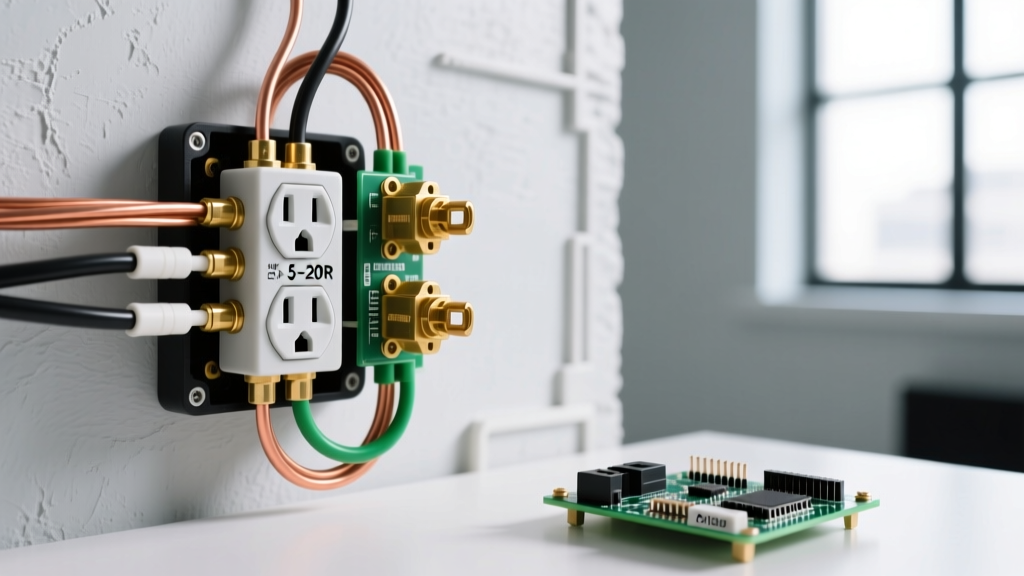
The modern home is heavily dependent on direct DC charging. As of 2026, the USB-C Power Delivery (PD) 3.1 standard has completely eclipsed legacy USB-A charging bricks. Upgrading a standard duplex receptacle to an electrical outlet with USB plug capabilities is one of the most practical DIY electrical projects a homeowner can undertake. It eliminates the need for bulky wall warts, frees up standard AC sockets, and provides optimized, safe charging for smartphones, tablets, and even modern laptops.
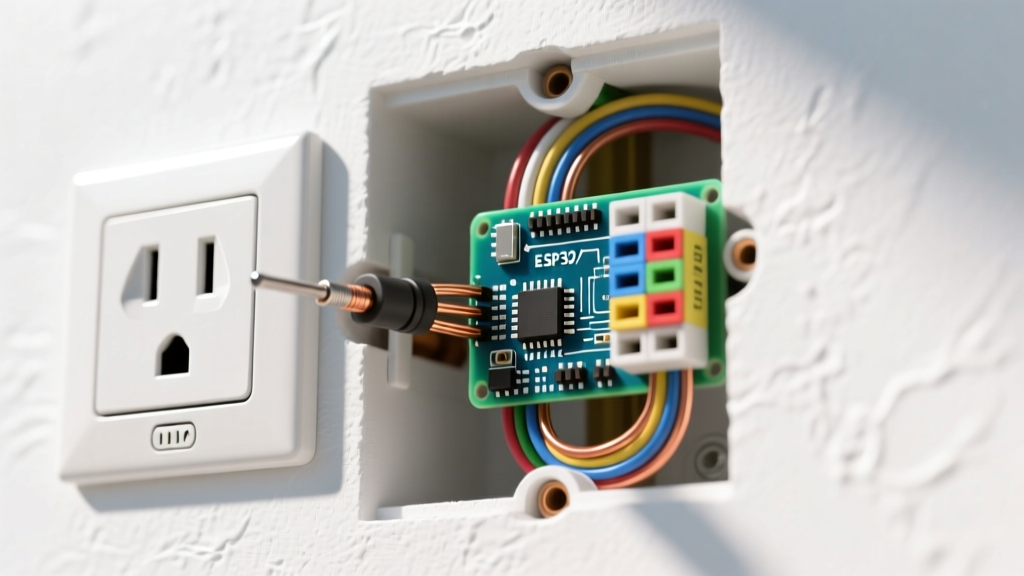
However, swapping a standard $2 outlet for a $25 smart USB receptacle introduces physical and electrical variables that catch many beginners off guard. The internal switching power supply required to step down 120V AC to 5V-20V DC makes these devices significantly deeper than standard receptacles. This guide will walk you through the exact specifications, the notorious "box depth" trap, and the step-by-step wiring process to ensure a safe, code-compliant installation.
Understanding USB Receptacle Specs and Power Delivery
Before purchasing a replacement, you must understand the amperage output. Early USB outlets offered a mere 2.1 to 3.6 amps shared across two USB-A ports. Today, high-performance models utilize USB-C architecture capable of much higher wattage.
| Receptacle Type | Example Model | Total DC Output | Best Use Case | Approx. Cost (2026) |
|---|---|---|---|---|
| Legacy Dual USB-A | Leviton T5280 | 3.6A (18W) | Low-draw accessories, older phones | $18 - $22 |
| Hybrid USB-A / USB-C | Eaton TR7765 | 3.0A + 3.0A (30W) | Mixed device households | $24 - $28 |
| Pure Dual USB-C (PD) | Leviton T5632 | 6.0A Total (Up to 30W+ PD) | Fast charging modern phones & tablets | $32 - $45 |
Note: Always look for the "TR" (Tamper-Resistant) stamp on the face of the outlet. The National Fire Protection Association (NFPA) mandates TR receptacles in all dwelling unit living spaces to prevent children from inserting foreign objects into the slots.
The Beginner Trap: Box Depth and NEC Fill Calculations
The single most common reason a DIY USB outlet installation fails or becomes a fire hazard is insufficient electrical box depth. A standard 15-amp duplex receptacle is about 1.1 inches deep. A USB receptacle, housing a transformer and heat-dissipating components, is typically 1.75 to 2.1 inches deep.
Why Depth Matters
Standard plastic "nail-on" single-gang boxes installed in homes from the 1990s through the early 2020s are usually 2.5 inches deep, yielding about 18 to 22 cubic inches of volume. According to the National Electrical Code (NEC), you must maintain specific wire bending space. Furthermore, U.S. Consumer Product Safety Commission (CPSC) guidelines emphasize that overcrowding wires causes heat buildup. If you cram a 2-inch deep USB outlet into a shallow box, you will crush the Romex wires against the back of the box, potentially damaging the insulation and creating a short circuit.
Pro-Tip: Before buying your USB outlet, remove your current faceplate and measure the depth of the existing box. If it is less than 3.0 inches deep, you must either install a "box extender" ring or replace the box with an "old-work" extra-deep box (minimum 24 cubic inches) to safely accommodate the new device.
Tools and Materials Checklist
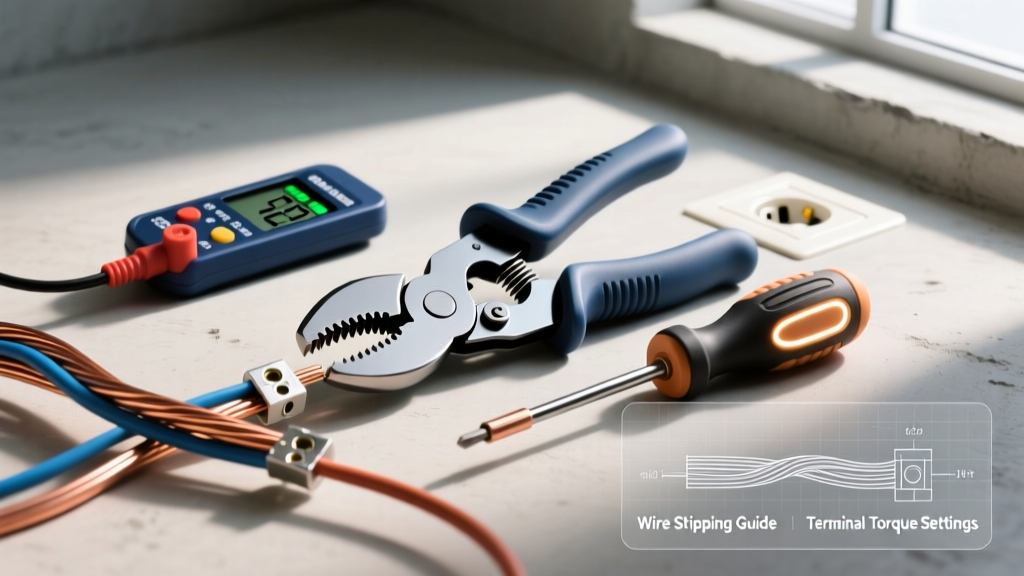
Gather the following tools before turning off the power. Precision matters when working with 120V AC lines.
- Non-Contact Voltage Tester (NCVT): Essential for verifying the circuit is dead.
- Wire Strippers: With 14 AWG and 12 AWG stripping holes.
- Lineman Pliers & Needle-Nose Pliers: For cutting and forming wire hooks.
- Phillips and Flathead Screwdrivers: Preferably insulated.
- Electrical Tape: For wrapping the sides of the outlet (optional but recommended).
- Replacement USB Receptacle: Ensure it matches your wire gauge (15A for 14 AWG, 20A for 12 AWG).
Step-by-Step Installation Tutorial
Step 1: Kill the Power and Verify
Navigate to your main breaker panel and switch off the breaker controlling the room. Do not rely solely on a wall switch. Insert a lamp into the outlet to verify it is off, then use your NCVT on the outlet slots. Finally, remove the faceplate and test the side terminal screws with the NCVT to guarantee zero voltage.
Step 2: Extract the Old Receptacle
Unscrew the top and bottom mounting screws. Gently pull the outlet out of the box. Do not disconnect the wires yet. Take a photo with your smartphone. Note which side the black (hot) wires are on, which side the white (neutral) wires are on, and how the bare copper (ground) is attached.
Step 3: Prepare the Wires
Disconnect the old outlet. Inspect the wire ends. If the copper is scored, deeply nicked, or oxidized, snip the ends off and re-strip them. Use the 14 AWG or 12 AWG hole on your wire strippers to remove exactly 3/4 of an inch of insulation. The NEC requires at least 6 inches of conductor length extending past the front edge of the box.
Step 4: Make the Connections
Modern high-end USB receptacles (like the Leviton T5632) feature "back-wire" clamp plates, which are vastly superior to the old "push-in" stab connections.
- Ground (Green Screw): Loop the bare copper wire clockwise around the green ground screw. Tighten firmly.
- Neutral (Silver Terminals): Insert the stripped white wire straight into the back-wire clamp hole adjacent to the silver screw. Tighten the screw down until the clamp plate secures the wire. Give the wire a firm tug to ensure it is locked.
- Hot (Brass Terminals): Insert the black wire into the back-wire clamp hole next to the brass screw and tighten securely.
If your USB outlet only has side-terminal screws (no back-wire clamps), use your needle-nose pliers to form a tight "J-hook" in the wire. Hook it clockwise around the screw so that tightening the screw pulls the loop closed rather than pushing it open.
Step 5: Wrap and Fold
Wrap a single layer of electrical tape around the sides of the outlet, covering the terminal screws. This prevents accidental shorts if the bare ground wire shifts inside the crowded box. Carefully fold the wires in a "Z" or "J" pattern, pushing the ground wire to the back of the box, the neutrals in the middle, and the hot wires near the front. Mount the outlet using the provided 6-32 machine screws.
Troubleshooting Common Installation Issues
The USB Ports Aren't Charging, But the AC Plugs Work
USB receptacles require a complete AC circuit to power their internal transformer. If the AC plugs work but the USB ports do not, check your neutral connection. A loose neutral wire on the silver terminal will sometimes allow enough trickle current to power an LED lamp plugged into the AC side, but will fail to provide the stable return path needed for the USB switching power supply to activate.
The Outlet Trips the GFCI Upstream
If your new USB outlet is downstream from a GFCI receptacle and causes it to trip immediately upon resetting, you likely have a ground fault. This happens when a stray strand of bare copper ground wire is touching one of the brass (hot) terminal screws. Remove the outlet, inspect for copper strands, and apply electrical tape to the sides of the receptacle body.
Frequently Asked Questions
Can I install a USB outlet in a bathroom or kitchen?
Yes, but the USB receptacle itself does not provide Ground Fault Circuit Interrupter (GFCI) protection. It must be installed downstream of a GFCI breaker or a GFCI receptacle, as NEC codes mandate GFCI protection for all receptacles within 6 feet of a water source in kitchens and bathrooms.
Do USB outlets draw "vampire" power when nothing is plugged in?
Early generations of USB outlets drew a constant 0.1W to 0.5W of standby power to keep the transformer idle. According to the U.S. Department of Energy, modern 2026-compliant USB-C receptacles utilize smart-sensing chips that drop standby power draw to virtually zero (under 0.05W) when no device is connected, eliminating vampire drain concerns.
Will a 15-Amp USB outlet work on a 20-Amp circuit?
Yes, provided there are multiple receptacles on the circuit. The NEC allows 15-amp receptacles on a 20-amp circuit as long as it is a duplex (or multi-port) receptacle and not a single-receptacle dedicated outlet. However, if your kitchen uses 12 AWG wire and 20-amp breakers, it is best practice to match the receptacle rating and purchase a 20-amp USB outlet to maintain uniform circuit integrity.