
The Intersection of Data and Power: Why Code Compliance Matters
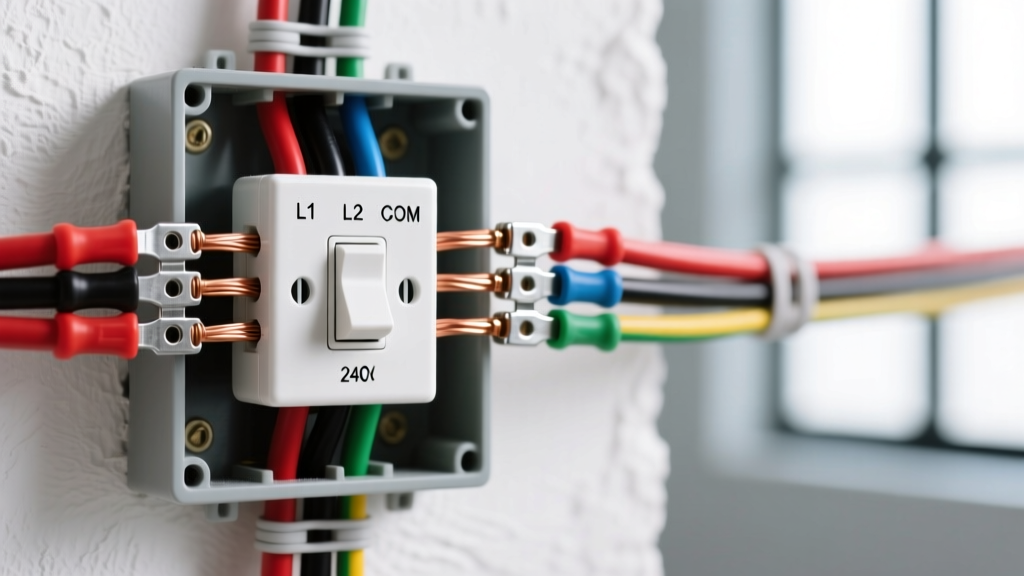
Integrating an ethernet and electrical outlet into a single dual-gang wall plate is a hallmark of clean, modern low-voltage and line-voltage installations. It eliminates wall clutter, centralizes connectivity for smart home hubs, and provides a streamlined aesthetic for home offices and entertainment centers. However, merging 120V/240V AC power with sensitive 5V DC data signals introduces severe risks of Electromagnetic Interference (EMI) and potential fire hazards if not executed to code.
This comprehensive tool and material guide outlines the exact components, professional-grade instruments, and National Electrical Code (NEC) mandates required to execute a flawless, interference-free dual-voltage installation in 2026.
The NEC Reality: Separation and Barrier Requirements
Before purchasing a single foot of cable, you must understand the legal and safety boundaries governing mixed-voltage boxes. The National Fire Protection Association (NFPA) strictly regulates how communications circuits interact with power conductors under NEC Article 800.136.
NEC Article 800.136(A) Summary: Communications wires and cables shall be separated at least 50 mm (2 inches) from conductors of any electric light, power, or Class 1 circuits, unless they are separated by a permanent, listed physical barrier or installed in a listed divided box.
You cannot simply drop a standard Cat6 cable into the same open cavity as a 12 AWG Romex feed. Doing so violates code, voids insurance, and induces massive crosstalk. You must use specialized divided enclosures or physical separators.
Essential Materials for Dual-Voltage Installations
Standard electrical boxes will not pass inspection. Sourcing the correct divided enclosures and data-grade cabling is the foundation of a successful project.
1. Divided Dual-Gang Boxes & Old-Work Brackets
- Carlon SC200DV (New Construction): A non-metallic, 2-gang nail-on box featuring an integrated, code-compliant physical divider separating the high-voltage and low-voltage cavities. Cost: ~$4.50 - $5.50 per unit.
- Arlington Non-Metallic LV1R-1 (Old Work/Retrofit): For retrofitting drywall, this divided bracket allows you to fish low-voltage cables without a backbox (which is code-compliant for Class 2/3 data cables) while keeping the line-voltage side fully enclosed. Cost: ~$6.00.
2. The Right Cable: Cat6 vs. Cat6a in High-EMI Zones
When running data parallel to AC power, the cable jacket and twist rate dictate your signal integrity. According to Belden Category Cable Specifications, higher frequencies are more susceptible to alien crosstalk and EMI.
| Specification | Standard Cat6 (UTP) | Cat6a (F/UTP or Shielded) |
|---|---|---|
| Wire Gauge | 23 AWG Solid Copper | 22 AWG Solid Copper |
| Max Bandwidth | 250 MHz (1 Gbps up to 100m) | 500 MHz (10 Gbps up to 100m) |
| EMI Resistance | Moderate (Relies on twist rate) | High (Foil shield drains EMI) |
| Cost per 1000ft Spool | $140 - $180 | $280 - $350 |
| Best Use Case | Standard residential, perpendicular AC crossings | Parallel AC runs, industrial, dense conduit |
Pro Tip: If you must run ethernet parallel to AC power for more than 12 inches, upgrade to Shielded Cat6a (F/UTP) and ensure your keystone jacks feature a grounded metal housing to dissipate the EMI via the drain wire.
3. Keystones, Faceplates, and Mud Rings
- Leviton QuickPort Keystones: Industry standard for reliable IDC (Insulation Displacement Contact) termination. Ensure you match the category (Cat6 jack for Cat6 cable). Cost: ~$4.00 each.
- Screwless Dual-Gang Faceplates: Look for plates with built-in shutter mechanisms for the AC side to prevent dust ingress, and precise cutouts for the keystone inserts. Cost: ~$3.50.
The Professional Tool Arsenal
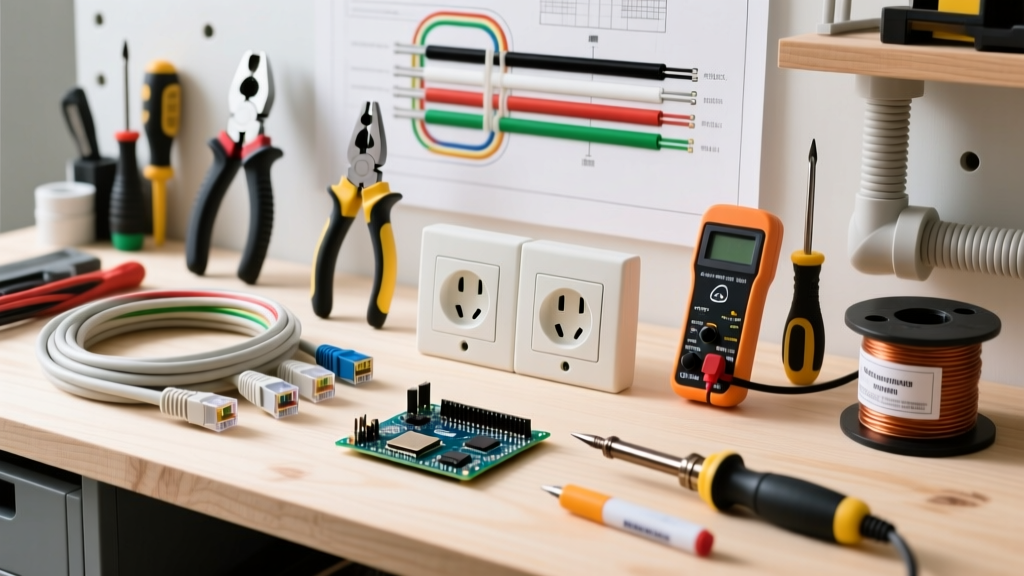
Stripping wires with a pocket knife and twisting them by hand guarantees signal degradation and failed certifications. Here are the specialized tools required for terminating and verifying an ethernet and electrical outlet combo.
Termination and Preparation Tools
- Klein Tools VDV226-110 SENSTI Punch-Down Tool: Features an adjustable impact mechanism (low/high) and a built-in wire cutter. Crucial for seating 23 AWG solid copper into 110-style keystone blocks without damaging the delicate copper core. Cost: ~$28.00.
- Jonard JIC-797 Circular Cable Stripper: Unlike standard jacket rippers that can nick the internal twisted pairs, this circular stripper precisely scores the PVC jacket of Cat6/Cat6a for clean removal. Cost: ~$18.00.
- Knipex TwinForce Diagonal Cutters: For cleanly snipping the stiff 12 AWG or 14 AWG solid copper electrical wires flush inside the divided box. Cost: ~$45.00.
Verification and Certification
Never close up a wall without testing the data line. A basic $15 wire-mapper only checks for continuity; it cannot detect split pairs, return loss, or EMI-induced crosstalk.
- Fluke Networks MicroScanner2 (Verifier): The gold standard for field technicians. It verifies wiremaps, measures cable length via Time Domain Reflectometry (TDR), and detects Power over Ethernet (PoE) voltage. Cost: ~$4,500. (For DIYers, renting one for a day via a local equipment rental house costs roughly $75).
For a full breakdown of professional network testing gear, refer to the Fluke Networks Testing Solutions catalog.
Step-by-Step Execution Matrix
Follow this precise sequence to ensure safety, code compliance, and optimal signal integrity when wiring your dual-voltage box.
- Power Down & Verify: Turn off the breaker. Use a non-contact voltage tester (NCVT) to confirm the line-voltage cavity is completely dead before touching any conductors.
- Secure the Barrier: Install your divided box (e.g., Carlon SC200DV). Ensure the physical divider is fully seated and unbroken. If using an old-work bracket, secure the drywall wings tightly.
- Route the AC Feed: Feed your 14/2 or 12/2 NM-B Romex into the line-voltage side of the box. Strip the jacket, leaving at least 6 inches of conductor length. Terminate to the duplex receptacle (Black to Brass, White to Silver, Bare to Green ground screw).
- Fish the Data Cable: Feed your Cat6/Cat6a into the low-voltage side. Leave 12 inches of slack. Do not bend the cable tighter than a 4x radius (approx. 1 inch) to avoid altering the twist geometry.
- Prep the Data Cable: Use the circular stripper to remove 1.5 inches of the outer jacket. Untwist the pairs only as far as necessary (maximum 0.5 inches) to reach the IDC slots on the keystone.
- Punch Down (T568B Standard): Seat the wires into the 110-block keystone using the T568B color code. Use the Klein impact tool on the 'High' setting for 23 AWG wire. The tool will punch the wire and trim the excess simultaneously.
- Snap and Screw: Insert the keystone into the low-voltage port of the faceplate. Mount the receptacle to the high-voltage port. Screw the plate to the box using the provided 6-32 machine screws. Do not over-tighten, or you will warp the screwless faceplate.
- Test & Energize: Plug the data verifier into the keystone and the patch panel to confirm a clean wiremap. Turn the breaker back on and test the AC receptacle with a standard 3-prong outlet tester.
Edge Cases & EMI Troubleshooting
Even with perfect execution, edge cases can compromise your network performance. Here is how to diagnose and resolve common dual-voltage installation failures.
Symptom: Intermittent Packet Loss or Slow Speeds
The Culprit: Induced EMI from the adjacent AC power line, usually caused by running the cables parallel in the wall cavity for several feet before they reach the box.
The Fix: If you used UTP cable, you must re-run the cable using Shielded (F/UTP) Cat6a. Additionally, ensure the data cable crosses the AC cable at a strict 90-degree angle inside the wall cavity whenever possible to minimize the induction surface area.
Symptom: Ground Loop Hum on Connected AV Equipment
The Culprit: Improper grounding of shielded data cables interacting with the AC ground.
The Fix: If using shielded Cat6a, the drain wire must be terminated to the metal housing of the keystone jack, which then grounds through the faceplate screw to the metal mud ring (if applicable). If using non-metallic boxes and plates, the shield should only be grounded at one end (usually the patch panel) to prevent a ground loop between the AC safety ground and the data shield.
Symptom: Receptacle Fails Outlet Tester
The Culprit: Over-stuffing the divided box. The physical divider takes up internal volume, reducing the cubic-inch capacity for the AC wires.
The Fix: Ensure your box meets NEC Article 314 box fill calculations. A standard duplex receptacle counts as 2 conductor volumes. If using 12 AWG wire (2.25 cubic inches per volume), you need a box with at least 18 cubic inches of capacity on the AC side alone. If the wires are being crushed against the divider, upgrade to an extra-deep divided box (e.g., Carlon E97TDV).