
Why the FX-888D Remains an Industry Benchmark in 2026
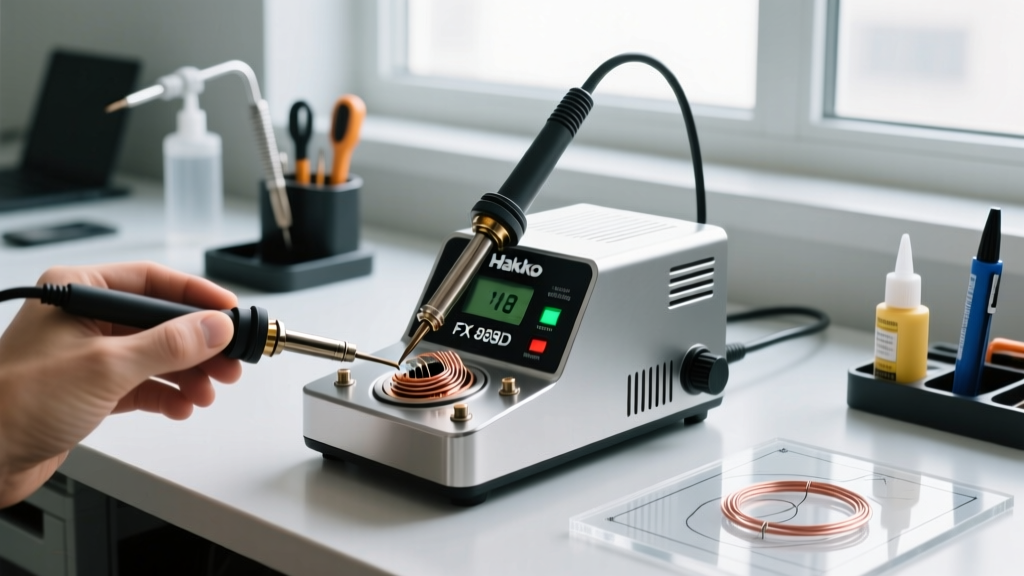
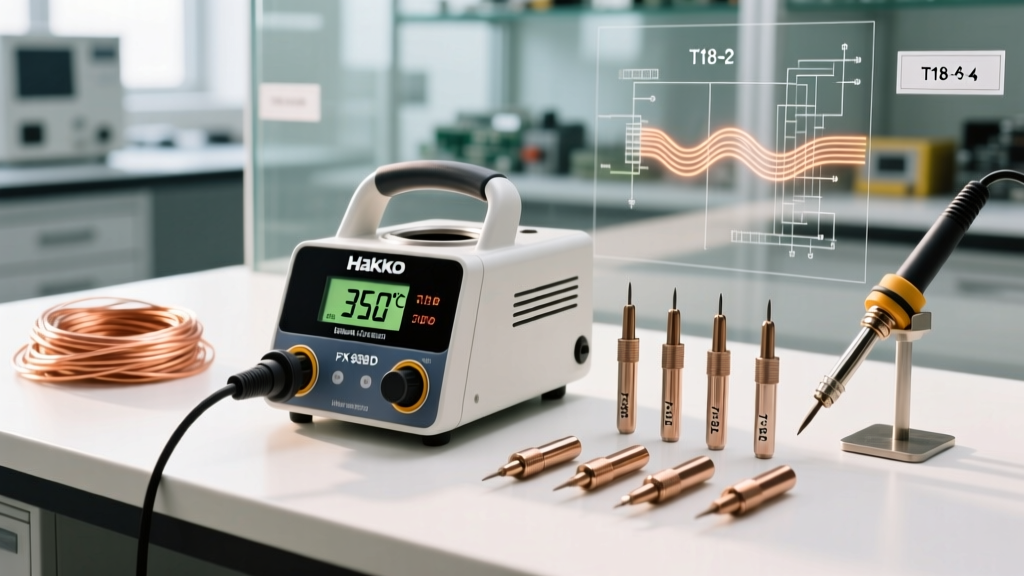
Despite the influx of budget-friendly heating platforms, the Hakko FX-888D digital soldering station remains a dominant force in professional electronics labs and serious home workbenches. Retailing between $115 and $135 in 2026, it bridges the gap between entry-level irons and high-end RF-driven stations like the JBC CD-2BE. Its 70-watt ceramic heater, combined with the highly standardized T18 tip ecosystem, delivers exceptional thermal recovery for most through-hole and surface-mount applications.
However, many users operate this station at a fraction of its potential. They rely on factory defaults, misuse tip geometries, and inadvertently degrade the iron plating through poor maintenance. This guide bypasses basic operation and dives into expert-level calibration, thermal profiling, and metallurgical maintenance to help you extract maximum precision from your FX-888D.
Advanced Temperature Calibration & Offset Tuning
The digital display on the FX-888D shows the target temperature, but the actual tip temperature can drift due to thermocouple tolerances, ambient room conditions, and tip wear. For critical work—such as soldering temperature-sensitive RF components or adhering to strict IPC J-STD-001 soldering standards—calibrating the station's internal offset is mandatory.
You will need a reliable tip thermometer (like the Hakko 191) to perform this procedure. Follow these exact steps to access the hidden calibration menu:
- Ensure the station is powered OFF.
- Press and hold the UP arrow button.
- While holding the UP button, turn the power ON.
- The display will show the current offset value (e.g.,
000or-15). - Press the ENTER button. The digits will begin to flash.
- Use the UP button to adjust the offset value until the station's display matches the reading on your external tip thermometer.
- Press ENTER to lock in the new offset.
- Turn the station OFF, then back ON to resume normal operation with the newly calibrated profile.
Expert Insight: Recalibrate your FX-888D every time you switch to a different T18 tip model or replace a heavily oxidized tip, as the thermal mass and thermocouple contact pressure can vary slightly between manufacturing batches.
T18 Tip Selection Matrix for Specific PCB Tasks
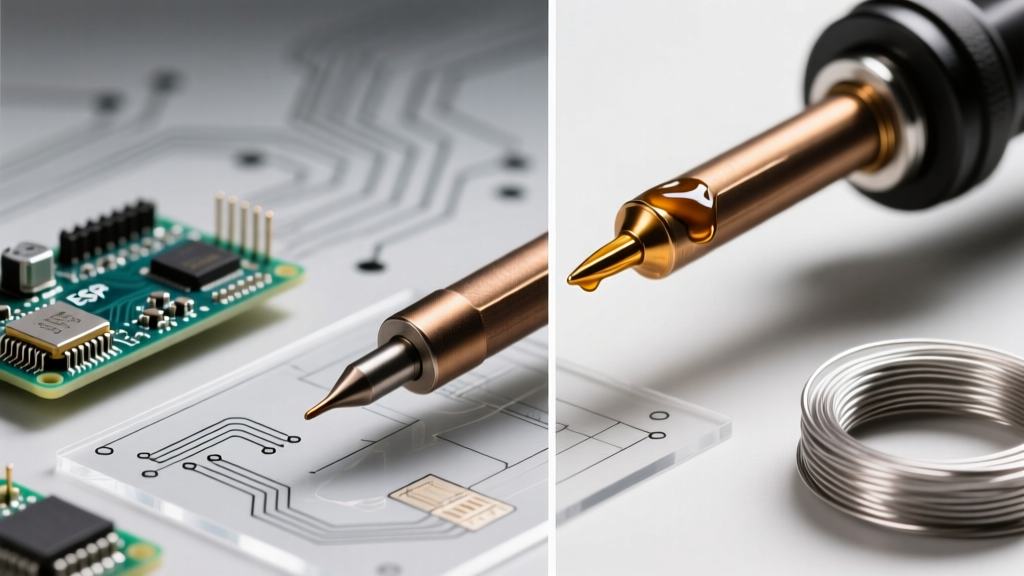
The most common mistake operators make is relying exclusively on the included T18-B (conical) tip. Conical tips have poor thermal transfer due to a minimal contact surface area. According to the NASA Workmanship Training Manual, maximizing the contact area between the tip and the pad is critical for achieving proper wetting angles and avoiding cold joints.
Below is an expert selection matrix for the T18 series based on common PCB scenarios:
| Tip Model | Geometry | Thermal Mass | Best Application Scenario |
|---|---|---|---|
| T18-D24 | 2.4mm Chisel | Medium-High | General purpose, 0805/0603 SMD, SOIC ICs, and standard through-hole. |
| T18-K | Knife (45°) | High | Drag soldering fine-pitch QFPs, cleaning up solder bridges, and cutting leads. |
| T18-J02 | 0.2mm Hook | Low | Precision rework on 0402 components and micro-BGA pad tinning. |
| T18-IL | Long Conical | Low | Deep cavity soldering where board clearance is restricted. |
| T18-D52 | 5.2mm Heavy Chisel | Very High | Large ground planes, heavy-gauge wire (12-14 AWG), and XT60 connectors. |
The Metallurgy of Tip Degradation: The Wet Sponge Fallacy
A standard FX-888D kit includes a brass wire sponge and a high-density cellulose sponge. Many hobbyists soak the cellulose sponge in distilled water and aggressively wipe the hot tip before every joint. From a metallurgical perspective, this is highly destructive.
Understanding Thermal Shock and Iron Plating
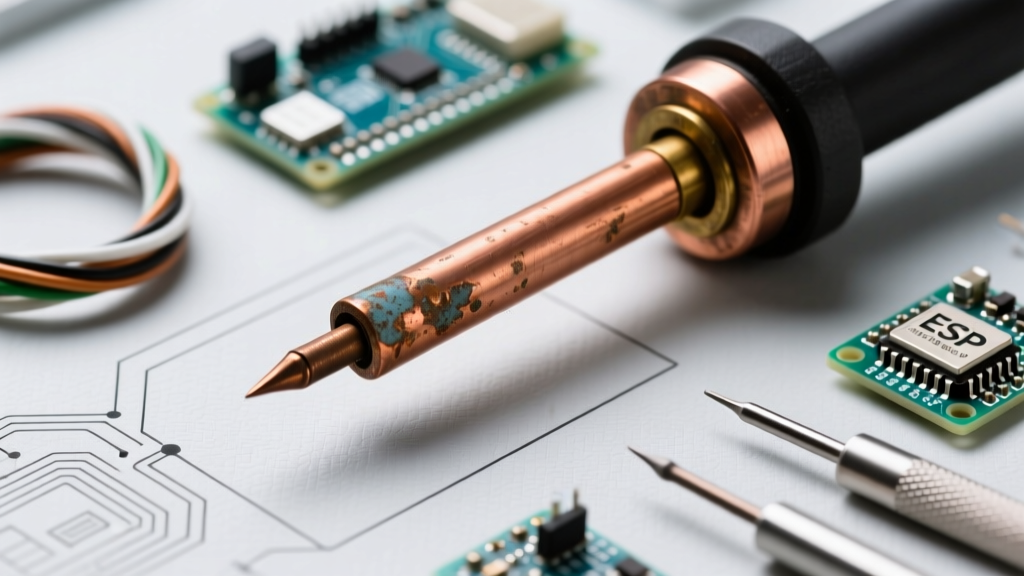
Modern T18 tips are not solid copper. They consist of a copper core electroplated with a 100 to 150-micron layer of iron to prevent the solder from dissolving the copper. When you strike a 350°C tip against a wet, room-temperature sponge, you induce rapid thermal quenching. Over time, this thermal shock creates micro-fractures in the iron plating. Once the plating cracks, molten solder reaches the copper core, dissolving it and creating a permanent crater in the tip.
- The Expert Protocol: Rely primarily on the Hakko 599B brass wire cleaner. The brass shavings scrape away oxidized flux and dross without dropping the tip temperature drastically.
- When to use the sponge: Only use a slightly damp sponge (not dripping) for stubborn, carbonized flux residue that the brass wool cannot remove. Squeeze out all excess water before wiping.
Configuring Auto-Sleep and Standby Modes
Leaving a soldering iron at 380°C while idle accelerates oxidation exponentially. The FX-888D digital soldering station features a built-in auto-sleep function that drops the temperature when the iron is returned to the holder, but it is often left at the factory default or disabled entirely.
To optimize your standby profile for lead-free SAC305 solder (which requires higher baseline heat but degrades tips faster when idle), configure the station to drop to 200°C after 9 minutes of inactivity:
- Turn the station OFF.
- Press and hold the ENTER button, then turn the power ON.
- The display will show the current standby time (e.g.,
09for 9 minutes). Use the UP button to set your desired time (00 disables it, 99 is max). - Press ENTER to confirm. The display will now show the standby temperature (e.g.,
200). - Use the UP button to set the sleep temperature. 200°C is ideal—it keeps the tip tinned and prevents oxidation without cooking the internal flux.
- Press ENTER to save and restart the station.
Troubleshooting Common FX-888D Error Codes
Because the FX-888D utilizes a closed-loop thermocouple feedback system, it will halt operation and display an error code if it detects a hardware anomaly. Understanding these codes prevents unnecessary warranty returns.
H-E (Heater Error)
This indicates an open circuit in the heating element. Root causes: The ceramic heater inside the handpiece has shattered (often from dropping the handle), or the 5-pin connector at the base of the station is loose or has bent pins. Fix: Inspect the connector pins with a magnifying glass. If the pins are straight and the handle connection is tight, the ceramic heater (Part # B2032) must be replaced.
S-E (Sensor Error)
This indicates the station cannot read the thermocouple inside the T18 tip. Root causes: The tip is not fully seated, or oxidized thermal compound is blocking the heat transfer between the ceramic heater rod and the tip's internal sensor tube. Fix: Remove the tip, let the heater cool, and gently clean the white ceramic rod with isopropyl alcohol and a lint-free swab. Ensure the tip slides all the way down until it bottoms out against the heater collar before tightening the locking nut.
Final Thoughts on Thermal Management
The Hakko FX-888D digital soldering station is a masterclass in reliable, closed-loop thermal control. By moving away from generic conical tips, implementing rigorous offset calibration, and respecting the metallurgical limits of the iron plating, you can elevate your soldering quality to meet professional aerospace and automotive standards. Treat the station not just as a heat source, but as a precision thermal profiling instrument, and it will deliver flawless joints for years to come.