
The Physics of Failure: Why Your Iron Refuses to Melt Solder
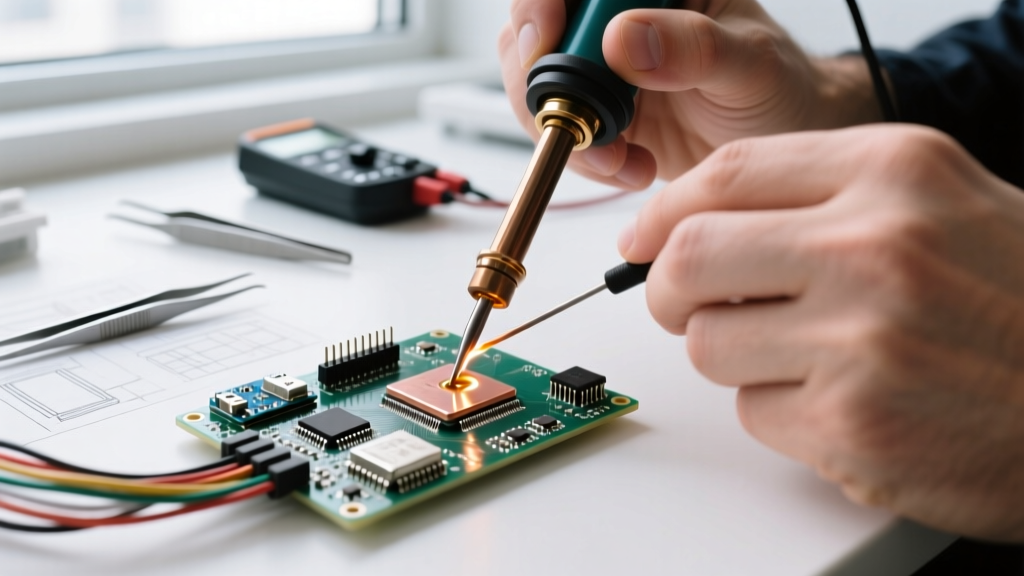
Every electronics hobbyist and professional technician has experienced the immense frustration of a soldering iron not melting solder. You press the tip against a copper pad, feed the wire, and instead of a shiny, concave fillet, you get a cold, grainy blob. In 2026, with the proliferation of dense multilayer PCBs, heavy-copper power electronics, and strict lead-free assembly requirements, relying on outdated or poorly calibrated tools is a recipe for ruined boards and lifted pads.
When your soldering iron is not melting solder, the issue is rarely the solder itself. Standard Sn63/Pb37 (eutectic) solder melts at 183°C, while lead-free SAC305 melts at 217°C. If your iron is set to 350°C but the solder refuses to flow, you are experiencing a catastrophic failure in thermal transfer. The heat is not reaching the joint due to oxidation, insufficient thermal mass, or a failing heating element.
Diagnostic Matrix: Identifying Your Thermal Bottleneck
| Failure Mode | Visual Symptom | Root Cause | Immediate Fix |
|---|---|---|---|
| Tip Oxidation | Black, crusty tip; solder beads up and rolls off. | Iron oxide layer acts as a thermal insulator (0.03 W/m·K vs copper’s 400 W/m·K). | Clean with brass wool and re-tin immediately with flux-cored solder. |
| Thermal Mass Overload | Solder melts on the tip but freezes instantly upon touching the PCB pad. | Large ground planes draw heat away faster than the iron’s recovery rate. | Switch to a chisel tip with higher thermal mass; increase temp by 20°C. |
| Counterfeit Station | Station reads 350°C but tip measures 220°C with a thermocouple. | Fake Hakko/Weller clones use inaccurate thermistors and poor wiring. | Replace with an authentic, closed-loop temperature-controlled station. |
| Flux Depletion | Solder clumps and refuses to wet the joint, even at high heat. | Core flux has burned off due to prolonged contact or excessive temperature. | Apply external no-clean or rosin flux (e.g., Amtech NC-559) before heating. |
The "Wattage Myth" and Thermal Recovery
A common misconception is that higher wattage automatically solves the problem of a soldering iron not melting solder. A cheap 60W iron from an online marketplace will often fail on a simple ground plane, while a high-quality 65W smart iron will breeze through it. The secret lies in thermal recovery time and sensor placement.
"Wattage only dictates the maximum energy draw. Thermal recovery is dictated by how fast the sensor detects a temperature drop and how efficiently the heater transfers energy to the tip’s working end."
Cheap irons place the thermistor near the base of the heater, far from the tip. When you touch a cold PCB, the tip’s temperature plummets, but the base sensor doesn’t register the drop until it’s too late, resulting in a cold joint. Premium stations use integrated ceramic heaters where the sensor is embedded directly inside the tip or millimeters away, allowing for sub-second power adjustments.
2026 Station Reviews: Tools That Maintain Thermal Equilibrium
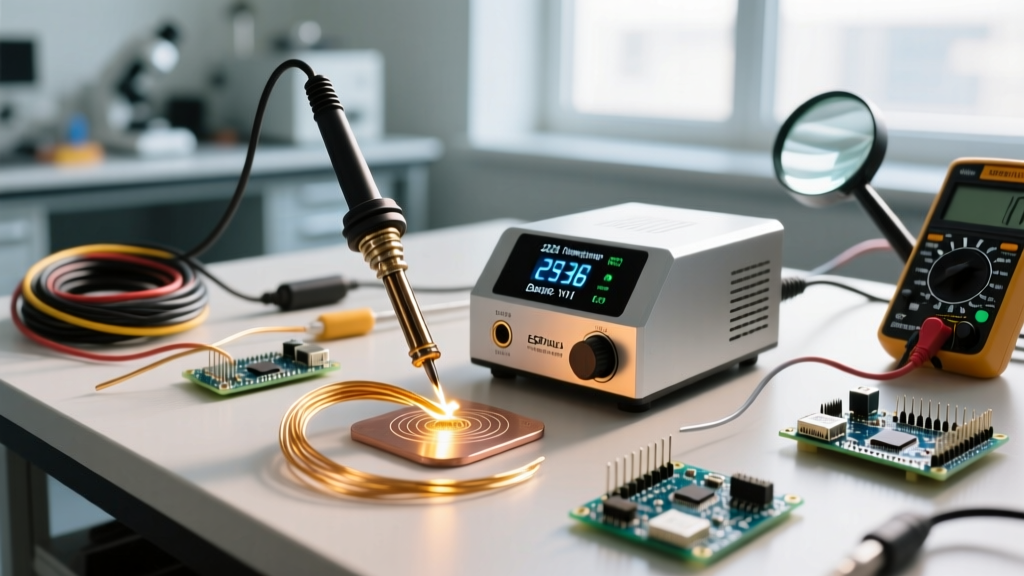
If your current setup is failing, it is time to upgrade. Below are the top-performing stations in 2026 that specifically eliminate the "not melting" issue through superior thermal management.
1. Pine64 Pinecil V2 (The Smart Thermal Champion)
Price: ~$26 (Iron only) | Max Power: 65W (via USB-C PD)
The Pinecil V2 has disrupted the market by packing a RISC-V BL706 microcontroller into a handle the size of a pen. It negotiates Power Delivery (PD 3.0) up to 65W. Because it samples the tip temperature multiple times per second, its thermal recovery on heavy joints rivals stations costing five times as much. If you are using a USB-C laptop charger, ensure it supports 20V/3.25A to unlock the full 65W; otherwise, it will throttle to 45W, which may struggle with thick wires.
- Pros: Unbeatable price-to-performance, open-source firmware (IronOS), rapid 1.5-second heat-up.
- Cons: Requires a high-quality USB-C PD power supply; no included stand.
2. Hakko FX-888D (The Analog-Style Workhorse)
Price: ~$110 | Max Power: 70W
The FX-888D remains a staple in professional repair shops. It utilizes Hakko’s T18 tip series, which features a copper core plated with iron and chromium. The key to preventing the solder-not-melting issue here is tip selection. The included T18-B (conical) tip is terrible for thermal transfer. Swap it immediately for the T18-D24 (chisel) or T18-K (knife) to maximize surface area contact. According to the Adafruit Guide to Excellent Soldering, maximizing tip surface area is the single most effective way to improve heat transfer without raising the temperature.
- Pros: Extreme durability, massive ecosystem of T18 tips, digital lockout prevents accidental temp changes.
- Cons: Clunky UI (single-button operation), tip changes require a tool.
3. Weller WE1010NA (Heavy Duty Ground Plane Destroyer)
Price: ~$140 | Max Power: 70W
When working on automotive ECUs or thick copper power supplies, the Weller WE1010NA is the definitive answer. It uses the ETA tip series, which features a massive threaded heating element that screws directly into the tip. This eliminates the air gap found in cheaper sleeve-style heaters, ensuring near-perfect thermal conductivity. The 70W transformer is heavily oversized, meaning it can sustain maximum heat output indefinitely without thermal throttling.
- Pros: Tool-free 10-second tip changes, massive thermal block, exceptional build quality.
- Cons: Higher initial cost, ETA tips are more expensive than T18 equivalents.
Step-by-Step Diagnostic Checklist: Rescuing Your Current Setup
Before spending money on a new station, run through this exact troubleshooting sequence to salvage your current iron.
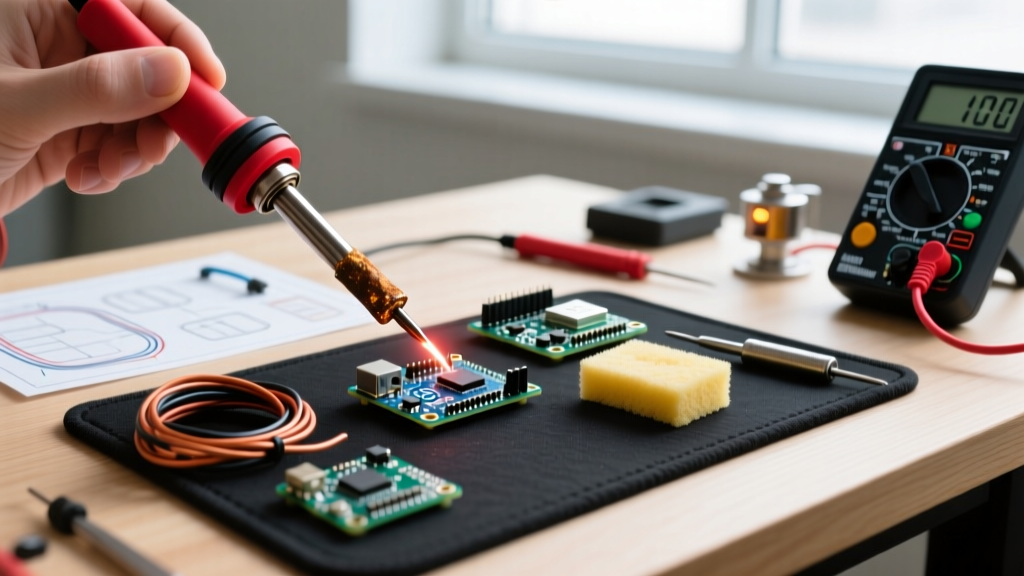
- Verify True Temperature: Do not trust the dial. Use a K-type thermocouple with a multimeter to measure the actual tip temperature. If the dial says 350°C but the tip reads 240°C, your heating element or thermistor is dead.
- Perform the "Rosin Dip" Test: Dip the blackened, oxidized tip into a pot of solid rosin flux while it is hot. The boiling flux will chemically strip mild oxidation. Immediately wipe on a damp cellulose sponge and apply fresh 63/37 solder.
- Check the Tip Set-Screw: On many cheap irons, the tip is held by a hollow sleeve and a set-screw. If the screw is loose, or if there is a layer of burnt flux between the heater rod and the inside of the tip, thermal transfer will drop by up to 80%. Disassemble, clean with isopropyl alcohol, and reseat firmly.
- Pre-heat the Board: If you are working on a 4-layer PCB with internal ground planes, the board acts as a giant heatsink. Using a cheap PCB preheater (like the YIHUA 853A set to 120°C) reduces the thermal delta, allowing a standard iron to easily melt solder on heavy vias.
Expert Maintenance Protocols to Prevent Oxidation
The primary reason a soldering iron stops melting solder is operator error regarding tip maintenance. Leaving an iron at 400°C while not in use accelerates iron oxide formation exponentially. The NASA Workmanship Standards for Soldering strictly mandate that soldering irons must be kept at the lowest possible temperature that allows for adequate wetting, and must always be stored with a heavy coat of solder on the tip.
The 2026 Maintenance Routine:
- Never use a wet sponge for heavy cleaning: The thermal shock of a wet sponge causes micro-fractures in the iron plating of the tip, exposing the copper core to molten solder, which leads to rapid tip erosion and pitting. Use dry brass wool exclusively.
- Use Lead-Free Tip Tinner: If you accidentally burn a tip and it turns black, do not use sandpaper or a file. This removes the iron plating and ruins the tip permanently. Instead, use a chemical tip tinner (like Hakko FS-100) which contains mild abrasives suspended in aggressive flux to restore the working surface.
- Power Down via Sleep Mode: If your station lacks auto-sleep (like the Pinecil or higher-end JBC clones), manually drop the temperature to 150°C when stepping away for more than three minutes.
Frequently Asked Questions
Why does my solder melt on the iron but not on the wire?
This is a classic symptom of insufficient thermal mass or lack of flux. The iron is hot enough to melt the solder, but the wire is acting as a heatsink, drawing the heat away before the solder can wet the copper. Apply liquid or paste flux to the wire first, use a wider chisel tip to increase surface contact, and hold the iron against the wire for 1-2 seconds before feeding the solder.
Can I use a heat gun if my soldering iron won’t melt the solder?
Using a hot air rework station to supplement a struggling iron is a valid technique for large connectors, but it will not fix a fundamentally broken or oxidized soldering iron. Furthermore, excessive hot air can delaminate FR4 PCB layers and melt plastic connectors. Fix the thermal transfer issue at the source by cleaning the tip or upgrading your station.
Does the type of solder wire cause melting issues?
Yes. If you are attempting to solder with lead-free SAC305 at 300°C, it will not melt properly, as its liquidus point is 217°C and it requires a working temperature of 350°C+ to flow. Additionally, solder wire with a low flux core percentage (e.g., 1.1%) will struggle to wet oxidized pads compared to high-flux wire (2.2% or 3.3%). For learning and general DIY, always stick to Sn63/Pb37 with a 2.2% rosin core.