
The Ergonomic Shift: Why Pencil-Style Dominates Precision Rework
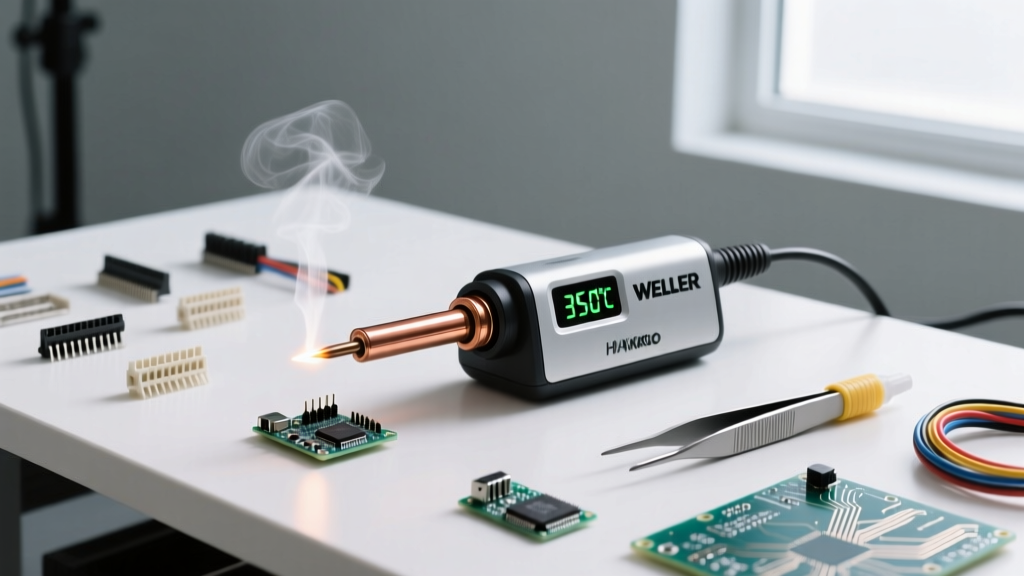
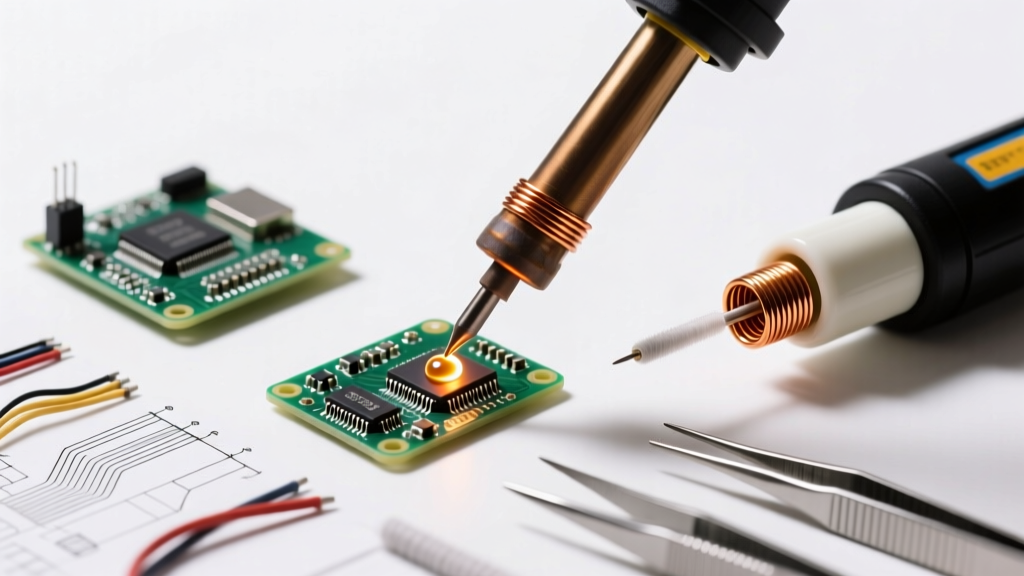
When transitioning from heavy, transformer-based soldering guns to a soldering iron with pencil-style ergonomics, technicians immediately notice a dramatic improvement in fine-motor control. In the modern electronics landscape of 2026, where 0402 and 0201 surface-mount devices (SMD) are standard, the traditional soldering gun is practically obsolete for printed circuit board (PCB) work. A pencil-style handpiece—characterized by its lightweight, wand-like form factor and balanced center of gravity—allows for the micro-movements required by today's dense circuit boards.
Unlike soldering guns, which rely on a heavy step-down transformer and a trigger mechanism that induces hand tremors, a soldering iron with pencil balance rests naturally in the hand. This design reduces muscle fatigue during long rework sessions and allows the user to anchor their hand directly against the workbench or PCB edge for unparalleled Z-axis stability.
2026 Market Leaders: Pencil Iron Comparison Matrix
Not all pencil irons are created equal. The market has shifted heavily toward smart, digitally controlled RISC-V irons and high-end analog wands. Below is a comparison of the top-tier pencil-style irons available in 2026, evaluated on thermal recovery, ergonomics, and price point.
| Model | Wattage | Temp Control | Price (2026) | Best Application |
|---|---|---|---|---|
| Pinecil V2 | 65W (USB-C PD) | Digital RISC-V | $28 | Budget SMD / Portability |
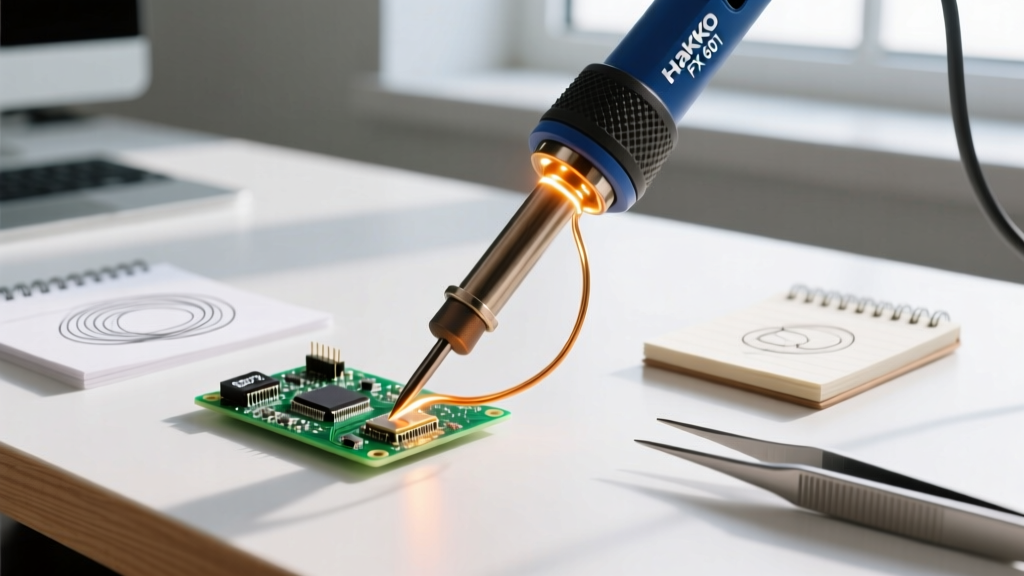
| Hakko FX-601 | 67W | Analog Dial | $78 | Reliable Through-Hole & General |
| Weller WXMP | 40W | Station-Linked | $115 | High-End Micro SMD Rework |
| Miniware TS101 | 65W | Digital OLED | $45 | Field Repair / Hobbyist |
The Modified Tripod Grip: A Step-by-Step Masterclass
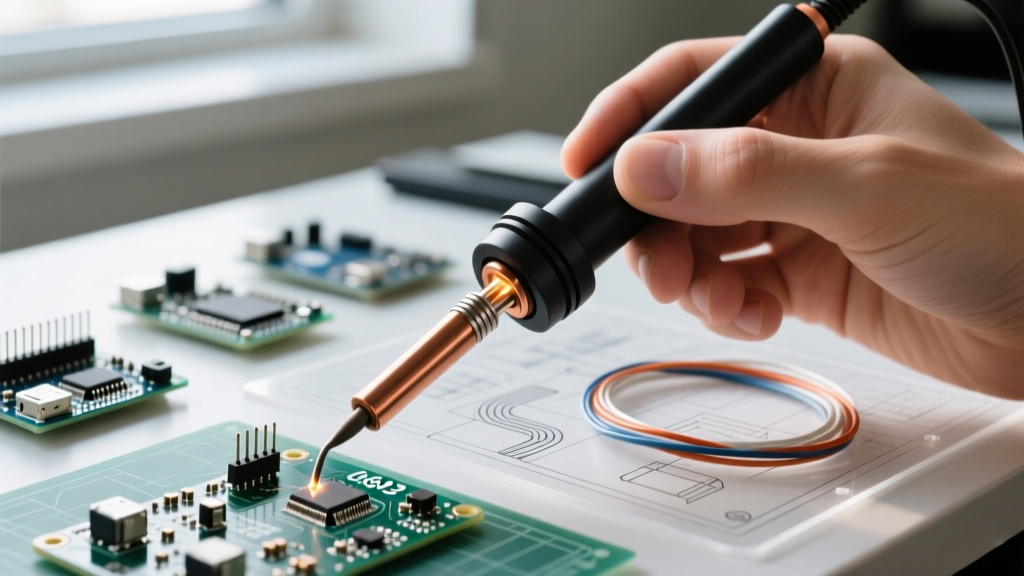
Holding a pencil iron like a standard writing pen often leads to inconsistent tip pressure and accidental bridging of adjacent SMD pads. Expert technicians utilize the Modified Tripod Grip to maximize stability.
- The Pinch Point: Pinch the silicone or cork grip exactly 1.5 to 2.0 inches behind the heating element. This provides enough clearance to avoid radiant heat burns while keeping the center of gravity between your thumb and index finger.
- Z-Axis Anchoring: Do not suspend your wrist in the air. Rest the fleshy side of your palm or your pinky finger on the edge of the PCB or a dedicated silicone mat. This creates a physical fulcrum, eliminating vertical (Z-axis) tremors.
- The Pivot Motion: Instead of moving your entire arm to drag the iron across a joint, keep your wrist anchored and use your thumb and index finger to gently pivot the iron. This micro-pivoting is essential for drag-soldering QFP (Quad Flat Package) integrated circuits.
- Flux Application: Always apply a high-tack gel flux (such as Amtech NC-559) before the iron touches the pad. The flux reduces surface tension, allowing the solder to flow via capillary action rather than requiring physical pressure from the iron tip.
Thermal Dynamics: Managing Low-Mass Heating Elements
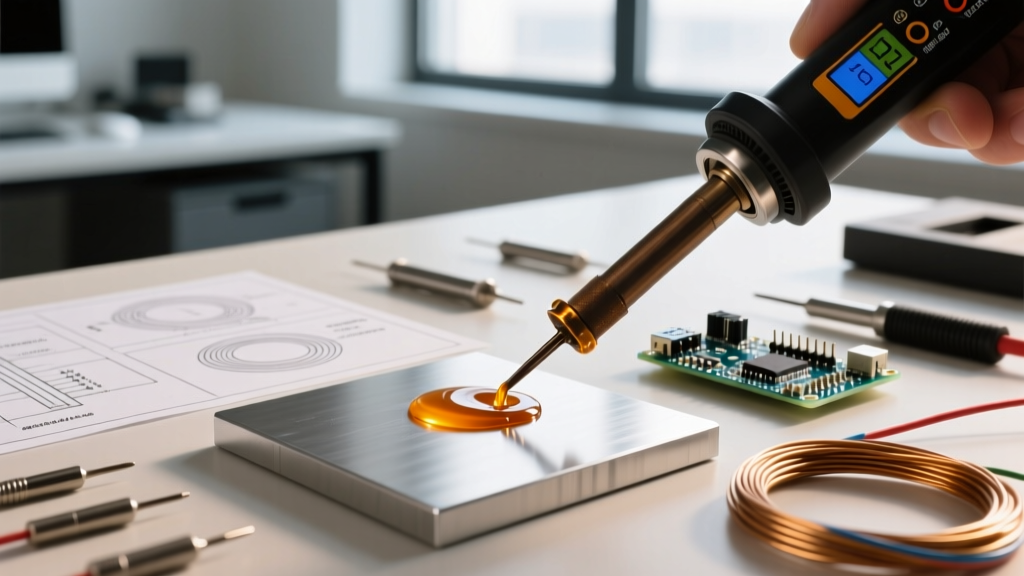
The primary limitation of a pencil-style iron is its low thermal mass compared to a heavy soldering station wand. When a 20°C room-temperature copper ground plane touches a 350°C pencil tip, the tip experiences an immediate thermal drop. If the iron's firmware or analog sensor cannot detect and compensate for this drop within milliseconds, the result is a cold, dull solder joint that violates IPC-J-STD-001 workmanship standards.
Expert Insight: Never compensate for a slow-recovering pencil iron by cranking the temperature to 420°C. Excessive heat burns the rosin core of your solder wire, destroys the flux's cleaning agents, and rapidly oxidizes the tip. Instead, increase the surface area of the tip to transfer heat faster at a lower, safer temperature.
For lead-free SAC305 alloys, maintain a baseline of 350°C to 370°C. For traditional leaded Sn63/Pb37 eutectic solder, 315°C to 330°C is the optimal window. According to the SparkFun soldering guidelines, proper wetting should occur within 2 to 3 seconds of tip contact; if it takes longer, your tip geometry or thermal recovery is inadequate.
Tip Geometry Selection for SMD and Through-Hole
Because pencil irons lack brute-force thermal mass, tip geometry becomes your primary tool for managing heat transfer. Avoid the "pointy" conical tips that come pre-installed on most budget irons.
- Conical (Type B): Avoid for general use. The microscopic contact area results in terrible thermal transfer. Only use this for ultra-fine 0201 SMD jumper wires.
- Micro Chisel (Type D - 1.6mm): The Daily Driver. A flat chisel tip maximizes surface area contact with the pad and component lead. A 1.6mm chisel is the gold standard for 0603 and 0805 SMD components, as well as standard DIP through-hole ICs.
- Hoof / Knife (Type K / J): The Drag-Soldering Specialist. The angled edge of a knife tip allows you to hold a small bead of molten solder and drag it across the fine-pitch pins of an SOIC or TQFP microcontroller, relying on flux to prevent bridging.
- Bevel (Type C): Excellent for pre-tinning thick ground wires or large through-hole pads that act as heat sinks.
Preventing the "Black Crust" Oxidation Failure Mode
The most common failure mode for pencil irons is tip oxidation, manifesting as a hard, black crust that repels molten solder. Because pencil irons heat up incredibly fast (the Pinecil V2 reaches 320°C in roughly 8 seconds), users often leave them idling on the stand at maximum temperature.
At 380°C, the iron plating reacts with oxygen in the air, degrading the microscopic iron layer and exposing the copper core beneath. Once the copper core is exposed, the tip is permanently ruined and will dissolve into the solder pool.
The 2026 Maintenance Protocol
- Enable Auto-Sleep: If using a smart pencil iron, configure the accelerometer-based auto-sleep to drop the temperature to 150°C after 3 minutes of inactivity.
- Tin Before Holstering: Never wipe the tip clean and put it away. Before placing the iron in its stand, melt a generous blob of 63/37 leaded solder onto the tip. This "sacrificial blob" oxidizes instead of the tip's plating.
- Use Brass Wool, Not Sponges: Wet cellulose sponges cause rapid thermal shock, which can micro-fracture the ceramic heating element inside the pencil wand. Use dry brass wire wool to gently clean the tip while preserving its operating temperature.
Expert FAQ: Pencil-Style Soldering Irons
Can a 65W pencil iron handle large ground planes?
Yes, but with caveats. A 65W USB-C PD pencil iron can handle multi-layer ground planes if you use a wide bevel tip and apply localized pre-heating to the bottom of the PCB using a hot air gun or a dedicated PCB pre-heater mat set to 120°C. Attempting to force a small chisel tip into a massive ground plane will result in a cold joint and potential pad delamination.
Why does my solder ball up and refuse to stick to the pad?
This is a classic symptom of either an oxidized tip or a lack of flux. Pencil irons require meticulous tip care. If the tip is shiny but solder still balls up, the PCB pad itself is oxidized. Apply a generous amount of no-clean gel flux to the pad, let it bubble for a second, and then introduce the solder wire—not the iron tip—to the heated pad.
Is a soldering iron with pencil ergonomics better than a hot air station for SMD?
They serve complementary roles. A pencil-style iron is superior for tacking down components, soldering discrete passives (resistors/capacitors), and reworking individual pins. Hot air is mandatory for removing multi-pad BGAs (Ball Grid Arrays) or QFNs (Quad Flat No-leads) where an iron cannot simultaneously heat all hidden thermal pads.