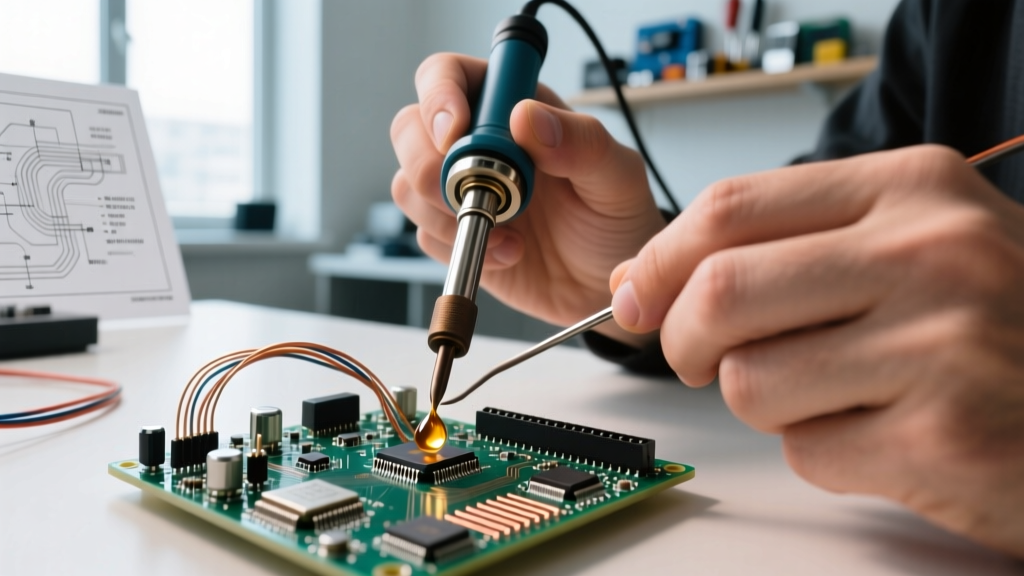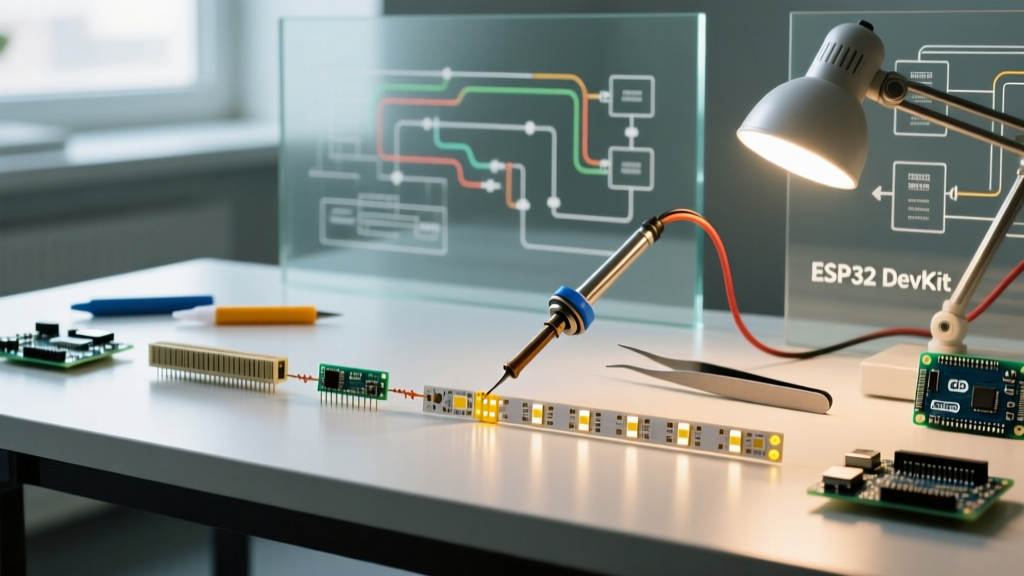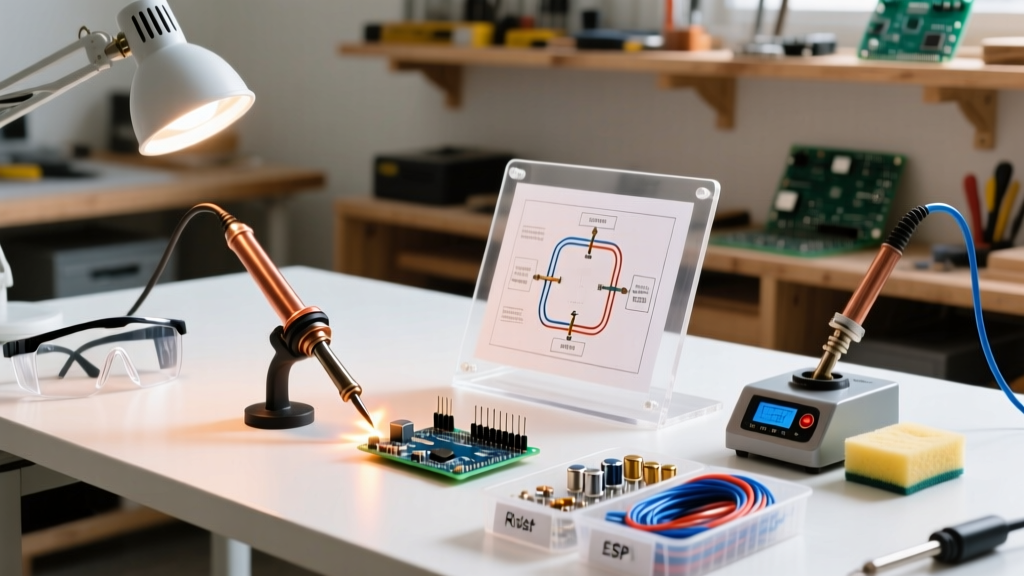

The Hidden Hazards in Soldering Projects for Beginners
Embarking on your first electronics build is an exciting milestone, but the physical realities of joining metals with molten alloys demand strict respect. When executing soldering projects for beginners, the primary risks extend far beyond the obvious threat of a 350°C (662°F) iron tip. According to Cornell University Environmental Health and Safety, the vaporization of flux chemicals and the potential for heavy metal exposure present insidious, long-term health hazards that novice makers frequently overlook.
Before you unbox your first through-hole resistor or microcontroller breakout board, you must engineer a workspace that mitigates three core danger vectors:
- Thermal Burns: Contact with the heating element, molten solder splatter, or freshly joined components that retain heat.
- Chemical Inhalation: Colophony (pine rosin) and synthetic fluxes release volatile organic compounds (VOCs) and sub-micron particulates when heated, which are known respiratory sensitizers and can trigger occupational asthma.
- Heavy Metal Exposure: If using traditional leaded solder, microscopic lead dust can transfer from your hands to your mouth or eyes, leading to systemic toxicity over time.
Lead-Free vs. Leaded Solder: A Safety Trade-Off
Many beginners assume that switching to lead-free solder (like SAC305) instantly makes their workspace safer. While it eliminates the risk of lead ingestion, it introduces new safety challenges that must be weighed carefully.
| Characteristic | 63/37 Leaded (Eutectic) | SAC305 Lead-Free |
|---|---|---|
| Melting Point | 183°C (361°F) | 217°C - 220°C (422°F - 428°F) |
| Required Iron Temp | 315°C - 325°C (600°F - 617°F) | 350°C - 370°C (662°F - 698°F) |
| Burn Risk | Moderate (Lower temps, faster wetting) | High (Higher temps, increased splash risk) |
| Fume Generation | Standard flux vaporization | High (Flux boils faster, requiring aggressive extraction) |
| Toxicity Profile | Requires strict handwashing protocols | No heavy metals, but higher VOC/particulate output |
The Expert Verdict: For absolute beginners, 63/37 eutectic leaded solder (such as Kester 44) is often recommended because its lower melting point reduces the dwell time on the pad. Less dwell time means less flux vaporized into the air and a lower chance of thermal damage to sensitive beginner components like LEDs and basic ICs. However, this choice mandates rigorous hygiene practices.
Essential Safety Gear and Workspace Setup
Do not rely on open windows or standard ceiling fans to manage soldering fumes; these merely disperse hazardous rosin particulates around the room rather than capturing them. Below is a buyer's breakdown of the essential Personal Protective Equipment (PPE) and environmental controls required for safe soldering projects.
1. Fume Extraction (Non-Negotiable)
At a minimum, you need a localized exhaust system equipped with an activated carbon filter to trap VOCs and a HEPA pre-filter for particulates.
- Budget Pick: Makerbase MKS SMOKE (~$35). Features a high-static-pressure fan and replaceable carbon cotton. Excellent for hobbyist desks.
- Prosumer Pick: Hakko FA-400 (~$55). The industry standard for bench-level extraction. Its positioning arm allows you to place the intake exactly 6 inches from the solder joint, which is the optimal capture distance.
2. Thermal and Splash Protection
- Safety Glasses: Flux can violently spatter when heated rapidly. The 3M SecureFit 400 (~$8) offers anti-fog coating and wrap-around protection without causing fatigue during long sessions.
- Silicone Work Mat: Never solder directly on wood or plastic laminate desks. The Hakko CHD-100 (~$15) is rated to withstand temperatures up to 500°C, protecting your desk from stray solder drops and providing an anti-static surface.
Pro-Tip on Ventilation: According to the CDC NIOSH guidelines on occupational hazards, localized exhaust ventilation must be positioned between the operator's breathing zone and the source of the fumes. Never lean directly over your soldering iron.
Step-by-Step Safe Soldering Workflow
Safe soldering is as much about technique as it is about equipment. Implementing a strict workflow minimizes your exposure to hazards and ensures reliable electrical connections.
- Preparation and Hygiene: Wash your hands with cold water and soap before starting (cold water closes pores, reducing dermal absorption of any lead dust present). Ensure your fume extractor is powered on and positioned correctly.
- Temperature Calibration: Set your iron to the precise temperature required. For 63/37 solder, set to 320°C. If using a smart iron like the Pine64 Pinecil V2 (~$26), utilize the PD (Power Delivery) negotiation to ensure stable thermal recovery, preventing the need to 'mash' the iron into the pad when it loses heat.
- Pre-Tinning the Tip: Before touching the iron to your PCB, melt a small amount of solder onto the tip. This creates a thermal bridge, allowing heat to transfer to the joint in under 2 seconds, drastically reducing the time flux spends vaporizing into the air.
- The 3-Second Rule: Apply the iron to both the component lead and the PCB pad simultaneously. Feed solder into the joint (not the iron tip) and remove both within 2 to 3 seconds. Dwell times exceeding 5 seconds risk pad delamination and excessive toxic fume generation.
- Post-Solder Cleanup: Wash your hands immediately after finishing your session, before eating, drinking, or touching your face. Never use hot water, as it opens skin pores and increases heavy metal absorption.
Equipment Buyer Guide: Choosing a Safe Beginner Iron
When shopping for your first soldering station, safety features should heavily influence your purchasing decision. Older, unregulated irons (often found in cheap $15 Amazon kits) lack thermal feedback, leading to runaway temperatures that oxidize the tip, burn the user, and vaporize flux instantly upon contact.
Top Safe Irons for Beginners
- Pine64 Pinecil V2 ($26): Powered via USB-C, this iron features an accelerometer-driven sleep mode. If you accidentally drop it or forget to return it to the stand, it drops to standby temperature within seconds, preventing catastrophic desk fires and severe burns.
- Weller WE1010NA ($105): A robust, traditional bench station. It features a specialized safety rest with a damp brass sponge and a hard plastic collar that completely shields the user's fingers from accidentally brushing the heating element during tool exchanges.
Emergency Response: Handling Burns and Spills
Even with perfect technique, accidents happen. Knowing the exact medical response to soldering injuries prevents long-term tissue damage.
Thermal Burn Protocol
If molten solder or the iron tip contacts your skin, do not attempt to wipe or peel the solder off. Molten solder will instantly solidify and adhere to the skin; pulling it will tear the epidermis.
- Immediately submerge or run the affected area under cool (not ice-cold) running water for a full 20 minutes.
- Do not apply ice. Ice causes vasoconstriction, which restricts blood flow and deepens tissue necrosis.
- Once the skin is cooled, the solder will naturally flake off or can be gently rolled away. Cover with a sterile, non-adhesive dressing and seek medical attention for second-degree burns.
Flux Eye Splash
If boiling flux spatters into your eye, do not rub it. Rosin and chemical activators are highly acidic and corrosive to the cornea. Flush the eye with a sterile saline eyewash station or lukewarm tap water for 15 continuous minutes, holding the eyelid open, and proceed immediately to urgent care.
Frequently Asked Questions
Can I just use a desk fan to blow soldering fumes away?
No. A desk fan simply dilutes and spreads the sub-micron rosin particles and VOCs across your room, where they will settle on surfaces or be inhaled by others. You must use a localized carbon-filter extractor to physically trap the contaminants.
Is it safe to solder indoors without a mask?
Yes, provided you are using a high-quality, localized fume extractor positioned within 6 inches of the solder joint. If you cannot afford a fume extractor, you must wear a NIOSH-approved half-face respirator equipped with an organic vapor (OV) and particulate (P100) cartridge, such as the 3M 7502.
How often should I replace my fume extractor filter?
Activated carbon filters lose their adsorption capacity over time. For a hobbyist working on soldering projects for beginners (roughly 3-5 hours a week), the carbon filter should be replaced every 3 to 4 months. If you begin to smell a sweet, pine-like odor while soldering, the filter is saturated and must be replaced immediately.