
The HD44780 Ecosystem: Parallel vs. I2C Integration
Integrating character displays into microcontroller projects is a rite of passage for hardware engineers. The ubiquitous 16x2 and 20x4 character LCDs, driven by the Hitachi HD44780 controller IC (or modern clones like the KS0066U), remain incredibly popular due to their low cost (typically $2 to $4 for generic modules) and high readability in direct sunlight. However, the traditional parallel interface requires wiring up to six digital I/O pins, which is a massive overhead for pin-constrained boards like the ATtiny85 or even the standard ATmega328P when multiple sensors are involved.
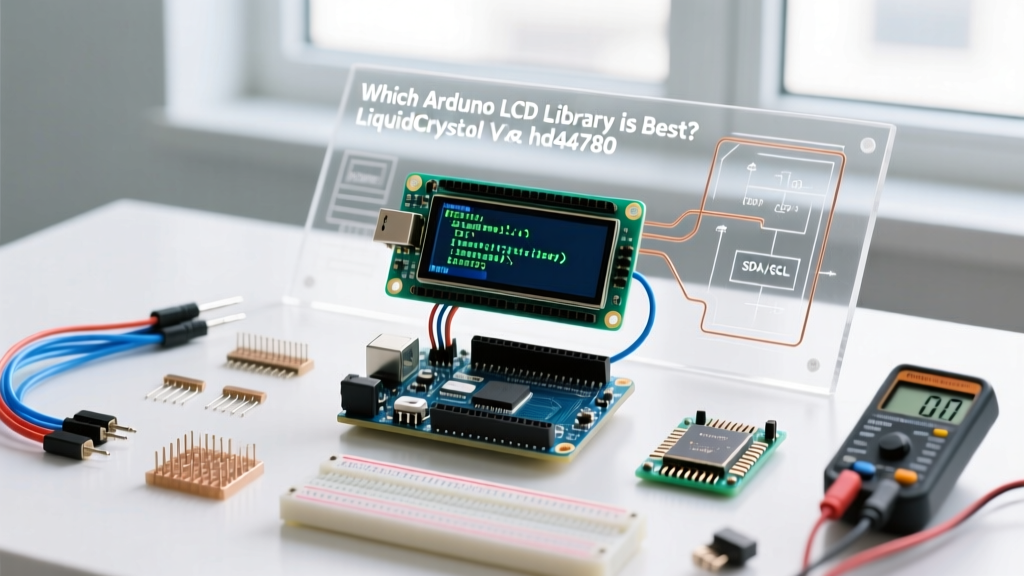
To solve this, the market was flooded with I2C backpacks utilizing port expanders like the PCF8574, reducing the wiring to just four pins (VCC, GND, SDA, SCL). But this hardware evolution created a software bottleneck: choosing the right Arduino LCD library. In this component comparison, we benchmark the three dominant libraries—LiquidCrystal, LiquidCrystal_I2C, and hd44780—evaluating their flash footprint, execution speed, and real-world hardware edge cases.
Contender 1: The Legacy LiquidCrystal Library
Pre-installed in the Arduino IDE, the original LiquidCrystal library was designed strictly for parallel 4-bit or 8-bit communication. It is a lightweight, no-nonsense wrapper that directly toggles GPIO pins to send nibbles to the HD44780 controller.
Pros and Cons
- Flash Footprint: Extremely lean. A basic "Hello World" sketch compiles to roughly 2,200 bytes of program memory, making it ideal for severely constrained chips.
- Execution Speed: Direct GPIO manipulation on an AVR microcontroller takes only a few clock cycles per pin toggle, resulting in microsecond-level command execution.
- The I2C Blindspot: It has zero native support for I2C port expanders. Attempting to use an I2C backpack with this library requires messy, undocumented bit-banging wrappers that defeat the purpose of the I2C bus.
Verdict: Only use this library if you are wiring the LCD in parallel mode and are critically low on flash memory.
Contender 2: LiquidCrystal_I2C (The Franky Library)
Developed by Frank de Brabander, LiquidCrystal_I2C became the de facto standard for I2C backpacks in the early 2010s. It inherits from the original library but replaces the GPIO pin toggles with I2C byte transmissions via the Wire.h library.
The Hardcoded Mapping Problem
The fatal flaw of LiquidCrystal_I2C is its reliance on hardcoded initialization parameters. When you instantiate the object, you must define the I2C address, the pin mapping (RS, RW, EN, D4-D7), and the backlight polarity. Because generic manufacturers source PCF8574 backpacks from various factories, the physical trace routing on the PCB varies wildly. A backpack from one vendor might map the Enable pin to P2, while another maps it to P6. If your hardcoded initialization does not perfectly match your specific backpack's silkscreen and trace routing, you will be greeted with a blank screen or a row of solid white blocks.
Furthermore, it lacks auto-probing capabilities. If your I2C address shifts due to a solder bridge on the A0-A2 address pads, the library will silently fail to initialize without throwing an error.
Contender 3: hd44780 (The Modern Gold Standard)
Authored by Bill Perry and hosted on the hd44780 GitHub repository, the hd44780 library represents a paradigm shift in display interfacing. It is an object-oriented, multi-interface library that treats the HD44780 controller as an abstract concept, completely decoupling the display logic from the physical communication bus.
Auto-Detection and Diagnostics
When using the hd44780_I2Cexp class, the library performs a brilliant sequence during the lcd.begin() call. It scans the entire I2C bus, identifies known port expanders (PCF8574, PCF8574A, MCP23008), and then runs a non-destructive diagnostic routine to auto-detect the exact pin mapping and backlight polarity. It physically reads the state of the LCD pins to determine which expander pin is controlling the backlight, completely eliminating the "blank screen" guessing game.
- Flash Footprint: Heavier, consuming roughly 4,500 to 5,000 bytes of program memory due to the auto-probing logic and diagnostic routines.
- I2C Optimization: Despite the larger footprint, it is actually faster than LiquidCrystal_I2C. It utilizes optimized I2C block writes and manages the HD44780's internal busy flag (BF) rather than relying on blind, hardcoded millisecond delays.
Head-to-Head Comparison Matrix
| Feature | LiquidCrystal | LiquidCrystal_I2C | hd44780 (I2Cexp) |
|---|---|---|---|
| Native I2C Support | No | Yes | Yes |
| Auto-Address Probing | N/A | No | Yes |
| Auto-Pin Mapping | N/A | No | Yes |
| Backlight Polarity Detect | No | No | Yes |
| Approx. Flash Usage | ~2.2 KB | ~3.5 KB | ~4.8 KB |
| Execution Speed (I2C) | N/A | Slow (Delay-based) | Fast (Busy-flag polling) |
| Built-in Diagnostics | No | No | Yes (I2CexpDiag) |
Real-World Hardware Edge Cases & Troubleshooting
Software libraries can only do so much if the underlying hardware is misconfigured. When deploying I2C LCDs in the field, electrical engineers must account for three critical physical layer issues.
1. The I2C Address Collision Trap (PCF8574 vs. PCF8574A)
A common point of failure is misunderstanding the I2C address space of the port expanders. According to the Texas Instruments PCF8574 datasheet, the standard PCF8574 chip supports addresses from 0x20 to 0x27. However, many backpacks use the PCF8574A variant, which shifts the address range to 0x38 through 0x3F. If you hardcode 0x27 in an older library and your board uses the 'A' variant, communication will fail. The hd44780 library circumvents this by scanning both address ranges sequentially during initialization.
2. Missing Pull-Up Resistors on Cheap Backpacks
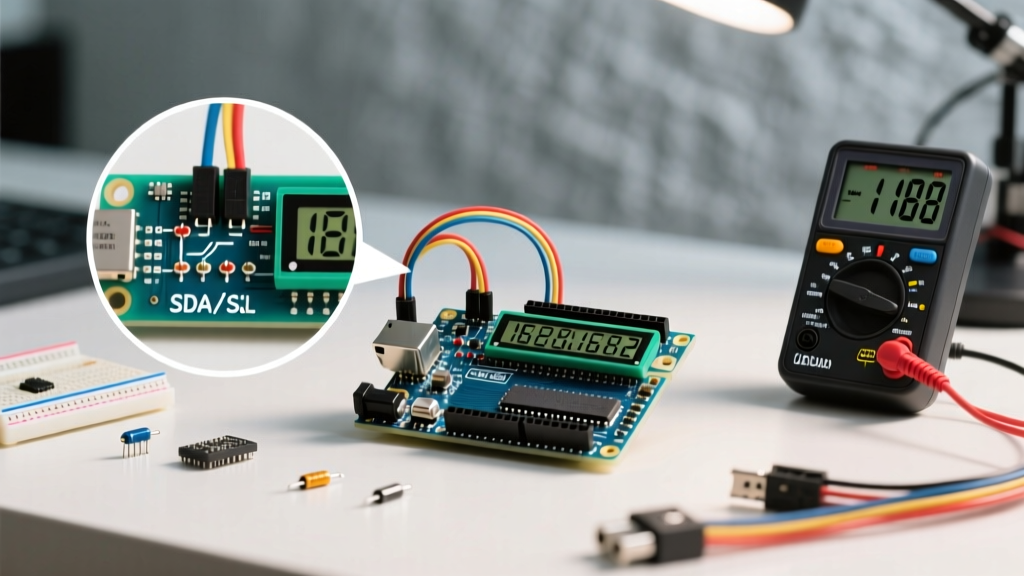
The I2C specification requires pull-up resistors on both the SDA and SCL lines to ensure the bus returns to a HIGH state when the open-drain transistors release the line. While the Arduino's internal pull-ups (typically 20kΩ to 50kΩ) are sometimes sufficient for a single device on a short wire, they violate the I2C capacitance limits for longer runs. Many sub-$2 generic I2C backpacks omit the standard 4.7kΩ pull-up resistors to save a fraction of a cent in manufacturing. If you experience intermittent LCD freezing or corrupted characters, solder two 4.7kΩ resistors between the VCC (5V) pin and the SDA/SCL pins on the backpack.
3. 3.3V Logic vs. 5V LCD Modules
Almost all HD44780 character LCDs and their PCF8574 backpacks require 5V for both logic and the backlight LED. Connecting them directly to a 3.3V microcontroller (like an ESP32, Raspberry Pi Pico, or Arduino Nano 33 BLE) will result in the microcontroller failing to recognize the I2C HIGH signals, as the 3.3V threshold falls below the 5V logic HIGH minimum. Furthermore, feeding 5V from the backpack's SDA line back into a 3.3V ESP32 GPIO pin can permanently damage the microcontroller's silicon. You must use a bidirectional logic level shifter, such as the NXP PCA9306 or TI TXB0104, to safely translate the I2C bus voltages between the 3.3V MCU and the 5V LCD backpack.
Expert Diagnostic Tip: If your LCD fails to initialize, do not blindly rewrite your code. Upload the
I2CexpDiagexample sketch included in thehd44780library. It will output a detailed report to the Serial Monitor, scanning the bus, verifying the port expander's silicon signature, testing the LCD data bus for shorts/opens, and confirming the exact memory addresses in use. It is the single most valuable troubleshooting tool in the Arduino display ecosystem.
Final Verdict: Which Arduino LCD Library Should You Use?
The choice of an Arduino LCD library ultimately depends on your hardware architecture and memory constraints. If you are building a legacy parallel-wired display on an ATtiny85 where every byte of flash memory is precious, the original LiquidCrystal remains a highly efficient, reliable choice.
However, for 95% of modern projects utilizing I2C backpacks, hd44780 is the undisputed champion. The extra 2.5 KB of flash memory is a negligible trade-off on an ATmega328P (which has 32 KB) or an ESP32 (which has megabytes of flash). In exchange, you gain automatic address probing, auto-pin mapping, busy-flag polling for faster execution, and built-in hardware diagnostics. By standardizing on hd44780, you eliminate the most common hardware-software integration headaches, allowing you to focus on your core application logic rather than debugging I2C address collisions and backlight polarity inversions.