
The Simulation Ceiling: Why Migrate in 2026?
Whether you are a bilingual maker searching for an arduino simulateur, or an English-speaking hobbyist looking to move past entry-level web apps, every embedded engineer eventually hits the simulation ceiling. Basic tools like Tinkercad Circuits or legacy desktop applications are fantastic for blinking LEDs and testing simple analog reads. However, as projects evolve to include ESP32-S3 multi-core processing, FreeRTOS task scheduling, and high-speed SPI/I2C sensor fusion, entry-level simulators fail catastrophically.
In 2026, the maker ecosystem is dominated by complex System-on-Chips (SoCs) like the Raspberry Pi RP2350 and Espressif's ESP32-C6. Simulating these requires environments that support accurate clock-cycle emulation, Wi-Fi/Bluetooth stack virtualization, and SPICE-level analog integration. This guide provides a comprehensive migration workflow to transition your projects from basic simulators to professional-grade environments: Wokwi for cloud-native RTOS development, and SimulIDE for deep desktop analog/digital hybrid debugging.
Comparison Matrix: Choosing Your Advanced Environment
Before migrating your schematics and codebase, it is critical to select the right tool for your specific architecture. Below is a technical comparison of the modern simulation stack.
| Feature | Legacy/Basic Simulators | Wokwi (Cloud-Native) | SimulIDE (Desktop Open-Source) |
|---|---|---|---|
| MCU Support | ATmega328P, ATTiny85 | ESP32-S3/C6, RP2040/2350, ATmega, STM32 | ATmega, AVR, PIC, RP2040, 8051 |
| RTOS & Wi-Fi | Not supported | Full FreeRTOS, Wi-Fi/BLE virtualization | Basic RTOS, no native RF stack |
| Analog/SPICE | Basic idealized models | Behavioral models only | Full Ngspice integration for hybrid circuits |
| Debugging | Serial monitor only | GDB server, logic analyzer, Wireshark pcap | Step-through assembly, memory watch, logic probes |
| Pricing (2026) | Free / Ad-supported | Free (Club: $9/mo for private/Wi-Fi) | 100% Free (GPLv3 Open Source) |
Phase 1: Extracting and Refactoring Legacy Assets
Migration is rarely a simple copy-paste operation. Basic simulators often mask hardware realities. Before moving to an advanced arduino simulateur alternative, you must refactor your code to handle real-world timing.
- Remove Hardcoded Delays: Replace
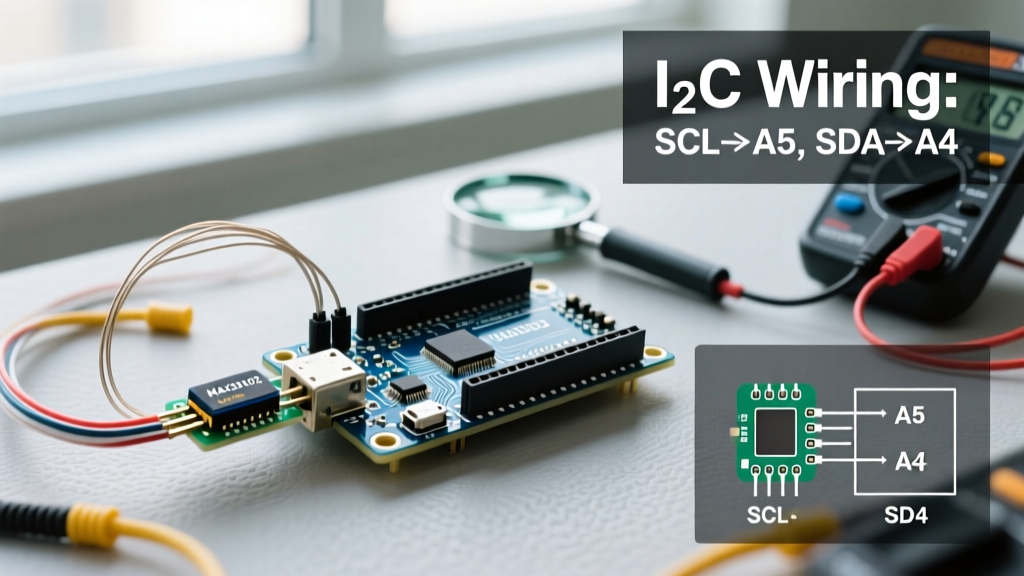
delay()with non-blockingmillis()timers or RTOS task delays (vTaskDelay). Advanced simulators execute instructions much faster than real-time unless explicitly throttled, which will break delay-based state machines. - Define I2C Pull-Ups: Basic tools auto-inject 4.7kΩ pull-up resistors on I2C lines. Advanced tools require explicit schematic placement. Failing to add these in Wokwi or SimulIDE will result in floating SDA/SCL lines and
Wire.endTransmission()returning error code 2 (NACK on address). - Standardize Pin Mapping: Export your pinout definitions into a dedicated
pins.hheader file. This decouples your logic from the hardware abstraction layer, making the transition between an ATmega328P and an ESP32-S3 seamless.
Phase 2: Cloud-Native RTOS Migration with Wokwi
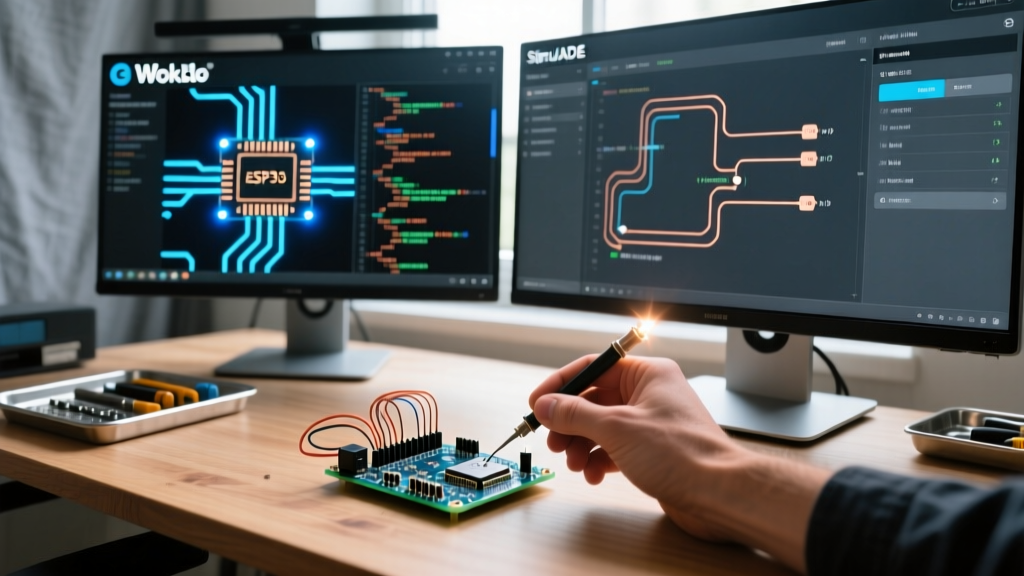
Wokwi has become the industry standard for IoT and RTOS simulation. According to the official Wokwi documentation, the platform supports full Wi-Fi stack emulation, allowing your simulated ESP32 to connect to your local network or a virtual MQTT broker.
Configuring the diagram.json File
Unlike drag-and-drop legacy tools, Wokwi relies on a structured diagram.json file for hardware routing. When migrating a BME280 environmental sensor and an SSD1306 OLED display from a basic tool, your configuration must explicitly define I2C addresses and interrupt pins.
{
  'version': 1,
  'author': 'Electrical Flux Migration',
  'editor': 'wokwi',
  'parts': [
    { 'type': 'wokwi-esp32-s3-devkitc-1', 'id': 'esp', 'top': 0, 'left': 0 },
    { 'type': 'wokwi-bme280', 'id': 'bme1', 'top': 100, 'left': 150 },
    { 'type': 'wokwi-ssd1306', 'id': 'oled1', 'top': 200, 'left': 150 }
  ],
  'connections': [
    ['esp:GND.1', 'bme1:GND', 'black'],
    ['esp:3V3', 'bme1:VCC', 'red'],
    ['esp:GPIO42', 'bme1:SDI', 'blue'],
    ['esp:GPIO41', 'bme1:SCK', 'green']
  ]
}
Enabling the Logic Analyzer
One of the most powerful migration benefits is Wokwi's built-in logic analyzer. By adding a logic_analyzer block to your wokwi.toml file, you can export VCD (Value Change Dump) files. This is critical for debugging SPI Mode 3 phase shifts that basic simulators simply ignore.
Phase 3: Desktop SPICE Integration with SimulIDE
If your projects involve custom analog front-ends, operational amplifiers, or mixed-signal filtering, cloud simulators fall short. SimulIDE is a powerful, open-source desktop application that bridges MCU code execution with Ngspice analog simulation.
Migrating Analog Sensor Circuits
When moving a photodiode transimpedance amplifier circuit from a basic tool to SimulIDE, you are no longer dealing with idealized voltage sources. You must account for op-amp slew rates and input bias currents.
- Import the Netlist: SimulIDE allows you to build the analog circuit visually, but for complex filters, importing a SPICE netlist ensures exact component tolerances.
- Link the MCU: Load your compiled
.hexor.elffile directly into the simulated ATmega328P or RP2040 component. - Probe the ADC: Use SimulIDE's voltage probes to monitor the exact analog voltage at the MCU's ADC pin while simultaneously watching the digital conversion value in the MCU's memory register window.
This hybrid approach reveals edge cases like ADC sampling noise caused by digital clock switching—a phenomenon completely invisible in entry-level software.
Real-World Edge Cases: Troubleshooting Migration Failures
When upgrading your workflow, you will encounter discrepancies between legacy simulator behavior and advanced emulator accuracy. Here is how to handle the most common migration failures.
1. I2C Clock Stretching Timeouts
Basic simulators process I2C transactions instantaneously. In Wokwi or SimulIDE, a simulated BME280 might hold the SCL line low (clock stretching) for 2.5ms during measurement conversion. If your legacy code used a tight while(!Wire.available()) loop without a timeout, the simulated RTOS watchdog will trigger a reboot. Fix: Always implement timeout counters in your I2C read functions.
2. Interrupt Latency and Jitter
In a basic arduino simulateur, an external interrupt fires on the exact microsecond requested. In advanced cycle-accurate simulators, interrupt latency (typically 2 to 4 clock cycles on AVR, plus register stacking time) is modeled. If you are measuring pulse widths using micros() inside an ISR, you must account for a 3μs to 5μs jitter. Fix: Use hardware timer capture registers (Input Capture Unit) instead of software ISR timestamps for high-frequency pulse measurement.
3. Floating Point Math on AVR vs. ARM
Legacy simulators often execute floating-point math using the host PC's x86 FPU, masking the severe performance penalty of software-emulated floats on an 8-bit ATmega328P. When migrating to an accurate simulator, you will notice massive frame drops on OLED displays. Fix: Refactor math to use fixed-point arithmetic (e.g., multiplying by 1000 and using int32_t) to restore real-world execution speeds.
Summary: The Path Forward
Upgrading from a basic arduino simulateur to professional environments like Wokwi and SimulIDE is not just about accessing new chips; it is about adopting a hardware-accurate mindset. By leveraging cloud-based RTOS debugging and desktop SPICE integration, you eliminate the 'it worked in simulation but failed on the breadboard' paradox. For further reading on embedded best practices, consult the official Arduino documentation and Espressif's ESP-IDF programming guides to ensure your simulated code is fully optimized for silicon deployment.