
The Convergence of IT and OT: Arduino Ladder Logic
For decades, a strict boundary existed between the Information Technology (IT) world of microcontrollers and the Operational Technology (OT) domain of Programmable Logic Controllers (PLCs). Microcontrollers like the Arduino were programmed in C/C++, while industrial PLCs relied on the IEC 61131-3 standard, predominantly using ladder logic (LD). Today, that boundary is dissolving. Implementing Arduino ladder logic allows electrical engineers, maintenance technicians, and makers to leverage the low cost and high flexibility of MCUs while retaining the visual, relay-based programming paradigm native to industrial automation.
Whether you are retrofitting legacy factory equipment or building a robust home automation controller, understanding how to map PLC concepts onto an Arduino architecture is a critical skill for modern embedded systems design.
Why Choose Ladder Logic Over Native C++?
While the Arduino IDE and C++ are incredibly powerful, ladder logic offers distinct advantages in specific operational environments. The choice between native C++ and Arduino ladder logic usually comes down to maintainability, troubleshooting speed, and the technical background of the end-user.
| Feature | Native C++ Sketch | Arduino Ladder Logic (via OpenPLC/LDmicro) |
|---|---|---|
| Target Audience | Software Engineers, Makers, Computer Scientists | Electricians, Maintenance Techs, OT Engineers |
| Troubleshooting | Requires serial debugging, logic analyzers, or code tracing | Visual real-time state monitoring (coils light up green) |
| Execution Model | Event-driven or continuous loop() |
Deterministic Scan Cycle (Read, Execute, Write) |
| Hardware Cost | $12 - $45 (Standard Arduino boards) | $12 - $45 (Same hardware, running PLC runtime) |
| Standard Compliance | None (Proprietary sketch structure) | IEC 61131-3 Compliant (when using OpenPLC) |
Core Tools for Arduino Ladder Logic in 2026
To run ladder logic on an Arduino, you cannot simply use the standard Arduino IDE. You need specialized software that either compiles LD into AVR C-code or flashes a dedicated PLC runtime firmware onto the microcontroller. Here are the two dominant approaches.
1. OpenPLC: The Industry-Standard Runtime
The OpenPLC Project is the leading open-source PLC software stack. Instead of compiling your logic into a standard Arduino sketch, OpenPLC provides a custom firmware runtime that you flash to the Arduino (commonly the Mega 2560 or ESP32). You then write your ladder logic in the OpenPLC Editor on your PC and upload the compiled binary payload via USB or Wi-Fi.
- Best For: Complex systems, networked I/O, Modbus TCP/RTU integration, and ESP32 deployments.
- Hardware Cost: ~$15 for an ESP32-S3 DevKit or ~$45 for an authentic Arduino Mega 2560.
- I/O Mapping: Uses standard IEC 61131-3 addressing (e.g.,
%IX0.0for Digital Input 0,%QX0.0for Digital Output 0).
2. LDmicro: The Lightweight AVR Compiler
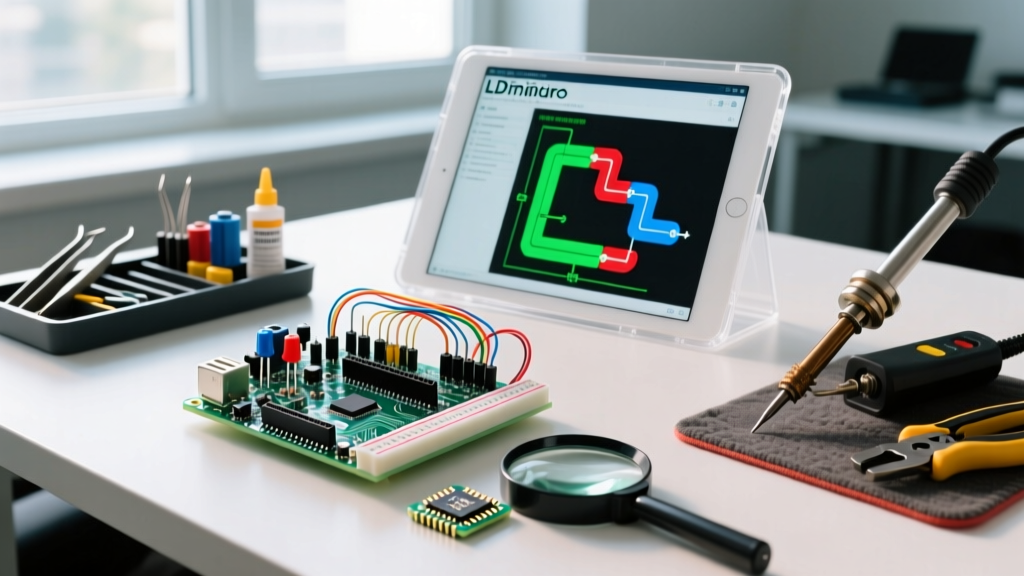
Originally developed by Jonathan Westhues and maintained by the open-source community at cq.cx, LDmicro takes a different approach. It compiles ladder logic directly into C code tailored for AVR microcontrollers (like the ATmega328P found on the Arduino Uno). You design the logic in LDmicro, generate the C code, and compile it using the standard Arduino IDE or WinAVR.
- Best For: Simple, standalone relay-replacement tasks, ATmega328P (Uno/Nano) constraints, and offline deployments without a runtime OS.
- Limitation: Lacks native support for modern networking protocols like Modbus TCP or MQTT out-of-the-box.
Understanding the PLC Scan Cycle on an MCU
The most critical concept when transitioning to Arduino ladder logic is the Scan Cycle. In a standard Arduino C++ sketch, the loop() function runs continuously, and variables change state the exact millisecond a line of code executes. Ladder logic operates differently.
The Golden Rule of the Scan Cycle: A PLC reads all physical inputs into an internal memory buffer at the start of the scan, executes the entire ladder logic program using only that buffered data, and then writes the final output states to the physical pins at the very end. Mid-scan input changes are ignored until the next cycle.
On an Arduino Mega 2560 running the OpenPLC runtime, a typical scan cycle takes between 2ms and 5ms, depending on the complexity of the logic rungs. On an ESP32-S3, this drops to sub-1ms due to the 240 MHz dual-core processor and faster memory bus. This deterministic execution is vital for industrial interlocks and safety circuits.
Step-by-Step: Deploying OpenPLC on an Arduino Mega 2560
Let us walk through the exact workflow for transforming a standard Arduino Mega into an IEC 61131-3 compliant PLC.
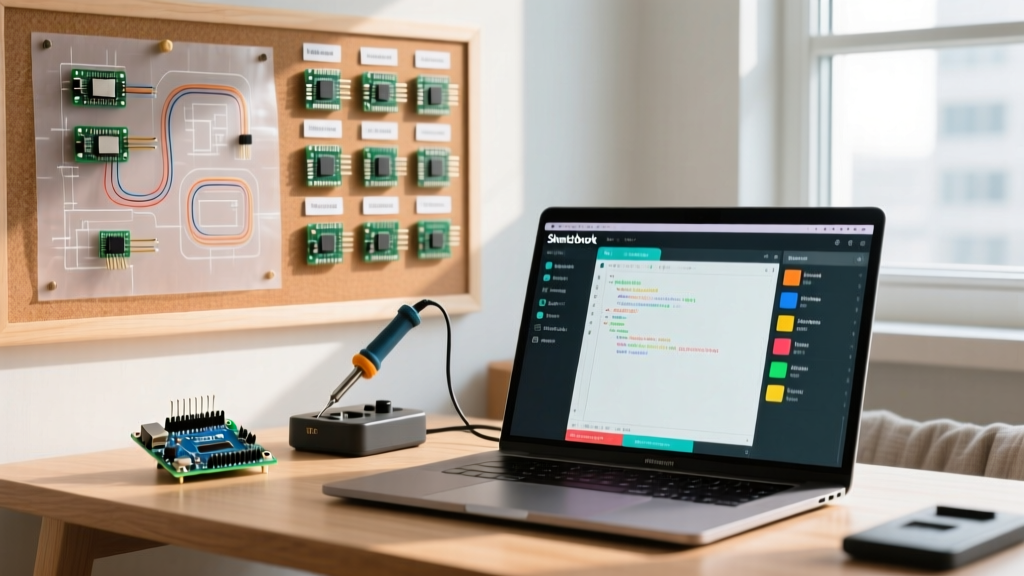
- Flash the Runtime Firmware: Open the OpenPLC Editor on your PC. Navigate to File > Upload Firmware to PLC. Select the 'Arduino Mega 2560' board, choose the correct COM port, and click 'Upload'. This replaces the Arduino bootloader with the OpenPLC real-time runtime.
- Design the Logic: Create a new project. Add a Program Organization Unit (POU). Drag and drop standard contacts (normally open/closed) and coils. Map a physical pushbutton to
%IX0.0and a relay to%QX0.0. - Compile and Transfer: Click the 'Compile' button. The editor translates the LD into a C-based matrix and packages it. Connect to the Mega via USB and click 'Upload to PLC'.
- Monitor in Real-Time: Switch to the 'Online' tab. You will see the logic rungs illuminate in real-time as physical inputs change state, allowing for immediate troubleshooting without serial monitor guesswork.
Real-World Failure Modes and Edge Cases
While Arduino ladder logic is powerful, forcing industrial paradigms onto consumer-grade silicon introduces specific edge cases that engineers must mitigate.
SRAM Exhaustion on 8-Bit AVRs
The ATmega328P (Arduino Uno) has only 2KB of SRAM. The OpenPLC runtime and its required I/O mapping tables consume a significant portion of this. If your ladder logic exceeds roughly 40-50 complex rungs (especially those using timers, counters, or analog math blocks), the MCU will suffer a stack overflow and reset. Solution: Always use the ATmega2560 (8KB SRAM) or ESP32 (520KB SRAM) for production Arduino ladder logic projects.
Interrupt Conflicts
Standard Arduino sketches rely heavily on hardware interrupts (attachInterrupt()) for high-speed encoders. However, the OpenPLC runtime manages its own timer interrupts to enforce the deterministic scan cycle. Attempting to inject custom C++ interrupt service routines (ISRs) into the runtime environment can cause severe timing jitter or kernel panics. Solution: Use high-speed counter (HSC) function blocks native to the PLC environment rather than raw hardware interrupts.
Floating-Point Math Precision
Ladder logic was designed for boolean states and 16-bit integers. When performing PID control or analog scaling using REAL (32-bit float) data types on an 8-bit AVR, the math operations are emulated in software, drastically increasing the scan time. On an ESP32, which features a hardware Floating Point Unit (FPU), this penalty is virtually non-existent.
Frequently Asked Questions
Can I use the official Arduino PLC IDE for this?
Yes, Arduino offers the Arduino PLC IDE, which supports IEC 61131-3 languages. However, it is primarily optimized for their premium industrial hardware line (like the Portenta Machine Control or Opta PLC), which costs upwards of $250. For standard, low-cost Maker boards (Uno, Mega, Nano), OpenPLC and LDmicro remain the most accessible and cost-effective solutions.
Is Arduino ladder logic safe for critical industrial safety systems?
No. While an Arduino running OpenPLC is excellent for process automation, data logging, and non-critical interlocks, it lacks the Safety Integrity Level (SIL) certifications, redundant watchdogs, and hardware voting logic required for life-safety systems (e.g., emergency stops, fire suppression). Always use certified safety PLCs for SIL-rated applications.
How do I handle analog inputs in ladder logic?
Analog inputs (0-5V on AVR, 0-3.3V on ESP32) are mapped to Input Word registers (e.g., %IW0). Because the ADC returns a 10-bit or 12-bit integer (0-1023 or 0-4095), you must use a standard SCALE function block in your ladder logic to convert the raw integer into a meaningful engineering unit (like temperature or pressure) before using it in comparison blocks.