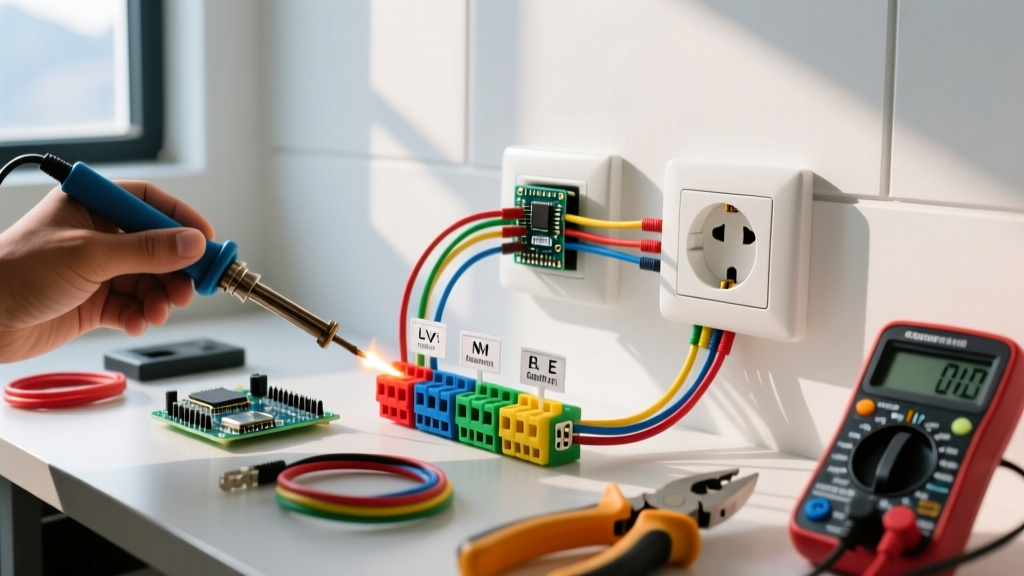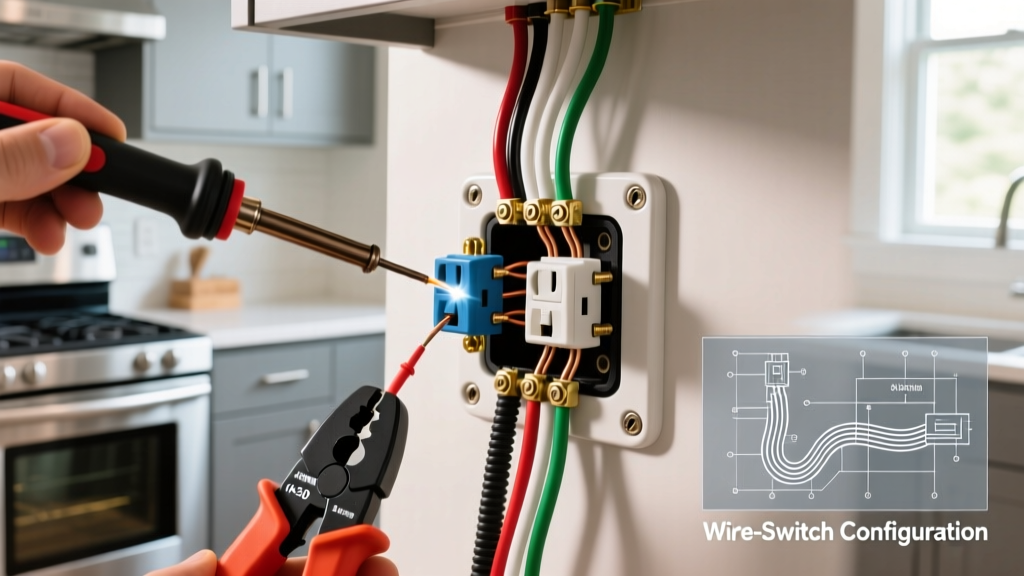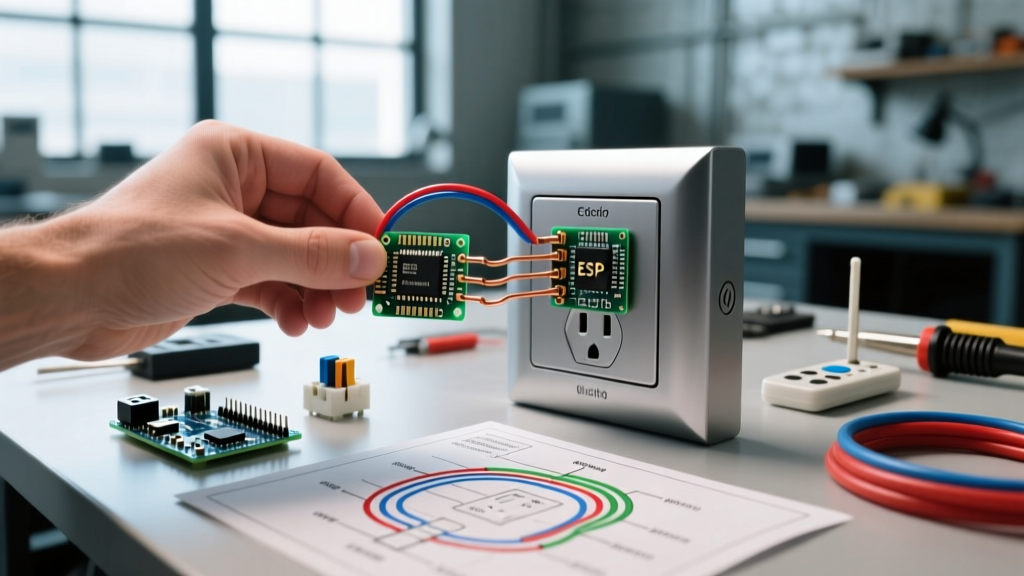

The "Wireless Electric Outlet" Myth vs. Electrical Reality
When homeowners and DIYers search for a wireless electric outlet, they are typically navigating a minefield of misleading marketing, pseudoscientific gadgets, and genuine smart-home technology. As we move through 2026, the demand for seamless, cable-free home aesthetics has never been higher. However, from the perspective of the National Electrical Code (NEC) and basic physics, true wireless transmission of 120V/240V mains power for household appliances does not exist in any safe, code-compliant residential product.
Expert Reality Check: Any device claiming to transmit standard household AC power through the air or drywall without physical conductors is violating the laws of physics and NEC safety standards. What the market actually offers under the "wireless" umbrella are remote-controlled or smart receptacles that still require hardwired connections to your home's electrical panel.
Understanding the distinction between marketing buzzwords and actual electrical infrastructure is critical for preventing fires, avoiding code violations, and passing home inspections. This guide breaks down what "wireless" actually means in residential wiring, the hidden fire hazards of cheap alternatives, and the strict NEC code compliance required for modern smart receptacles.
The Three Real "Wireless" Outlet Technologies
If true wireless mains power is a myth, what are you actually buying when you search for these devices? The market is divided into three distinct categories, each with vastly different safety profiles and code implications.
1. RF 433MHz Remote-Controlled Plug-in Outlets
These are plug-in modules that come with a handheld radio-frequency (RF) remote. They do not require Wi-Fi or a smart hub. While convenient for holiday lighting or hard-to-reach lamps, they are notorious for severe safety compromises. They are technically "wireless" only in their control signal, not their power delivery.
2. Wi-Fi, Zigbee, and Matter Smart Receptacles
Hardwired smart receptacles (like the Leviton Decora Smart DW15R or GE Enbrighten Z-Wave Plus) replace your standard wall outlet. They offer "wireless" control via smartphone apps, voice assistants, and automation routines. These require physical wiring, including a neutral wire, and must comply with strict NEC installation standards.
3. Inductive Charging Pads (Low Voltage)
Often built into modern furniture or kitchen countertops, these use electromagnetic induction to charge phones or low-draw electronics. They operate at low DC voltages and are not considered standard 120V AC receptacles under NEC Article 406.
Technology Comparison & NEC Compliance Matrix
| Technology Type | Control Method | Max Safe Load (Typical) | NEC Compliance Notes |
|---|---|---|---|
| RF 433MHz Plug-in | Handheld Remote | 10A (Often mislabeled as 15A) | Not a permanent wiring method; must be UL-listed. High failure rate with inductive loads. |
| Wi-Fi Smart Receptacle | App / Voice / Hub | 15A (Resistive) | Requires equipment grounding and a neutral conductor. Subject to NEC 406.3(F) marking rules. |
| Zigbee / Thread | Mesh Network Hub | 15A (Resistive) | Same as Wi-Fi. Preferred for low-latency local automation without cloud reliance. |
| Inductive Pad | Magnetic Coupling | 15W - 50W (DC) | Class 2 Power Source (NEC Article 725); does not require standard AFCI/GFCI protection. |
NEC Code Compliance for Smart and Remote Receptacles
Installing a smart receptacle is not as simple as swapping out a standard duplex outlet. The National Fire Protection Association (NFPA) has updated the NEC in recent cycles to address the unique hazards posed by automated and wirelessly controlled power sources.
The Switched Receptacle Rule (NEC 406.3(F))
One of the most critical, yet frequently overlooked, code requirements for smart outlets is NEC 406.3(F). If a receptacle is controlled by an automatic switch, smart home hub, or wireless relay, it must be distinctly marked. Why? Because a user plugging in a vacuum cleaner or power tool might assume the outlet is dead because it isn't providing power at that exact moment. If an automation routine suddenly energizes the outlet, it can cause severe injury or damage. Code-compliant smart receptacles feature a specific indicator light or a printed triangle/line symbol on the faceplate to warn users that power is present and subject to automatic control.
The Neutral Wire Mandate
Unlike standard receptacles that only require a hot, a neutral, and a ground to pass power to a plugged-in device, smart receptacles contain internal radios (Wi-Fi/Zigbee) and microprocessors that must remain powered 24/7 to listen for wireless commands. This requires a dedicated neutral wire to complete the 120V circuit for the internal electronics. Attempting to install a smart receptacle in an older home (pre-1985) that lacks a neutral wire in the switch/receptacle box will result in backfeeding current through the equipment grounding conductor—a severe shock hazard and a direct violation of NEC 250.142.
The Hidden Fire Hazard of Off-Brand RF Remote Outlets
While hardwired smart receptacles from reputable brands like Leviton and Lutron undergo rigorous UL safety testing, the market is flooded with cheap, unbranded RF 433MHz remote-controlled outlets that pose massive fire risks. According to data tracked by the Consumer Product Safety Commission (CPSC), unlisted electronics are a leading cause of residential electrical fires.
Failure Mode Analysis: The Triac and Relay Overheat
Most cheap RF outlets claim a 15-Amp (1800W) rating on the box. However, teardowns reveal internal relays rated for only 10 Amps, and poorly soldered PCB traces that cannot handle sustained high current. When you plug in a 1500W space heater (drawing 12.5A), the internal contacts degrade rapidly. Furthermore, these cheap units lack zero-crossing detection. When switching inductive loads like a refrigerator compressor, the sudden voltage spike causes massive arcing inside the relay. This pits the metal contacts, increasing electrical resistance, generating intense heat, and eventually melting the ABS plastic housing, leading to an electrical fire.
- Rule of Thumb: Never use an RF remote-controlled plug-in outlet for any device with a heating element (space heaters, coffee makers) or a high-inrush motor (refrigerators, sump pumps).
- Verification: Always check for a holographic UL or ETL (Intertek) mark on the device itself, not just a "CE" stamp which is often faked on direct-from-manufacturer imports.
Step-by-Step: Safe Installation of a Hardwired Smart Receptacle
If you want true, code-compliant wireless control of your appliances, replacing a standard outlet with a Wi-Fi smart receptacle (e.g., Leviton Decora Smart DW15R, approx. $28) is the correct path. Here is the professional installation workflow.
- Kill the Power and Verify: Turn off the circuit breaker. Use a non-contact voltage tester (NCVT) and a multimeter to verify 0V between the hot (black) and neutral (white) wires, and hot to ground (bare/green).
- Inspect for a Neutral Wire: Look inside the electrical box. You must see a bundle of white wires capped together in the back. If you only see black, white, and bare wires connected directly to a standard receptacle, and the white wire is wrapped in black tape (indicating a switch loop), you do not have a neutral. Do not proceed.
- Pigtail the Connections: Do not daisy-chain the smart receptacle using its side screws for downstream power. Use wire nuts to create pigtails for the Line (Hot), Load (if applicable), Neutral, and Ground. This ensures the internal radio has a dedicated, uninterrupted neutral connection.
- Secure and Test: Push the wires neatly into the box, ensuring no bare ground wires touch the hot terminal screws. Screw the receptacle in, attach the faceplate, restore power, and pair the device to your 2.4GHz Wi-Fi network (most smart receptacles do not support 5GHz bands due to wall-penetration limitations).
Frequently Asked Questions
Can I use a wireless electric outlet outdoors?
Standard indoor smart receptacles are not rated for damp locations. If you need wireless control outdoors, you must install a weatherproof "in-use" bubble cover over a UL-listed outdoor-rated smart receptacle, ensuring the GFCI protection is maintained either at the receptacle itself or at the breaker panel.
Do smart receptacles interfere with AFCI breakers?
In rare cases, the high-frequency switching power supplies inside older or poorly designed smart plugs can create electrical noise that mimics an arc fault, causing nuisance tripping on AFCI breakers. Upgrading to newer Matter-compatible or Thread-based smart receptacles largely eliminates this issue, as they use more advanced, shielded power conditioning circuits.
Is it safe to leave a remote-controlled outlet plugged in year-round?
If the device is UL-listed and used within its rated amperage, yes. However, the internal standby power draw (typically 0.5W to 1.2W) means it generates a small amount of constant heat. Ensure the outlet is not covered by furniture, rugs, or curtains, which can trap heat and degrade the internal components over time.