
The Ultimate Diagnostic Guide for Feit Electric Outlets
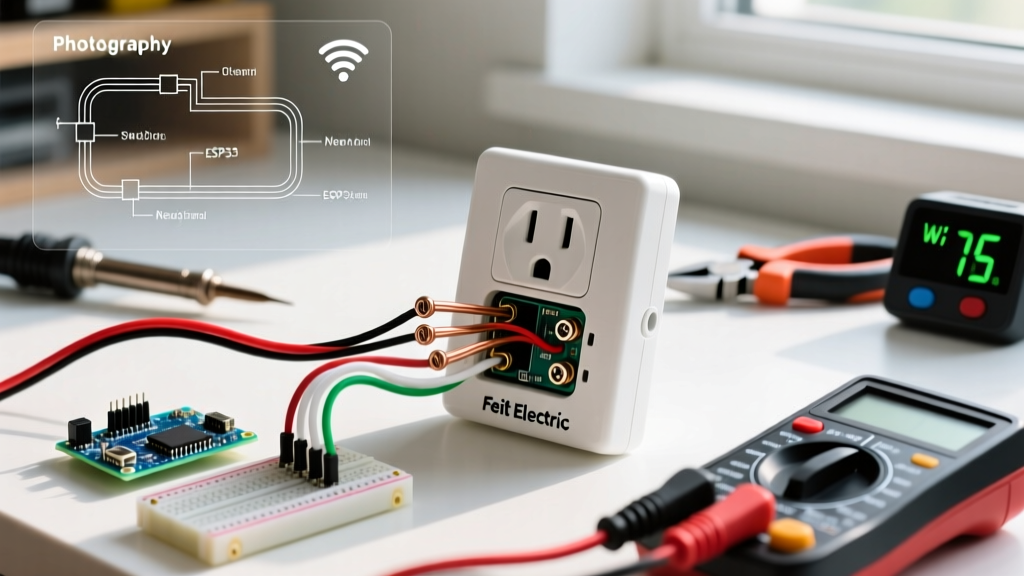
Feit Electric has expanded far beyond LED bulbs, becoming a staple in smart home automation and standard residential wiring. Whether you are dealing with a hardwired in-wall Wi-Fi smart outlet (like the OM/WIFI/OUTLET series) or a standard 15A tamper-resistant (TR) duplex receptacle, failures usually stem from three categories: network configuration, wiring topology, or mechanical degradation.
In 2026, with the widespread adoption of Wi-Fi 6E routers and stricter National Electrical Code (NEC) enforcement regarding neutral wires, troubleshooting these devices requires a modern approach. This guide bypasses generic advice and provides exact, field-tested diagnostic steps for electricians and advanced DIYers.
Rapid Diagnostic Matrix
Before grabbing a multimeter or resetting your router, match your specific symptom to the diagnostic matrix below to identify the most likely failure point.
| Symptom | Probable Cause | Actionable Fix |
|---|---|---|
| Smart outlet LED blinks rapidly, fails to pair | Router using WPA3 security or combined 2.4/5GHz SSID | Create a dedicated 2.4GHz IoT SSID using WPA2-Personal (AES) |
| In-wall smart outlet has no power/LED is dead | Missing neutral wire or tripped upstream GFCI | Verify neutral bundle in the back of the gang box; check upstream GFCIs |
| Outlet works manually but drops off the Feit app | Weak 2.4GHz signal penetration or DHCP lease expiration | Assign a static IP/DHCP reservation in router settings; check RSSI |
| Standard receptacle feels loose or plugs fall out | Worn internal brass contacts or failed TR shutters | Replace receptacle; never use backstab (push-in) wiring for replacements |
| Smart outlet clicks but connected device won't turn on | Internal relay welded shut or exceeded 15A/1800W load limit | Test load with a lamp; if relay is fused, the unit requires replacement |
Deep Dive 1: In-Wall Smart Outlet Wiring & The Neutral Wire Trap
The most common reason a newly installed Feit Electric in-wall smart outlet fails to power on is a misunderstood neutral wire requirement. Unlike some smart switches that can leak current through the ground wire (a practice heavily restricted by NEC Article 404.22), smart outlets require a dedicated neutral connection to power their internal Wi-Fi radio and standby circuitry.
Identifying the Neutral in Older Homes
If your home was built before 1985, your switch loops and some outlet runs may not include a neutral wire (typically the white wire, though white can sometimes be used as a hot in switch loops).
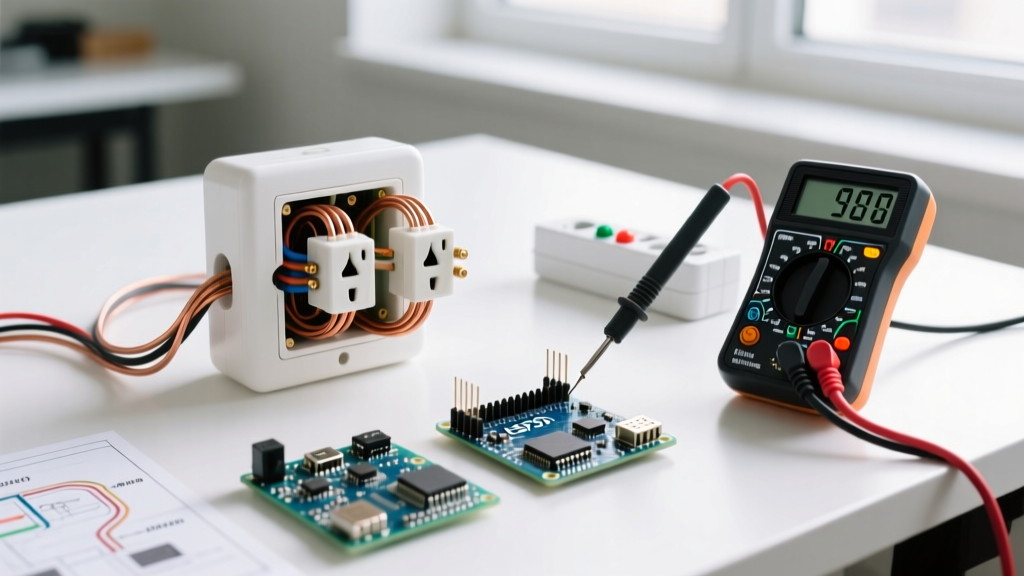
- The Multimeter Test: With the breaker ON and wires safely separated, measure the voltage between the suspected Line (black) and the suspected Neutral (white). You should read ~120V. Next, measure Line to Ground (bare/green). You should also read ~120V. Finally, measure Neutral to Ground. This should read less than 2V. If Neutral to Ground reads ~120V, your neutral is either severed, disconnected at the panel, or you are actually measuring a switch-loop hot.
- The Fix: If no neutral exists in the gang box, you cannot install a Feit in-wall smart outlet. You must either pull a new 14/3 or 12/3 Romex cable from the panel/junction box, or revert to a standard receptacle and use a Feit smart plug instead.
Safety Warning: Always verify the circuit is de-energized using a non-contact voltage tester (NCVT) and a multimeter before touching bare copper. According to the Electrical Safety Foundation International (ESFI), testing GFCIs and verifying dead circuits is the primary defense against fatal arc flashes and shocks.
Deep Dive 2: Wi-Fi Pairing & The 2026 Router Compatibility Crisis
Feit Electric smart outlets utilize 2.4GHz 802.11b/g/n radios. They do not support 5GHz or 6GHz bands. Furthermore, the internal Tuya-based or proprietary Feit chips often fail to negotiate handshakes with modern WPA3 security protocols or mesh networks that use a single, unified SSID for all bands (Smart Connect).
Step-by-Step Network Troubleshooting
- Disable Smart Connect: Log into your router (e.g., Eero, Asus, Netgear Orbi) and temporarily disable the 5GHz band, or create a dedicated 'IoT-Network' SSID that broadcasts only on 2.4GHz.
- Force WPA2-AES: Ensure the IoT network security is set to WPA2-Personal (AES). Do not use WPA/WPA2 Transitional or WPA3-SAE, as the outlet's firmware will reject the handshake.
- Check MAC Filtering: If you use enterprise-grade security or MAC address whitelisting, you must add the Feit outlet's MAC address (found on the side sticker) to your router's allowlist before attempting to pair.
- The AP Mode Pairing Trick: If standard EZ Mode pairing fails, open the Feit Electric app, select 'AP Mode' (Access Point mode). This forces your phone to connect directly to the outlet's temporary Wi-Fi hotspot, bypassing router timeout issues during the initial handshake.
Deep Dive 3: Load Limits, Relay Welding, and Overload Protection
A standard Feit smart outlet is rated for 15 Amps (1800 Watts). However, the internal electromechanical relay is highly susceptible to 'welding'—a failure mode where the internal metal contacts fuse together due to the massive inrush current of inductive loads.
Common Load Failures
- Space Heaters & AC Units: A 1500W space heater draws roughly 12.5A continuously. While technically under the 15A limit, the continuous thermal buildup inside the enclosed smart outlet housing can degrade the relay over time. Never use a smart plug/outlet for continuous high-draw heating elements.
- Motorized Loads (Sump Pumps, AC Compressors): Motors have an inrush current (Locked Rotor Amps) that can be 5x to 7x their running wattage. A 1/2 HP sump pump might run at 6A, but can spike to 35A for a fraction of a second upon startup. This arc will instantly weld the smart outlet's relay shut, meaning the outlet will remain permanently ON, ignoring all app commands.
- The Fix: For motorized or high-inrush loads, use the Feit smart outlet to trigger a heavy-duty contactor or a smart relay rated for 30A+ inductive loads. The U.S. Department of Energy recommends matching smart home device ratings strictly to the continuous, not peak, load of the appliance.
Deep Dive 4: Standard Receptacle Mechanical & Wiring Failures
If you are troubleshooting a standard, non-smart Feit Electric 15A or 20A tamper-resistant (TR) duplex receptacle, the issues are purely mechanical and electrical.
The Tamper-Resistant (TR) Shutter Jam
NEC Article 406.12 mandates TR receptacles in all dwelling units. These feature internal plastic shutters that require simultaneous, equal pressure on both the hot and neutral slots to open.
Diagnosis: If a plug refuses to insert, do not force it. Forcing it can snap the internal shutter spring. Instead, check the plug's prongs. If one prong is slightly bent or wider (common on cheap, molded appliance cords), it will trigger the shutter lock. Straighten the prongs or use a different cord. If the shutter remains jammed with a perfectly straight plug, the receptacle is defective and must be replaced.
Backstab vs. Side-Wiring Degradation
Many Feit receptacles feature 'push-in' (backstab) wiring holes for quick installation. While UL-listed, field experience shows that backstab connections rely on a small internal spring-metal tang. Over years of thermal expansion and contraction (especially under heavy loads like vacuums or microwaves), these tangs lose tension, leading to high-resistance connections, voltage drop, and melted plastic housings.
Expert Recommendation: When troubleshooting a dead outlet or replacing an old one, always use the side-terminal screw wiring method. Wrap the stripped wire 2/3 of the way around the screw terminal and torque it to the manufacturer's specification (usually 12-14 in-lbs). For 12 AWG wire, consider using the screw-clamp plates found on higher-tier commercial-grade receptacles.
Final Verification: The 3-Point Voltage Test
Before snapping the cover plate back on and restoring power to your Feit outlet, perform the final 3-point verification to ensure your grounding path is intact and your polarity is correct.
- Hot to Neutral: ~120V (Confirms circuit is live and neutral is bonded at panel).
- Hot to Ground: ~120V (Confirms equipment grounding conductor is continuous back to panel).
- Neutral to Ground: < 2.0V (Confirms no reverse polarity and no neutral-to-ground bond downstream of the main panel, which is a severe NEC violation).
By systematically eliminating network variables, verifying NEC-compliant wiring topologies, and respecting the physical load limits of internal relays, you can resolve 99% of Feit Electric outlet failures without resorting to unnecessary replacements or expensive service calls.