
Understanding 'Internet From Electrical Outlet' Technology
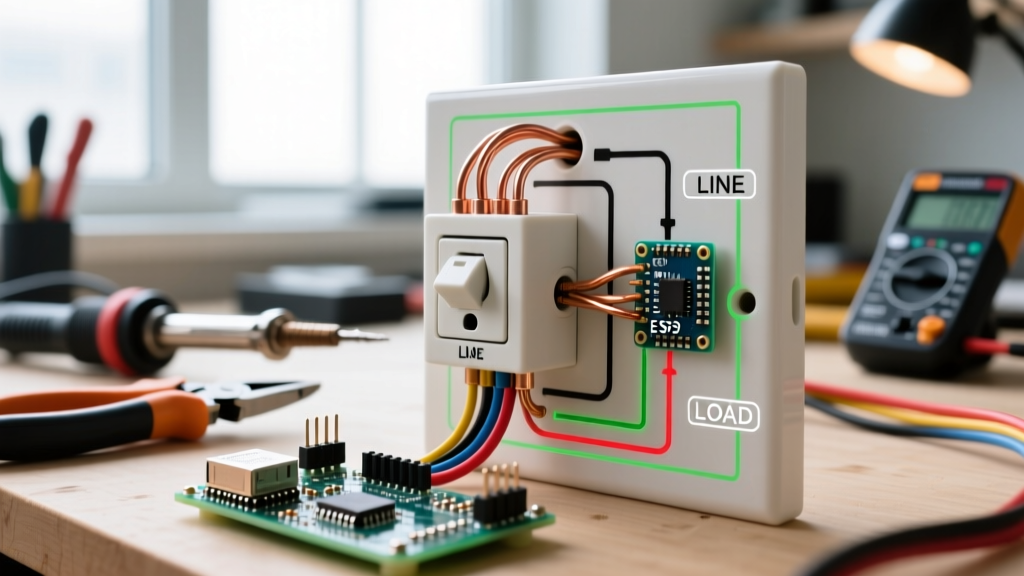
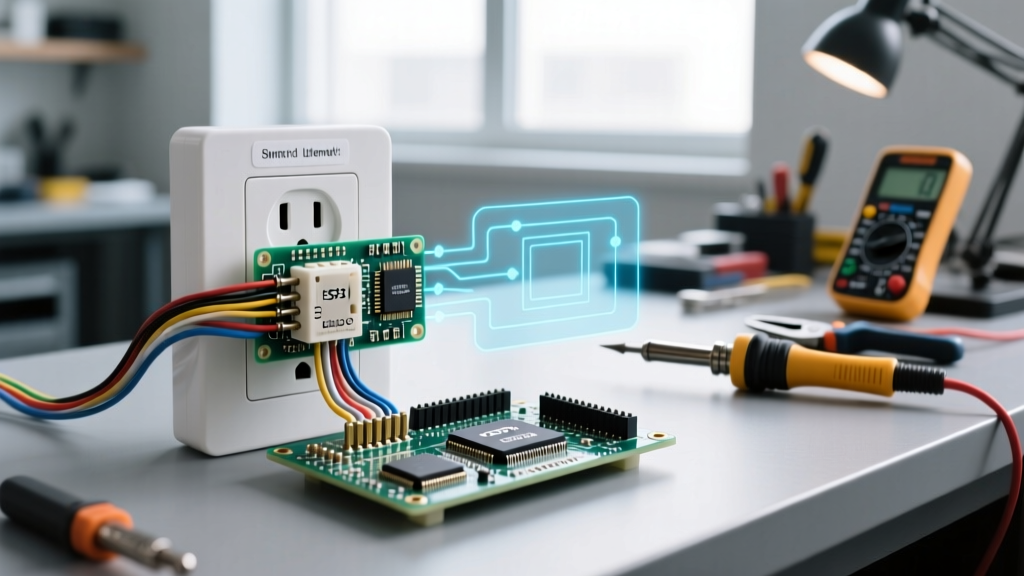
Getting internet from electrical outlet receptacles—technically known as Powerline Networking or Powerline Communication (PLC)—is a highly effective workaround for homes lacking Cat6 Ethernet wiring. By leveraging your existing 120V/240V copper branch circuits, powerline adapters transmit high-frequency data signals alongside standard 60Hz alternating current. While modern G.hn Wave 2 and HomePlug AV2 chipsets offer theoretical throughputs up to 2000 Mbps, injecting high-frequency RF signals into your home's electrical infrastructure introduces unique safety, thermal, and code compliance considerations that every DIYer and electrician must understand.
NEC Code Compliance and Branch Circuit Safety
When deploying powerline adapters, you must adhere to the National Electrical Code (NEC), specifically regarding branch circuits and flexible cords. The most common safety violation occurs when users plug powerline adapters into daisy-chained power strips or extension cords.
NEC Article 400: Flexible Cords and Cables
Under NEC Article 400.8, flexible cords cannot be used as a substitute for the fixed wiring of a structure. Powerline adapters are designed and UL-tested to plug directly into a hardwired wall receptacle. Plugging an adapter into a cheap, unrated power strip introduces impedance mismatches, severe signal attenuation, and a potential fire hazard due to localized heating at the strip's internal bus bars. Furthermore, the U.S. Consumer Product Safety Commission (CPSC) strictly warns against overloading power strips with continuous-draw networking equipment.
Continuous Load Considerations
A typical AV2000 powerline adapter draws between 3W and 6W of continuous power. While this is well below the 1800W capacity of a standard 15-amp branch circuit (NEC Article 210), the adapters operate 24/7. This classifies them as a continuous load. Ensure the receptacle you are using is not already heavily loaded with high-draw appliances like space heaters or microwaves, which can cause voltage sags that corrupt the PLC data packets and overheat the adapter's internal switched-mode power supply (SMPS).
The AFCI and GFCI Interference Dilemma
The most complex safety interaction in modern PLC deployments involves Arc-Fault Circuit Interrupters (AFCI) and Ground-Fault Circuit Interrupters (GFCI). Under NEC Article 210.12, nearly all 120V, 15A and 20A branch circuits in living areas must be AFCI protected.
Expert Insight: AFCI breakers utilize Digital Signal Processing (DSP) to 'listen' for high-frequency electrical noise signatures that indicate a dangerous parallel or series arc. Powerline adapters intentionally inject broadband noise in the 2 MHz to 86 MHz spectrum. In older or overly sensitive AFCI breakers, this intentional data signal can mimic an arc fault, causing nuisance tripping.
If your AFCI breaker trips immediately upon pairing your powerline adapters, do not bypass the breaker or disable the AFCI protection. Instead, upgrade to a modern combination-type AFCI breaker (such as the Eaton AFCL series or Siemens QAF2) which features advanced firmware algorithms designed to differentiate between IEEE 1901 broadband powerline signals and actual hazardous arcing. For GFCI outlets (required in kitchens, bathrooms, and garages), powerline adapters rarely cause tripping unless there is an existing ground leakage issue, as GFCIs monitor current imbalance at 60Hz, not high-frequency data bands.
Connection Topology Matrix: Where Should You Plug In?
Choosing the wrong receptacle type compromises both network performance and electrical safety. Review the matrix below before installation.
| Connection Point | NEC / UL Compliance | Safety Risk Level | Network Performance Impact |
|---|---|---|---|
| Direct Wall Outlet (Standard) | Fully Compliant | Low (if UL listed) | Optimal (Lowest impedance) |
| Surge Protector | Compliant (with caveats) | Low | Poor (MOVs filter out high-freq data) |
| Standard Power Strip | Violates NEC 400.8 | High (Overheating risk) | Variable (Signal reflection issues) |
| UPS Battery Backup | Compliant | Medium (Heat buildup) | Poor (Inverter noise disrupts signal) |
| Extension Cord | Strictly Prohibited | High (Fire hazard) | Severe Attenuation |
Step-by-Step Safe Installation & Commissioning
Follow this protocol to ensure your powerline network is both electrically safe and optimized for data throughput.
- Verify Circuit Topology: Powerline signals struggle to cross the 240V split-phase legs in a standard US electrical panel. For best results, install both adapters on outlets sharing the same 120V leg. If they must cross legs, consider installing a passive phase coupler (e.g., Leviton 40620-W) at your main breaker panel to bridge the high-frequency signals safely.
- Inspect the Receptacle: Ensure the wall outlet is not loose. A worn-out NEMA 1-15 or 5-15 receptacle creates micro-arcing when the adapter's prongs are inserted, which is a severe fire hazard and will instantly trigger an AFCI breaker. Replace any loose outlets before proceeding.
- Plug Directly Into the Wall: Bypass all surge protectors. The Metal Oxide Varistors (MOVs) inside surge protectors are designed to clamp high-frequency voltage spikes, which means they will actively destroy your internet data packets.
- Pair and Encrypt: Press the 'Pair' button on the primary adapter, then on the secondary unit within 120 seconds. This establishes a 128-bit AES encryption key, preventing your data from leaking onto the external utility grid.
- Thermal Monitoring (24-Hour Check): After 24 hours of continuous operation, touch the plastic housing of the adapters. They should be warm (approx. 40°C - 45°C) but not hot enough to cause discomfort. If the unit is too hot to touch, it is suffering from poor convection cooling; relocate it away from direct sunlight or enclosed cabinetry.
Real-World Product Performance & Thermal Safety in 2026
When selecting hardware, prioritize units that comply with the UL 62368-1 safety standard for audio/video and IT equipment. Here is how the top-tier 2026 models stack up regarding safety and performance:
- TP-Link AV2000 (TL-PA9020P): Priced around $89, this unit utilizes a 3x3 MIMO G.hn chipset. It features a built-in noise filter and a pass-through socket with heavy-duty surge suppression (rated at 1050 Joules). The pass-through socket is rated for 15A, meaning you can safely plug a high-draw appliance into the adapter without violating code, provided the total circuit load is managed.
- Netgear PowerLINE 2000 (PLP2000): Retailing for approximately $129, this model is renowned for its robust thermal management. It utilizes a larger chassis with optimized convection vents, preventing the thermal throttling that plagues smaller, ultra-compact adapters during sustained 4K streaming or large file transfers.
Expert Troubleshooting: When Breakers Trip or Speeds Drop
If you experience sudden network drops or breaker trips, investigate the following edge cases:
- Motor-Driven Appliances: Refrigerators, HVAC blower motors, and washing machines generate massive electromagnetic interference (EMI) on the 2-86 MHz spectrum when their compressors cycle on. Never plug a powerline adapter into the same dual-receptacle as a major appliance.
- LED Dimmer Switches: Cheap, non-compliant LED dimmers on the same circuit can inject harmonic distortion back into the wiring. If your internet drops every time you dim the living room lights, upgrade to UL-listed, PLC-friendly dimmers (like the Lutron Diva DVCL-153P).
- Grid Noise: In rare cases, noise from neighboring homes on the same utility transformer can degrade your signal. Ensure your adapters are set to 'Private Network' mode to ignore external grid noise.
By respecting the physics of high-frequency signal propagation and adhering strictly to NEC branch circuit guidelines, you can safely and reliably extract high-speed internet from your home's electrical outlets without compromising your family's safety or your home's fire protection systems. For comprehensive guidelines on arc-fault protection, always refer to the National Fire Protection Association (NFPA) resources.