
The Foundation: NEC Article 314.27 and Outlet Box Ratings
When tackling a Harbor Breeze ceiling fan electrical wiring project, the most critical safety factor begins before you even strip a wire: the outlet box. Harbor Breeze, a proprietary brand sold primarily through Lowe's and manufactured by OEMs like Litex Industries and Fanimation, produces fans ranging from lightweight 44-inch hugger models to heavy 60-inch dual-motor units. Regardless of the specific model, the National Electrical Code (NEC) mandates strict support standards to prevent catastrophic structural failures.
Under NEC Article 314.27(C), any ceiling-mounted outlet box used to support a ceiling fan must be listed and marked as acceptable for ceiling fan support. Standard round or octagonal light fixture boxes, which typically cost around $1.50 to $3.00, are only rated for static loads up to 35 pounds and are explicitly prohibited for fan support. A ceiling fan generates dynamic torque and lateral vibration; a standard box will eventually tear through the drywall or detach from the joist.
Box Rating Matrix: Static vs. Dynamic Loads
| Box Type / Model Example | Max Weight Rating | NEC Compliance for Fans | Typical Cost (2026) |
|---|---|---|---|
| Standard Octagonal (e.g., Raco 504) | 35 lbs (Static Only) | Prohibited | $1.50 - $2.50 |
| Fan-Rated Pancake (e.g., Raco 936) | 35 lbs (Dynamic/Fan) | Compliant (Light Fans) | $8.00 - $12.00 |
| Retrofit Saf-T-Brace (e.g., Westinghouse) | 50 lbs (Dynamic/Fan) | Compliant (Most Models) | $15.00 - $22.00 |
| Heavy-Duty Steel Pan (e.g., Hubbell) | 70 lbs (Dynamic/Fan) | Compliant (All Models) | $25.00 - $35.00 |
For popular models like the Harbor Breeze Mazon (44-inch) which weighs roughly 15.4 lbs, a 35-lb fan-rated box is legally sufficient. However, for heavier models like the Harbor Breeze Armitage (52-inch) at 22.1 lbs, or any model with thick glass light enclosures, upgrading to a 50-lb rated brace is the professional standard. According to the Consumer Product Safety Commission (CPSC), improper mounting hardware and non-rated boxes are the leading causes of ceiling fan detachment injuries.
Conductor Sizing, Circuit Sizing, and Overcurrent Protection
Harbor Breeze ceiling fans are remarkably efficient. Modern models with integrated LED modules and DC motors draw less than 0.5 Amps on high speed. However, the electrical wiring supplying the fan must adhere to NEC Article 210 regarding branch circuits.
- 15-Ampere Circuits: If your fan is wired on a 15A breaker, you must use a minimum of 14 AWG copper conductors (e.g., 14/2 NM-B Romex). This is the most common residential setup for lighting circuits.
- 20-Ampere Circuits: If the fan shares a circuit with bathroom or kitchen receptacles (though not recommended for dedicated fan circuits), it will be on a 20A breaker, requiring a minimum of 12 AWG copper conductors (12/2 NM-B).
Expert Tip: Never downgrade wire gauge at the fixture. If 12 AWG wire enters the ceiling box, your pigtails to the Harbor Breeze fan leads must also be 12 AWG. The fan's internal leads are typically 18 AWG stranded wire, which is permissible under NEC 422.18 for appliance leads, but the branch circuit conductors inside the junction box must match the breaker rating.
Harbor Breeze Specifics: Quick-Connects and Integrated LEDs
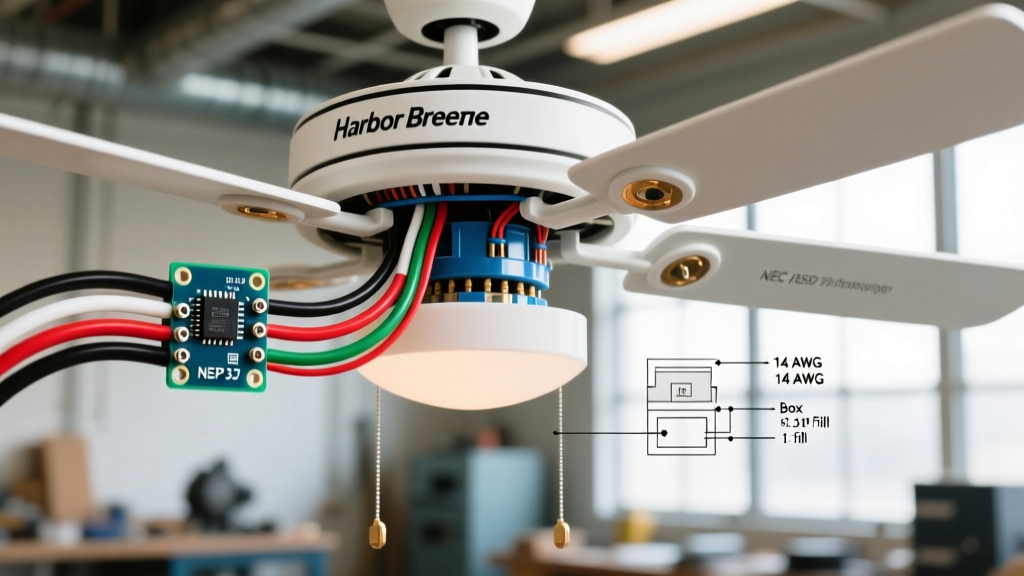
One of the defining features of modern Harbor Breeze fans is the proprietary quick-connect plug system used for their integrated light kits. Unlike older fans that required you to wire-nut the blue (light) and black (fan) wires separately in a cramped canopy, newer Litex-manufactured Harbor Breeze units use a 4-pin or 5-pin plastic Molex-style connector.
Single Switch vs. Dual Switch Wiring Configurations
How you wire the canopy depends entirely on your wall switch setup:
- Single Pole Switch (One Hot Wire): Connect the ceiling's black (hot) wire to both the fan's black and blue wires using a yellow wire nut or a Wago 221 3-port lever nut. The quick-connect plug will handle the internal distribution. The wall switch will turn both the fan and light on/off simultaneously, and you will rely on the included handheld remote for independent control.
- Dual Switch / Dual Hot (Two Hot Wires): If you have a 3-wire cable (14/3 or 12/3) running from a dual wall switch, connect the ceiling's black wire to the fan's black wire, and the ceiling's red wire to the fan's blue wire. Warning: If you wire a dual-switch setup, you must physically remove or bypass the Harbor Breeze remote control receiver module in the canopy, as sending dual independent line voltages into the receiver will fry its internal logic board.
Grounding and Bonding: Avoiding the 'Tingle' Shock
Grounding is non-negotiable. NEC Article 250.110 requires that all exposed non-current-carrying metal parts of a ceiling fan be effectively grounded. Harbor Breeze fans feature a metal hanging bracket, a metal downrod, and a metal motor housing. If a hot wire frays inside the motor canopy and touches the housing, an ungrounded fan will remain energized, posing a lethal shock hazard to anyone who touches it while standing on a ladder or changing a bulb.
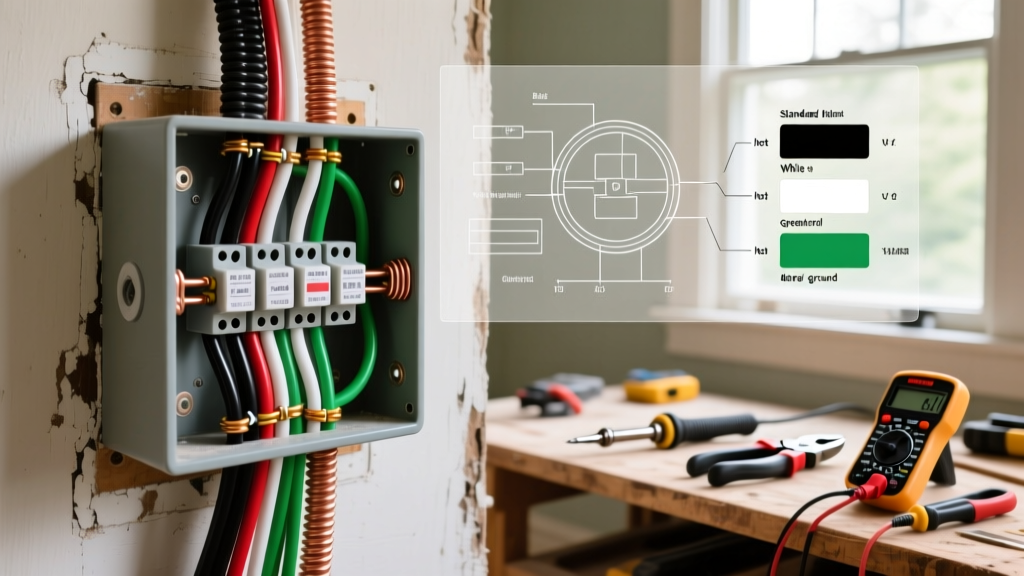
Code Requirement: You must connect the bare copper or green equipment grounding conductor (EGC) from the ceiling box to the green grounding screw on the Harbor Breeze mounting bracket. Do not rely solely on the metal threads of the downrod for grounding continuity, as paint and powder-coating on the fan's internal components can interrupt the electrical path.
Always use a green grounding pigtail and a wire nut to bond the house EGC, the bracket ground wire, and the fan's internal green ground wire together in a single, secure connection.
Smart Switches, Dimmers, and NEC 404.9 Implications
Many homeowners attempt to pair their Harbor Breeze ceiling fan with smart dimmer switches (like Lutron Caseta or Leviton Decora Smart) to control the integrated LED light. This frequently results in strobing, buzzing, or premature failure of the fan's internal LED driver.
Under NEC 404.9, dimmers must be listed and identified for the specific type of load they control. Most Harbor Breeze integrated LED modules require ELV (Electronic Low Voltage) or specific 0-10V dimming protocols, not standard TRIAC (leading-edge) incandescent dimmers. Furthermore, if the fan utilizes a DC motor, placing a standard speed-control dimmer on the hot line will destroy the motor's rectifier. Always verify the ENERGY STAR specifications for your exact Harbor Breeze model number to confirm dimmer compatibility before installing smart switches.
Frequently Asked Questions (FAQ)
Can I use a standard light dimmer on my Harbor Breeze fan motor?
No. Standard light dimmers alter the voltage waveform in a way that causes AC fan motors to overheat and hum violently, creating a fire hazard. You must use a switch specifically rated for ceiling fan speed control (e.g., Lutron Diva DVSQ), or rely on the fan's included remote module.
My Harbor Breeze canopy won't fit over the Wago connectors. What should I do?
Harbor Breeze canopies, particularly on low-profile 'hugger' models, have notoriously tight clearances. If standard twist-on wire nuts or bulky Wago lever nuts prevent the canopy from seating flush against the ceiling, switch to Wago 221 2-port inline connectors or use smaller, low-profile push-in wire connectors. Never leave exposed copper outside of a connector just to force the canopy to fit, as this violates NEC 300.15 and risks a short circuit against the metal canopy.
Is a safety cable required by code for residential Harbor Breeze fans?
For standard residential indoor installations, the NEC does not explicitly mandate a secondary safety cable if the outlet box is properly fan-rated and secured to the structural joist. However, if you are installing the fan in a commercial space, a seismic zone, or outdoors on a covered patio subject to high winds, local amendments and the National Electrical Code (NFPA 70) local jurisdiction may require a secondary aircraft cable tied back to the structural framing.