
The Beginner's Dilemma: Why Your Stock Extol Tip is Holding You Back
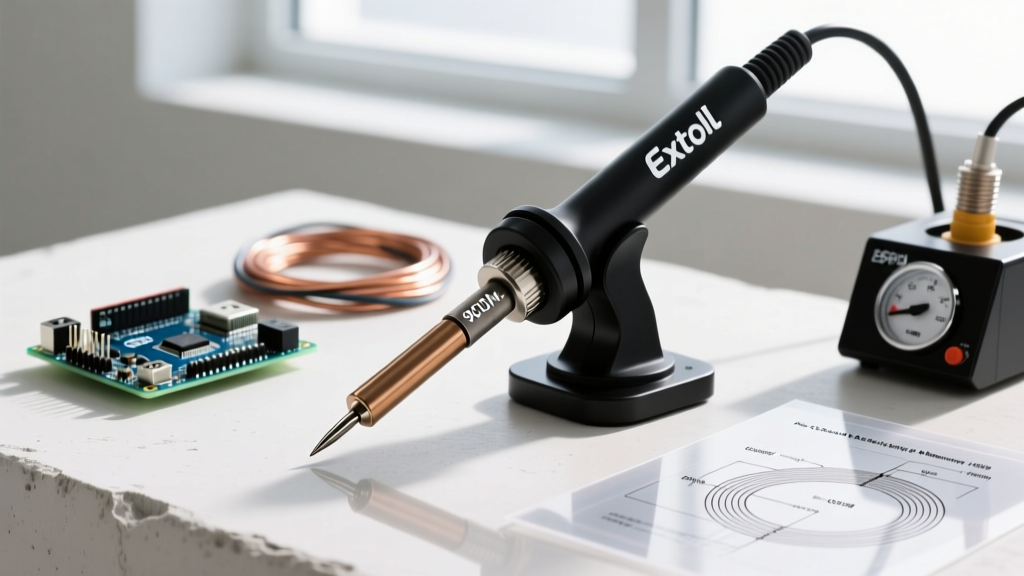
If you are entering the world of electronics DIY in 2026, there is a high probability you started with an Extol Craft soldering iron. Models like the Extol Craft 40W (Model 43140) and the 60W (Model 43141) are ubiquitous in hardware stores and online marketplaces due to their aggressive pricing and reliable basic heating elements. However, almost every beginner encounters the same frustrating roadblock: the solder simply balls up, refuses to stick to the pad, or creates messy, dull 'cold' joints.
The culprit is rarely the iron itself; it is the stock extol soldering tip included in the box. Manufacturers typically bundle a narrow, pointed conical tip because it looks precise to the untrained eye. In reality, a narrow conical tip lacks the thermal mass required to transfer heat quickly to a copper pad and a component lead simultaneously. Upgrading your extol soldering tip is the single most cost-effective modification you can make to your workspace, instantly transforming a frustrating experience into a smooth, professional-grade workflow.
Decoding Compatibility: The 900M Series Standard
Before purchasing replacements, you must understand the physical interface of your iron. The vast majority of Extol Craft pencil irons utilize the industry-standard 900M series sleeve tips. These are hollow, cylindrical tips that slide over the ceramic heating element and are secured by a threaded metal collar.
Compatibility Check: If your Extol iron has a threaded metal nut near the handle that unscrews to reveal a white ceramic cylinder, you need 900M series tips. If you have an older or heavy-duty Extol model with a solid metal barrel and a set-screw, you may require proprietary screw-on tips. Always verify your exact model number before ordering.Because the 900M standard is open, you are not locked into buying expensive, branded Extol replacements. High-quality third-party 900M tips from brands like Hakko, Weller, or premium generic manufacturers will fit your Extol iron perfectly, often providing superior copper cores and thicker iron plating for better longevity.
The 4 Essential Extol Soldering Tips Every Beginner Needs
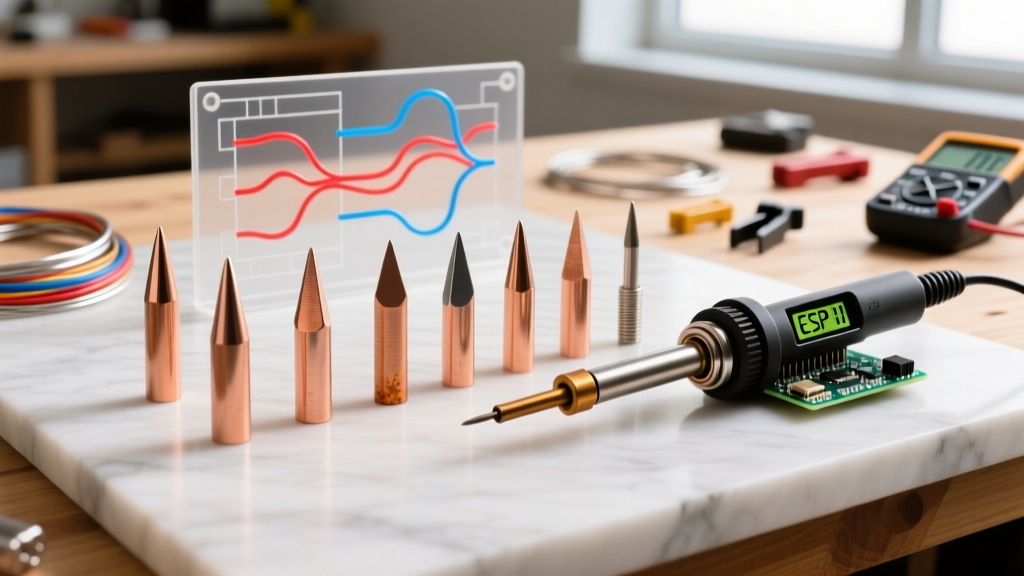
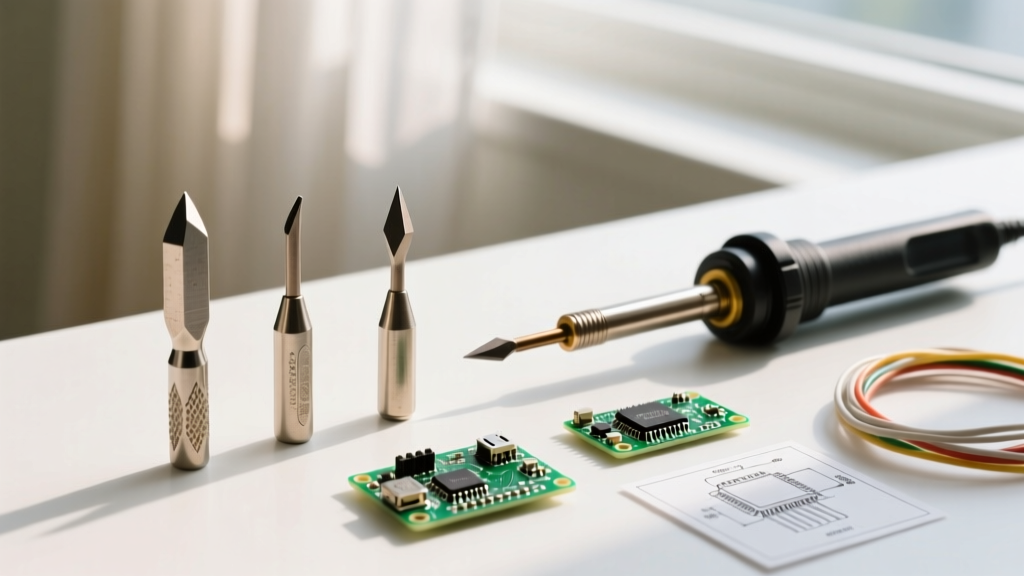
To build a versatile toolkit, you should move away from the stock conical tip and invest in these four specific 900M profiles. A complete set of these typically costs between $12.00 and $18.00 USD in 2026.
1. The 2.4mm Chisel (900M-T-D)
This is the ultimate workhorse. The flat, chisel-shaped face provides a large surface area for maximum heat transfer. When you press the flat side against a through-hole pad and a component leg, the thermal mass ensures both reach the solder's melting point (typically 183°C for 63/37 leaded solder) simultaneously. If you only buy one replacement extol soldering tip, make it the 2.4mm Chisel.
2. The 45-Degree Knife (900M-T-K)
The knife tip features a sharp, angled edge. It is exceptionally useful for 'drag soldering' surface-mount components (SMD), cleaning up bridged solder pads, and getting into tight corners on dense printed circuit boards (PCBs). The sharp point can be used for precision work, while the flat edge acts like a chisel for larger pads.
3. The 2.0mm Bevel / Hoof (900M-T-C)
Shaped like a horse's hoof cut at an angle, the bevel tip features a concave scoop on the flat face. This scoop acts as a miniature crucible, holding a small pool of molten solder. It is highly effective for dragging solder across SMD pins and for pre-tinning thick wires before joining them.
4. The 1.0mm Conical (900M-T-B)
While we advise against using the stock conical tip for general work, having a high-quality, fine 1.0mm conical tip in your arsenal is useful for highly specific tasks, such as soldering ultra-fine 0402 SMD components or repairing delicate trace jumper wires where a chisel tip would accidentally bridge adjacent pads.
Comparison Matrix: Tip Shape vs. Application
| Tip Profile (900M Series) | Model Code | Thermal Mass | Best Application | Beginner Friendliness |
|---|---|---|---|---|
| Chisel (2.4mm) | 900M-T-D | High | Through-hole components, thick wires, general PCB work | Excellent (Highly Recommended) |
| Knife (45°) | 900M-T-K | Medium | SMD drag soldering, pad cleanup, tight spaces | Good (Requires steady hand) |
| Bevel / Hoof (2.0mm) | 900M-T-C | Medium-High | Pre-tinning wires, SMD dragging, holding solder pools | Very Good |
| Conical (1.0mm) | 900M-T-B | Low | Ultra-fine SMD (0402), delicate jumper wires | Poor (Prone to cold joints) |
Real-World Failure Modes: Why Your Tip Turns Black
Beginners frequently ruin their extol soldering tips within the first week of use. Understanding the metallurgy of the tip will save you money. A standard 900M tip consists of a highly conductive solid copper core, electroplated with a thin layer of iron to prevent the solder from dissolving the copper, and finally coated in chromium to prevent oxidation on the sides.
Failure Mode 1: 'Black Tip' Oxidation
When the iron-plated working face is exposed to high temperatures (above 350°C) in the presence of oxygen, it forms a layer of iron oxide. Solder will not wet to iron oxide. If your tip turns black and solder rolls off it like water on a hot skillet, it is oxidized. The Fix: Never use sandpaper or a file. Use a damp cellulose sponge or brass wire sponge to gently wipe the tip, then immediately apply fresh rosin-core solder to 'tin' the face, sealing it from oxygen.
Failure Mode 2: Galvanic Pitting
Leaving your Extol iron on at 400°C for hours without using it accelerates the corrosion of the iron plating, eventually leading to microscopic pits. Once the plating is breached, the molten solder dissolves the underlying copper core, creating a permanent, jagged crater in the tip. The Fix: Always turn your iron down to 250°C or turn it off completely if you are stepping away for more than five minutes.
Step-by-Step: The Perfect Tinning and Maintenance Routine
According to the SparkFun Through-Hole Soldering Tutorial, proper tip maintenance is the cornerstone of reliable electronics assembly. Follow this routine every time you use your Extol iron:
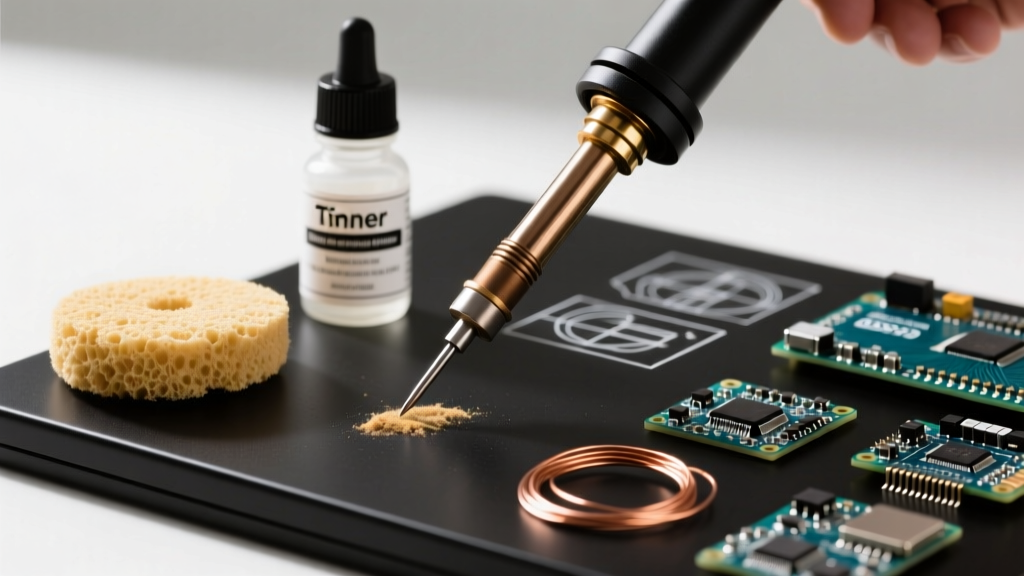
- Prep the Sponge: Dampen your cellulose sponge with distilled water. It should be moist, not dripping wet. Alternatively, use a dry brass wire sponge (preferred in 2026 as it doesn't shock the tip with cold water).
- Heat and Melt: Turn the Extol iron to 320°C (for 63/37 leaded solder) or 350°C (for lead-free SAC305). As soon as it reaches temperature, melt a generous amount of high-quality rosin-core solder directly onto the tip.
- Wipe and Re-tin: Wipe the tip across the brass sponge to remove oxidized solder and flux residue. Immediately apply a fresh coat of new solder before placing it back in the holder.
- Shut Down Protocol: When finishing your session, apply a massive 'blob' of solder to the tip before turning off the power. This sacrificial layer will oxidize instead of the tip's iron plating as it cools down. Wipe it clean the next time you power on.
Sourcing Authentic Tips and Avoiding Counterfeits
When shopping for an extol soldering tip replacement, be wary of ultra-cheap, unbranded 50-packs sold for under $5.00. These counterfeit tips often use aluminum cores instead of copper, resulting in abysmal heat transfer, and the iron plating flakes off after a single use. Stick to reputable electronics distributors or verified hardware retailers. A genuine Extol-branded replacement tip will cost around $3.00 to $5.00, while a premium Japanese-made 900M equivalent (like those from Hakko) will run $6.00 to $9.00 but will outlast cheap alternatives by a factor of ten.
Frequently Asked Questions
Can I use lead-free solder with my Extol Craft iron?
Yes, but you must adjust your technique. Lead-free solder (like SAC305) melts at a higher temperature (around 217°C to 220°C). You will need to set your 60W Extol iron to roughly 360°C to 380°C. Be aware that higher temperatures accelerate tip oxidation, meaning you will need to replace your extol soldering tip more frequently and use a high-activity flux to ensure proper wetting.
My Extol tip is stuck inside the metal collar. How do I remove it?
This happens when flux vapors and oxidation fuse the tip to the inner wall of the heating element shroud. Do not use pliers while the iron is hot, as you will crack the fragile ceramic heating element. Let the iron cool completely, remove the metal collar, and apply a few drops of penetrating oil (like WD-40) where the tip meets the ceramic. Let it sit overnight, then gently twist the tip out with your fingers or a soft cloth.
Do I need to buy official Extol brand tips?
No. As long as your iron uses the standard friction-fit sleeve design, any high-quality 900M series tip will fit. The Adafruit Guide to Excellent Soldering emphasizes that the geometry and material quality of the tip matter far more than the brand name stamped on the box. Focus on finding tips with thick iron plating and pure copper cores.
Upgrading your extol soldering tip is the bridge between amateur frustration and confident, reliable electronics assembly. By selecting the correct 900M profile—starting with a robust 2.4mm chisel—and adhering to strict tinning protocols, your budget-friendly Extol iron will perform admirably against stations costing three times as much. For further reading on industry-standard soldering practices and joint inspection criteria, refer to the IPC Soldering Standards documentation to ensure your DIY projects meet professional reliability benchmarks.