
The Anatomy of a Complete Soldering Setup
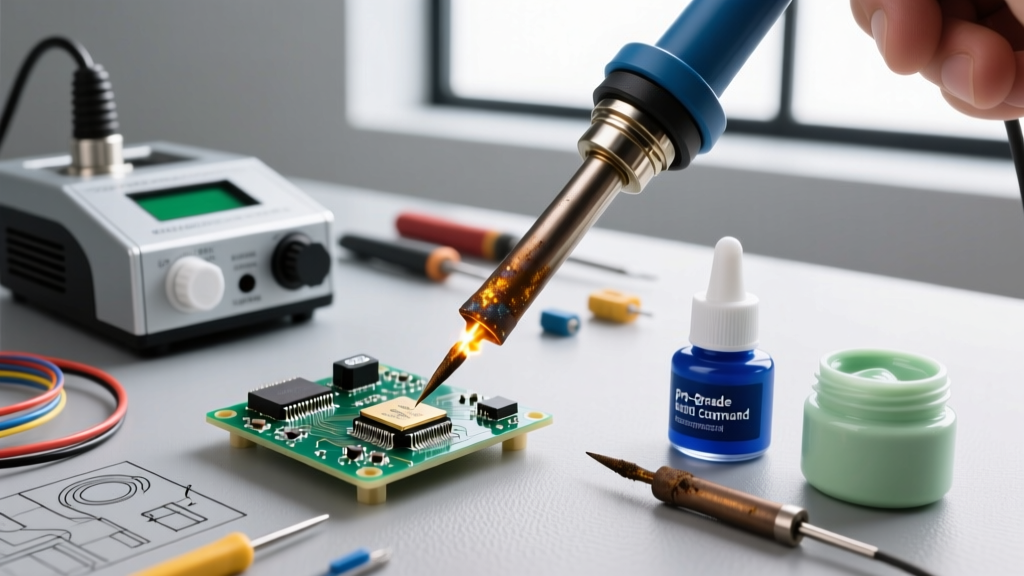
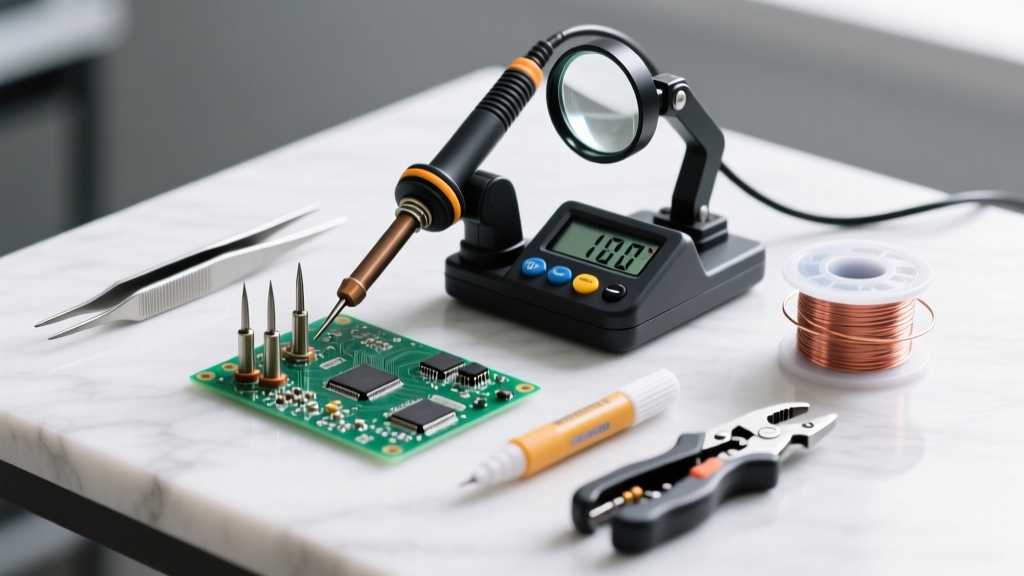
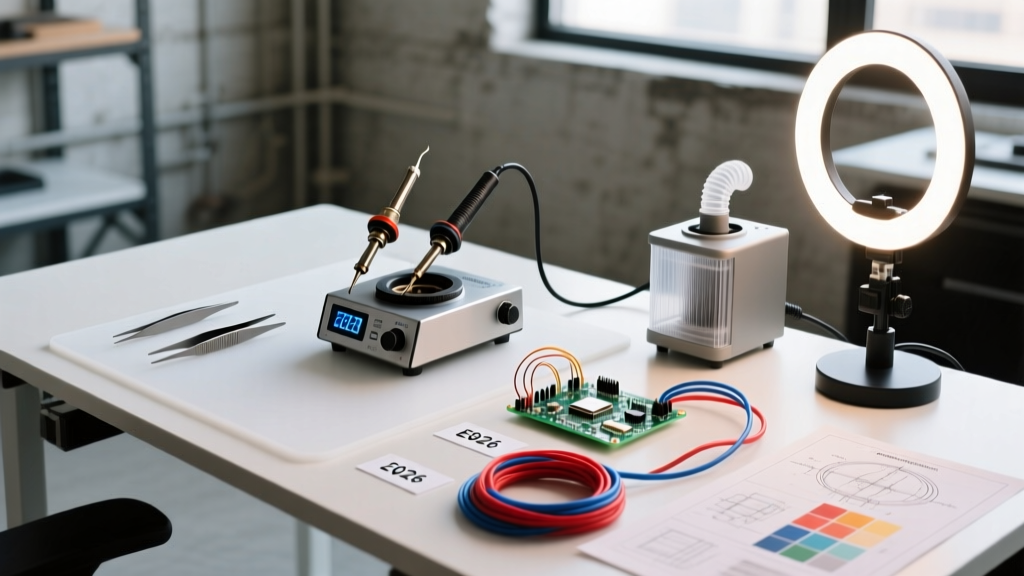
Building a reliable workbench in 2026 requires more than just plugging in an iron. A true soldering setup encompasses the heating station, workholding mechanisms, fume extraction, tip maintenance, and electrostatic discharge (ESD) safety. Whether you are assembling basic through-hole Arduino kits or reworking dense 0402 SMD components on a custom PCB, your hardware dictates your ceiling for success. In this guide, we dissect the practical differences between a sub-$100 budget configuration and a $600+ premium professional environment, highlighting exact failure modes, thermal recovery metrics, and long-term hidden costs.
The Budget Workspace: Under $100
The modern budget tier has been completely revolutionized by open-source hardware and USB-C Power Delivery (PD3.1). You no longer need to settle for dangerous, ungrounded mains-powered clones.
Core Station: Pine64 Pinecil V2
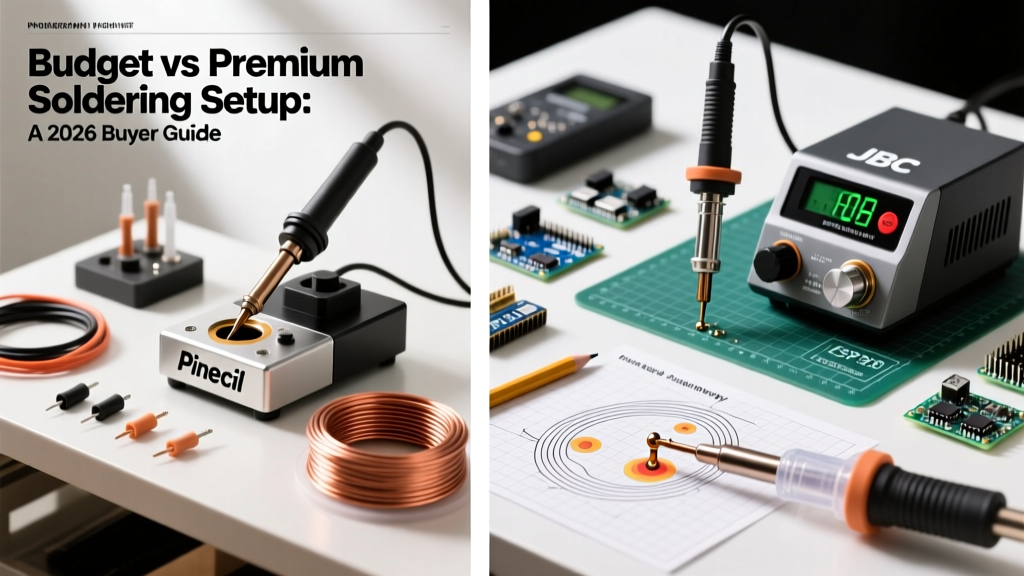
Retailing at roughly $26, the Pinecil V2 is the undisputed king of entry-level irons. Powered by a RISC-V processor, it supports PD3.1 up to 24V, reaching 300°C in about 15 seconds. However, the budget TS-B2 tips possess higher thermal mass and slower recovery times. When soldering large ground planes on multi-layer boards, the Pinecil will experience severe thermal lag, often dropping below 220°C and resulting in dull, grainy cold joints.
Accessories & Workholding
- Silicone Mat ($15): Generic branded mats withstand up to 300°C, but prolonged contact with a dropped iron will cause scorching and off-gassing.
- Acrylic Helping Hands ($12): These feature stiff ball-joints that droop under the weight of heavy PCBs, leading to frustrating mid-solder shifts.
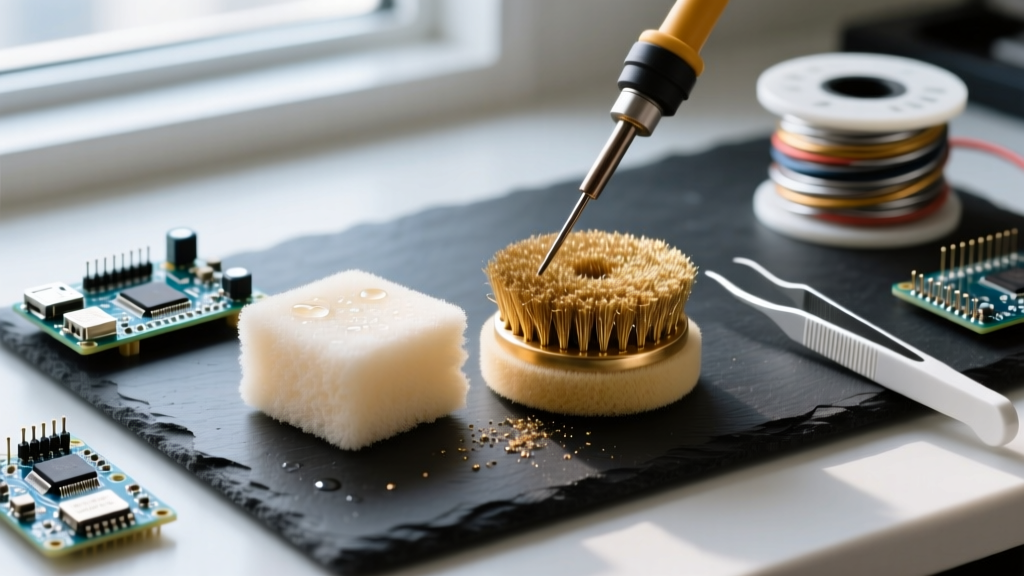
- Brass Sponge ($8): A necessity. Using a wet cellulose sponge on budget tips causes rapid thermal shock, creating micro-fractures in the iron plating and accelerating tip death.
The Premium Workspace: $500+
Premium setups prioritize instantaneous thermal recovery, strict ESD compliance, and ergonomic longevity. This is the domain of production environments and serious hobbyists working on sensitive RF or high-speed digital boards.
Core Station: JBC CD-2BQE
At approximately $450, the JBC CD-2BQE station utilizes a cartridge system where the heating element is embedded directly inside the tip. This yields a 350°C heat-up time of just 2 seconds. More importantly, the thermal recovery is virtually instantaneous. You can drag-solder a 40-pin SOIC package without the iron ever dropping below your set temperature, ensuring compliance with IPC-A-610 standards for wetting and fillet formation.
Fume Extraction & ESD Compliance
Colophony (rosin) flux fumes are a known respiratory sensitizer that can cause occupational asthma. A premium setup mandates localized extraction. The Hakko FA-400 ($85) or a dedicated BOFA fume extractor pulls particulates through a HEPA and activated carbon filter before they reach your breathing zone. Furthermore, premium stations feature verified ESD-safe handles and grounded chassis per ANSI/ESD S20.20, preventing static buildup that could instantly gate-rupture sensitive MOSFETs or microcontrollers.
Head-to-Head Comparison Matrix
| Feature | Budget Setup (~$80) | Premium Setup (~$600) |
|---|---|---|
| Heat-up Time | 12 - 18 seconds | 2 - 4 seconds |
| Thermal Recovery | Moderate to Poor (Ground planes) | Instantaneous (Cartridge tech) |
| Tip Lifespan | 3 - 6 months (Heavy use) | 1 - 3 years (Proper maintenance) |
| ESD Safety | None / Unverified | Verified Grounding & Safe Materials |
| Fume Management | Passive ventilation (Open window) | Active HEPA/Carbon Extraction |
| Workholding | Acrylic / Wire alligator clips | Panavise 201 / Quadhands Flex |
The Hidden Costs of 'Going Cheap'
While the initial outlay for a budget soldering setup is attractive, the secondary costs and failure modes can quickly erode your savings.
1. Pad Lifting and Board Damage
Because budget irons lack the wattage and thermal coupling to maintain heat on large copper pours, users often compensate by leaving the iron on the pad for 10+ seconds or cranking the temperature to 400°C. This degrades the FR4 epoxy and lifts the copper pad, ruining a $50 custom PCB to save money on a $30 iron.
2. The Tip Oxidation Cycle
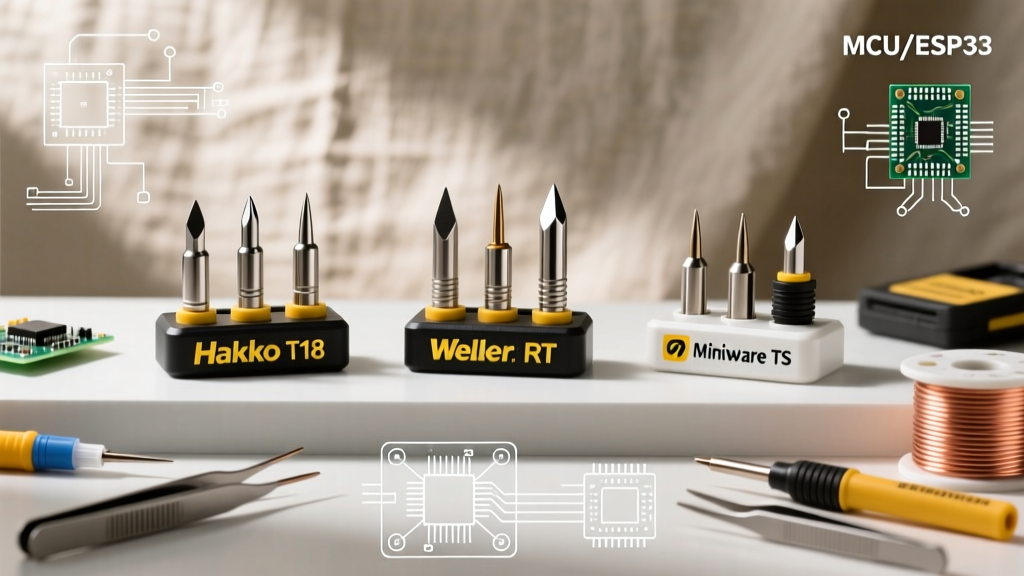
Cheap replacement tips often feature incredibly thin iron plating. Once this plating is breached by aggressive flux or mechanical scraping, the underlying copper core dissolves into the molten solder, creating deep craters. A $40 investment in genuine Hakko or JBC tips outlasts twenty $2 generic clones.
3. Workholding Frustration
As detailed in the Adafruit Guide to Excellent Soldering, stability is paramount. A $65 Panavise 201 Junior Vise or a magnetic Quadhands system pays for itself immediately by eliminating the tremor-induced solder bridges that plague cheap alligator-clip setups.
Decision Framework: When to Upgrade
The 80/20 Rule of Soldering Gear: Spend 80% of your budget on the iron and extraction, and 20% on accessories. If you are only soldering 5mm LEDs and basic DIP chips, the Pinecil V2 is mathematically perfect. The moment you transition to 0603 SMD components, QFN packages, or multi-layer RF boards, the thermal lag of a budget setup becomes a critical point of failure.
For aerospace or automotive prototypes, adherence to strict workmanship standards is non-negotiable. Organizations referencing NASA Electronic Parts and Packaging (NEPP) protocols require precise thermal profiling that simply cannot be achieved with uncalibrated, budget-tier heating elements.
Final Verdict for 2026
If your budget is strictly capped at $100, buy the Pinecil V2, a heavy-duty brass wire cleaner, and a Panavise base. Skip the cheap acrylic helping hands. If you have $500+ to invest, bypass the mid-tier stations and jump directly to a JBC or high-end Hakko cartridge system paired with active fume extraction. Your lungs, your PCBs, and your sanity will thank you.