
The Limitations of Beginner Soldering Kits
Every electronics hobbyist starts with a generic $30 variable-wattage iron. While sufficient for basic Arduino headers and large through-hole components, these entry-level tools quickly become the primary bottleneck as you transition to multi-layer PCBs, SMD (Surface Mount Device) rework, and dense ground planes. The core issue is not just maximum wattage, but thermal recovery and tip geometry.
When a cheap 60W iron touches a large copper pour, its temperature plummets from 350°C to under 180°C in milliseconds. The heater lacks the feedback loop to compensate, resulting in 'cold joints'—grainy, unreliable connections that cause intermittent circuit failures. To truly elevate your craftsmanship, you need to combine hardware upgrades with advanced soldering tips tricks that professional bench technicians use daily.
Upgrade 1: The Core Trick is Thermal Management
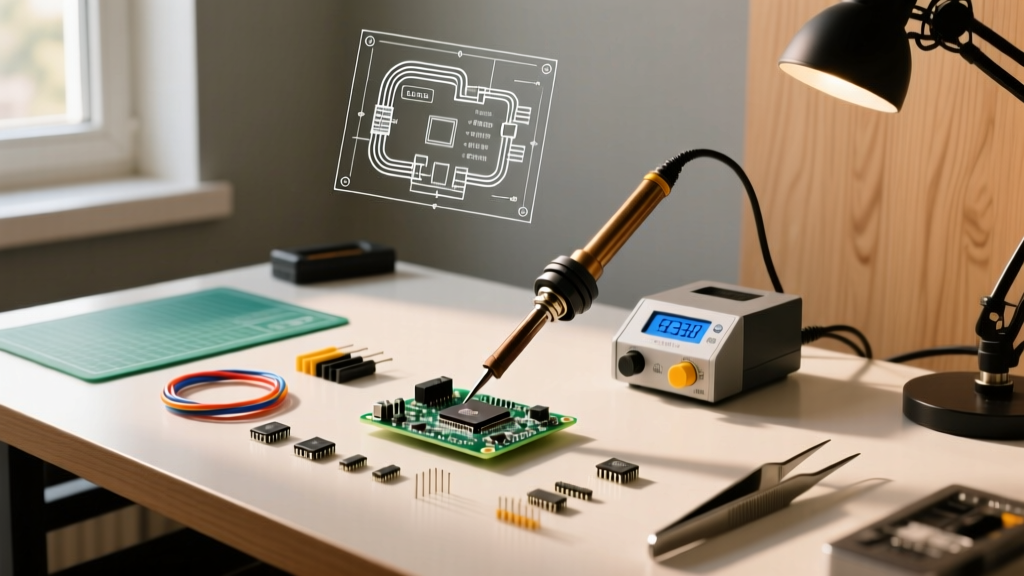
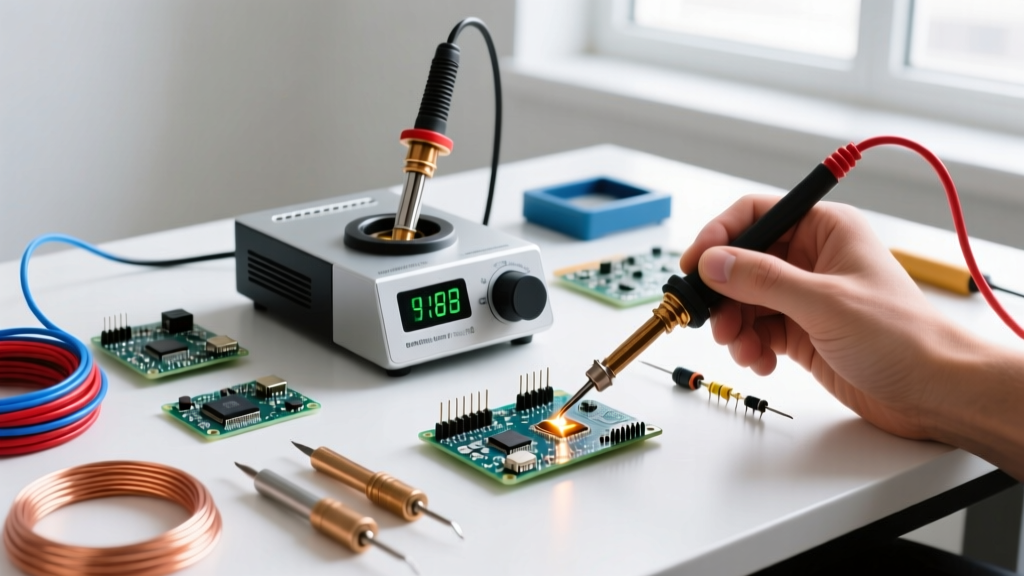
The most critical upgrade you can make in 2026 is moving from a dial-adjusted iron to a digitally temperature-controlled station with active thermal feedback. Modern stations use thermocouples embedded directly in the heating element or tip, adjusting power delivery hundreds of times per second.
Top Station Recommendations for Upgraders
| Feature | Pine64 Pinecil V2 | Hakko FX-888D |
|---|---|---|
| Architecture | RISC-V (Bouffalo Lab) | Analog/Digital Hybrid |
| Price Range | $26 (Bare) - $50 (Kit) | $115 - $130 |
| Heat-up Time | 11 seconds (to 300°C) | 20-30 seconds (to 300°C) |
| Tip Ecosystem | TS100 / Pine64 compatible | Hakko T18 Series |
| Best For | Field work, SMD, Tech-savvy DIY | Heavy bench use, Through-hole |
The Pinecil V2 has revolutionized the budget-pro space. Powered via USB-C (up to 65W PD), it offers unprecedented portability and open-source firmware customization. Conversely, the Hakko FX-888D remains the indestructible workhorse of production benches, utilizing the ubiquitous T18 tip series.
Upgrade 2: Matching Tip Geometry to Thermal Mass
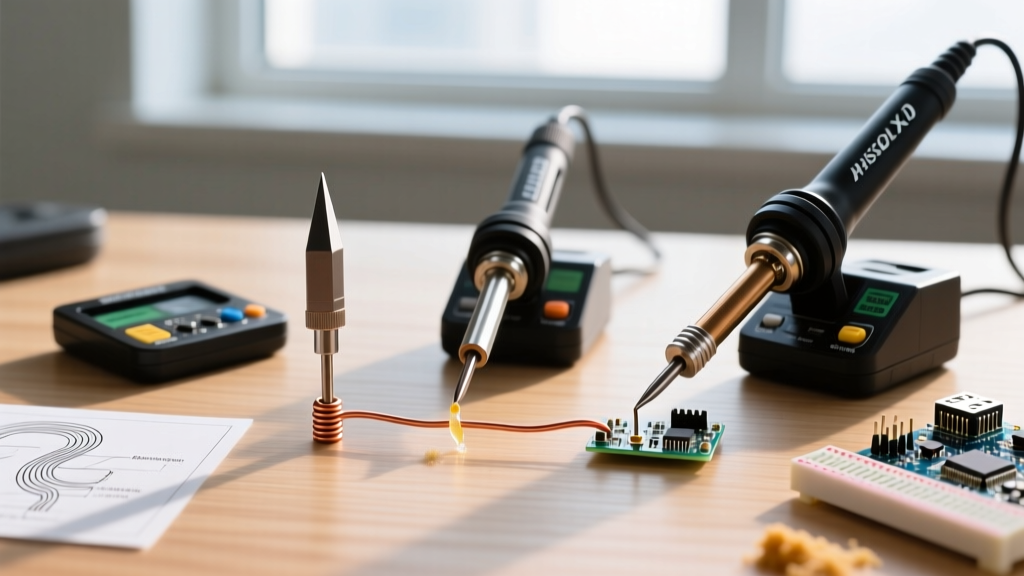
A common beginner mistake is relying exclusively on the fine conical tip that ships with most kits. Conical tips have terrible thermal transfer characteristics because the contact surface area with the pad is minuscule. Implementing professional soldering tips tricks means swapping the tip to match the component's thermal mass.
- Chisel (e.g., Hakko T18-D24): The ultimate workhorse. The flat, broad face maximizes contact area, transferring heat rapidly into through-hole leads and 0805 SMD pads.
- Hoof / Knife (e.g., T18-KU): Essential for drag-soldering fine-pitch TQFP and SOIC ICs. The angled edge allows you to drag a bead of solder across 20 pins in three seconds without bridging.
- Micro Pencil (e.g., T18-IL): Strictly for 0402 components and delicate jumper wire repairs where precision outweighs the need for heavy heat transfer.
Pro Insight: Never buy $0.50 clone tips from marketplaces. Genuine tips feature a thick iron plating over the copper core. Clone tips use microscopically thin plating that dissolves into the molten solder within weeks, exposing the copper core to rapid oxidation and permanent pitting.
Upgrade 3: Metallurgy and Flux Selection
Your soldering iron is only half the equation; the metallurgy of your consumables dictates joint reliability. Upgrading your solder alloy and flux is a non-negotiable step for advanced work.
Eutectic vs. Lead-Free Alloys
Unless you are manufacturing for strict RoHS compliance, switch to Sn63/Pb37 (Tin/Lead) eutectic solder, such as Kester 245. Eutectic alloys transition from solid to liquid at a single temperature (183°C). Non-eutectic lead-free alloys like SAC305 have a 'plastic' or 'pasty' state between 183°C and 217°C. If a component shifts while cooling through this plastic phase, it creates a disturbed joint, which is mechanically brittle and prone to micro-cracking.
The Flux Multiplier
Flux is a chemical cleaning agent that removes metal oxides, allowing the solder to wet the pad. The Adafruit Guide to Excellent Soldering heavily emphasizes that adding external flux is the secret to flawless SMD work. Upgrade from the rosin-core inside your solder wire to a dedicated No-Clean Tacky Flux (like Chip Quik SMD291AX or Amtech). Apply it with a syringe before touching the iron to the board; it keeps the solder pooled exactly where you want it and prevents bridging on 0.5mm pitch pins.
The 'Brass Wool' Trick: Stop Destroying Your Tips
The most destructive habit inherited from beginner kits is using a wet cellulose sponge to clean the iron tip. When a 350°C tip touches a room-temperature damp sponge, the instantaneous thermal shock causes micro-fractures in the iron plating. Over time, molten solder eats through these fractures, hollowing out the copper core.
The Upgrade: Discard the sponge. Purchase a brass wire sponge tip cleaner (such as the Hakko 599B, roughly $12). Brass is softer than the iron plating, so it mechanically wipes away oxidized solder and charred flux without scratching the tip. Furthermore, because brass is dry, it only drops the tip temperature by 10°C to 15°C, keeping you well within the optimal working window.
Step-by-Step: Executing the Perfect Through-Hole Joint
With an upgraded station, a chisel tip, eutectic solder, and a brass cleaner, execute the joint using this precise timeline:
- Prep (0s): Apply a tiny amount of liquid flux to the pad and lead.
- Wet (1s): Melt a microscopic amount of solder onto the clean tip. This 'thermal bridge' drastically increases heat transfer rates.
- Heat (2s): Press the flat of the chisel tip against BOTH the copper pad and the component lead simultaneously. Hold for 1 to 1.5 seconds.
- Feed (3s): Touch the solder wire to the opposite side of the joint, not the iron tip. If the pad is hot enough, capillary action will instantly pull the solder through the barrel of the plated through-hole.
- Withdraw (4s): Remove the solder wire first, then the iron, sweeping upward at a 45-degree angle to leave a smooth, concave fillet.
Frequently Asked Questions
Why does my solder ball up and refuse to stick to the pad?
This is a classic 'non-wetting' failure caused by heavy oxidation on the pad or insufficient heat. The pad acts as a heat sink, pulling thermal energy away faster than your iron can supply it. Switch to a wider chisel tip, increase your station temperature by 15°C, and flood the area with external liquid flux to break down the oxide layer.
How do I rescue a completely black, oxidized tip?
Never use sandpaper or a file; this removes the protective iron plating and ruins the tip permanently. Instead, use a specialized tip tinner (a mixture of phosphoric acid and solder powder). Dip the hot tip into the tinner for 3 seconds, then wipe it on your brass sponge. The chemical reaction strips the carbon and oxidation, leaving a perfectly tinned surface.
Is it worth upgrading to a hot air rework station?
If you are working with SMD components smaller than 0805, or QFN chips with hidden thermal pads, hot air is mandatory. A station like the Quick 861DW ($250) provides precise airflow and temperature control, allowing you to reflow entire ICs evenly without inducing thermal stress fractures on the PCB substrate.