
The Harbor Freight Soldering Aisle: What Are You Actually Buying?
Walking into a Harbor Freight store in 2026, the electronics aisle presents a tempting proposition for beginners: a complete soldering kit for the price of a takeout dinner. Branded primarily under the Pittsburgh and Chicago Electric names, these soldering irons and stations promise 60 watts of heating power, adjustable temperatures, and a suite of accessories including solder, sponges, and interchangeable tips. But when you are attempting to solder delicate microcontroller pins or repair a vintage audio amplifier, a cheap tool can quickly turn a fun DIY afternoon into an exercise in extreme frustration.
This comprehensive buying guide dissects the actual hardware you get when you purchase a Harbor Freight soldering kit. We will evaluate thermal recovery, tip compatibility, common failure modes, and how these budget tools stack up against modern entry-level benchmarks like the Pinecil V2. Whether you are building your first Arduino circuit or fixing a loose DC barrel jack, understanding the limitations of budget soldering gear is the first step toward achieving reliable, shiny solder joints.
Teardown and Testing: The 60W Adjustable Soldering Station
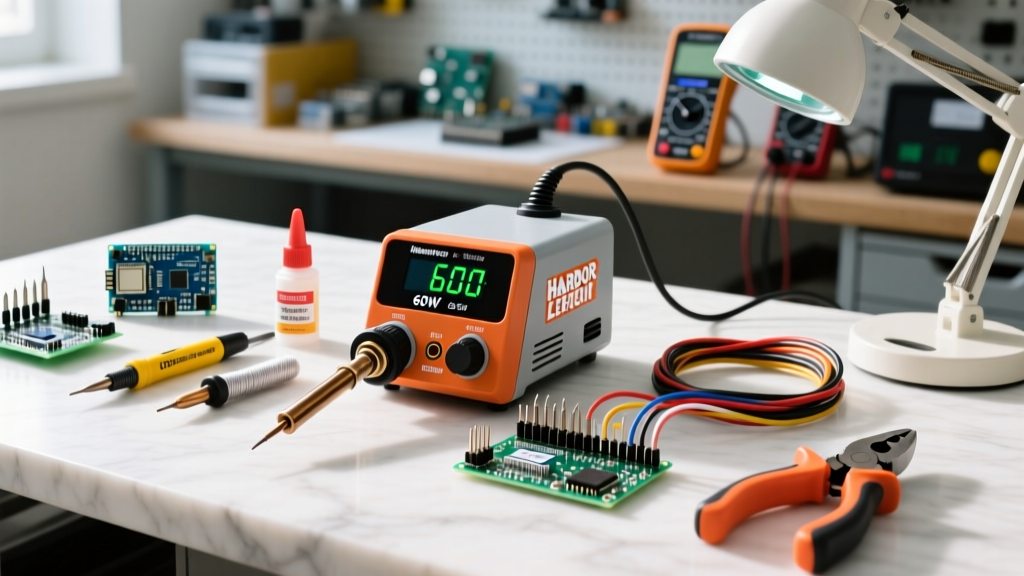
The flagship of Harbor Freight's soldering lineup is the 60W Adjustable Temperature Soldering Station (typically retailing between $35 and $45 depending on current coupons and inflation adjustments). Unlike the $12 wall-wart 'pencil' irons that run at a fixed, unregulated temperature, this station features a separate base unit with a dial potentiometer, a flexible silicone cord, and a holster.
The Dial vs. Digital Dilemma
The most immediate drawback of the Harbor Freight 60W station is the analog temperature dial. The dial features arbitrary numbers (usually 1 through 10) or a vague Celsius scale without a digital readout. This means you are essentially guessing your tip temperature. According to the IPC soldering standards, precise thermal profiling is critical; applying too much heat can delaminate PCB pads, while too little heat results in cold, crystalline joints. To calibrate the Harbor Freight dial, experienced users often use an infrared thermometer or a thermocouple to map the dial numbers to actual tip temperatures, marking the sweet spot (usually around 320°C to 350°C for standard 63/37 rosin-core solder) with a Sharpie.
Tip Compatibility: The Hidden Advantage
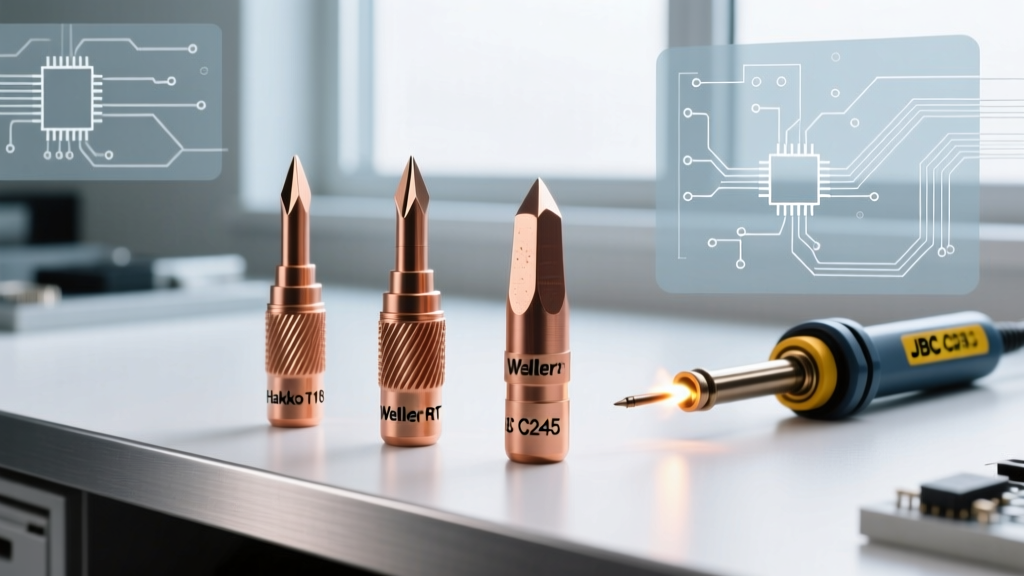
Pro-Tip: The tips included in the Harbor Freight 60W kit are standard 900M series clones. This is identical to the tip ecosystem used by the legendary Hakko FX-888D. While the factory tips are of mediocre quality, this compatibility means you can easily upgrade to genuine Hakko or high-quality third-party 900M tips later without replacing the entire station.
The kit usually includes a chisel tip and a fine conical tip. Beginners should immediately swap the conical tip for the chisel tip. Conical tips have terrible thermal transfer characteristics because the contact area with the solder joint is microscopic. A 1.6mm or 2.4mm chisel tip will transfer heat into the pad and component lead far more efficiently, compensating for the station's sluggish thermal recovery.
Head-to-Head Comparison Matrix
How does the Harbor Freight 60W station compare to other popular entry-level options in 2026? Below is a detailed comparison matrix highlighting the trade-offs between raw cost, thermal performance, and feature sets.
| Feature | Harbor Freight 60W Station | Pinecil V2 (Smart Iron) | Weller WLC100 (40W) |
|---|---|---|---|
| Average Price (2026) | $39.99 | $26.99 (Iron only) | $55.00 |
| Temperature Control | Analog Dial (Unverified) | Digital OLED (PID Controlled) | Analog Dial (Unverified) |
| Heat-Up Time (to 320°C) | ~90 Seconds | ~12 Seconds | ~120 Seconds |
| Thermal Recovery | Poor (Stalls on ground planes) | Excellent (RISC-V PID tuning) | Fair |
| Tip Ecosystem | 900M Series (Hakko Clone) | TS100 / Pine64 Mini Tips | Weller ET Series |
| Portability | Bulky base station | USB-C PD (Highly Portable) | Bulky base station |
Common Failure Modes and Edge Cases
Budget soldering equipment is built to a specific price point, which inevitably leads to corner-cutting in manufacturing. If you decide to purchase the Harbor Freight kit, you must be aware of its specific failure modes to avoid ruining your projects.
1. The 'Sponge' Trap and Tip Oxidation
The kit includes a small yellow cellulose sponge for cleaning the tip. When wet, this sponge aggressively quenches the tip, dropping its temperature drastically. More importantly, cheap sponges often contain impurities that accelerate tip oxidation. Once a tip turns black and oxidized, solder will no longer wet to it; it will simply ball up and roll off. Solution: Throw the included sponge away immediately and purchase a brass wire tip cleaner. Brass wool cleans oxidized solder off the tip without dropping its temperature or introducing moisture.
2. Potentiometer Scratchiness and Thermal Runaway
After a few months of use, the analog dial on the base station can develop 'scratchy' contacts due to carbon buildup or dust ingress. This manifests as the iron randomly surging in temperature or failing to heat up at all. If the iron suddenly maxes out, it can easily exceed 450°C, which will instantly burn the rosin flux out of your solder, destroy the iron plating on the tip, and potentially scorch your PCB.
3. The Ground Plane Stall
The Harbor Freight 60W station uses a basic nichrome wire heating element wrapped around a ceramic core. While 60W sounds powerful on paper, the thermal transfer efficiency is low. If you attempt to solder a component connected to a large copper ground plane (common on audio amplifiers or PC motherboards), the copper will act as a massive heat sink. The HF station will stall, failing to melt the solder even after 30 seconds of direct contact. Prolonged heating will eventually lift the PCB pad.
Safety, Flux, and Ventilation Standards
When using any soldering kit, but particularly budget ones where temperature regulation is imprecise, safety and ventilation are paramount. Soldering generates colophony (rosin) fumes, which are a known respiratory sensitizer and can cause occupational asthma if inhaled repeatedly in poorly ventilated areas.
Furthermore, if you are using the traditional 60/40 or 63/37 Tin-Lead solder included in many starter kits, you must adhere to strict hygiene practices. The OSHA guidelines on lead exposure emphasize that lead is primarily absorbed through ingestion in hobbyist settings, not inhalation of the smoke (the smoke is flux, not vaporized lead, as lead's boiling point is over 1700°C). Always wash your hands thoroughly after soldering and never eat at your workbench.
For joint inspection, refer to the NASA Workmanship Standards for visual examples of proper solder wetting and fillet shapes. A proper joint should look like a smooth, shiny concave volcano. If your Harbor Freight iron produces dull, lumpy, or convex 'blob' joints, your temperature is too low, or your tip is oxidized.
The 'Good, Bad, and Ugly' Buying Checklist
If you are standing in the aisle or browsing the Harbor Freight website, use this checklist to build your budget workbench strategically:
- BUY: The 60W Adjustable Station (if it is on sale under $35 and you need a baseline tool).
- BUY: Harbor Freight's desoldering braid (copper wick). It is surprisingly high quality and heavily discounted compared to name brands.
- AVOID: The $12.99 30W/40W fixed-temperature 'pencil' irons. They lack thermal mass, take forever to heat up, and will frustrate you into quitting electronics.
- AVOID: The included lead-free solder (if the kit specifies Sn-Cu). Lead-free solder requires much higher temperatures (around 260°C) and aggressive fluxes, which the Harbor Freight station struggles to maintain consistently, leading to terrible, grainy joints.
Final Verdict: Who is this Kit Actually For?
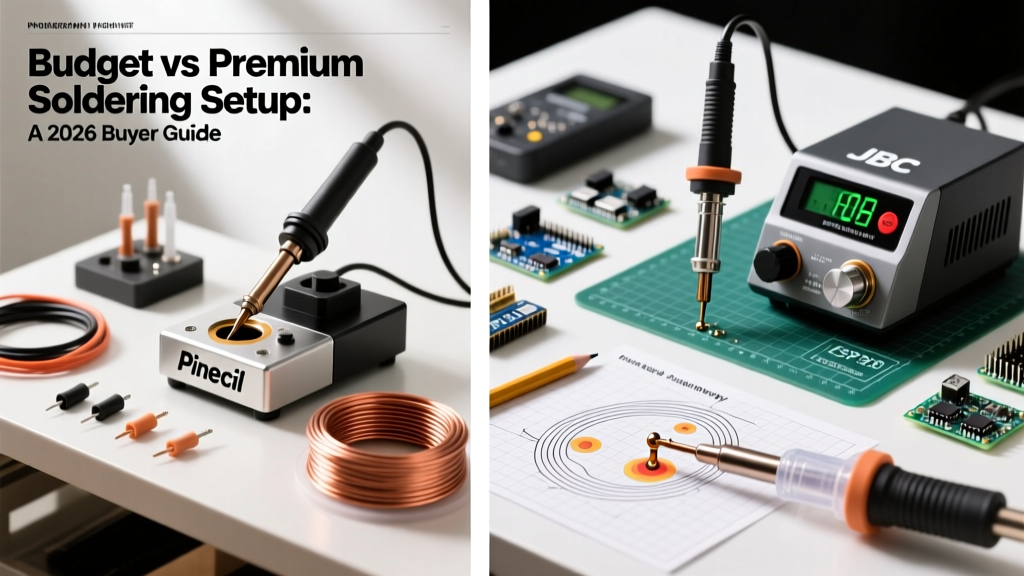
The Harbor Freight 60W soldering kit is a paradox. It is infinitely better than the ultra-cheap, unregulated wall-wart irons found in random online marketplaces, yet it is completely outclassed by modern smart irons like the Pinecil V2 or the FNIRSI HS-01 in the exact same price bracket.
If you need a soldering iron today for a quick wire splice, a heavy-duty battery tab repair, or a simple DIY craft project, the Harbor Freight 60W station will get the job done adequately. Its 900M tip compatibility also gives it a viable upgrade path. However, if your goal is to solder fine-pitch SMD components, build microcontrollers, or repair modern consumer electronics, you are better off spending your $40 on a USB-C PD smart iron. In 2026, the technology gap between analog dial stations and digital PID-controlled smart irons is simply too vast to ignore for serious beginners.