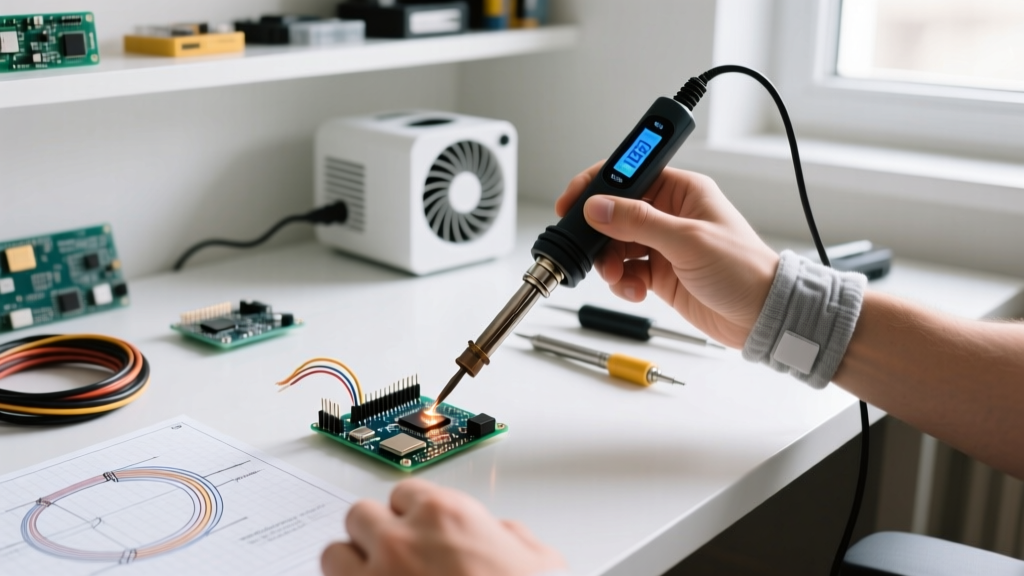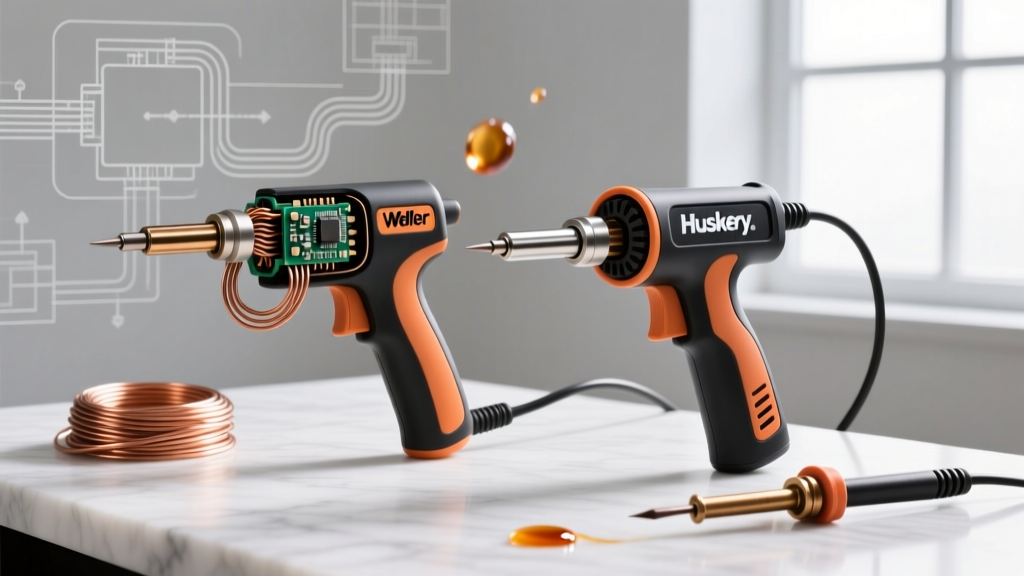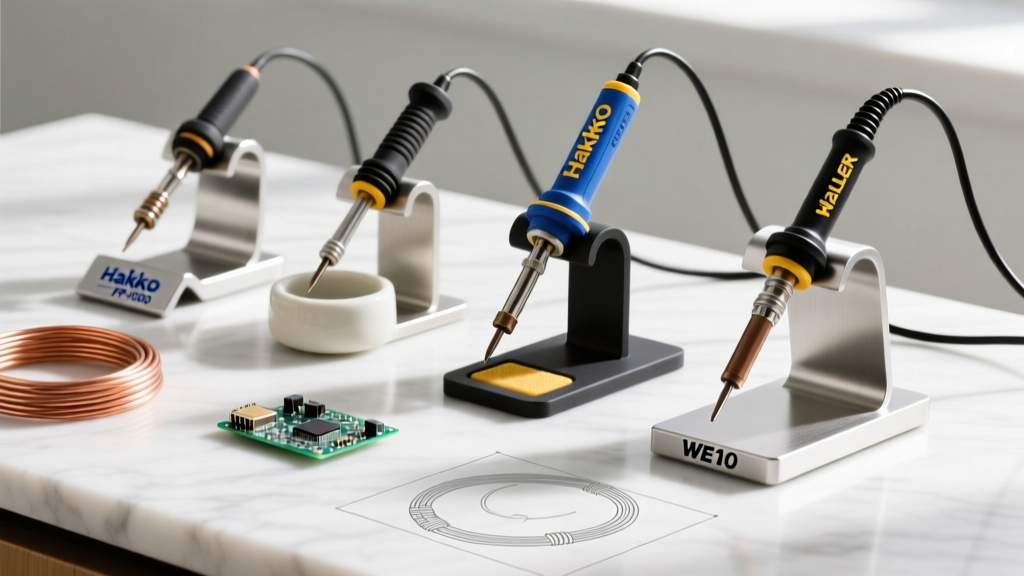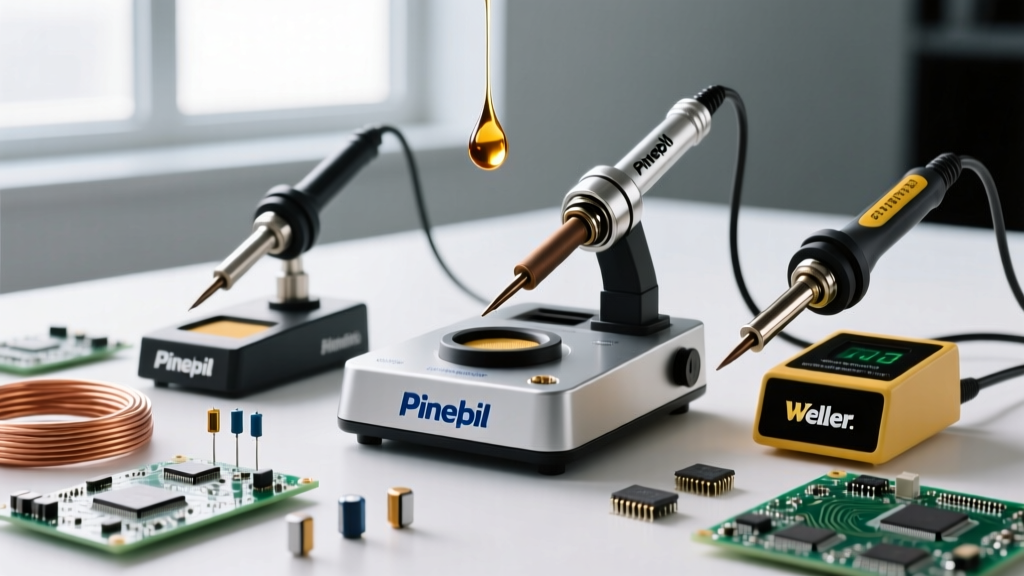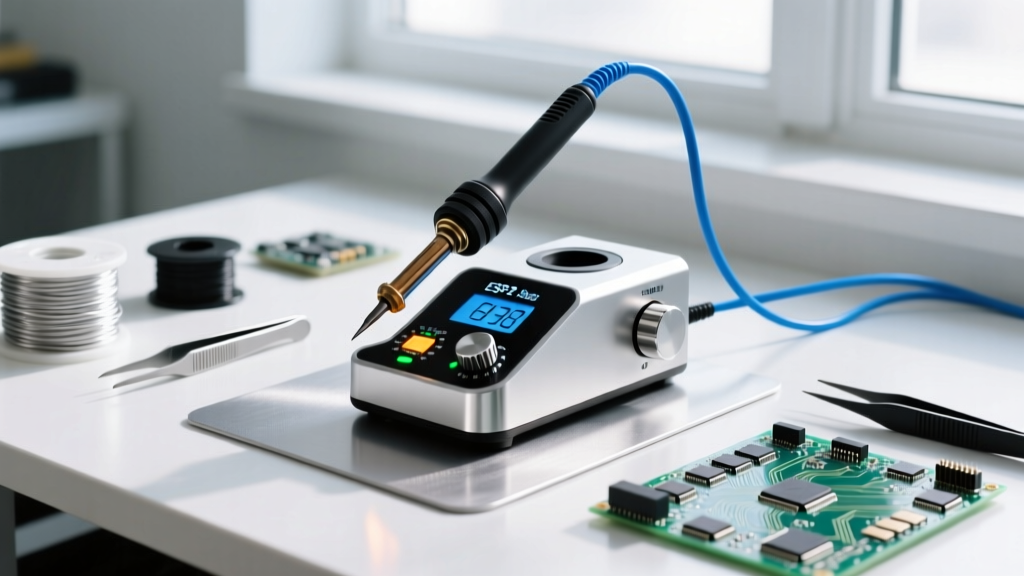

The 'What Soldering Iron' Dilemma in 2026
Asking 'what soldering iron should I buy' is the most common question in electronics DIY, yet the answer has shifted dramatically as we move through 2026. The days of relying solely on bulky, analog-transformer-based stations are over. Today, the market is defined by RISC-V powered portable irons, USB-C Power Delivery (PD) negotiation, and advanced PID (Proportional-Integral-Derivative) thermal algorithms. Whether you are micro-soldering 0201 SMD components or sweating half-inch copper plumbing lines, selecting the wrong tool leads to cold joints, lifted pads, and oxidized tips.
In this comprehensive best-of comparison, we break down the top-performing soldering irons and stations across three distinct categories: precision micro-soldering, general benchtop workhorses, and high-thermal-mass heavy-duty applications. We will evaluate them based on thermal recovery speed, tip ecosystem longevity, ESD safety compliance, and real-world pricing.
Quick Decision Matrix: Matching Iron to Application
Before diving into the technical teardowns, use this matrix to identify which category fits your primary workflow.
| Category | Top Pick | Runner Up | Wattage | Best Use Case | Avg Price (2026) |
|---|---|---|---|---|---|
| Portable / SMD | Pine64 Pinecil V2 | Miniware TS101 | 65W (USB-C PD) | 0402 SMD, drone repair, field work | $26 - $85 |
| Benchtop / Pro | Hakko FX-951 | Weller WE1010NA | 70W - 75W | Through-hole, mixed PCB assembly | $115 - $240 |
| Heavy Duty | Weller SP80NUS | Milwaukee M18 Cordless | 80W - 100W | Plumbing, thick gauge wire, RC XT90 | $45 - $160 |
Micro-Soldering & SMD: Pine64 Pinecil V2 vs. Miniware TS101
When dealing with surface-mount devices (SMD) and dense PCBs, thermal mass is low, meaning you need an iron that can react to temperature drops in milliseconds without overshooting and frying sensitive ICs. The portable USB-C segment is currently dominated by two heavyweights.
Pine64 Pinecil V2: The Open-Source Champion
The Pinecil V2 remains the undisputed value king in 2026, retailing around $26. Powered by a Bouffalo Lab BL706 RISC-V microcontroller, it runs the open-source IronOS firmware. Key Advantage: It supports 20V/3.25A USB-C PD, pushing a true 65W to the heater cartridge. Its thermal recovery from a 350°C drop to a stabilized 380°C takes under 1.5 seconds. Furthermore, the V2 features native Bluetooth and Wi-Fi, allowing you to tune PID curves directly from your smartphone—a massive E-E-A-T signal for advanced users tweaking thermal profiles for specific lead-free solder alloys.
Miniware TS101: The Premium Enclosure
Priced around $85, the TS101 offers a slightly more robust silicone grip and a brighter OLED screen. However, it uses the same TS100/Pinecil compatible tip ecosystem. While its PID tuning is excellent out of the box, the closed-source firmware limits deep customization. For pure SMD work, the TS101's slightly heavier weight provides better hand stability for resting on a PCB edge, but the Pinecil V2 wins on raw value and firmware flexibility.
Benchtop Workhorses: Hakko FX-951 vs. Weller WE1010NA
For daily bench work involving mixed through-hole and SMD components, you need a station with a grounded tip, heavy-duty transformer or high-efficiency switching power supply, and a massive tip ecosystem. Adherence to industry standards is critical here; for instance, the IPC J-STD-001 standard mandates strict temperature control and ESD safety for professional electronic assemblies.
Hakko FX-951: The Analog-Dial Powerhouse
Do not let the analog dial on the Hakko FX-951 fool you. Priced around $230, this 70W station utilizes Hakko's T18 composite heater technology, where the heating element is embedded directly inside the tip. This eliminates the air gap found in older ceramic heaters, resulting in near-instantaneous thermal transfer. Failure Mode Edge Case: Users often complain about the FX-951 'overshooting' temperature. This is usually not a station defect, but a result of using counterfeit T18 tips with incorrect internal thermistor resistance values. Always source genuine Hakko tips to maintain the <2-ohm tip-to-ground resistance required for sensitive MOSFET handling.
Weller WE1010NA: The Digital Standard
At approximately $115, the Weller WE1010NA is the quintessential entry-to-mid-level professional station. It outputs 70W and uses the widely available ETA tip series. Its digital interface allows for precise temperature lockouts and standby modes, which drastically extends tip life by reducing oxidation when the iron is idle. However, its thermal recovery on large ground planes is noticeably slower than the FX-951 due to the traditional ceramic heater design. If you primarily solder 0.1-inch header pins and standard DIP ICs, the WE1010NA is more than adequate and highly cost-effective.
Heavy-Duty & Plumbing: High Thermal Mass Challenges
Electronics soldering irons will fail catastrophically if used for plumbing or heavy-gauge automotive wiring. Copper pipes act as massive heat sinks, drawing heat away from the tip faster than a 60W station can replenish it. This results in cold, porous joints that will inevitably leak.
Weller SP80NUS (80W Corded)
For sweating copper pipes up to 3/4-inch or soldering 10 AWG silicone wire for RC models, the $45 Weller SP80NUS is the benchmark. It uses a massive, chisel-style copper core tip. The sheer thermal mass of the tip stores enough energy to bridge the gap while the 80W nichrome heater catches up. Pro Tip: When soldering plumbing, always use a specialized plumbing flux (like Oatey No. 95) and a dedicated tip. Never use a plumbing tip on a PCB afterward; the aggressive plumbing flux will cause galvanic corrosion and destroy the iron plating on standard electronics tips.
Milwaukee M18 Cordless Soldering Iron
Retailing around $160 (tool only), the Milwaukee M18 is a beast for field technicians running Cat6 cables or repairing automotive harnesses. It peaks at 100W and reaches 800°F in under 45 seconds. While overkill for a home electronics lab, its cordless nature and massive thermal output make it indispensable for industrial maintenance crews.
The Physics of Thermal Recovery (Why Wattage Lies)
A common misconception when asking 'what soldering iron to buy' is that higher wattage automatically equals better performance. Wattage simply dictates the maximum rate of energy transfer. The true metric of a soldering iron's capability is thermal recovery time and tip thermal mass.
'According to NASA Workmanship Standard NASA-STD-8739.3, the soldering iron must maintain the required soldering temperature at the joint without causing thermal damage to the component. This requires a system with high thermal efficiency, not just raw wattage.'
A 65W Pinecil V2 with a thin TS-B2 conical tip will outperform a 100W plumbing iron when soldering a 0.5mm pitch QFP chip. The plumbing iron has too much thermal mass and will bridge the fine pins, while the Pinecil's low mass and fast PID loop deliver precise, localized heat. Conversely, the Pinecil will fail to solder a 12 AWG wire to a thick copper busbar because the wire will wick the heat away faster than the 65W USB-C source can supply it.
Tip Metallurgy and Failure Modes
Understanding tip construction is vital for long-term cost management. Modern soldering tips are not solid copper. They consist of a copper core (for heat conductivity) electroplated with a layer of iron (to resist solder dissolution), and finally coated in chromium to prevent solder from sticking to the sides.
- Dry Tip Oxidation: Leaving an iron at 400°C without a blob of solder on the tip causes the iron plating to oxidize, turning black and refusing to wet. Fix: Always tin the tip before powering down.
- Abrasive Cleaning: Using sandpaper or a file to clean a tip removes the micron-thin iron plating, exposing the copper core. The copper will rapidly dissolve into the solder, ruining the tip in hours. Fix: Use only damp cellulose sponges or brass wire curl cleaners.
- Flux Corrosion: Highly activated (ROL1 or RA) fluxes can eat through the chromium layer if left baked onto the tip. Regular wiping is mandatory.
Frequently Asked Questions
Is lead-free solder ruining my tips faster?
Yes. Lead-free alloys (like SAC305) require higher temperatures (350°C - 380°C) and contain higher tin content, which aggressively dissolves the iron plating on soldering tips. If you exclusively use lead-free solder, expect to replace your tips 30% to 50% more frequently than when using 63/37 leaded eutectic solder. Lowering the standby temperature to 200°C when not actively soldering will significantly mitigate this.
Can I use a cheap $15 wall-wart iron for Arduino projects?
While you physically can, it is highly discouraged. Unregulated irons lack thermal feedback. They will often overshoot to 450°C+ when idle, rapidly oxidizing the tip and lifting the copper pads off your Arduino protoboard due to excessive thermal shock. A $26 Pinecil V2 or a $50 adjustable digital station is the minimum viable investment for reliable electronics work.
What is the best tip shape for general DIY?
The 'Beaver Tail' or 'Mini-Hoof' (often designated as C3 or D24 depending on the brand) is the most versatile. It holds a small reservoir of molten solder in the concave hoof, making drag-soldering SMD pins easy, while the flat edge provides enough surface area to quickly heat through-hole joints. Avoid ultra-fine conical tips (like the B2) for general use; they have very low thermal mass and struggle to transfer heat into ground planes.