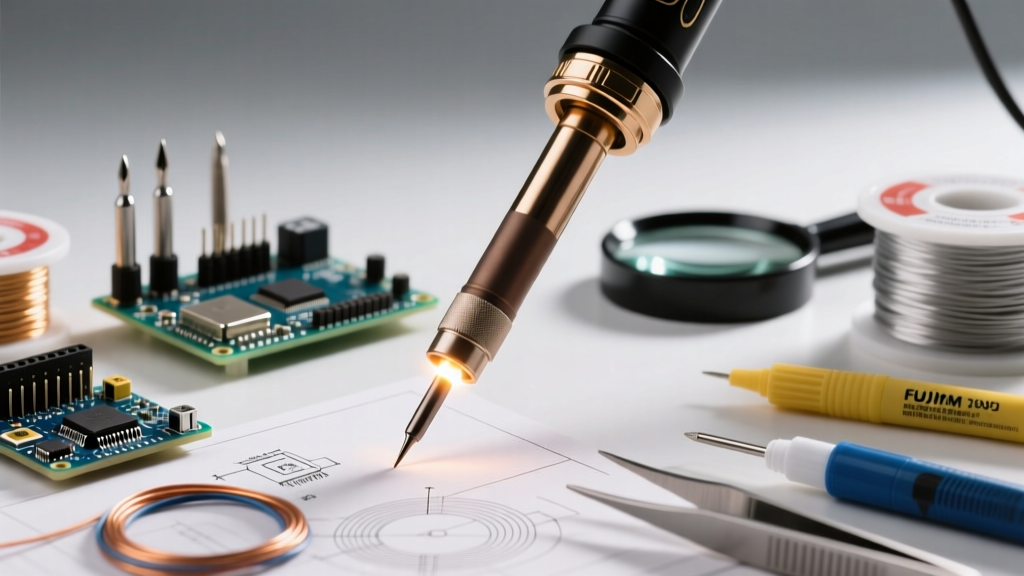

The Core Definition: What Is a Soldering Iron?
At its most fundamental level, a soldering iron is a handheld thermal transfer tool designed to melt a filler metal (solder) to create a permanent electrical and mechanical bond between components. Unlike welding, which melts the base metals being joined, soldering relies on capillary action and metallurgical wetting to bond a lower-melting-point alloy—typically a tin-copper or tin-lead mixture—to copper pads on a printed circuit board (PCB) or wires in a harness.
For beginners asking what is soldering iron technology actually doing, the answer lies in precise thermal dynamics. The tool must deliver enough heat to raise the temperature of both the component lead and the PCB pad above the solder's liquidus point (usually between 183°C for eutectic leaded solder and 217°C for SAC305 lead-free alloys) without exceeding the thermal degradation limits of the components or the FR-4 fiberglass substrate. According to SparkFun's comprehensive soldering tutorials, achieving this thermal balance is the difference between a reliable, shiny solder joint and a fragile, oxidized 'cold' joint.
The Anatomy of Modern Soldering Tools
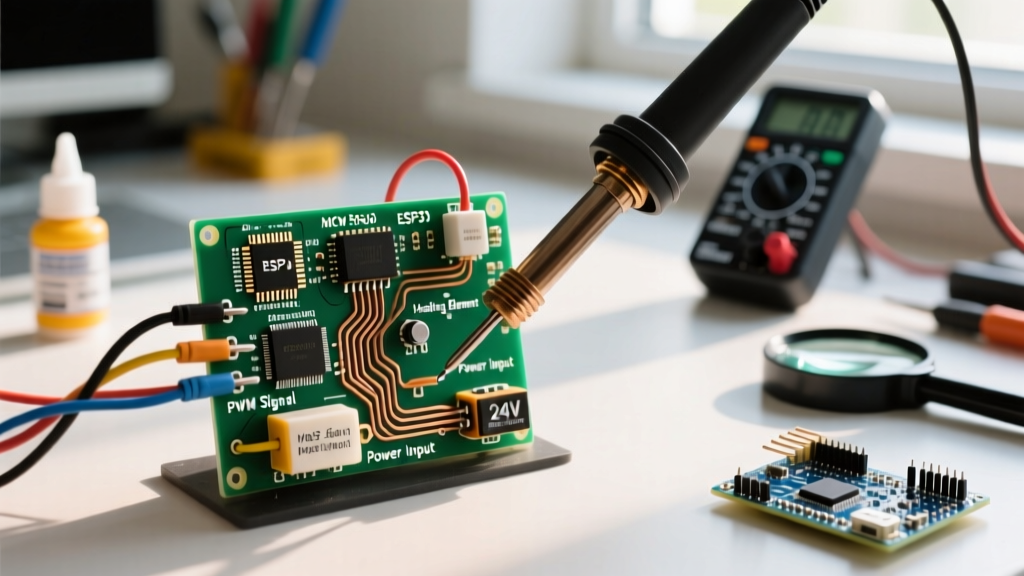
To understand how to buy the right tool in 2026, you must understand its internal architecture. A modern temperature-controlled soldering iron consists of three critical subsystems:
- The Heating Element: Modern stations use ceramic heating elements (like the Hakko T15 series) which offer rapid thermal response and electrical isolation, replacing older, slower nichrome wire wound around a steel core.
- The Thermal Sensor: A thermocouple embedded directly inside or immediately adjacent to the heating element feeds real-time temperature data back to a PID (Proportional-Integral-Derivative) controller.
- The Soldering Tip: This is where the magic happens. High-quality tips are not solid iron. They feature a high-conductivity copper core, plated with a layer of iron for durability, a flash of chromium to prevent solder from wetting the non-working areas, and a factory pre-tinning of pure tin on the working face.
The 2026 Landscape: Smart USB-C vs. Traditional Benchtop Stations
The market has bifurcated into two distinct categories. On one side, we have traditional benchtop stations with dedicated transformers and heavy bases. On the other, the USB-C PD (Power Delivery) revolution has spawned 'smart irons' powered by RISC-V microcontrollers and gallium nitride (GaN) chargers. Here is how the top contenders stack up for this year's buying guide.
| Model | Category | Max Wattage | Temp Control | Avg Price (2026) | Best Application |
|---|---|---|---|---|---|
| Pine64 Pinecil V2 | USB-C Smart | 65W (via PD) | Digital (RISC-V) | $28 | Fieldwork, Hobbyists, EDC |
| Weller WE1010 | Benchtop Station | 70W | Digital (PID) | $115 | Daily Bench, Prosumer |
| Hakko FX-888D | Benchtop Station | 65W | Digital (Basic) | $110 | Heavy Through-Hole, Ed |
| FNIRSI HS-01 | USB-C Smart | 65W (via PD) | Digital (OLED) | $45 | Precision SMD, Tight Spaces |
Category 1: USB-C Smart Soldering Irons
The Pine64 Pinecil V2 remains the undisputed king of the budget-to-performance ratio in 2026. Priced around $28, it utilizes a Bouffalo Lab BL706 RISC-V microcontroller running the open-source IronOS firmware. It negotiates USB-C Power Delivery up to 65W, meaning it heats from room temperature to 320°C in under 8 seconds. Its primary limitation is thermal mass; because it relies on a compact DC5521 or USB-C barrel, it can struggle to maintain temperature when dragging through massive ground planes on multilayer PCBs.
For those willing to spend closer to $45, the FNIRSI HS-01 offers a built-in OLED screen and a slightly more ergonomic grip, though it sacrifices the open-source firmware flexibility of the Pinecil. Both tools are exceptional for 0402 SMD work and general hobbyist wiring.
Category 2: Traditional Benchtop Stations
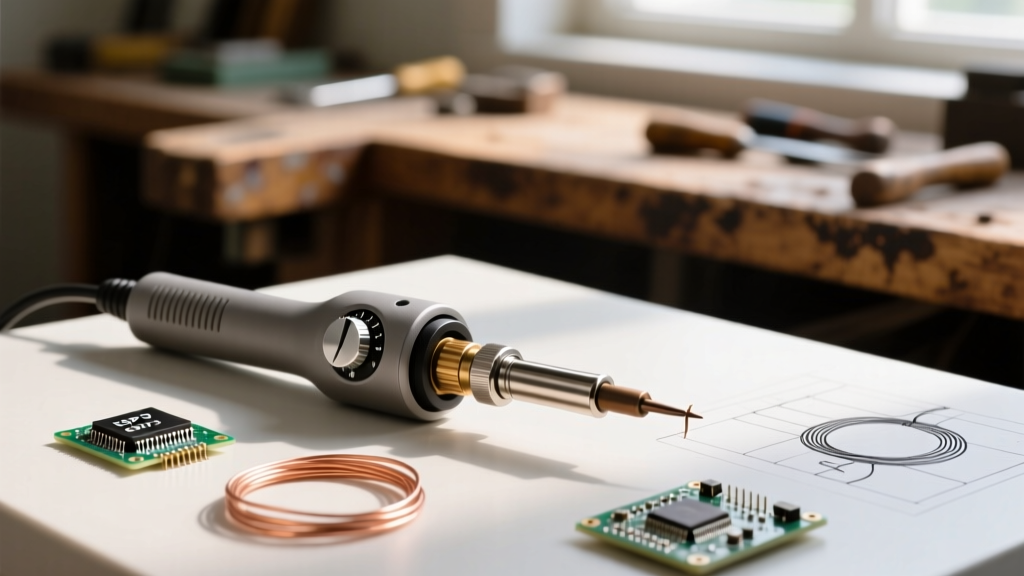
If your workbench is stationary and you frequently solder heavy-gauge wires or large through-hole capacitors, a benchtop station is mandatory. The Weller WE1010 ($115) features a robust 70W output and a highly responsive PID controller. Its standout feature is the Weller RT series tips, which integrate the heater and sensor into the tip itself, resulting in near-instantaneous thermal recovery.
Conversely, the Hakko FX-888D ($110) is a legendary workhorse. While its interface is notoriously clunky (requiring a button-mash sequence to change temperatures), its analog-to-digital conversion and massive transformer provide incredible thermal stability. It uses the widely available T18 tip series, making it the default choice for educational labs and repair shops worldwide.
Thermal Mass vs. Wattage: The Misunderstood Metric
A common beginner mistake is assuming that higher wattage automatically means a 'better' or 'hotter' soldering iron. This is fundamentally incorrect. Wattage is merely the rate at which the tool can replenish lost energy. The actual ability to transfer heat into a large component is dictated by thermal mass and tip geometry.
Consider this scenario: You are soldering a 12 AWG wire to a large brass lug. If you use a 200W soldering gun equipped with a micro-pencil tip, the tip will instantly drop in temperature and stick to the joint, resulting in a cold solder connection. However, if you use a 65W Hakko FX-888D equipped with a massive T18-C4 chisel tip, the sheer volume of copper and iron in the tip holds enough stored thermal energy (Joules) to bring the brass lug up to liquidus temperature smoothly.
Pro Tip for 2026: Always match your tip geometry to the pad size. Use micro-conical tips only for 0402/0603 SMD components. For through-hole and wire harnesses, switch to a bevel or wide chisel tip to maximize the surface area contact, which drastically improves thermal transfer efficiency.
Maintenance, Failure Modes, and Oxidation
The most common reason users believe their soldering iron is 'broken' or 'won't melt solder' is tip oxidation. When the iron-plated working face of a tip is exposed to high temperatures (above 350°C) in the presence of oxygen, it forms a layer of iron oxide. Solder will not wet to iron oxide; it will simply ball up and roll off.
According to Hakko's official tip care guidelines, preventing oxidation requires strict operational discipline:
- Never leave the iron on at maximum temperature. If you are not actively soldering for more than 5 minutes, turn the station off or use the auto-sleep feature available on smart irons like the Pinecil.
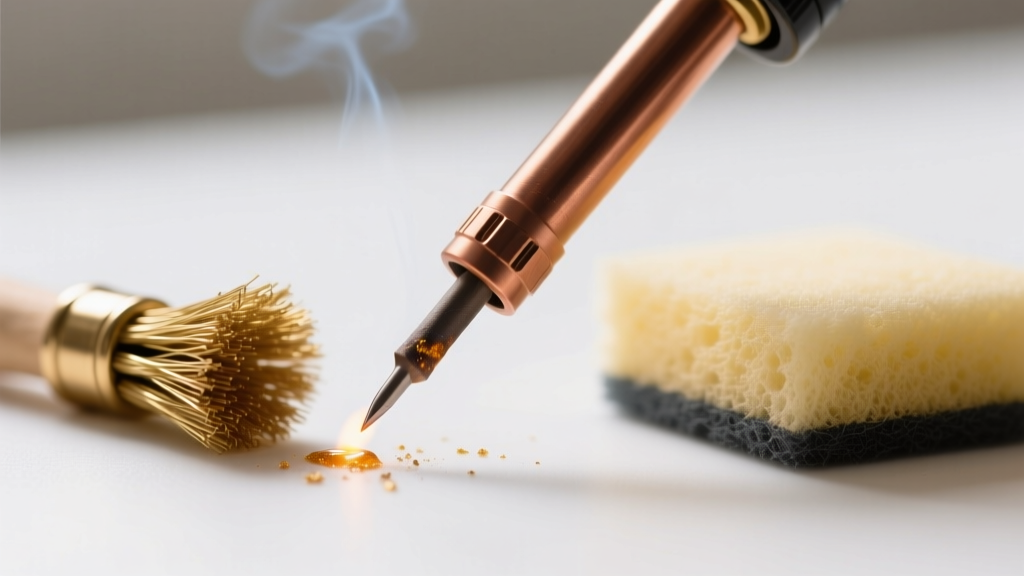
- Always 'tin' the tip before storage. Before turning off the iron, melt a generous blob of flux-cored solder over the entire working face of the tip. This creates a sacrificial layer of tin that oxidizes instead of the iron plating underneath.
- Ditch the wet sponge. Wiping a hot tip on a water-soaked cellulose sponge causes rapid thermal shock, which can micro-fracture the iron plating and cause the tip to pit and degrade. Use a dry brass wire tip cleaner instead.
Safety and Fume Extraction
While the soldering process itself is relatively low-voltage, the vaporized flux (rosin or synthetic resins) creates particulate matter and volatile organic compounds (VOCs) that are hazardous to inhale over prolonged periods. The IPC standards for electronics assembly heavily emphasize the necessity of local exhaust ventilation (LEV). In 2026, it is highly recommended to pair your soldering station with an active carbon-filter fume extractor, such as the Hakko FA-400 or a DIY PC-fan carbon filter setup, positioned no more than 6 inches from the solder joint.
Frequently Asked Questions (FAQ)
Do I need a temperature-controlled soldering iron?
Yes. Unregulated 'wall-wart' irons (often sold for $10 in craft stores) have no thermal feedback loop. They will continuously heat up to over 450°C, instantly burning your flux, oxidizing the tip, and lifting the copper pads off your PCB. Temperature control is non-negotiable for electronics.
What is the best temperature for soldering?
For standard 60/40 tin-lead solder, set your iron to 300°C - 320°C. For lead-free SAC305 solder, which is standard in modern commercial electronics, increase the temperature to 340°C - 360°C to compensate for the higher melting point and reduced wetting action.
Can I use plumbing solder for electronics?
Absolutely not. Plumbing solder is typically an acid-core flux designed to eat through copper pipes and PVC. If used on a PCB, the acid flux will cause severe galvanic corrosion, eventually shorting out your traces and destroying the circuit. Always use electronics-grade rosin-core (RMA) or no-clean flux solder.
How often should I replace my soldering iron tip?
With proper care (tinning before storage, using a brass cleaner, and avoiding excessive heat), a high-quality Hakko or Weller tip can last for hundreds of hours of active use. However, if the iron plating wears through and the underlying copper is exposed, the tip will dissolve into the solder pool and must be replaced immediately.