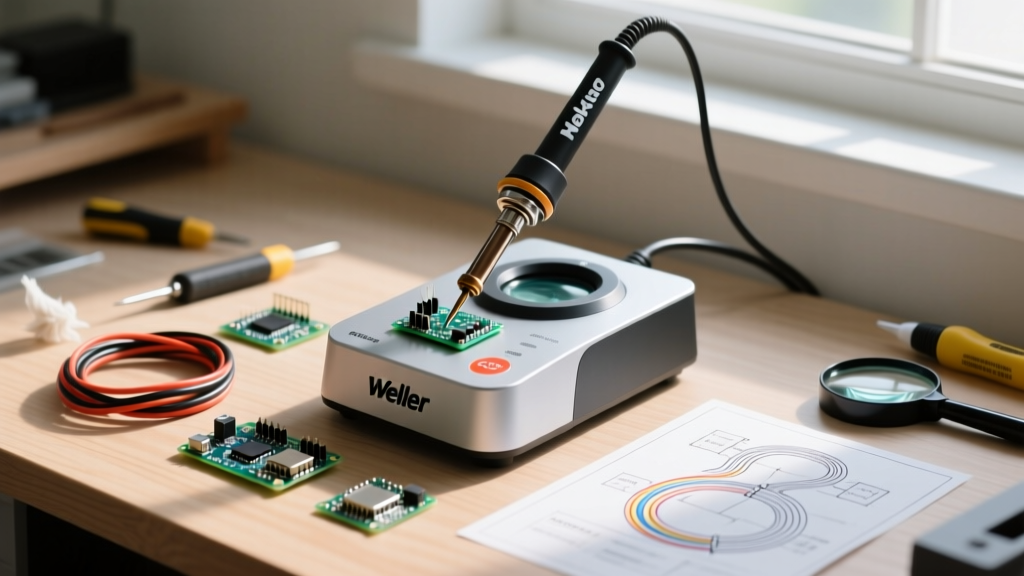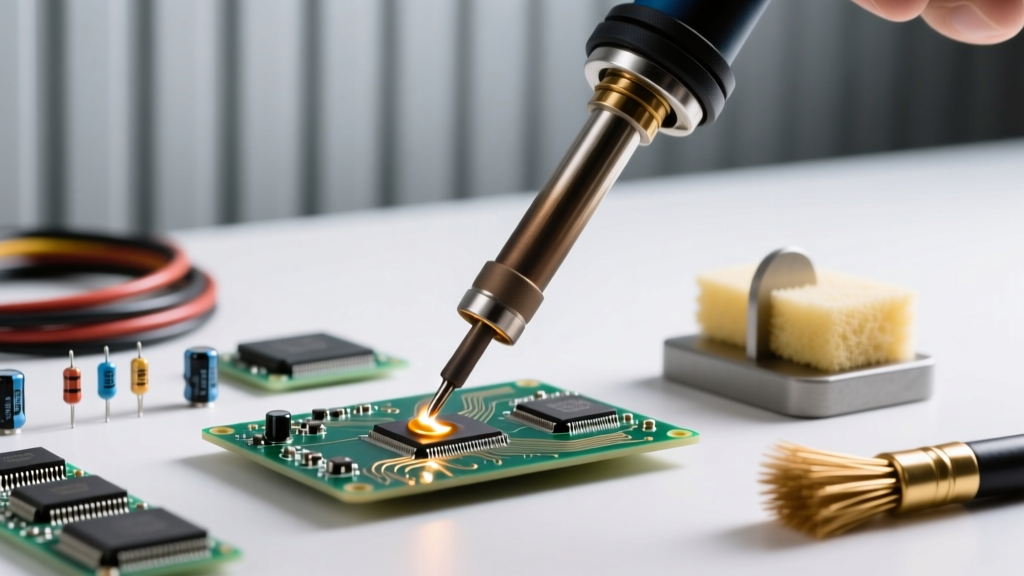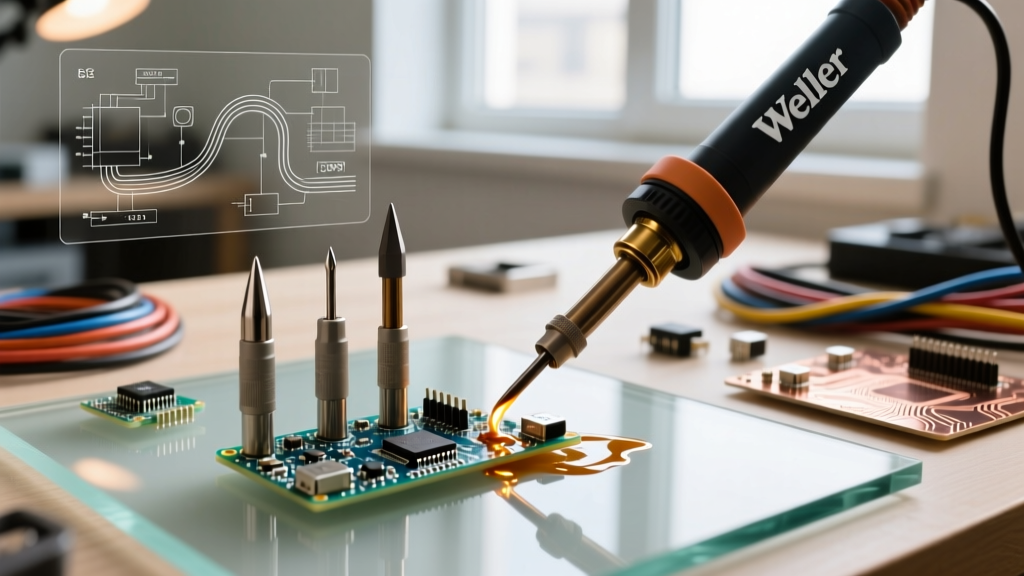

The Physics of Thermal Transfer in Soldering
Soldering is fundamentally an exercise in thermodynamics, not just metallurgy. When selecting Weller tips for soldering irons, the primary objective is maximizing the rate of heat transfer (Q) from the heating element to the component pad and via. Many hobbyists and even seasoned technicians make the critical error of chasing higher temperatures to compensate for poor thermal transfer. According to the IPC-A-610 standards for electronic assembly acceptability, excessive dwell times and high temperatures lead to pad lifting, barrel cracking in vias, and thermal degradation of sensitive silicon. The correct approach is to match the tip's thermal mass and surface area to the joint's specific heat sink characteristics, allowing the solder to wet at the lowest possible effective temperature.
Decoding Weller Tip Nomenclature and Ecosystems
Weller has developed several distinct tip ecosystems over the decades. Understanding which series your station requires is the first step in building an effective toolkit. Below is a breakdown of the three most prevalent Weller tip families used in modern electronics repair and manufacturing.
| Tip Series | Compatible Stations | Architecture | Price Range (2026) | Best Application |
|---|---|---|---|---|
| RT Series | WX1, WX2, WSD81, WR3M | Active (Heater & Sensor in tip) | $11.00 - $15.00 | Micro-SMD, 0402/0201 passives, fine-pitch QFP |
| ETA / LT Series | WE1010, WES51, WESD51 | Passive (Copper core, tool sensor) | $8.00 - $18.00 | General through-hole, larger SMD, wire tinning |
| XDS Series | WX1, WX2 (with WXDH handle) | Active (High-power, ergonomic) | $28.00 - $36.00 | Heavy ground planes, large connectors, RF shielding |
Active vs. Passive Tip Architectures
A crucial distinction in the Weller lineup is the difference between active and passive tips. The legacy ETA and LT series are passive; they are essentially shaped copper cores with an iron plating. The thermocouple that reads the temperature is located inside the metal barrel of the soldering iron handle (e.g., the WSP80 or WEL1000 handle). This creates a slight thermal lag between the handle sensor and the tip's working face.
Conversely, the modern RT series utilizes active architecture. The heating element and the thermocouple are embedded directly inside the consumable tip itself, mere millimeters from the soldering face. This allows Weller's WX stations to detect a temperature drop the millisecond the tip touches a cold pad, injecting up to 200W of peak power to recover the thermal deficit in under 40 milliseconds. When working on multi-layer PCBs with internal ground planes, an active RT tip (like the RT3 or RT4) will outperform a passive LT tip of the exact same physical size because of this closed-loop, localized feedback.
Geometry Selection: Matching the Joint
Selecting the correct geometry is where technique meets physics. The goal is to maximize the contact patch between the tip and the pad to facilitate rapid conduction.
Conical (e.g., RT1, RT2)
Often mistakenly chosen by beginners for 'precision' work, conical tips are generally the least efficient for thermal transfer. Because they only make point-contact with a flat PCB pad, the thermal transfer rate is severely bottlenecked. Use conical tips (like the 0.8mm RT1) exclusively for micro-soldering under a microscope, such as jumper wire repairs on 0.3mm BGA pads or trace routing. For standard 0603 or 0805 SMD components, avoid conical tips.
Chisel (e.g., RT3, LTA, LT1)
The chisel is the undisputed workhorse of electronics assembly. The flat face allows for broad surface area contact, wrapping around component leads and pads simultaneously. The 1.3mm RT3 chisel is the ultimate daily driver for Weller WX users, handling everything from 0402 passives to SOIC-8 ICs. For through-hole work on a Weller WE1010, the LTA (1.6mm chisel) provides the necessary thermal mass to push heat through to the opposite side of a double-sided board without stalling the heater.
Bevel / Hoof (e.g., RT4)
Bevel tips feature an angled, flat face that acts like a small spoon. This geometry is mandatory for drag-soldering fine-pitch components (like QFP-64 or LQFP-100 microcontrollers). The concave surface holds a small reservoir of molten solder, allowing surface tension to pull the solder evenly across the pins as you drag the tip. The RT4 (1.6mm bevel) is highly recommended for Surface Mount Technology Association (SMTA) recommended drag-soldering techniques.
Step-by-Step Tinning and Maintenance Protocol
Even the most expensive Weller XDS tip will be ruined in hours if subjected to improper maintenance. The iron plating on modern tips is only microns thick; once compromised, the underlying copper dissolves into the solder, destroying the tip. Follow this rigorous protocol:
- Initial Heat-Up: Set the station to 250°C (482°F). Never apply solder to a cold tip and let it heat up together; the flux will burn and carbonize before the solder melts.
- First Tinning: As the tip reaches 250°C, apply a generous amount of 63/37 rosin-core solder to the working face. Coat it entirely. This sacrificial layer prevents oxidation during the ramp-up to working temperatures.
- Working Temperature: Increase to your target temperature (330°C for leaded Sn63/Pb37; 360°C for lead-free SAC305).
- In-Use Cleaning: Never use a wet cellulose sponge. The rapid thermal shock (dropping the tip from 360°C to 30°C instantly) causes micro-fractures in the iron plating. Always use dry brass wire wool (such as the Weller WDC2). The brass is softer than the iron plating and removes oxidized solder without thermal shock.
- Shutdown Protocol: Before powering off the station, melt a large blob of fresh, flux-cored solder onto the tip. Leave this thick 'cap' of solder on the tip as it cools. This completely seals the working face from ambient oxygen, preventing the dreaded 'black tip' oxidation overnight.
Troubleshooting Common Weller Tip Failures
When your Weller station indicates it is at temperature, but the solder refuses to wet or rolls off the tip like water on a hot skillet, you are experiencing a failure mode. Here is how to diagnose and recover:
- Black Tip Syndrome (Oxidation): Caused by leaving the iron at high temperatures without a solder cap, or using cheap, high-activator fluxes. Fix: Do not sand it. Apply a specialized tip tinner (like Weller WDC1 or Edsyn TS-3) which contains a mild abrasive and aggressive flux to strip the oxidation and re-tin in one step.
- Pitting and Cratering: Small divots in the iron plating where the copper core is exposed. This is caused by using lead-free solder at excessively high temperatures (over 400°C) or leaving the tip in a pool of highly activated liquid flux. Fix: The tip is structurally compromised and must be discarded. The exposed copper will dissolve rapidly and contaminate your joints.
- Thermal Lag / Stalling: The station reads 380°C, but the tip won't melt solder on a ground plane. If using an ETA/LT passive tip, ensure the tip is fully seated and the locking nut is tight against the heating element. A microscopic air gap between the heater and the copper core acts as a severe thermal insulator.
Sourcing and Authenticity Verification
The popularity of Weller stations has spawned a massive market of counterfeit tips on third-party marketplaces. A genuine Weller RT3 tip costs between $11.00 and $15.00. If you find a 5-pack for $12.00, they are counterfeit. Counterfeit active RT tips lack the internal precision thermocouple and heater winding. When plugged into a Weller WX1 or WX2, the station's microprocessor will receive erratic resistance readings, leading to wild temperature overshoots that can easily exceed 450°C, instantly destroying your PCB pads and potentially frying the station's internal MOSFETs. Always source your Weller tips for soldering irons from authorized industrial distributors like Mouser, Digi-Key, or directly via Weller's official channels to guarantee thermal safety and IPC compliance.
Expert Insight: 'The most common mistake I see in repair labs is technicians using a 0.4mm conical RT tip to solder a USB-C connector shield, then cranking the WX1 to 420°C when the solder won't flow. The issue isn't temperature; it's thermal mass. Switch to an XDS chisel or a large LT hoof tip, drop the temperature to 360°C, and the joint will flow perfectly in three seconds without risking the surrounding plastic housing.' — Senior Rework Technician, Tier 1 EMS Provider.