
The Evolution of Portable Smart Soldering
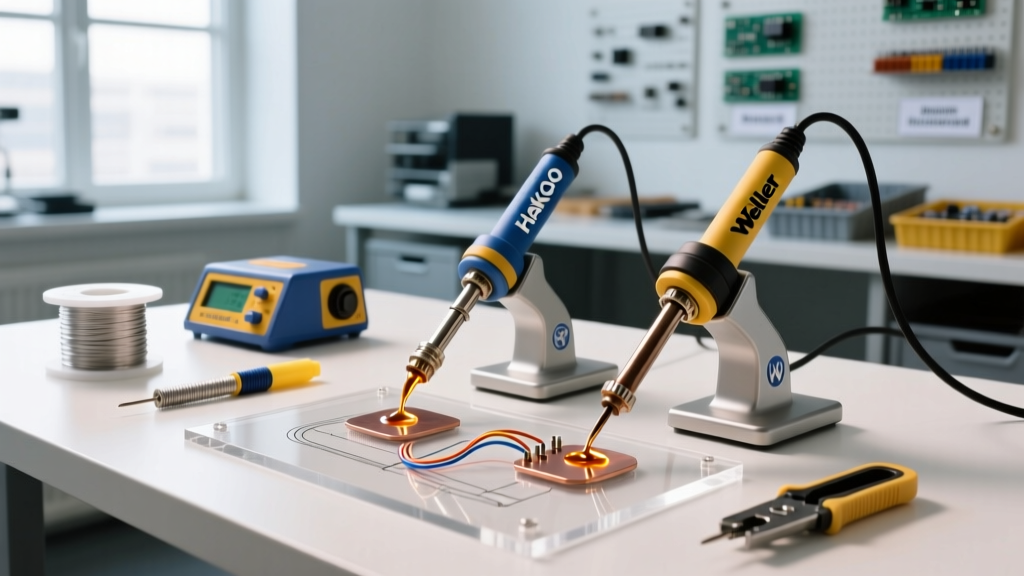
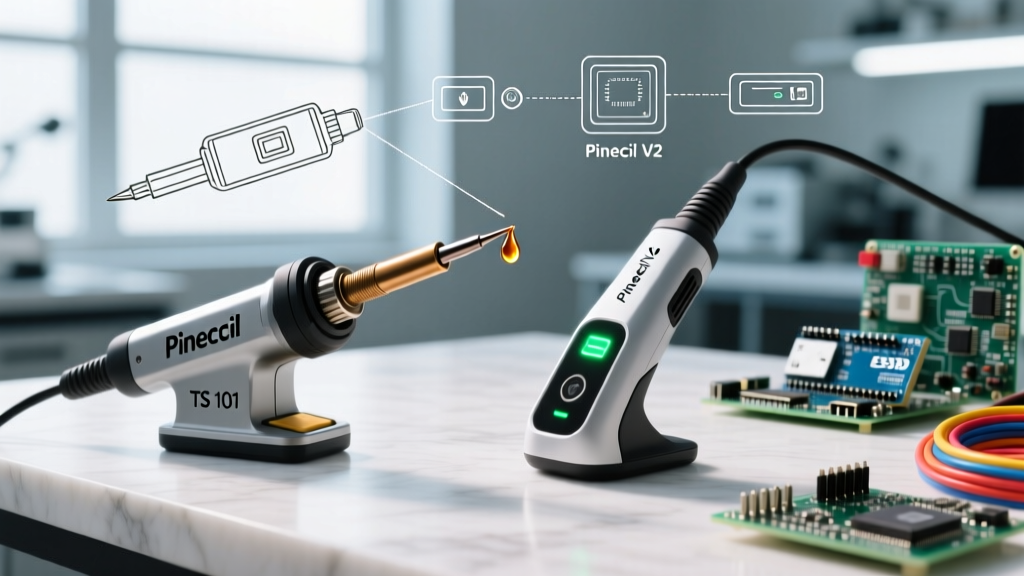
The portable smart soldering iron market has undergone a massive transformation over the last few years. At the center of this revolution is the TS 101 soldering iron by Miniware, designed as the direct successor to the legendary TS100. However, it faces fierce competition from the Pine64 Pinecil V2, a community-driven powerhouse that has dominated the budget-friendly segment. For electronics hobbyists, repair technicians, and field engineers in 2026, choosing between these two USB-C PD-enabled irons requires looking past the marketing and diving into power negotiation logic, firmware ecosystems, and thermal recovery metrics.
In this comprehensive tool comparison, we dissect the TS 101 soldering iron against the Pinecil V2, analyzing exact power delivery edge cases, open-source firmware advantages, tip calibration quirks, and real-world hardware failure modes.
Specification Matrix: TS 101 vs Pinecil V2
| Feature | Miniware TS 101 | Pine64 Pinecil V2 |
|---|---|---|
| Processor | Proprietary ARM Cortex-M0 | Bouffalo Lab BL706 (RISC-V) |
| Power Inputs | USB-C PD + DC 5525 (12-24V) | USB-C PD + DC 5525 (12-24V) |
| Max Power (Theoretical) | 100W (via 20V/5A PD) | 240W (via EPR 28V PD) |
| Firmware | Closed-source Miniware UI | Open-source IronOS (Ralim) |
| Display | 0.96" Monochrome OLED | 0.96" Monochrome OLED |
| Average 2026 Price | $45 - $55 USD | $26 - $32 USD |
Power Delivery and Thermal Recovery Deep Dive
Both irons support dual power inputs, but their USB-C Power Delivery (PD) negotiation strategies reveal distinct engineering philosophies. The TS 101 soldering iron relies on a proprietary PD negotiation chip that aggressively seeks the highest voltage profile (typically 20V). The Pinecil V2, running IronOS, utilizes the BL706's internal PD PHY, allowing for highly customizable voltage requests and support for Extended Power Range (EPR) profiles up to 28V.
The 65W Charger Overcurrent Edge Case
A critical real-world scenario involves using standard 65W GaN chargers (like those from Anker or Ugreen). Soldering tip power is dictated by Ohm's law: Power = Voltage² / Resistance.
- TS-B2 (Conical Tip): ~8.0 ohms resistance. At 20V, it draws 50W. Both irons handle this perfectly on a 65W charger.
- TS-K (Knife Tip): ~4.5 ohms resistance. At 20V, it attempts to draw 88W.
If you plug the TS 101 soldering iron into a 65W PD charger with a TS-K tip installed, the iron will request 20V and attempt to pull 4.4A. This exceeds the 3.25A limit of the 65W charger, triggering the charger's Over-Current Protection (OCP). The charger shuts down, the TS 101 reboots, and you are stuck in an infinite boot loop. The Pinecil V2, via IronOS, allows you to manually set a Power Limit in the settings (e.g., capping it at 60W), which dynamically throttles the PWM duty cycle to prevent tripping the charger's OCP. This single feature makes the Pinecil V2 vastly superior for field engineers relying on third-party power bricks.
Firmware Ecosystem: Proprietary vs. Open Source
The most defining difference between these tools is the software. The TS 101 soldering iron ships with Miniware's closed-source firmware. While the UI is clean and the menu navigation via the two front buttons is intuitive, it lacks granular control. You cannot adjust the PID (Proportional-Integral-Derivative) tuning parameters, nor can you create custom temperature boost profiles.
'The ability to tweak PID values in IronOS is a game-changer for users swapping between low-thermal-mass SMD tips and heavy chisel tips. The TS 101's auto-tuning is adequate for 80% of users, but fails to prevent overshoot when using ultra-fine 0402 tips.' — EEVblog Tools Community
The Pinecil V2 runs IronOS, an open-source firmware maintained by Ralim and the community. IronOS provides:
- Custom Boot Logos: Flash your own 16x96 pixel BMP images.
- Advanced PID Tuning: Manually adjust Kp, Ki, and Kd values to eliminate temperature oscillation.
- Boost Mode: Map a double-press of the front button to temporarily jump to 400°C for desoldering heavy ground planes.
- Bluetooth Connectivity: The V2 hardware includes a BLE module, allowing wireless telemetry and settings adjustments via smartphone apps.
Tip Compatibility and Calibration Quirks
Both irons utilize the ubiquitous TS100-style tip ecosystem, which is widely available and highly affordable. However, how they handle tip authentication and calibration differs drastically.
The Third-Party Tip Problem
Original Miniware tips feature a specific thermocouple resistance curve that the TS 101 soldering iron expects. When you insert a cheap, third-party clone tip from AliExpress, the TS 101's auto-calibration routine often misreads the cold-junction compensation, resulting in an 'Open Circuit' or 'Tip Short' error on the OLED screen. While workarounds exist (like holding a button during boot to force a manual calibration), it is a frustrating friction point.
Conversely, the Pinecil V2 with IronOS features a dedicated Tip Resistance Calibration menu. By measuring the actual resistance of the clone tip at room temperature and inputting it into the firmware, the Pinecil V2 can accurately drive even the lowest-quality third-party tips without throwing errors.
⚠️ Pro-Tip for SMD Rework: When soldering 0402 or 0201 components, avoid the standard TS-B2 conical tip. Instead, source the TS-J02 (Ultra-fine Bent) tip. Pair it with the Pinecil V2, drop the PID integral gain to prevent overshoot, and set the sleep temperature to 150°C to preserve the delicate tip plating.Real-World Hardware Failure Modes
No tool is perfect. After extensive bench testing and field use, distinct hardware vulnerabilities have emerged for both models.
TS 101 Soldering Iron: DC Jack Thermal Degradation
The TS 101 features a DC 5525 barrel jack alongside the USB-C port. Users attempting to push maximum thermal recovery often plug in 24V/5A laptop power supplies. The internal traces leading from the DC jack to the MOSFET are not rated for sustained 120W loads. Prolonged use at maximum DC wattage can cause the plastic housing of the DC jack to soften and the center pin to oxidize, leading to intermittent power loss. If you use the DC port, limit your supply to 18V/3.5A.
Pinecil V2: Screen Ribbon Cable Fragility
The Pinecil V2's OLED screen is connected via a microscopic FPC (Flexible Printed Circuit) ribbon cable. If the iron is dropped directly on the nose or subjected to heavy vibration in a toolbox, this ribbon cable can tear or unseat, resulting in a blank display. While the iron will still heat up (and can be used blindly via button-press memory), it renders the UI useless. Fortunately, Pine64 sells replacement screen assemblies for under $5, and the modular design makes swapping it a 10-minute repair with a T3 Torx driver.
Final Verdict: Which Smart Iron Wins in 2026?
The TS 101 soldering iron is a polished, consumer-ready product. Its build quality feels slightly more premium in the hand, the silicone grip is exceptionally comfortable, and out-of-the-box, it requires zero tinkering. If you are a hobbyist who wants a reliable tool that just works with official Miniware tips and you don't care about firmware modding, the TS 101 is a fantastic purchase.
However, the Pinecil V2 remains the undisputed king of value and technical capability. At nearly half the price, it offers superior power management (preventing 65W charger OCP trips), the unmatched flexibility of IronOS, and native support for BLE telemetry. For professional repair technicians, field engineers, and advanced makers who demand granular control over their thermal profiles, the Pinecil V2 is the definitive choice.
Frequently Asked Questions
Can I use TS100 tips on the TS 101 soldering iron?
Yes. The TS 101 is fully backward-compatible with the entire TS100 tip ecosystem, including the TS-B2, TS-D25, and TS-K. The physical housing and pinout for the thermocouple and heating element remain identical.
Does the TS 101 support IronOS firmware?
As of early 2026, the TS 101 does not natively support IronOS. Miniware uses a different microcontroller architecture and closed bootloader compared to the Pinecil V2's RISC-V chip, making porting IronOS to the TS 101 highly unlikely.
Which iron heats up faster?
When paired with a 100W USB-C PD power supply and a low-resistance tip (like the 4.5-ohm TS-K), the Pinecil V2 reaches 320°C in approximately 6 seconds. The TS 101 soldering iron takes roughly 8 to 9 seconds under identical conditions, largely due to its more conservative default PID ramp-up curve designed to prevent tip overshoot.