
The Hidden Cost of Poor Tip Maintenance
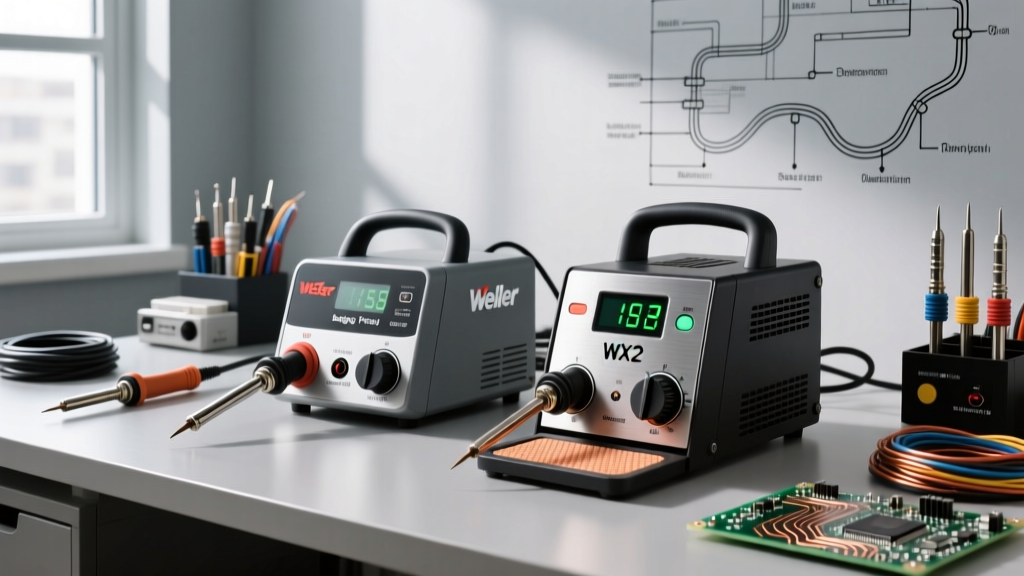
When you invest in a high-quality soldering iron with tips that are interchangeable, you are buying into an ecosystem of thermal precision. However, even a premium station like the Hakko FX-888D or the Weller WE1010NA will perform like a cheap bargain-bin tool if the tip is neglected. As of 2026, the shift toward lead-free SAC305 alloys in both professional and hobbyist spaces has drastically increased the thermal and chemical stress placed on soldering tips. Lead-free solder requires higher operating temperatures (typically 350°C to 380°C), which accelerates oxidation and flux carbonization.
Troubleshooting a soldering iron with tips that refuse to wet, fail to transfer heat, or physically degrade requires a systematic approach. This guide bypasses generic advice and dives into the metallurgical realities of tip maintenance, providing actionable frameworks for diagnosing and resolving the most common thermal transfer failures.
The Metallurgy of Tip Degradation
To troubleshoot effectively, you must understand what a soldering tip actually is. A modern tip is not a solid piece of copper. It is a complex composite: a high-conductivity copper core, plated with a thin layer of iron (usually 0.003 to 0.005 inches thick) to resist solder dissolution, and finally coated with chromium or nickel to prevent the solder from climbing up the shaft.
When the iron plating is compromised, the molten solder attacks the copper core, leading to rapid pitting and catastrophic failure. According to the IPC standards for electronic assembly, maintaining the integrity of this iron plating is critical for achieving reliable solder joints and preventing copper leaching into your solder bath.
Troubleshooting Matrix: Diagnosing Tip and Heater Failures
Use the following diagnostic matrix to identify the root cause of your soldering iron's poor performance and apply the correct corrective action.
| Symptom | Root Cause | Corrective Action | Estimated Cost Impact |
|---|---|---|---|
| Solder balls up and rolls off the tip (Non-wetting) | Heavy oxidation layer blocking thermal transfer | Use a brass wire sponge and apply fresh rosin-core solder immediately. If severe, use a chemical tip tinner. | $8 - $15 (Tip Tinner) |
| Visible craters or rough texture on the working surface | Pitting (copper core exposed and dissolved by flux/tin) | Discard the tip immediately. Pitting cannot be reversed. Lower idle temperatures to prevent recurrence. | $10 - $15 (Replacement Tip) |
| Iron displays correct temperature but solder melts sluggishly | Carbonized flux buildup acting as a thermal insulator | Clean with a damp cellulose sponge using distilled water. Wipe and re-tin immediately. | $0 (Distilled Water) |
| Station throws a sensor error or fails to heat entirely | Cracked ceramic heater or degraded thermocouple contacts | Inspect the heater element. Clean contacts with isopropyl alcohol. Replace heater if cracked. | $15 - $35 (Heater Element) |
The Correct Cleaning and Tinning Protocol
Many technicians inadvertently destroy their tips through improper cleaning routines. The NASA Electronic Parts and Packaging (NEPP) Program workmanship manuals emphasize strict thermal shock avoidance and proper flux management. Follow this exact protocol to maximize tip lifespan:
1. The Cellulose Sponge Method (For Active Soldering)
- Hydration: Use only distilled or deionized water. Tap water contains minerals (calcium, magnesium) that bake onto the tip at 350°C, creating a hard, insulating scale.
- The Squeeze Test: The sponge must be damp, not wet. When squeezed, it should yield no dripping water. A soaking wet sponge causes severe thermal shock, which can micro-fracture the ceramic heater inside the handle or crack the tip's iron plating.
- The Wipe-and-Tin Rule: Never wipe the tip and leave it bare. Always wipe to remove oxidized solder, and immediately apply a fresh coat of rosin-core solder to protect the iron plating from ambient oxygen.
2. The Brass Wire Sponge Method (For Heavy Oxidation)
Brass sponges (like the Hakko 599B) are superior for deep cleaning because they do not drop the tip's temperature drastically. Plunge the tip into the brass shavings and twist gently. Warning: Do not use steel wool or abrasive sandpaper. Steel is harder than the iron plating and will strip it away instantly, ruining the tip.
3. Chemical Tip Tinning (The Last Resort)
If a tip is blackened and refuses to wet, a chemical tip tinner (e.g., Amtech TT-8 or Hakko FS-100) can often save it. These compounds contain aggressive reducing fluxes mixed with solder powder.
Expert Warning: Never leave a tip in a chemical tinner for more than 3 to 5 seconds. The aggressive flux will eat through the iron plating if left too long. Dip, twist, wipe on a brass sponge, and immediately coat with standard 63/37 leaded solder for storage.
Advanced Edge Cases: Sensor and Heater Troubleshooting
Sometimes the issue is not the tip itself, but the interface between the tip and the soldering iron with tips station's heating element.
Cartridge vs. Ceramic Heater Systems
In traditional stations like the Hakko FX-888D, the tip slides over a separate ceramic heater (A1321) and thermocouple. If the tip is dropped or subjected to lateral stress, the brittle ceramic heater can snap. Furthermore, flux vapors can condense on the electrical contacts inside the handpiece, causing intermittent sensor errors. Fix: Disassemble the handpiece, clean the 5-pin connector with 99% isopropyl alcohol, and ensure the tip is seated flush against the heater.
Conversely, modern cartridge systems (like the T12 tips used in the Quicko T12 or the T65 tips in the 2026-era Pine64 Pinecil V2) integrate the heater, sensor, and tip into a single unit. If a cartridge tip fails to heat, the internal thermocouple has likely failed. There is no troubleshooting a dead cartridge; it must be replaced. The advantage is that cartridge tips offer vastly superior thermal recovery and eliminate the heater-to-tip thermal gap.
Tip Geometry Selection for Specific Maintenance Tasks
Using the wrong tip geometry forces you to apply excessive pressure or increase the temperature dial, both of which accelerate tip death. Match your tip to the task:
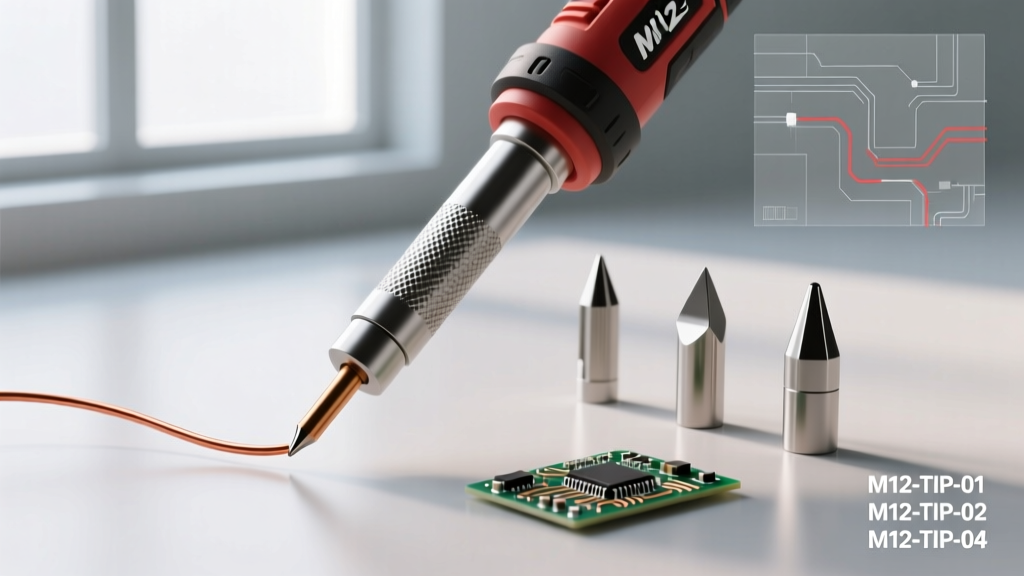
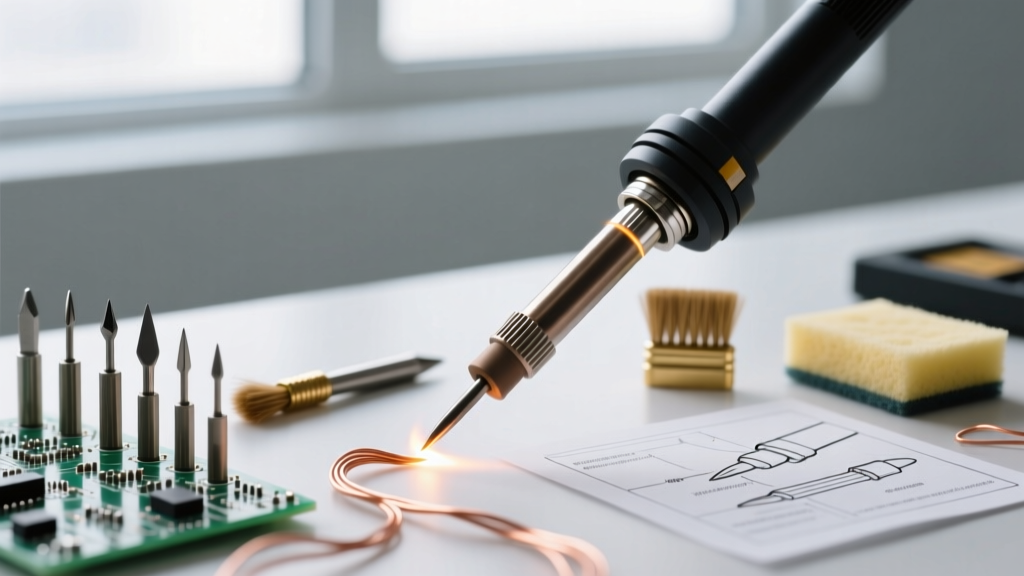
- Chisel (e.g., Hakko T18-D24, Weller ETA): The workhorse. Maximizes surface area contact for through-hole components and heavy ground planes. Use the flat side for standard joints and the edge for precision work.
- Bevel / Hoof (e.g., T18-C4): Excellent for drag-soldering SOIC and QFP surface-mount ICs. The concave shape holds a small reservoir of molten solder, preventing bridging.
- Conical (e.g., T18-B): Often misused by beginners. Conical tips have poor thermal mass transfer because they only touch the pad at a single tangent point. Reserve these strictly for ultra-fine 0201 SMD rework under a microscope.
- Knife (e.g., T18-K): Ideal for dragging through tight pitch QFN pads and cleaning up solder bridges with the sharp heel of the blade.
Cost Analysis: OEM vs. Aftermarket Tips
As of 2026, the market is flooded with counterfeit and aftermarket tips. While a genuine Hakko T18 tip costs between $9 and $12, and a genuine Weller ETA costs around $13, aftermarket clones can be found for $1 to $2 on bulk e-commerce sites.
The Verdict: Aftermarket tips often use inferior copper alloys and have drastically thinner iron plating (sometimes less than 0.001 inches). While acceptable for occasional hobbyist use, they will pit and degrade within weeks under daily lead-free soldering conditions. For professional environments or critical aerospace/automotive DIY projects adhering to Hakko Technical Resources and IPC guidelines, the 10x cost savings of clone tips is entirely negated by the cost of ruined PCB pads and frustrated rework time. Always buy OEM tips from authorized distributors.
Frequently Asked Questions
Should I turn off my soldering station when not in use?
Yes. Leaving a soldering iron with tips idling at 350°C for more than 10 minutes will rapidly oxidize the tinning layer. If your station lacks an auto-sleep feature (like the basic Weller WLC100), manually turn it down to 200°C or power it off between tasks.
Can I file down a pitted tip to make it flat again?
No. Filing or sanding a tip removes the protective iron plating, exposing the raw copper core. The tip will dissolve into your solder pot within minutes of use.
Why does my new tip turn blue and purple after the first use?
This is normal tempering coloration on the chrome-plated shaft of the tip, caused by heat cycling. As long as the working face remains silver and wetted with solder, the tip is functioning perfectly.