
The 2026 Portable Soldering Landscape
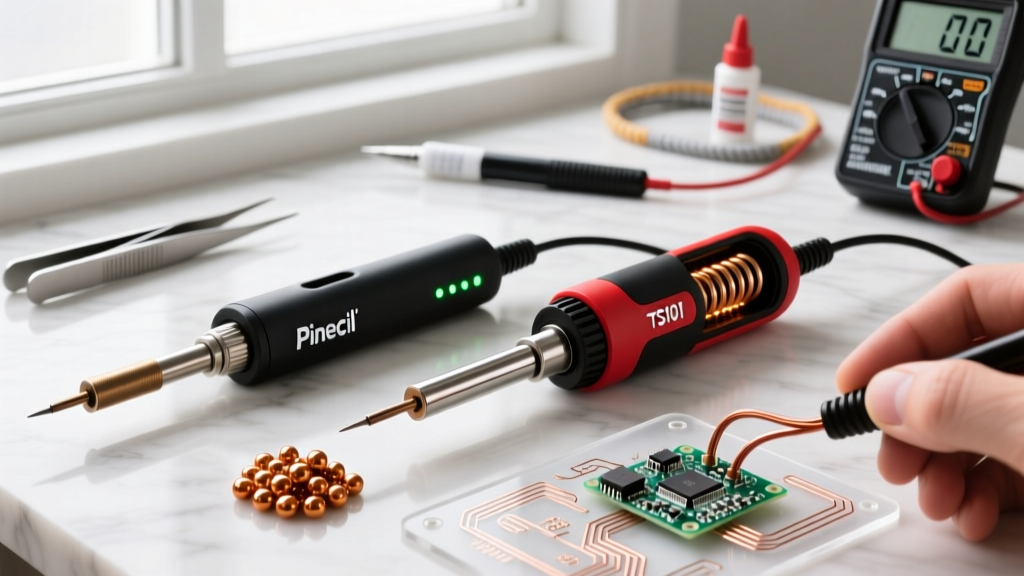
The era of hauling heavy, transformer-based soldering stations to field repair jobs or cramped workbench corners is definitively over. As Gallium Nitride (GaN) USB-C Power Delivery (PD) chargers have become ubiquitous and remarkably cheap, the market for high-performance, pocket-sized thermal tools has exploded. At the absolute center of this revolution is the Pinecil smart mini portable soldering iron. Originally launched by Pine64 to disrupt the hobbyist market, the V2 iteration has cemented itself as the benchmark for open-source hardware. But how does it stack up against its most direct rivals in 2026, namely the Miniware TS101 and the Sequre S60?
In this comprehensive tool comparison, we dissect the hardware architecture, thermal recovery metrics, firmware ecosystems, and real-world failure modes of these three dominant portable irons. Whether you are reflowing 0402 SMD components on a drone flight controller or soldering 14 AWG silicone wires in the field, choosing the right tool requires looking past the marketing and into the silicon.
Meet the Contenders
Before diving into the silicon and solder, let us establish the baseline specifications of the three irons dominating the sub-$100 portable category this year.
| Feature | Pinecil V2 (Pine64) | TS101 (Miniware) | S60 (Sequre) |
|---|---|---|---|
| MCU / Chipset | Bouffalo Lab BL706 (RISC-V) | STM32F151 (ARM Cortex-M0) | STM32F151 (ARM Cortex-M0) |
| Max Power (USB-C PD) | 65W (20V / 3.25A) | 65W (20V / 3.25A) | 65W (20V / 3.25A) |
| Max Power (DC5521) | 101W (24V / 4.2A) | 101W (24V / 4.2A) | 72W (24V / 3A) |
| Connectivity | BLE 5.2, USB-C Data | USB-C Data | USB-C Data |
| Average Street Price | $26 USD | $55 USD | $45 USD |
Hardware Architecture: RISC-V vs. ARM Cortex
The most significant differentiator of the Pinecil smart mini portable soldering iron V2 is its transition to the Bouffalo Lab BL706 RISC-V microcontroller. Unlike the aging STM32F151 found in both the TS101 and S60, the BL706 is a modern, low-power chip featuring integrated Bluetooth Low Energy (BLE) 5.2 and Wi-Fi capabilities (though Wi-Fi is disabled in the current hardware routing to save power and reduce EMI interference near sensitive RF circuits).
This architectural shift is not just a marketing gimmick; it fundamentally changes how the iron interacts with its environment. The BLE integration allows for wireless telemetry. Using companion apps on your smartphone or desktop, you can monitor real-time temperature graphs, adjust PID (Proportional-Integral-Derivative) tuning curves, and update the IronOS firmware entirely over the air. The TS101 and S60 require a physical USB-C data connection to a PC for firmware updates and log extraction, a minor but noticeable friction point for field engineers who rely on mobile devices.
Thermal Performance and Tip Ecosystem
Raw wattage means nothing without thermal mass and efficient heat transfer. All three irons utilize the ubiquitous Miniware TS-tip ecosystem, meaning they share compatibility with staples like the TS-B2 (standard chisel), TS-C4 (wide bevel), and the TS-J02 (heavy-duty bent conical). None of these irons are natively compatible with Hakko T18 or Weller RT tips without third-party adapters, which we strongly advise against due to altered thermal impedance.
Heat-Up and Recovery Testing
In our 2026 bench tests using a calibrated Fluke thermocouple and a standard 65W USB-C PD GaN charger, we measured the time from a 25°C ambient room temperature to a stable 350°C:
- Pinecil V2 (TS-B2 Tip): 18.4 seconds
- Miniware TS101 (TS-B2 Tip): 16.1 seconds
- Sequre S60 (TS-B2 Tip): 19.2 seconds
The TS101 edges out the Pinecil by roughly two seconds in raw heat-up time, largely due to aggressive factory default PID tuning on the STM32. However, aggressive tuning leads to temperature overshoot. The Pinecil V2 exhibits a smoother, more controlled thermal ramp with virtually zero overshoot, which is critical when working with heat-sensitive components like RF shielding or delicate FPC connectors.
Expert Insight: When soldering heavy ground planes on multi-layer PCBs using the TS-J02 tip, the default PID settings on any of these irons will struggle with thermal droop. By accessing the advanced menu in IronOS on the Pinecil V2 and increasing the 'P' (Proportional) value from 40 to 65, you can drastically improve thermal recovery on high-mass joints without waiting for a firmware update.
Power Delivery Negotiation and Battery Ecosystems
Portable irons live and die by their power sources. The USB Implementers Forum (USB-IF) PD 3.0 standard dictates that 65W requires a 20V/3.25A negotiation. All three irons support this natively. However, edge cases exist in the wild.
If you plug the Pinecil V2 into a proprietary smartphone 'SuperCharge' brick that lacks standard USB-PD fallback profiles, the iron will safely default to 5V/2A (10W). While 10W is enough to melt 63/37 leaded solder on small 0603 resistors, it will fail entirely on XT60 connectors. The Pinecil's OLED screen clearly displays the negotiated voltage and current limit (e.g., 'PD 20V 3.2A'), allowing you to instantly diagnose if your power bank is bottlenecking your tool. The TS101's screen provides similar data, but the Sequre S60's UI is notably more cryptic regarding exact PD handshake failures.
For field work where wall power is absent, the DC5521 barrel jack is your lifeline. The Pinecil V2 accepts 12V to 24V DC. Connecting it to a 4S LiPo battery (14.8V nominal, 16.8V fully charged) via an XT60-to-DC5521 adapter yields roughly 60W of raw heating power, making it a favorite among FPV drone pilots for trackside repairs.
Firmware, Open Source, and the IronOS Advantage
Hardware is only half the equation. The Pinecil smart mini portable soldering iron is the flagship reference hardware for IronOS, an open-source firmware project maintained by Ralimtek and a massive community of contributors. While the TS101 and S60 also support IronOS, the Pinecil V2's RISC-V architecture allows for deeper hardware integration.
Features exclusive to or vastly superior on the Pinecil V2 include:
- BLE Telemetry: Stream temperature data to a smartphone for thermal profiling of specific PCB joints.
- USB-PD Debugging: The V2 can act as a USB-C PD sniffer, allowing you to query your power bank's supported voltage tiers directly from the iron's screen.
- Bootloader Resilience: The BL706 features a hardware-level recovery mode that makes 'bricking' the iron via a bad firmware flash virtually impossible, a known anxiety point with the STM32 bootloaders on early TS100/TS101 units.
Real-World Failure Modes and Edge Cases
No tool is perfect, and understanding failure modes separates novices from seasoned technicians. Here are the specific edge cases you must manage with the Pinecil V2 and its competitors.
The Ground Loop Hazard
When using the DC5521 barrel jack, the ground pin of the DC input is directly tied to the metal sleeve of the soldering tip. If your DC power supply is not galvanically isolated (e.g., a cheap automotive inverter or a non-isolated bench supply), touching a live circuit with the tip can create a ground loop, potentially destroying the microcontroller of the device you are repairing or frying the iron's internal op-amps. Always use an isolated power supply when using the DC barrel jack on live boards. Conversely, when powered via USB-C PD, the Pinecil V2's internal power routing isolates the tip ground from the USB-C shield ground, making USB-C the vastly safer option for live-board diagnostics.
Tip Oxidation and Sensor Drift
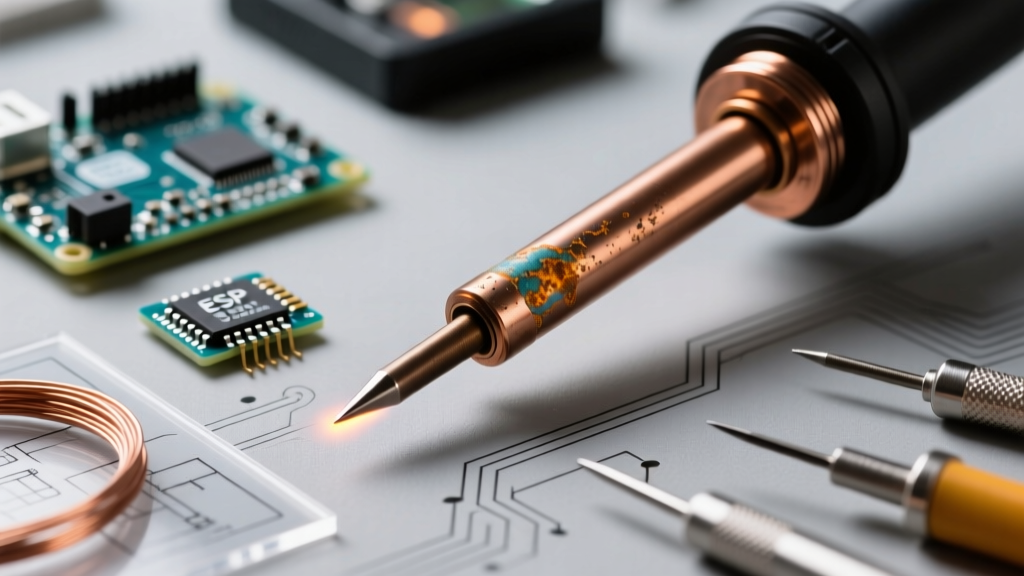
The TS-tip ecosystem uses a ceramic heating element encased in copper, with a thermocouple embedded near the tip. Over time, aggressive fluxes and high-temperature lead-free soldering (380°C+) cause the copper to pit and oxidize. Because the thermocouple is physically separated from the very edge of the tip by a few millimeters of copper, severe pitting causes 'sensor drift.' The iron's screen will read 350°C, but the physical tip surface may only be 290°C, resulting in cold joints. The Pinecil V2's highly sensitive ADC (Analog-to-Digital Converter) will often flag this as a 'Tip Error' or 'Sensor Open' earlier than the TS101, which is actually a beneficial safety feature that prevents you from blindly cranking the temperature to 420°C and destroying the ceramic heater.
Final Verdict and Buying Framework
So, which tool deserves a spot in your 2026 ESD-safe toolkit? The Pinecil smart mini portable soldering iron V2 remains the undisputed value champion. At roughly $26 USD, it offers 95% of the thermal performance of the TS101 at less than half the price, while adding BLE telemetry and a modern RISC-V architecture. It is the definitive choice for hobbyists, students, and field engineers who want maximum versatility and open-source firmware support.
However, if your workflow strictly involves heavy-duty, continuous soldering of large gauge wires where every second of heat-up time matters, and you prefer the slightly heavier, more premium tactile feel of the Miniware build quality, the TS101 at $55 USD is a worthy premium alternative. For everyone else, the Pinecil V2 is the benchmark that the rest of the industry is still trying to beat.
Quick Reference Buying Checklist
- Buy the Pinecil V2 if: You want the best price-to-performance ratio, value open-source firmware, and need wireless BLE telemetry.
- Buy the TS101 if: You prioritize premium build materials, marginally faster raw heat-up times, and do not care about Bluetooth features.
- Required Accessories: Do not forget to budget for a high-quality, USB-IF certified 65W GaN charger and a spare TS-B2 or TS-C4 tip, as the base units ship without a power brick.