
The Hakko FX 888D Soldering Iron: A 2026 Workbench Standard
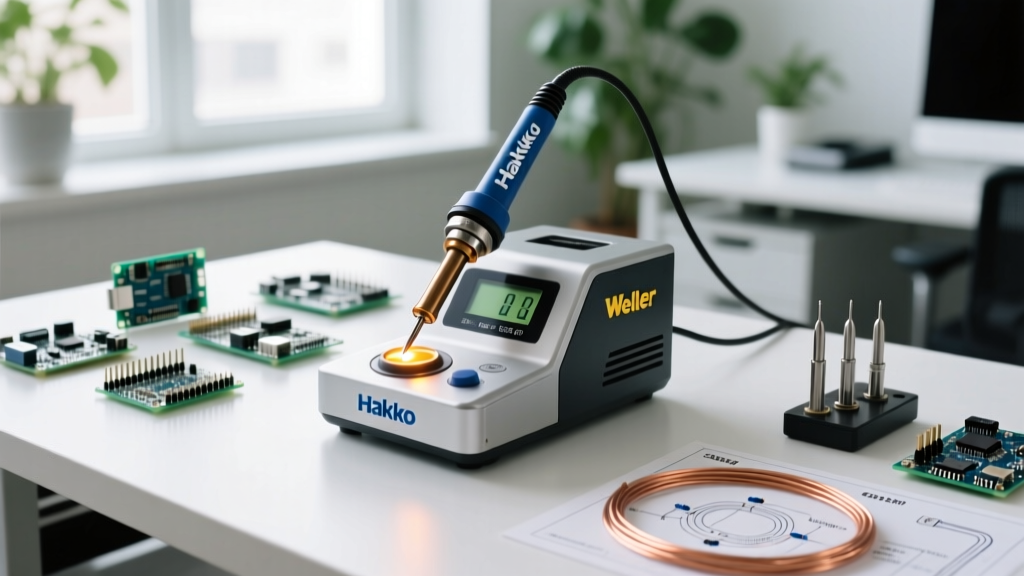
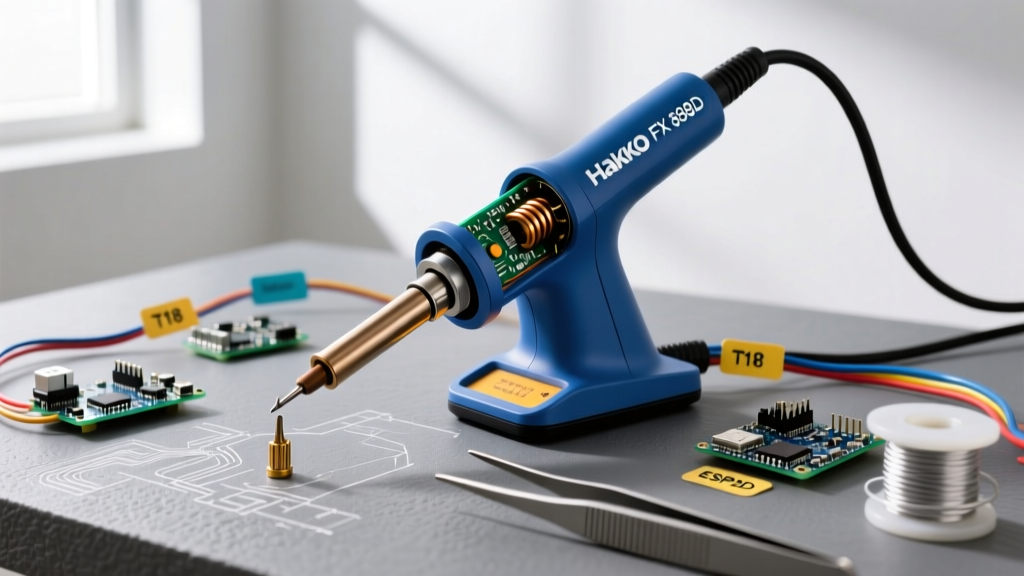
The Hakko FX 888D soldering iron station remains a dominant force on electronics workbenches in 2026. Retailing between $105 and $125, this 70-watt digital station offers exceptional thermal recovery and reliability. However, users often conflate the station itself with the handpiece. The actual iron is the Hakko FX-8801 handpiece, which connects to the FX-888D digital base station.
Whether you are dragging through heavy ground planes or performing delicate 0402 SMD rework, daily thermal cycling and mechanical stress will eventually degrade your equipment. This guide provides deep-dive troubleshooting, exact multimeter diagnostics, and actionable maintenance protocols to keep your Hakko FX 888D soldering iron operating at factory specifications.
Expert Note: Unlike the legacy analog FX-888, the digital FX-888D does not feature a physical calibration screw under the hood. Temperature offset adjustments must be performed digitally via the station's hidden service menu (Mode 5).
Multimeter Diagnostics: Testing the 5-Pin DIN Connector
When your Hakko FX 888D soldering iron fails to heat or throws an error code, the issue usually lies within the handpiece cord or the internal ceramic heater. Before ordering replacement parts, unplug the station and use a digital multimeter (DMM) set to Ohms (Ω) to test the 5-pin DIN connector on the handpiece cord.
| Pin Numbers | Component | Expected Resistance (at Room Temp) | Failure Symptom if Open/Short |
|---|---|---|---|
| Pins 1 & 2 | Ceramic Heater Element | 2.5 Ω to 3.5 Ω | Iron will not heat; station may display 'HAKKO' flashing. |
| Pins 3 & 4 | Thermocouple Sensor | 1.5 Ω to 2.5 Ω | Flashing temperature display; station shuts down to prevent thermal runaway. |
| Pin 5 & Shell | Ground / Shielding | < 1.0 Ω (Continuity) | Static buildup; risk of damaging ESD-sensitive components. |
If your multimeter reads 'OL' (Open Loop) across pins 1 & 2 or 3 & 4, the internal wiring has snapped—usually right at the strain relief where the cord enters the handpiece. You will need to replace the cord assembly (Part # B5035) or the entire FX-8801 handpiece.
Top 3 Hakko FX 888D Failures & Actionable Fixes
1. Flashing Temperature Display (Sensor Fault)
The Symptom: The digital readout flashes the current temperature, and the iron refuses to heat.
The Root Cause: The base station is detecting an open circuit in the thermocouple sensor (Pins 3 & 4). This is a safety mechanism to prevent the heater from melting the handpiece if the sensor fails.
The Fix: First, check the 5-pin DIN connection at the base station. Ensure no pins are bent or pushed back into the plastic housing. If the connector is pristine, the thermocouple inside the ceramic heater has failed. You must replace the ceramic heater assembly (Part # A1321) or the entire handpiece.
2. Solder Beading and Severe Tip Oxidation
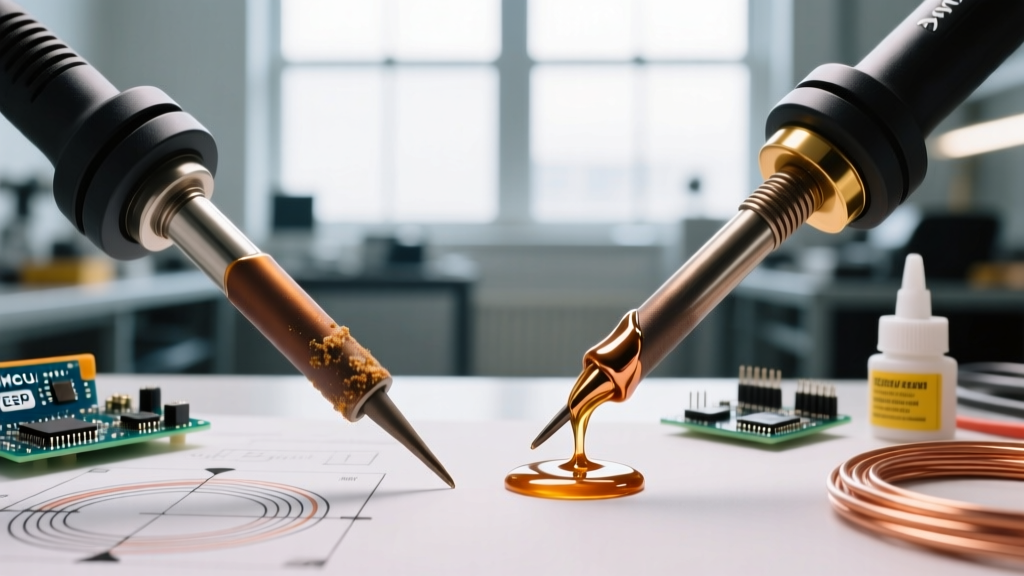
The Symptom: Solder rolls off the tip in balls; the tip appears black or crusty.
The Root Cause: Using water-soaked cellulose sponges causes rapid thermal shock, leading to micro-cracking in the iron plating of the T18 tip. Furthermore, leaving the station at 400°C+ while idle accelerates oxidation.
The Fix: Discard the yellow cellulose sponge. Switch to the Hakko 599B brass wire sponge, which cleans without dropping the tip temperature. To rescue a mildly oxidized tip, use Hakko 507 Tip Tinner. Dip the hot tip into the tinner, wipe it on the brass sponge, and immediately apply fresh rosin-core solder. According to NASA's Workmanship Standards for Soldering (NASA-STD-8739.3), tips should be kept heavily tinned when not in active use to prevent the underlying copper from dissolving into the solder bath.
3. Slow Thermal Recovery on Large Pads
The Symptom: The iron struggles to melt solder on large ground planes, and the temperature drops significantly.
The Root Cause: You are likely using a standard conical tip (like the T18-B) which has very low thermal mass and poor surface contact area.
The Fix: Switch to a chisel or bevel tip. The T18-D12 (1.2mm chisel) or the T18-C2 (2mm bevel) drastically increases the surface area transferring heat into the pad. For heavy ground planes, use the T18-K (knife tip) and apply a small amount of fresh, flux-cored solder to the tip right before touching the pad to create a thermal bridge.
The 2026 Counterfeit T18 Tip Epidemic
One of the most critical maintenance issues facing Hakko users today is the proliferation of counterfeit T18 tips. Fake tips are manufactured with inferior copper cores and lack the proper iron plating thickness. They cause severe sensor lag, forcing the FX-888D's PID controller to overdrive the ceramic heater, eventually burning it out.
- Weight: Genuine T18 tips have a dense copper core. Counterfeits are often 15-20% lighter.
- Markings: Genuine Hakko tips feature precise laser-etched part numbers and lot codes. Fakes often use shallow, messy mechanical stamping.
- Packaging: Authentic tips come in high-quality, anti-static blister packs with crisp printing. Beware of bulk lots on Amazon or AliExpress shipped in generic plastic tubes.
Always source your tips from authorized distributors like Digi-Key, Mouser, or directly from Hakko USA to ensure compliance with IPC J-STD-001 soldering standards.
Preventative Maintenance Schedule
Implement this schedule to maximize the lifespan of your FX-888D station and FX-8801 handpiece.
| Frequency | Maintenance Task | Required Tools / Materials |
|---|---|---|
| Daily | Wipe tip on brass sponge; apply heavy coat of fresh solder before powering down. | Hakko 599B, 63/37 Leaded Solder |
| Weekly | Inspect T18 tip for pitting or black oxidation. Use tip tinner if necessary. | Hakko 507 Tip Tinner |
| Monthly | Inspect the 5-pin DIN connector for bent pins. Check cord strain relief for cracking. | Visual Inspection, Multimeter |
| Annually | Disassemble handpiece sleeve; clean ceramic heater shaft with isopropyl alcohol to remove baked flux residue. | 99% IPA, Cotton Swabs |
Step-by-Step: Deep Cleaning the FX-8801 Handpiece
Flux vapor travels up the T18 tip sleeve and bakes onto the ceramic heater shaft over time. This carbon buildup acts as an insulator, causing temperature inaccuracies.
- Power Down & Cool: Unplug the station and let the handpiece cool completely to room temperature.
- Remove the Tip & Sleeve: Unscrew the aluminum tip locking nut and slide off the T18 tip and the metal sleeve.
- Inspect the Heater: You will see the white ceramic heater element protruding from the handle. Do not touch the ceramic element with bare hands or metal tools; it is extremely fragile.
- Clean the Shaft: Dampen a lint-free cotton swab with 99% isopropyl alcohol (IPA). Gently wipe the base of the ceramic shaft where it meets the metal handle to dissolve baked rosin flux.
- Reassemble: Slide the sleeve back on, insert a fresh T18 tip, and hand-tighten the locking nut. Do not use pliers, as overtightening will warp the sleeve and restrict tip insertion.
Frequently Asked Questions
Can I calibrate the Hakko FX 888D?
Yes, but not with a screwdriver. You must enter the station's calibration mode by pressing and holding the 'UP' arrow while turning the power switch on. Enter Mode 5 (Temperature Offset) to add or subtract degrees to match an external tip thermometer (like the Hakko FG-100B). Only calibrate if your tip temperature deviates by more than 10°C from the display.
Is the FX-8801 handpiece compatible with older Hakko stations?
No. The FX-8801 uses a proprietary 5-pin connector and a specific thermocouple curve designed for the digital PID controller of the FX-888D. It is not backward-compatible with the analog FX-888 or the older 936 stations, which use a different 4-pin/5-pin hybrid wiring standard.
How long should a genuine T18 tip last?
With proper maintenance (brass sponge, tinning when idle, avoiding excessive heat), a genuine T18 tip should last between 6 to 12 months of daily professional use. If you are replacing tips every few weeks, you are likely using counterfeit tips, running the station too hot (above 380°C for leaded solder), or using abrasive sandpaper to clean the oxidation.