
The Anatomy of a Soldering Iron Description
When shopping for electronics tools in 2026, the soldering iron description on the box or product page is your only window into the tool's true capabilities. However, marketing jargon often obscures critical engineering realities. A $15 generic iron and a $450 professional station might both claim '60W Fast Heating' and 'Adjustable Temperature,' but their real-world performance on a multi-layer PCB is worlds apart.
Understanding how to read between the lines of a product listing is essential for avoiding cold joints, damaged pads, and premature tip oxidation. In this guide, we dissect the standard soldering iron description, contrasting budget marketing claims against premium engineering realities to help you make an informed purchasing decision.
The Golden Rule of Tool Specs: A budget soldering iron description tells you what the tool can do in a perfect, unloaded vacuum. A premium soldering iron description tells you what the tool can sustain under heavy thermal loads.
Wattage and Thermal Recovery: The 'Peak' vs 'Continuous' Trap
The most prominent number in any soldering iron description is the wattage. Budget models frequently advertise '60W' or '80W' to imply raw power. However, what they omit is the difference between peak wattage and continuous thermal recovery.
The Budget Reality: Peak Power Illusions
In a typical $12 to $20 budget iron, the 60W rating is often a peak draw that the internal nichrome wire heater cannot sustain without overheating the handle or tripping internal thermal limits. More importantly, the thermal sensor (usually a basic bimetallic strip or a cheap thermocouple) is located deep inside the heating element, far from the tip apex. When you apply the tip to a large ground plane on a 4-layer PCB, the tip temperature plummets. The sensor doesn't register the drop until seconds later, resulting in a cold joint or, worse, thermal runaway when the heater finally overcompensates.
The Premium Reality: Active Thermal Management
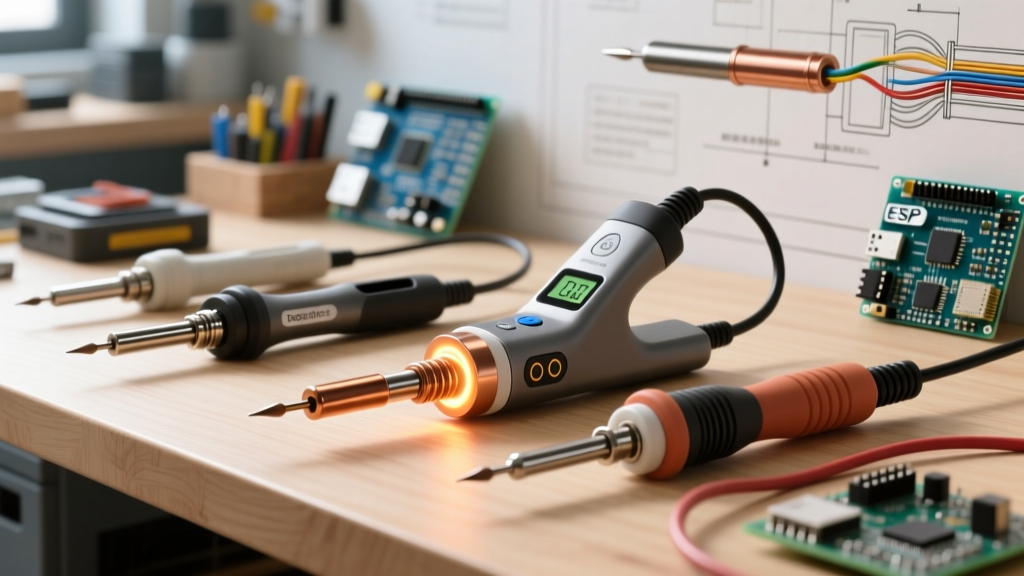
Premium stations, such as the Weller WE1010NA ($115) or the Hakko FX-888D ($105), utilize 70W continuous-output ceramic heaters with sensors positioned millimeters from the tip. When you touch a joint, the station detects the micro-drop in temperature and injects current instantly. Ultra-premium systems like the JBC CD-2BQF ($450) use a 130W cartridge system where the heater is integrated directly into the tip, achieving thermal recovery times of under 2 seconds, even when soldering heavy 10AWG wires or large copper pours.
Heating Element Technology: What the Description Hides
A thorough soldering iron description should explicitly state the heating element technology. If it just says 'internal heating,' proceed with caution.
- Nichrome Wire (Budget): A wire wrapped around a ceramic core. It is slow to heat (45-60 seconds to reach 350°C), fragile, and acts as an inductor, which can introduce electrical noise into sensitive circuits.
- Ceramic Heater (Mid-Tier/Premium): Used in Hakko T18 and Weller ET series tips. Heats in 20 seconds, provides stable resistance, and offers excellent electrical isolation.
- Cartridge/Integrated Heater (Ultra-Premium): Used in JBC C245 and C115 series. The heater and thermocouple are built into the disposable tip itself. This eliminates the air gap between heater and tip, providing unmatched thermal transfer.
Tip Material and Plating: Why Budget Tips Oxidize in Weeks
Modern electronics assembly relies heavily on lead-free solder alloys like SAC305, which require higher working temperatures (typically 340°C to 360°C) and are highly corrosive. According to Hakko's official tip care guidelines, operating at these elevated temperatures accelerates oxidation and tip pitting if the metallurgy is subpar.
Decoding Tip Metallurgy Claims
Budget product listings often use vague terms like 'long-lasting copper tip' or 'alloy tip.' In reality, a pure copper tip will dissolve into lead-free solder within hours. A proper soldering iron description for a professional tool will specify an iron-plated copper core. The iron plating (usually 0.1mm to 0.2mm thick) resists solder erosion, while the copper core provides rapid heat conduction. Premium tips undergo rigorous electroplating quality control to ensure zero micro-fractures in the iron layer, which is why a genuine Hakko T18-B tip ($8) will outlast a 10-pack of generic budget tips ($9) by several months.
ESD Safety and Grounding: The Hidden Premium Feature
If you are working on static-sensitive components like MOSFETs, CMOS logic, or bare microcontrollers, Electrostatic Discharge (ESD) safety is non-negotiable. The ANSI/ESD S20.20 standard outlines strict requirements for grounding in electronics manufacturing environments.
Budget soldering iron descriptions almost never mention ESD safety. Their internal wiring lacks a dedicated ground path from the tip to the earth pin on the wall plug. This means static charge can accumulate on the tip and discharge into your component the moment it makes contact. Premium stations explicitly state 'ESD Safe' and provide a measurable tip-to-ground resistance of less than 5 ohms, alongside a tip-to-ground potential of less than 2mV, ensuring your $50 microcontroller isn't fried by a $15 soldering iron.
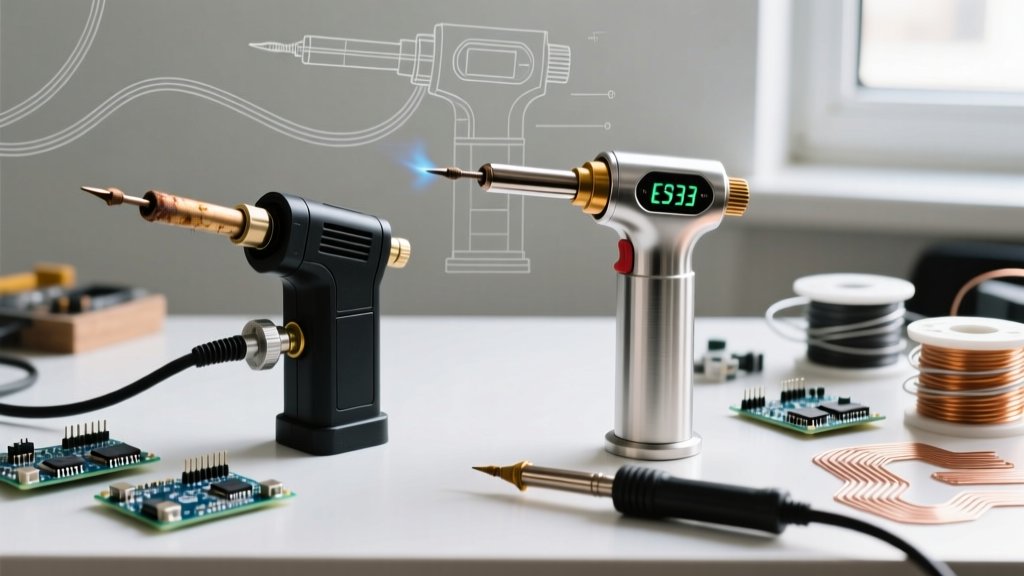
Comparison Matrix: Budget vs. Premium Spec Sheet Translation
Use this matrix to translate vague marketing claims into engineering realities when reading a soldering iron description.
| Marketing Claim in Description | Budget Iron Reality ($10 - $25) | Premium Station Reality ($100 - $450) |
|---|---|---|
| '60W Fast Heating' | Peak draw; 45+ sec heat up; severe temp drop on large joints. | Continuous output; 20 sec heat up; active PID thermal recovery. |
| 'Adjustable Temperature' | Dial-based; +/- 20°C variance; sensor far from tip. | Digital PID control; +/- 2°C variance; sensor at tip apex. |
| 'Durable Soldering Tips' | Pure copper or thin flash plating; pits in days with lead-free. | Thick iron-plated copper; engineered for SAC305 lead-free alloys. |
| 'Ergonomic & Safe' | Heavy handle; no ESD grounding; high tip-to-ground leakage. | Lightweight silicone grip; ESD safe (<5Ω to ground); sleep mode. |
Real-World Failure Modes When You Misread the Description
Ignoring the nuances of a soldering iron description leads to specific, frustrating failure modes in the field. According to the NASA Workmanship Standard for Soldering, proper wetting and intermetallic compound (IMC) formation require precise thermal profiles. Here is what happens when your tool fails to deliver:
- The 'Cold Joint' on Ground Planes: You attempt to solder a capacitor to a ground plane. The budget iron's thermal mass is too low. The solder melts, but the PCB pad never reaches the flow temperature. The result is a dull, grainy cold joint that will crack under thermal cycling.
- Pad Lifting from Prolonged Heating: Because a budget iron loses heat upon contact, users instinctively hold the iron on the pad for 10-15 seconds to force the solder to flow. This excessive dwell time degrades the FR-4 epoxy and lifts the copper trace off the board.
- Tip Pitting and Non-Wetting: Using a poorly plated budget tip at 380°C to compensate for poor thermal recovery causes the iron plating to micro-fracture. The molten solder eats into the copper core, creating black, oxidized craters that refuse to accept fresh solder.
Conclusion: Reading Between the Lines
In 2026, the barrier to entry for manufacturing electronics tools is lower than ever, resulting in a flooded market of spec-inflated budget irons. When evaluating a soldering iron description, look past the bolded wattage numbers. Search for specific mentions of ceramic heaters, iron-plated tips, PID temperature control, and ESD grounding. If the manufacturer hides these details behind vague buzzwords, the tool is designed for occasional hobbyist wire-splicing, not precision PCB work. Invest in a tool whose description is backed by transparent engineering data, and your solder joints—and your components—will thank you.