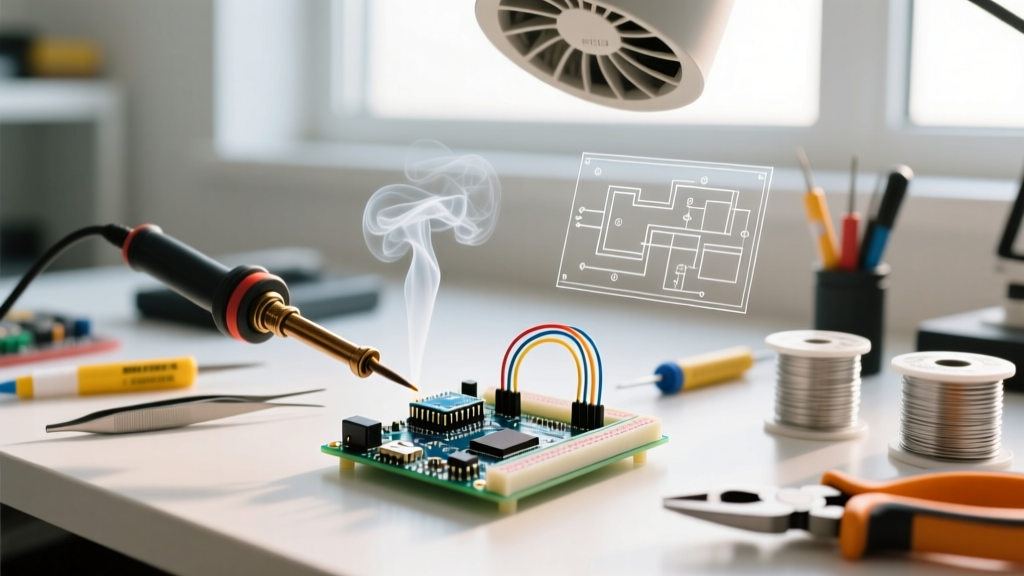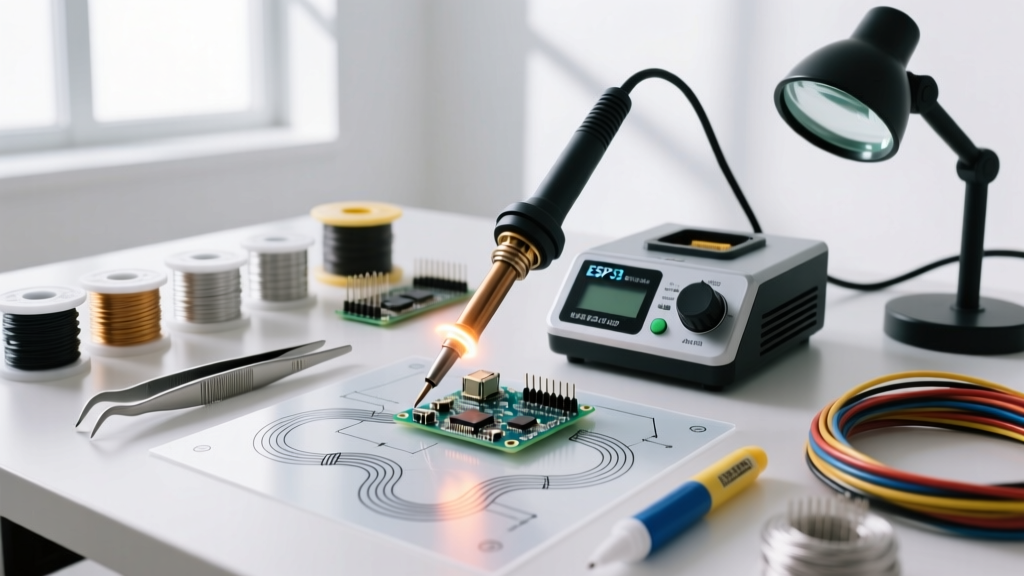

What Is a Soldering Tool? Beyond the Basic Definition
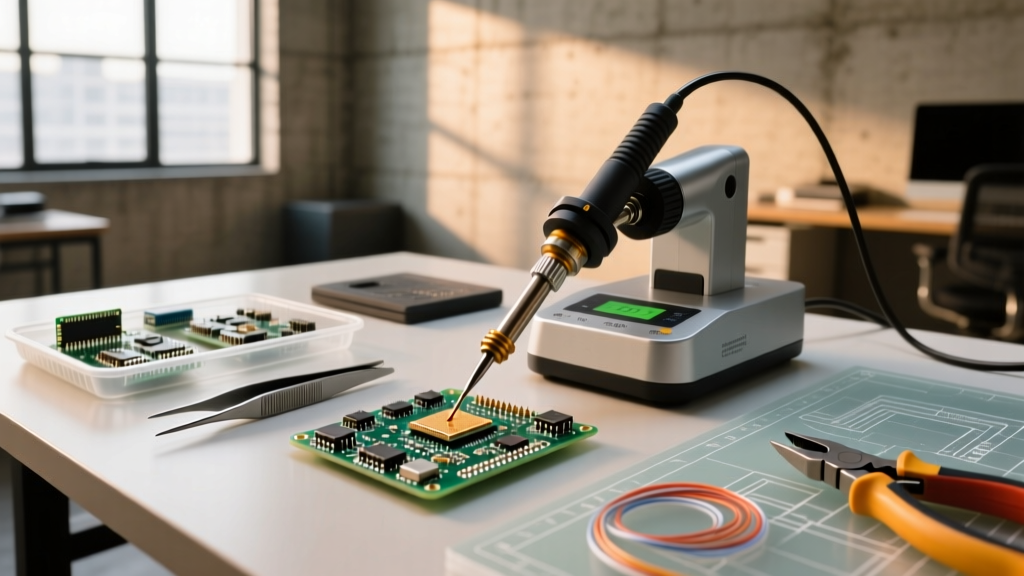
At its most fundamental level, a soldering tool is a thermal transfer instrument designed to deliver precise, localized heat to a metallic joint. However, defining it merely as a "hot pen" ignores the complex metallurgical and thermodynamic processes at play. When you ask, "what is a soldering tool," you are really asking about a system engineered to facilitate the formation of an intermetallic compound (IMC)—the microscopic crystalline bond (typically Cu6Sn5) that forms between the copper pad, the component lead, and the molten solder alloy.
Whether you are working with traditional Sn60Pb40 eutectic solder (melting at 183°C) or modern SAC305 lead-free alloys (requiring 217°C–250°C), the tool must overcome the thermal mass of the joint and the ambient heat dissipation of the printed circuit board (PCB). According to SparkFun's Soldering Tutorial, achieving a proper metallurgical bond requires heating the joint itself, not just melting the solder wire against the iron tip. This distinction is the foundation of our buyer decision framework.
The Anatomy of Thermal Transfer
Modern soldering tools consist of three critical subsystems:
- The Heating Element: Converts electrical energy (or chemical energy in butane models) into thermal energy. Modern ceramic heaters offer rapid thermal recovery compared to legacy nichrome wire elements.
- The Tip (Thermal Mass): Usually a solid copper core plated with iron, nickel, and chromium. The tip's geometry and mass dictate how quickly heat can be dumped into a ground plane.
- The Control Loop: In advanced stations, a thermocouple embedded near the tip feeds data to a PID (Proportional-Integral-Derivative) controller, adjusting power output milliseconds before the tip touches the board to prevent thermal shock.
The 2026 Soldering Tool Decision Matrix
Choosing the right tool requires matching your specific use-case to the tool's thermal capabilities. Below is a comparative matrix of the primary soldering tool categories available on the market today.
| Tool Category | Market Leader (2026) | Power / Temp Range | Best Use-Case | Primary Edge Case / Limitation | Est. Price |
|---|---|---|---|---|---|
| USB-C Smart Iron | Pinecil V2 | 65W (PD) / 50°C-450°C | Field repair, drone racing, portable SMD work | Requires a high-quality 65W GaN charger; struggles with massive ground planes. | $28 - $35 |
| Analog Bench Station | Hakko FX-888D | 70W / 200°C-480°C | General through-hole (TH), heavy wire, hobbyist labs | Button-based digital interface is cumbersome; slower thermal recovery than RF-driven tips. | $115 - $130 |
| Active-Tip Digital Station | Weller WE1010NA | 70W / 100°C-450°C | High-volume bench work, mixed TH and SMD environments | Proprietary tip ecosystem increases long-term consumable costs. | $120 - $140 |
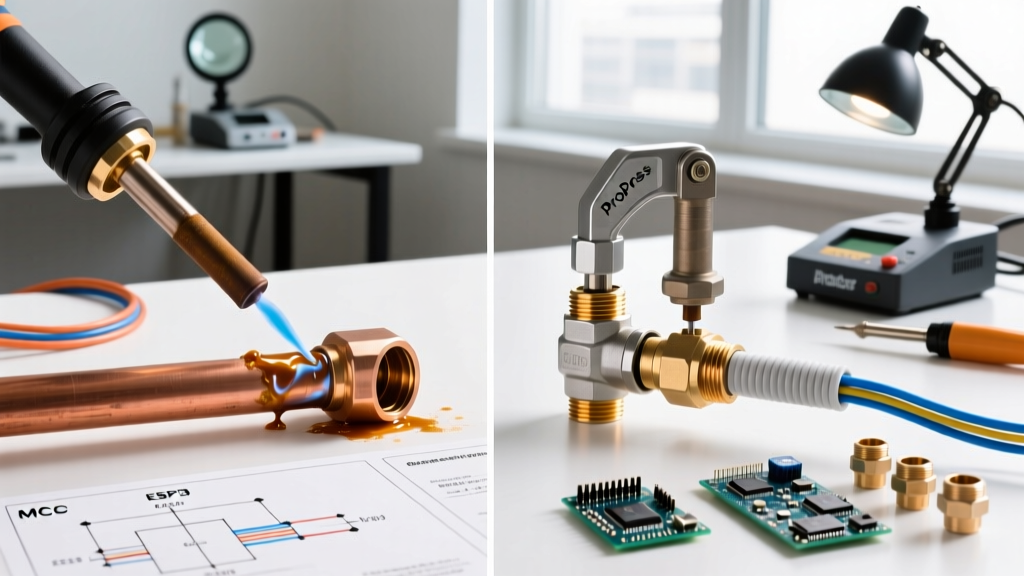
| Hot Air Rework Station | Quick 861DW | 1200W / 100°C-500°C | BGA rework, QFN chips, heat-shrink tubing, desoldering | High learning curve; risk of blowing away 0402 passive components. | $350 - $400 |
| Butane Micro-Torch | SE Micro-Torch Pro | Variable (Flame) / ~800°C+ | Heavy gauge wire, automotive, plumbing, off-grid | Zero temperature control; high risk of delaminating PCB pads. | $25 - $45 |
The 3-Node Buyer Decision Framework
To determine exactly what kind of soldering tool you need, run your requirements through this three-node decision tree.
Node 1: Evaluate Workspace Power & Mobility Constraints
Are you tethered to a workbench, or do you require field mobility?
- Bench-Bound (Unlimited Power): If you have a dedicated ESD-safe mat and reliable AC power, invest in a traditional bench station like the Weller WE1010NA. The heavy transformer and internal electronics provide superior thermal stability for long sessions.
- Field/Mobile (Constrained Power): If you repair drones on-site or work in a vehicle, the Pinecil V2 is the undisputed king. Powered via USB-C Power Delivery (PD), it leverages the RISC-V architecture to run a custom PID algorithm, achieving 300°C in under 12 seconds when paired with a 65W GaN adapter.
Node 2: Match Thermal Mass to Component Density
The most common beginner mistake is confusing temperature with thermal mass. Turning an iron up to 450°C will not help you solder a thick 10 AWG wire to a massive ground plane; it will only oxidize your tip and burn your flux. You need wattage and thermal mass.
Expert Insight: According to the IPC Standards for soldered electrical assemblies (J-STD-001), proper wetting requires the entire joint to reach the solder's liquidus temperature simultaneously. If your tool lacks the wattage to replenish heat lost to a copper pour, the result is a "cold joint"—a brittle, unreliable connection with a dull, grainy appearance.
- For 0402 SMD & Fine Pitch: You need low thermal mass, high precision. Use a micro-pencil tip on a digitally controlled station, or a hot air station for uniform heating.
- For XT90 Connectors & 12 AWG Wire: You need a high-mass chisel tip (e.g., Hakko T18-D24) and at least 65W-70W of continuous power to push heat into the copper strands.
Node 3: Account for ESD and Ground Plane Drain
If you are working with bare CMOS chips, MOSFETs, or unprogrammed microcontrollers, Electrostatic Discharge (ESD) is a lethal threat. Cheap, unbranded soldering irons often leak AC voltage directly through the heating element into the tip. A proper ESD-safe soldering station features a grounded tip connected to earth ground via a high-impedance resistor (typically 1MΩ), safely bleeding off static charges without creating a short-circuit hazard.
Market Leaders: Specific Models to Consider in 2026
Based on current market availability, reliability, and community support, here are the top recommendations categorized by user profile:
1. The Budget / Open-Source Enthusiast: Pine64 Pinecil V2
Price: ~$28 (Iron only)
Why it wins: It runs the open-source IronOS firmware. You can customize PID settings, set voltage cutoffs to protect your battery banks, and even update the firmware via a simple drag-and-drop USB-C connection. It uses standard Hakko T12-style tips, keeping consumable costs incredibly low.
2. The Reliable Workhorse: Hakko FX-888D
Price: ~$115
Why it wins: It has been the gold standard for maker spaces and university labs for over a decade. While the digital UI is dated (using a single push-button and a two-digit display), the T18 tip ecosystem is massive, and the analog thermal recovery is remarkably robust for through-hole soldering.
3. The Professional SMD Reworker: JBC CD-2BQE
Price: ~$550+
Why it wins: JBC utilizes an "active tip" design where the heater and thermocouple are integrated directly into the very front of the tip cartridge. This eliminates the thermal lag found in traditional sleeve-style irons. The JBC station detects when a tip is inserted and heats it to 350°C in roughly 2 seconds. It is the ultimate tool for high-density SMD rework.
Common Failure Modes & Edge Cases
Understanding what a soldering tool is also means understanding how it fails. Avoid these common pitfalls to extend the life of your equipment:
- Tip Oxidation (The Black Crust): Leaving an iron at 400°C while not in use causes the iron plating on the tip to oxidize, turning black and refusing to accept molten solder. Solution: Always "tin" the tip with a thick blob of solder before placing it in the holder, and turn the temperature down to 250°C when idle.
- Flux Carbonization: Using cheap, heavily activated flux can leave a hard, glassy carbon residue on the tip, acting as a thermal insulator. Solution: Use a damp brass sponge for cleaning; never use abrasive sandpaper or files, which will strip the protective iron plating and ruin the copper core.
- Thermal Runaway in Cheap Irons: Unregulated $15 irons have no thermostat. They will continuously heat up to 500°C+, destroying PCB pads and releasing toxic flux fumes. Solution: Never buy an unregulated iron for electronics work.
Frequently Asked Questions
Can I use a wood-burning tool as a soldering iron?
No. Wood-burning tools lack the specific thermal transfer profiles required for metallurgical wetting. Their tips are designed to radiate heat into organic material, not conduct heat into copper. Furthermore, they are not ESD-safe and will likely destroy sensitive semiconductors.
What is the difference between a soldering iron and a soldering station?
A soldering iron is typically a standalone wand that plugs directly into the wall, relying on a simple bimetallic strip or no regulation at all. A soldering station separates the wand from the power supply and control electronics, offering precise digital temperature control, faster thermal recovery, and ESD grounding capabilities.
Do I need hot air if I already have a soldering iron?
For basic through-hole components and large SMD chips (like SOIC or TQFP), an iron is sufficient. However, if you plan to work with bottom-terminated components like QFNs, BGAs, or need to desolder multi-layer board vias, a hot air rework station is strictly required to heat all pads simultaneously.
How often should I replace my soldering tip?
In a professional environment running lead-free solder (which requires higher temperatures and is more corrosive), tips may need replacement every 2-4 weeks. For hobbyists using leaded solder (Sn60Pb40) at moderate temperatures (320°C), a high-quality Hakko or Weller tip can easily last 3 to 5 years.