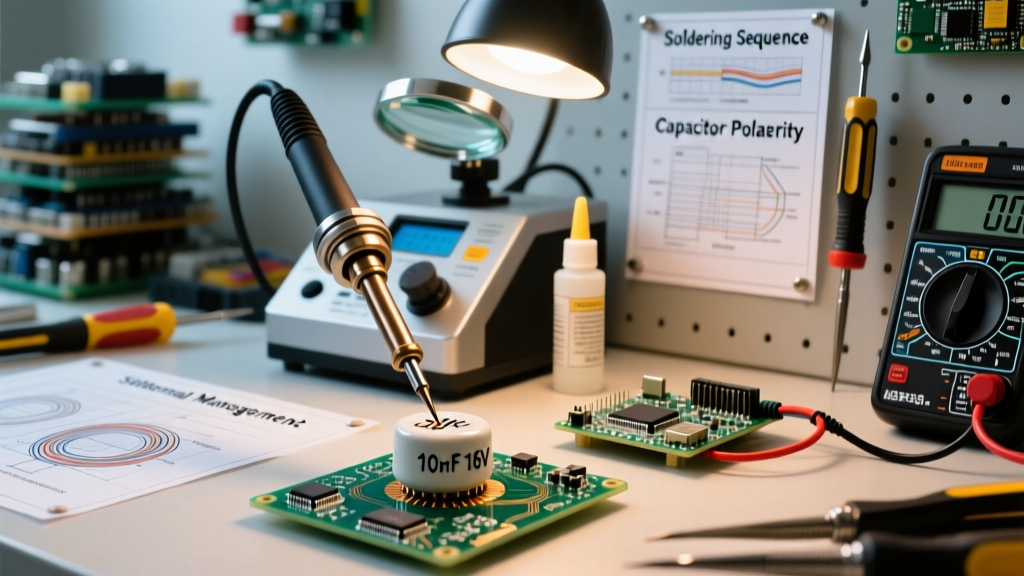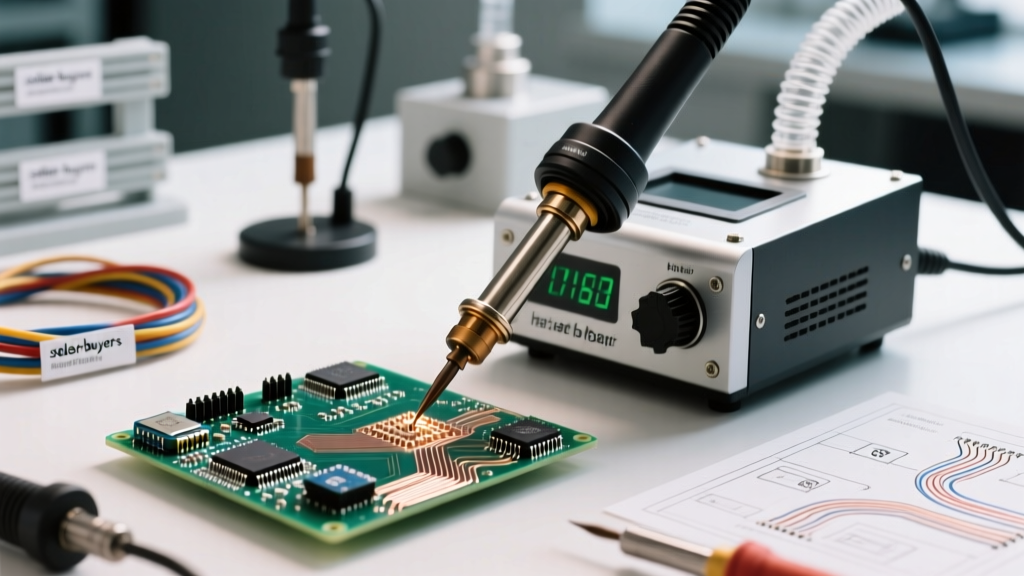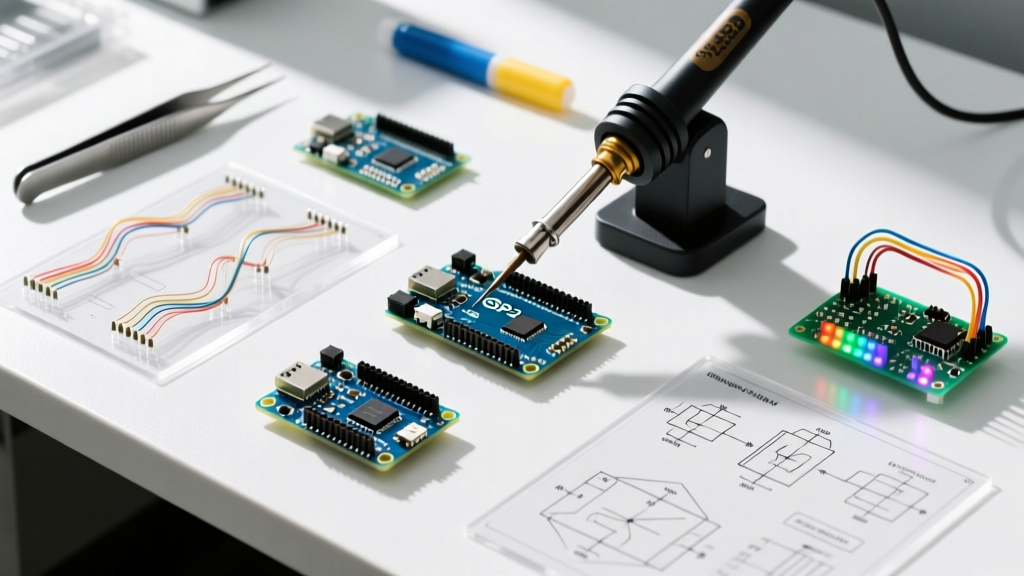

The Critical Role of Soldering Clip Art in Technical Documentation
Whether you are writing standard operating procedures (SOPs) for a PCB assembly line, creating educational materials for an electrical engineering course, or designing headers for an electronics DIY blog, high-quality soldering clip art is essential. Generic stock photos often fail to capture the precise technical nuances of through-hole soldering, surface-mount technology (SMT) rework, or flux application. Instead, technical writers and engineers rely on vector-based illustrations to communicate complex soldering methodologies clearly.
However, sourcing, licensing, and integrating these technical vectors comes with a unique set of challenges. This comprehensive FAQ and troubleshooting guide addresses the most common issues electrical professionals face when acquiring and deploying soldering illustrations in 2026.
FAQ: Where to Source High-Quality Soldering Vectors
Finding accurate soldering clip art requires looking beyond standard stock photo repositories. You need platforms that specialize in technical diagrams, schematics, and engineering illustrations. Below is a comparison of the top sourcing methods available this year.
| Sourcing Platform | Format Availability | Avg. Cost (2026) | Best Use Case |
|---|---|---|---|
| Adobe Stock (Technical Category) | AI, EPS, SVG | $29 - $79 / month | Commercial blog headers, polished marketing materials for electronics brands. |
| Freepik Premium | EPS, SVG | $12 / month | General DIY blog icons, basic safety warning diagrams. |
| Specialized Technical Illustrators (Upwork/Fiverr) | SVG, PDF, DXF | $65 - $150 / hour | Custom IPC-compliant SOPs, proprietary rework station manuals. |
| Open-Source Hardware Repositories | SVG, PNG | Free (CC-BY-SA) | Open-source hardware documentation, community wikis. |
Should I use AI-generated soldering clip art?
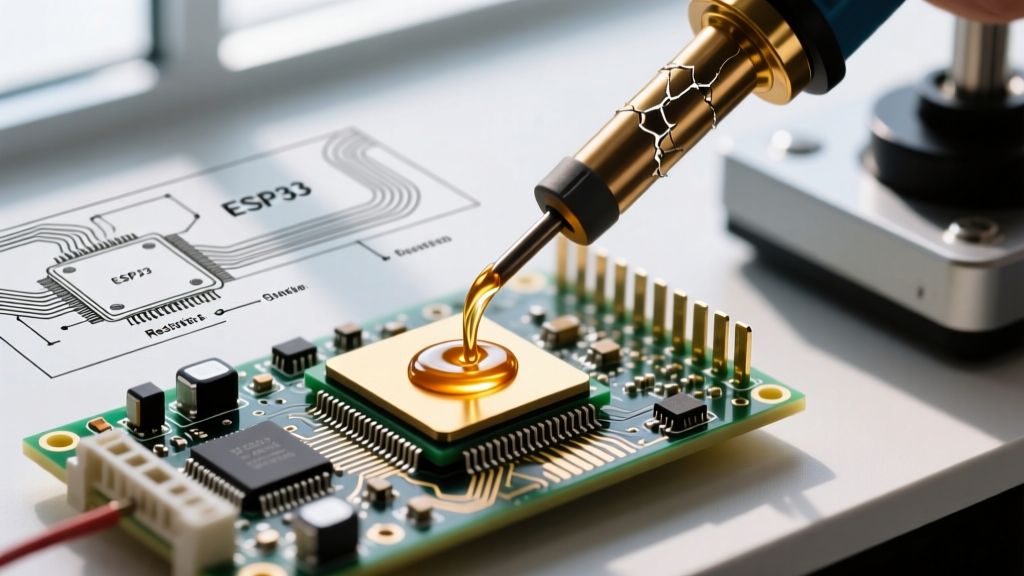
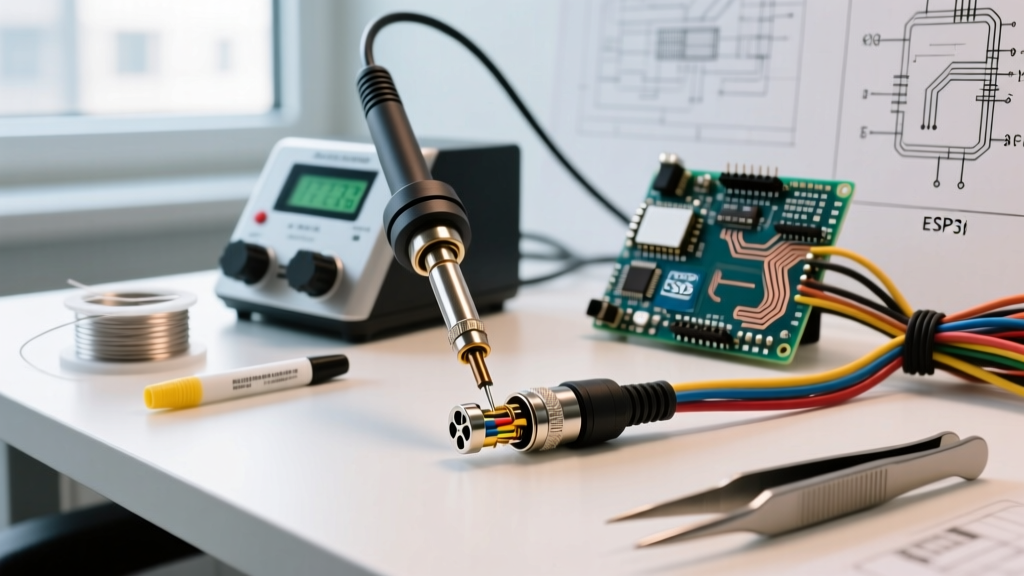
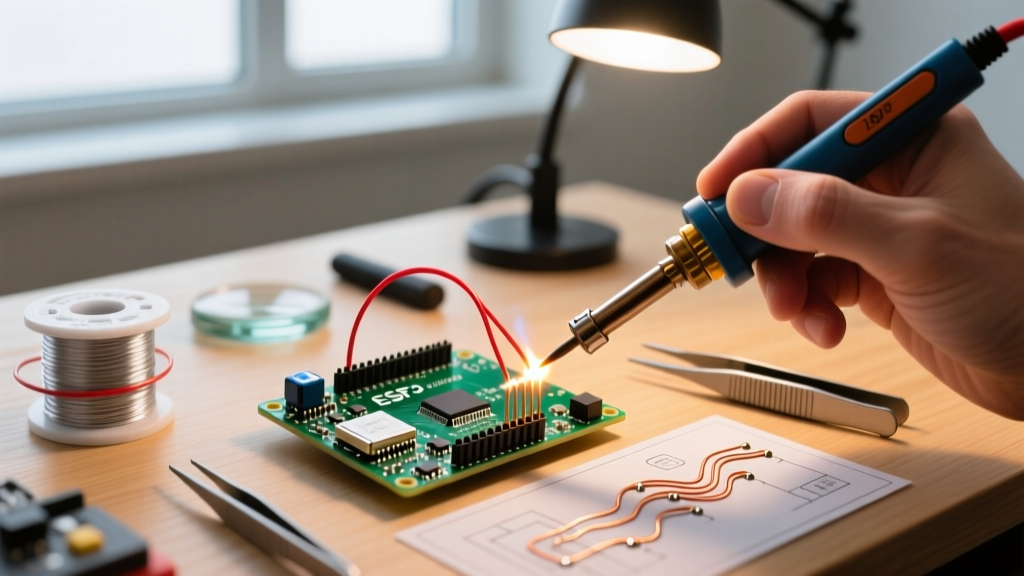
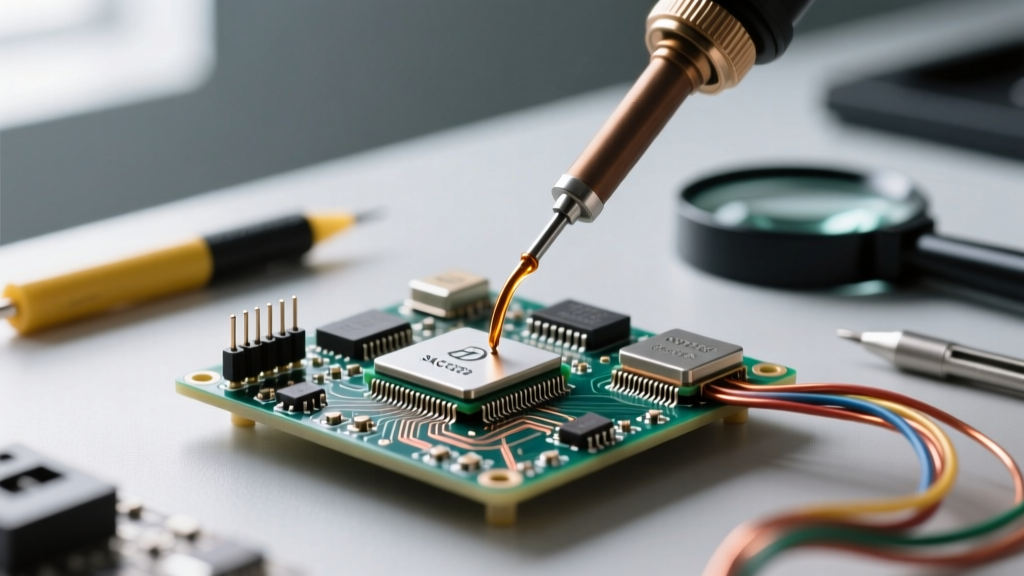
As of 2026, generative AI tools like Adobe Firefly and Midjourney v7 can produce stunning vector-style outputs. However, AI frequently hallucinates the anatomy of soldering tools. Common AI errors include drawing the heating element inside the ergonomic grip rather than the handpiece barrel, fusing the solder wire directly into the chisel tip, or misrepresenting ESD-safe grounding wires. If you use AI to generate base soldering clip art, you must manually correct the vector paths in Adobe Illustrator or Inkscape before publishing.
Troubleshooting Common Soldering Illustration Issues
Even when you source premium soldering clip art, rendering and formatting issues can compromise your technical documentation. Here is how to troubleshoot the most frequent problems.
Issue 1: Blurry PCB Traces and Iron Tips in Printed SOPs
The Problem: You downloaded a soldering diagram, but when printed for the manufacturing floor, the soldering iron tip and PCB traces look pixelated and muddy.
The Cause: You are likely using a rasterized format (JPEG, PNG) scaled beyond its native resolution, or the SVG contains embedded raster images instead of pure mathematical paths.
The Fix: Always source pure vector formats (SVG, EPS, AI). According to the W3C SVG Specification, scalable vector graphics use XML-based geometric descriptions that render infinitely without quality loss. Open your file in a vector editor and ensure the soldering iron and solder joints are constructed using <path> and <polygon> elements, not embedded <image> tags.
Issue 2: Inaccurate Tool Anatomy Confusing Technicians
The Problem: Junior technicians are struggling with drag-soldering techniques because the clip art in the training manual shows a conical tip instead of a hoof or chisel tip.
The Cause: Generic artists often draw soldering irons with simple conical points because they resemble pencils. In reality, professional soldering (using stations like the Hakko FX-951 or Pace ADS200) relies heavily on chisel, bevel, and hoof tips for optimal thermal transfer.
The Fix: When commissioning custom soldering clip art, provide the illustrator with a technical brief that includes reference photos of specific tip geometries. Specify the exact IPC standard you are referencing (e.g., IPC-J-STD-001) so the illustrator understands the required wetting angles and fillet shapes depicted in the art.
Issue 3: Color Profile Mismatches (The 'PCB Green' Problem)
The Problem: The solder mask on the PCB clip art looks vibrant on your monitor but prints as a dull, muddy brownish-green in the physical manual.
The Cause: A mismatch between RGB (screen) and CMYK (print) color spaces. Standard 'PCB Green' is notoriously difficult to reproduce in standard CMYK offset printing.
The Fix: If your soldering clip art is destined for print, convert your vector files to CMYK. To achieve an accurate solder mask green, instruct your print house to use a spot color (like Pantone 3395 C) or manually adjust the CMYK values to approximately C:85 M:15 Y:80 K:5 in your vector software.
Licensing and Copyright FAQs
Navigating the legalities of technical illustrations is crucial for commercial electronics brands and educational publishers.
- Can I use clip art featuring brand logos (e.g., Weller, Hakko)? No. Unless you have explicit permission, using trademarked logos in commercial soldering clip art violates trademark law. Always use generic, unbranded iron silhouettes for commercial SOPs.
- What is the difference between Royalty-Free and Rights-Managed? Royalty-free vectors allow you to use the soldering clip art across multiple projects (blogs, manuals, videos) for a one-time fee. Rights-managed licenses restrict usage by print run, geography, or exclusivity, which is rarely necessary for standard technical documentation.
- Are open-source vectors safe for commercial manuals? Check the specific Creative Commons license. CC-BY (Attribution) is safe if you credit the artist. CC-BY-NC (Non-Commercial) strictly prohibits use in for-profit training manuals or commercial product documentation. For deeper legal definitions, refer to the U.S. Copyright Office Basics circular.
Best Practices for Integrating Soldering Vectors into Web Guides
For DIY electronics bloggers and technical writers publishing on platforms like WordPress or Ghost, optimizing your soldering clip art for the web is critical for both page load speed and visual clarity.
- Optimize SVG Code: Raw SVG files exported from Adobe Illustrator are often bloated with unnecessary metadata and hidden layers. Use tools like SVGOMG to strip excess code, reducing file sizes by up to 60%.
- Use CSS for Hover States: Enhance interactive troubleshooting guides by using CSS to change the color of specific solder joints when a user hovers over them. For example, a cold solder joint can highlight in red, while a proper concave fillet highlights in green.
- Implement Proper ViewBox Attributes: Ensure your
<svg>tags include the correctviewBoxparameters so the soldering iron illustrations scale responsively across mobile devices without getting cropped.
Expert Insight: Never embed a rasterized PNG of a schematic or soldering diagram in a responsive web guide. Always use inline SVGs. This ensures that when a user zooms in on a mobile device to inspect a tiny 0402 SMD pad illustration, the edges remain razor-sharp.
Summary Checklist for Technical Illustrators
If you are briefing a graphic designer to create custom soldering clip art for your next manual, ensure they check these boxes:
- Thermal gradients are used to indicate heat flow from the barrel to the tip.
- Flux core is visibly represented inside the solder wire cross-sections.
- Solder fillets demonstrate proper wetting angles (concave, not convex/bulbous).
- ESD grounding wires are included on the iron handle if depicting ESD-safe environments.
- All text labels use sans-serif, highly legible fonts (like Arial or Roboto) that remain readable when scaled down.
By treating your soldering clip art with the same precision as your physical soldering work, you ensure that your documentation is safe, accurate, and highly professional.