
The Datasheet Reality: Why Your LCD Library Matters
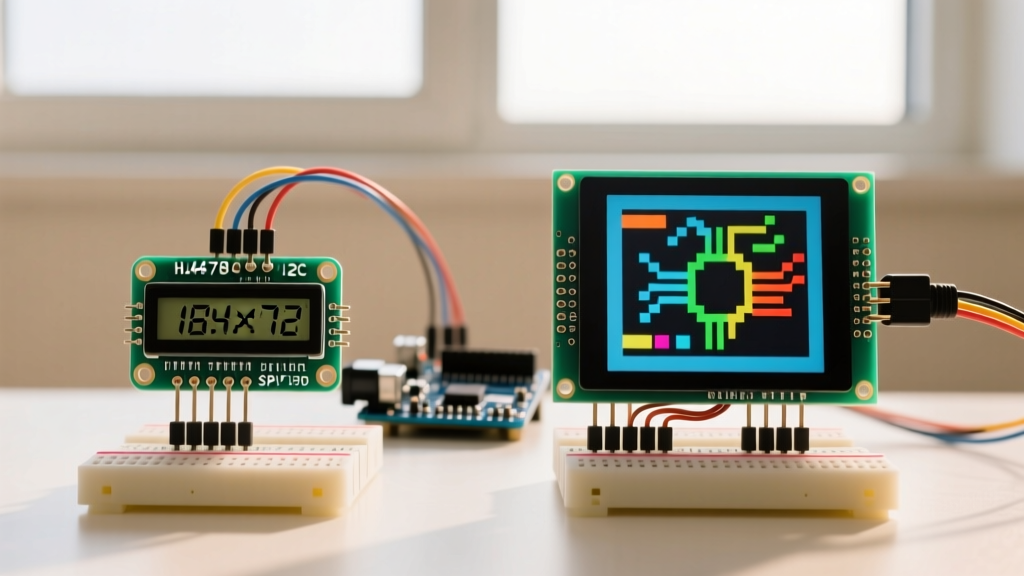
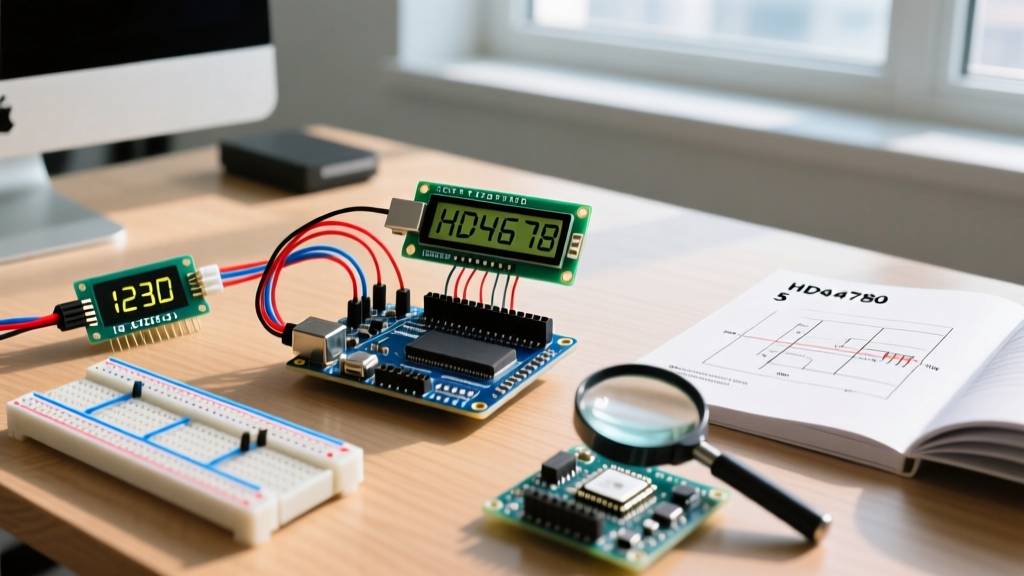
Every electronics engineer and hobbyist has experienced the frustration of wiring up a standard 16x2 character display, uploading a sketch, and being greeted by a row of solid white squares. While many blame faulty wiring, the root cause often lies in a mismatch between the microcontroller's timing and the strict requirements outlined in the display controller's datasheet. When selecting an lcd library for arduino, you are not just choosing a convenience wrapper; you are choosing how strictly the software adheres to the hardware's physical limitations.
In this guide, we will decode the industry-standard Hitachi HD44780 datasheet to understand exactly what these displays demand. We will then evaluate the three most popular Arduino LCD libraries—LiquidCrystal, LiquidCrystal_I2C, and the modern hd44780—to determine which one truly respects the silicon.
Decoding the HD44780 Initialization Sequence
To understand why library choice is critical, we must look at page 46 of the HD44780 datasheet, which details the 4-bit initialization sequence. When the display powers on, it defaults to 8-bit mode. If your Arduino is wired in 4-bit mode (using only pins D4-D7 to save microcontroller I/O), the library must perform a highly specific 'handshake' to force the controller into 4-bit operation.
The Mandatory Wake-Up Handshake
- Step 1: Send
0x03(8-bit command). Wait at least 4.1 milliseconds. - Step 2: Send
0x03again. Wait at least 100 microseconds. - Step 3: Send
0x03a third time. Wait at least 100 microseconds. - Step 4: Send
0x02to finally set the display to 4-bit mode.
Legacy libraries often rush this sequence or rely on generic delay() functions that can be interrupted by background timers, leading to initialization failures on power-up. Furthermore, the datasheet mandates that the Enable (E) pin pulse width ($t_{PW}$) must be a minimum of 450 nanoseconds, and the total cycle time ($t_{C}$) must exceed 500 nanoseconds. On faster 32-bit microcontrollers often used in 2026 Arduino-compatible workflows (like the ESP32-S3 or Arduino Nano RP2040 Connect), GPIO toggling happens so fast that it can violate these minimum pulse widths if the library does not insert explicit nanosecond-level padding.
Evaluating the Contenders: Which Library Fits Your Datasheet?
1. The Legacy Standard: LiquidCrystal
Bundled with the Arduino IDE for over a decade, the official LiquidCrystal library is a direct parallel-interface implementation. It maps Arduino pins directly to the RS, E, D4, D5, D6, and D7 pins on the LCD.
- Datasheet Compliance: Moderate. It handles the 4-bit initialization sequence correctly but relies on blind delays for command execution. For example, the 'Clear Display' command requires 1.52ms according to the datasheet. LiquidCrystal uses a hardcoded
delayMicroseconds(1520), blocking the microcontroller entirely. - Speed: Slow. Because it cannot read the Busy Flag (BF) without dedicating an extra pin to the R/W line, it must wait the maximum possible time for every operation.
- Best For: Basic educational projects on 5V AVR boards (like the Uno R3) where blocking delays are acceptable and I2C backpacks are not used.
2. The I2C Abstraction: LiquidCrystal_I2C
To save pins, most modern makers use an I2C backpack based on the PCF8574 I/O expander. The LiquidCrystal_I2C library translates standard LCD commands into I2C byte streams.
- Datasheet Compliance: Low to Moderate. This library is notorious for hardcoding pin mappings. The datasheet for the NXP PCF8574 shows that I2C addresses are determined by the A0, A1, and A2 pins. However, there are two chips: the PCF8574 (base address 0x20) and the PCF8574A (base address 0x38). Cheap clone backpacks use these interchangeably, causing massive address conflicts that this library struggles to auto-detect.
- Timing Issues: The I2C bus introduces its own latency. The library often fails to account for the cumulative delay of I2C transmission time plus the HD44780's internal execution time, resulting in dropped characters on faster I2C clock speeds (400kHz Fast Mode).
- Best For: Quick prototyping where you are willing to manually run an I2C scanner sketch to find the correct hex address (usually 0x27 or 0x3F).
3. The Modern Masterpiece: hd44780 by Bill Perry
Available via the Arduino Library Manager, the hd44780 library is widely considered the gold standard for serious engineers. It is built from the ground up with strict adherence to the Hitachi datasheet.
- Datasheet Compliance: Exceptional. It dynamically measures the microcontroller's GPIO toggle speed and automatically inserts nanosecond delays to ensure the 450ns Enable pulse width is never violated, even on 200MHz+ ARM Cortex-M7 boards.
- Auto-Detection: The
hd44780_I2Cexpclass automatically scans the I2C bus, identifies whether the backpack uses a PCF8574 or PCF8574A, and maps the pins automatically. No more guessing between 0x27 and 0x3F. - Busy Flag Support: If you wire the R/W pin to your microcontroller, this library reads the HD44780's Busy Flag. This reduces the 'Clear Display' blocking time from a blind 1.52ms down to the actual execution time (often ~800µs), freeing up CPU cycles for interrupt-driven sensor reading.
- Best For: Production firmware, 3.3V logic systems, and complex multitasking sketches where CPU blocking is unacceptable.
Library Comparison Matrix
| Feature | LiquidCrystal | LiquidCrystal_I2C | hd44780 (Bill Perry) |
|---|---|---|---|
| Interface | 4-bit Parallel | I2C (PCF8574) | Parallel, I2C, SPI, Shift Reg |
| Init Sequence Strictness | Standard | Varies by fork | Datasheet Exact (with timing padding) |
| Auto I2C Address/Pin Mapping | N/A | No (Manual config required) | Yes (Fully automatic) |
| Busy Flag (BF) Reading | Supported (if wired) | Rarely supported | Fully supported & optimized |
| 32-bit ARM / Fast MCU Support | Poor (Pulse width violations) | Moderate | Excellent (Auto-compensating) |
| Typical 2026 Pricing (Hardware) | $2.50 (Display only) | $3.50 (Display + Backpack) | $3.50 (Display + Backpack) |
Hardware Edge Cases: Where the Datasheet Meets Reality
Even the best lcd library for arduino cannot fix physical hardware violations. When integrating these peripherals, keep these datasheet-to-reality edge cases in mind:
The V0 Contrast Voltage Divider
The datasheet specifies that the V0 pin (Pin 3) requires a voltage between 0.0V and 1.0V relative to VSS for proper contrast. Many beginners wire a 10k potentiometer incorrectly, sweeping from 0V to 5V. For optimal contrast across temperature variations, use a 10k pot wired as a voltage divider between GND and VCC, but ensure the wiper only delivers the lower threshold. Alternatively, a fixed 1k resistor from V0 to GND often provides perfect contrast at room temperature without the mechanical failure point of a potentiometer.
The Backlight Current Limiting Trap
Warning: Never assume your I2C backpack or LCD module has a built-in current-limiting resistor for the backlight LED. While the datasheet for the LED array typically specifies a forward voltage ($V_F$) of 4.1V to 4.2V at 100mA, many mass-produced clone modules omit the surface-mount resistor on the A/K pins to save fractions of a cent. Applying 5V directly will instantly burn out the backlight. Always place a 47Ω to 100Ω resistor in series with the Anode pin when testing unverified hardware.
3.3V Logic Level Translation
The HD44780 was designed in the 1980s for 5V TTL logic. The datasheet defines a logical 'High' ($V_{IH}$) as a minimum of 2.2V. If you are using a 3.3V Arduino (like the Nano 33 BLE or an ESP32), 3.3V is technically above the 2.2V threshold and will usually work on the data pins. However, the I2C pull-up resistors on cheap backpacks are tied to 5V. Connecting a 5V I2C line directly to a 3.3V microcontroller's GPIO will fry the internal protection diodes over time. Use a bidirectional logic level converter (like the BSS138 MOSFET circuit) or power the entire LCD and backpack from a 3.3V rail if the module supports it.
Final Verdict for 2026 Workflows
If you are maintaining legacy code on an Arduino Uno R4 or building a simple educational demo, the built-in LiquidCrystal remains a functional baseline. However, for any modern project utilizing I2C backpacks, multitasking RTOS environments, or 32-bit microcontrollers, the hd44780 library is the undisputed champion. By strictly adhering to the initialization sequences, timing constraints, and busy-flag protocols outlined in the original Hitachi datasheet, it eliminates the guesswork and ensures your display peripheral operates flawlessly on the first power-up.