
The Core Distinction: Development Board vs. Bare Silicon
To answer the fundamental question directly: No, an Arduino is not a microcontroller. An Arduino is a development board (or ecosystem) that contains a microcontroller. Confusing the two is one of the most common pitfalls for beginners entering the embedded systems space in 2026. Understanding this distinction is critical for hardware compatibility, cost optimization, and scaling from a breadboard prototype to a mass-manufactured printed circuit board (PCB).
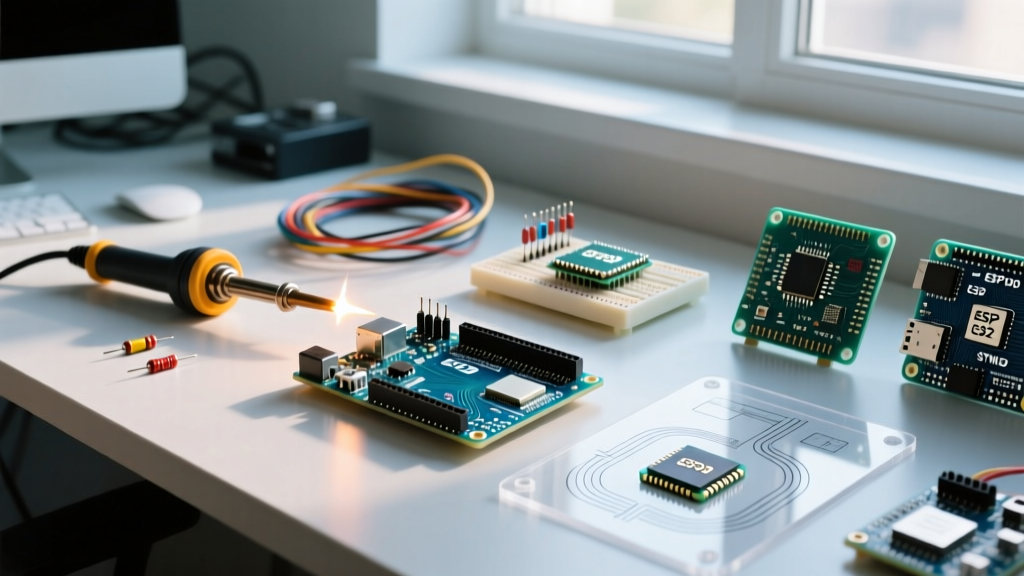
A microcontroller (MCU) is a single integrated circuit (IC) containing a processor core, memory (Flash and SRAM), and programmable input/output peripherals. Examples include the Microchip ATmega328P, the Renesas RA4M1, or the Espressif ESP32-S3. An Arduino board, such as the Uno R4 or Nano ESP32, wraps that bare silicon with essential support circuitry: a 5V or 3.3V voltage regulator, a USB-to-Serial bridge (or native USB controller), a crystal oscillator, decoupling capacitors, and a pre-flashed bootloader.
Expert Insight: When you write code in the Arduino IDE and click 'Upload', you are not speaking directly to the microcontroller's bare metal. You are interacting with the Arduino Core API, which translates your C++ into machine code, and then utilizing the board's bootloader to write that code into the MCU's Flash memory via UART or native USB.
Microcontroller Compatibility Matrix (Arduino Ecosystem)
The Arduino ecosystem has expanded far beyond its 8-bit AVR roots. Below is a compatibility and specification matrix detailing the actual microcontrollers powering popular Arduino boards in 2026, alongside their bare-metal equivalents.
| Arduino Board | Underlying Microcontroller | Architecture | Clock Speed | Flash / SRAM | Bare-Metal Equiv. Cost (2026) |
|---|---|---|---|---|---|
| Arduino Uno R3 | ATmega328P | 8-bit AVR | 16 MHz | 32 KB / 2 KB | $2.80 (TQFP-32) |
| Arduino Uno R4 Minima | Renesas RA4M1 | 32-bit Arm Cortex-M4 | 48 MHz | 256 KB / 32 KB | $5.50 (QFP-64) |
| Arduino Nano ESP32 | ESP32-S3 | 32-bit Xtensa Dual-Core | 240 MHz | 8 MB / 512 KB | $3.20 (SMD Module) |
| Arduino Nano 33 IoT | SAMD21 + NINA-W102 | 32-bit Cortex-M0+ | 48 MHz | 256 KB / 32 KB | $4.10 (SAMD21G) |
| Teensy 4.1 (Compatible) | NXP i.MX RT1062 | 32-bit Cortex-M7 | 600 MHz | 8 MB / 1 MB | $14.50 (BGA-196) |
As noted in the Microchip 8-bit Microcontrollers catalog, the ATmega328P remains a staple for low-power, simple logic tasks, but modern IoT applications heavily favor the ESP32-S3 due to its integrated Wi-Fi and Bluetooth 5.0 LE capabilities.
Arduino IDE Compatibility with Non-Arduino Silicon
One of the most powerful aspects of the Arduino ecosystem is the IDE's compatibility with third-party microcontrollers. You do not need to buy an official Arduino-branded board to use the Arduino IDE or its vast library of community code. Through the 'Additional Boards Manager URLs' feature, you can program raw silicon or clone boards.
Configuring Third-Party Cores
- Espressif ESP32 Family: By adding the official Espressif JSON URL to your IDE preferences, you can program bare ESP32-WROOM-32E or ESP32-C3 SuperMini modules. According to the Espressif ESP32 Series documentation, the Arduino core for ESP32 maps standard Arduino functions (like
digitalWrite) to the ESP-IDF (IoT Development Framework) HAL layer. - STM32 (STMicroelectronics): The 'STM32duino' core allows you to program the ubiquitous STM32F103C8T6 ('Blue Pill') or the more modern STM32G4 series. This requires an ST-Link V2 programmer (approx. $4.00 for a clone, $35.00 for an official ST debugger) to flash the board via the SWD (Serial Wire Debug) interface.
- Raspberry Pi RP2040: The official Arduino core for the RP2040 allows seamless programming of the Raspberry Pi Pico and bare RP2040 chips, utilizing the UF2 bootloader standard for drag-and-drop flashing.
Hardware Interfacing and Bootloader Overhead
When evaluating compatibility between a bare microcontroller and the Arduino framework, you must account for bootloader overhead and hardware requirements.
The Bootloader Tax
Standard Arduino boards use a bootloader to allow programming via a standard USB cable, bypassing the need for a dedicated hardware programmer. However, this bootloader consumes Flash memory.
- Optiboot (AVR): Used on the Uno R3 and Nano. Consumes exactly 512 bytes of the 32 KB Flash. Leaves 31.5 KB for user sketches.
- UF2 Bootloader (SAMD/RP2040/Renesas): Much larger, often consuming 8 KB to 16 KB to support drag-and-drop USB mass storage flashing and native HID (Human Interface Device) emulation.
- ESP32 ROM Bootloader: Baked into the silicon's mask ROM, meaning it consumes zero user-accessible Flash space, though it requires specific GPIO strapping pins (e.g., GPIO0 pulled LOW) to enter download mode.
Clock Sources and Decoupling
If you strip away the Arduino board and use the bare microcontroller, you must provide the external components the development board normally handles. For an ATmega328P, this means adding a 16 MHz crystal oscillator, two 22 pF load capacitors, a 10kΩ pull-up resistor on the RESET pin, and 100 nF decoupling capacitors on every VCC/AVCC pin pair. Failure to provide stable decoupling will result in erratic ADC (Analog-to-Digital Converter) readings and random brown-out resets when inductive loads (like relays or motors) switch.
Transitioning from Arduino to Bare Microcontrollers
When should you abandon the Arduino development board and design a custom PCB with a bare microcontroller? The decision hinges on unit cost, form factor, and production volume.
Pros and Cons of Bare Silicon Integration
| Factor | Arduino Dev Board | Bare Microcontroller (Custom PCB) |
|---|---|---|
| Prototyping Speed | Excellent (Plug-and-play headers) | Poor (Requires PCB fab & SMD soldering) |
| Unit Cost (10k qty) | $18.00 - $28.00 per unit | $1.50 - $4.00 per unit (MCU + passives) |
| Form Factor | Bulky (includes unused USB ports, LEDs) | Ultra-compact (tailored to exact footprint) |
| Power Consumption | High (Voltage regulators draw 5-10mA quiescent) | Ultra-low (Can achieve μA sleep currents) |
Programming Bare Silicon in Production
In a production environment, you do not use the Arduino IDE's serial bootloader to flash thousands of units. Instead, you use the ICSP (In-Circuit Serial Programming) or SWD headers. Tools like the AVRISP mkII or automated bed-of-nails test fixtures push the compiled .hex or .bin file directly into the MCU, bypassing the bootloader entirely and reclaiming that Flash memory. For high-volume manufacturing, you can order microcontrollers pre-programmed from the factory or use a pick-and-place compatible programming socket.
Frequently Asked Questions
Can I use an Arduino board as a programmer for a bare microcontroller?
Yes. By uploading the 'ArduinoISP' sketch (found in the IDE under File > Examples) to an Arduino Uno, you can use its SPI pins (MISO, MOSI, SCK, and Pin 10 for RESET) to flash a bare ATmega328P or ATTiny85 via the ICSP protocol. This is a vital recovery method if you accidentally corrupt the bootloader's fuse bits.
Is the Arduino language the same as C++?
There is no 'Arduino language.' The Arduino IDE uses standard C++ (specifically GCC AVR or ARM-G++ depending on the target). The Arduino Core simply provides a C++ wrapper library that abstracts complex hardware register manipulations into simple functions like pinMode() and analogRead(). You can freely mix raw C/C++ pointer arithmetic and register-level bit-shifting within an Arduino .ino file.
Why do some Arduino-compatible boards use the CH340 chip?
Official Arduino boards historically used a secondary microcontroller (like the ATmega16U2) or dedicated FTDI chips to handle USB-to-Serial conversion. To keep costs under $5.00 for clone boards (like the ubiquitous Uno R3 clones on Amazon or AliExpress), manufacturers use the WCH CH340G or CH340C USB-to-UART bridge. While highly compatible with modern Windows 11 and macOS drivers, the CH340C lacks the native USB HID capabilities required to turn the microcontroller into a custom keyboard or mouse without an external USB stack.
For more foundational knowledge on setting up your environment, refer to the Arduino Official Documentation, which maintains up-to-date compatibility lists for third-party boards and IDE troubleshooting steps.