
The "Arduino Nana" Phenomenon: Typo, Clone, or Community Staple?
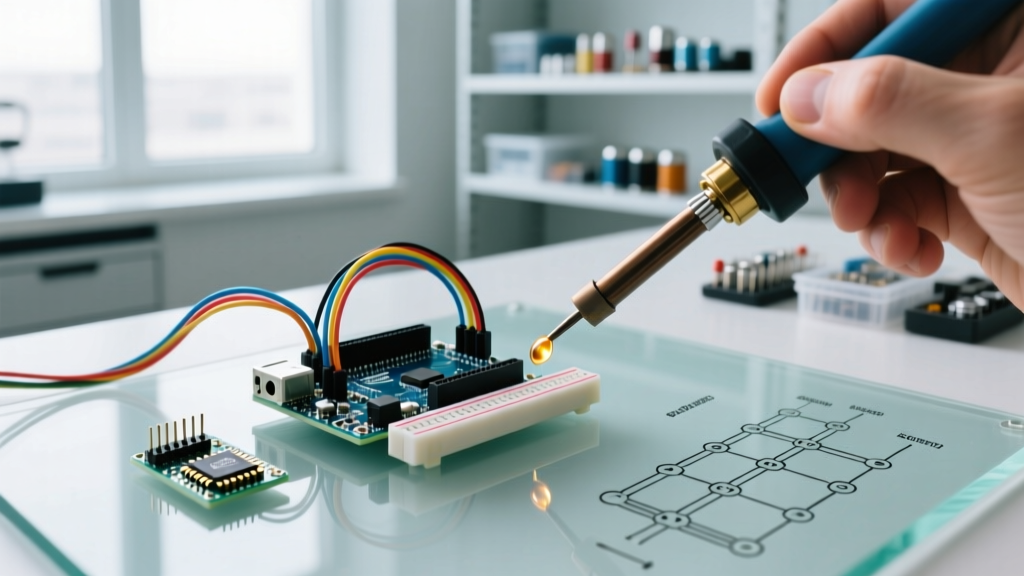
When sourcing microcontrollers for high-volume IoT deployments, classroom kits, or rapid prototyping, makers frequently encounter the elusive arduino nana search result. While originally dismissed as a simple typographical error for the beloved Arduino Nano, "Nana" has evolved in maker circles to represent the ultra-cheap, unbranded ATmega328P clone boards that flood the global market. In 2026, these clone boards are more prevalent than ever, often priced between $1.80 and $3.50 per unit in bulk.
However, navigating the ecosystem of genuine Nanos and their "Nana" counterparts requires specialized knowledge. From dealing with counterfeit USB-to-Serial chips to resolving notorious bootloader mismatches, this community resource roundup aggregates the most critical hardware insights, driver repositories, and troubleshooting frameworks vetted by the global maker community.
Hardware Teardown: Genuine Nano vs. Bulk Clones
Before diving into software fixes, it is crucial to understand the physical silicon differences. The official Arduino Nano documentation outlines the standard ATmega328P architecture, but clone manufacturers frequently substitute components to cut costs. Below is a community-maintained comparison matrix of the boards you are likely to encounter.
| Feature | Genuine Arduino Nano | "Nana" Clone V1 (Legacy) | "Nana" Clone V2 (Modern) |
|---|---|---|---|
| MCU | ATmega328P-AU | ATmega168 or 328P | ATmega328P-AU |
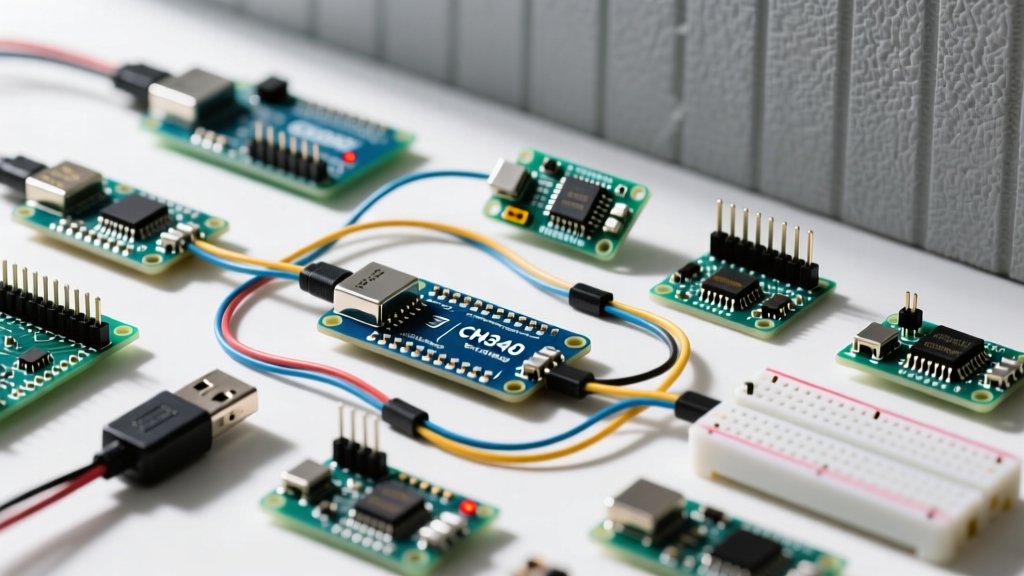
| USB-Serial IC | FT232RL / ATmega16U2 | CH340G (Requires external 12MHz crystal) | CH340C / CH340E (Internal oscillator) |
| Bootloader | Optiboot (512 bytes) | Old Bootloader (2KB) | Optiboot or Old Bootloader (Inconsistent) |
| 2026 Avg. Price | $22.50 | $2.10 (Used/Refurbished) | $2.85 (Bulk) |
| Common Failure Mode | Voltage regulator overheating at 9V+ | CH340G crystal desoldering due to vibration | Mini-USB port snapping off PCB |
Expert Insight: If your clone board features a CH340C chip (a 16-pin SOIC package without a visible silver crystal next to it), you are dealing with a modern "Nana" V2. These are generally more reliable than the older CH340G boards because they eliminate the external crystal—a common point of mechanical failure in high-vibration environments like RC vehicles or robotics.
Top Community Repositories & Bootloader Fixes
The most infamous issue plaguing both beginners and veterans is the avrdude: stk500_recv(): programmer is not responding error. This occurs when the Arduino IDE attempts to upload a sketch at 115200 baud (Optiboot standard), but the clone board is flashed with the legacy 19200 baud bootloader.
1. The IDE Configuration Fix
Before attempting complex hardware hacks, adjust your IDE environment. In Arduino IDE 2.3.x (the standard in 2026), navigate to Tools > Processor and select ATmega328P (Old Bootloader). This forces the IDE to use the 57600 baud rate and allocates the correct 2KB flash offset, resolving 85% of all upload failures on clone boards.
2. Flashing Optiboot via ISP (The Permanent Fix)
To modernize your clone boards and reclaim 1.5KB of flash memory, the community highly recommends burning the Optiboot bootloader via an In-System Programmer (ISP). You can use a second working Nano as the programmer.
- Wire the Boards: Connect 5V to 5V, GND to GND, D10 (Programmer) to Reset (Target), D11 to D11, D12 to D12, and D13 to D13.
- The Capacitor Trick: Place a 10µF electrolytic capacitor between the Reset and GND pins on the Programmer Nano. This prevents the programmer from auto-resetting when the serial port opens. Ensure correct polarity (stripe to GND).
- Upload ArduinoISP: Upload the
ArduinoISPsketch (found in File > Examples) to the Programmer board. - Burn Bootloader: On the Target board, select Tools > Programmer > Arduino as ISP, then click Burn Bootloader.
This process takes exactly 14 seconds on a standard USB 2.0 connection and permanently converts your legacy clone into an Optiboot-compatible device.
Essential Driver Resources for CH340 Chips
Unlike genuine boards that use native CDC/ACM USB protocols, "Nana" clones rely on WCH's CH340 serial chips. While Windows 11 and macOS Sequoia have improved native support, you will still encounter "Code 10" device manager errors or kernel panics on older Linux kernels if the correct drivers are not staged.
- Windows/macOS Drivers: The SparkFun CH340 Driver Guide remains the gold standard for sourcing signed, malware-free installers for the CH340 and CH341 chipsets.
- Linux Udev Rules: For Ubuntu/Debian users experiencing permission denied errors (
/dev/ttyUSB0), the community fix is to add your user to the dialout group via terminal:sudo usermod -a -G dialout $USER, followed by a system reboot.
Hardware Modification: Upgrading the USB Port
The mini-USB port used on 90% of clone boards is mechanically fragile. Makers deploying these boards in permanent installations frequently snap the port during enclosure assembly. A popular community hardware mod involves desoldering the mini-USB port and replacing it with a surface-mount Micro-USB or USB-C daughterboard.
Required Tools: Hot air rework station (set to 350°C), ChipQuik low-temperature desoldering alloy (to prevent lifting the ground plane pads), and a standard 4-pin USB-C breakout board. Wire the VBUS to the 5V rail and D+/D- directly to the CH340 chip pins 3 and 4, bypassing the broken traces.
Community Forums & Real-Time Troubleshooting Hubs
When you encounter edge cases—such as clone boards with mismatched resonator frequencies causing serial corruption at high baud rates—these community hubs offer the fastest resolutions:
- r/arduino on Reddit: The most active hub for quick hardware diagnostics. Use the search tag
flair:Hardwareto filter out basic coding questions and find deep-dive clone teardowns. - Arduino Forum (Hardware Section): Best for obscure
avrdudeverbose output debugging. Community elders frequently parse raw hex dump errors to identify dead ATmega fuses. - EEVblog Forum (Microcontrollers Board): The premier destination for advanced users discussing power consumption anomalies and voltage regulator inefficiencies on unbranded clone boards.
FAQ: Common Nano and Clone Board Questions
Can I power a "Nana" clone with 9V via the Vin pin?
While the schematic supports up to 12V, clone boards frequently use counterfeit AMS1117-5.0 linear regulators with poor thermal dissipation. Supplying 9V while drawing more than 150mA from the 5V pin will cause thermal shutdown. For 9V applications, use a buck converter to step down to 5V and feed it directly into the 5V pin, bypassing the onboard regulator entirely.
Why does my clone board draw 25mA when the MCU is in sleep mode?
Genuine Nanos and high-quality clones can achieve microamp sleep currents. However, most "Nana" clones leave the CH340 serial chip permanently powered, and the onboard power LED lacks a jumper to disable it. To achieve true low-power sleep, you must physically desolder the power LED resistor and cut the VCC trace to the CH340 chip, powering the serial adapter only during programming.
Are the 3.3V pins on clone boards safe for sensitive sensors?
No. The 3.3V pin on most Nano clones is not driven by a dedicated LDO; it is often pulled directly from the CH340's internal 3.3V regulator, which is only rated for 30mA. Attempting to power an SD card module or an ESP8266 from this pin will result in brownouts and data corruption. Always use an external 3.3V LDO for current-hungry peripherals.