
The Hidden Bottleneck in Virtual Prototyping
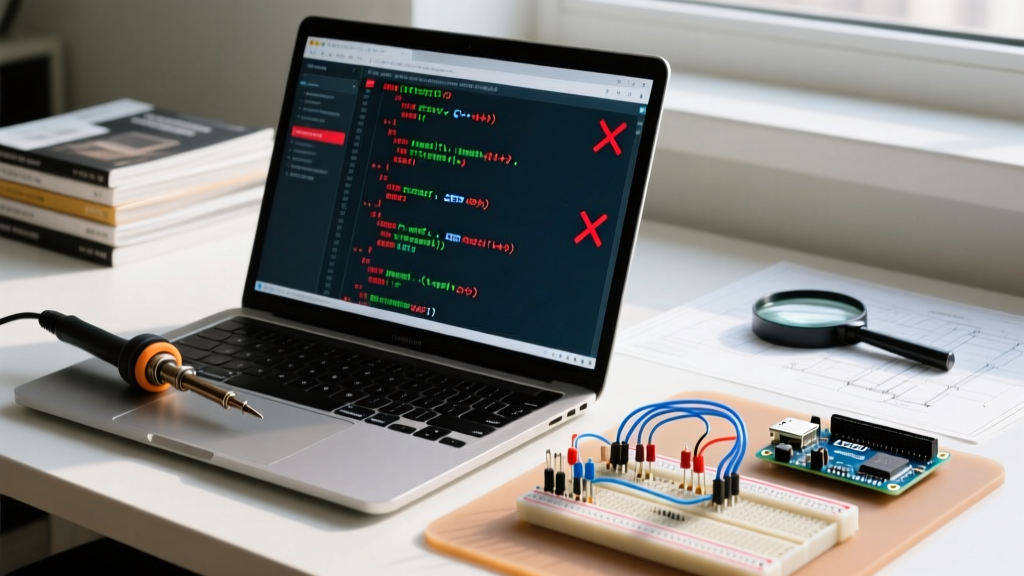
When transitioning from physical breadboards to a virtual environment, the first hurdle most developers face isn't the IDE—it's library compatibility. An arduino code simulator can perfectly emulate the ATmega328P or ESP32 core, but if the third-party sensor library relies on undocumented hardware timers or direct port manipulation, your simulation will instantly crash. In 2026, virtual prototyping is an industry standard for firmware development, yet library integration remains a complex puzzle. This deep dive explores how modern simulators handle external dependencies, why certain libraries fail, and how to engineer robust workarounds for flawless virtual testing.
Why Do Arduino Libraries Fail in Simulation?
To master simulation, you must first understand the architectural gap between physical silicon and virtual emulation. Most mainstream libraries—such as those for basic I2C sensors or standard servos—rely on the Arduino core API (digitalWrite, Wire, SPI). However, high-performance libraries often bypass the Arduino abstraction layer to achieve faster execution.
- Direct Port Manipulation: Libraries like Adafruit_NeoPixel historically used direct AVR port registers (e.g.,
PORTB) and inline assembly to meet strict microsecond timing requirements. Basic simulators that only emulate the Arduino API layer will fail to execute these instructions. - Hardware-Specific Peripherals: On the ESP32, libraries driving addressable LEDs or high-speed DACs often utilize the RMT (Remote Control) peripheral or I2S bus. If the simulator's virtual silicon does not model the RMT registers, the library will throw a fatal exception during initialization.
- Interrupt Timing Skew: Simulators execute code significantly faster or slower than real-time. Libraries that rely on precise hardware interrupt timing (like certain software-serial implementations) often experience buffer overflows in a virtual environment.
Wokwi: The Modern Standard for Library Management
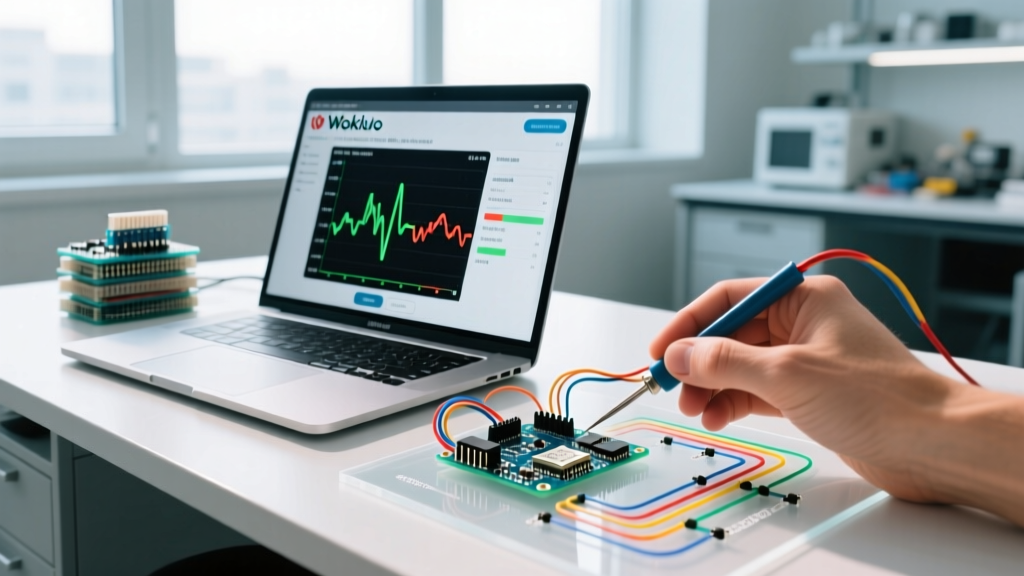
Wokwi has emerged as the premier arduino code simulator for advanced developers, primarily due to its robust handling of ESP32, Raspberry Pi Pico, and AVR architectures. Unlike older platforms, Wokwi treats library management as a first-class citizen through its wokwi.toml configuration file.
Mastering the wokwi.toml Dependency File
Instead of manually downloading ZIP files, Wokwi pulls directly from the Arduino Library Manager index. By defining your dependencies in the root directory, you ensure reproducible builds across your team. Here is an example of a production-grade configuration:
[dependencies]
"Adafruit BME280 Library" = "2.2.2"
"ArduinoJson" = "6.21.3"
"ESP32Servo" = "0.13.0"
According to the official Wokwi library documentation, pinning exact version numbers prevents silent failures when a library maintainer pushes a breaking change to the master branch. For enterprise teams, Wokwi Club (priced at $12/month in 2026) unlocks advanced WiFi simulation, allowing you to test MQTT and HTTPClient libraries against virtual cloud endpoints without flashing physical hardware.
Tinkercad Circuits: Navigating Legacy Library Limitations
Autodesk's Tinkercad Circuits remains a staple for educational environments and basic AVR prototyping. However, its closed ecosystem presents unique challenges for library integration. Tinkercad does not support automated library fetching or a manifest file.
The Manual Injection Workaround
To use a third-party library in Tinkercad, you must manually inject the header (.h) and source (.cpp) files into your project.
- Download the target library from the Arduino Reference or GitHub.
- Open the Tinkercad code editor and create a new tab for the
.hfile. Paste the raw code. - Create a second tab for the
.cppfile. Critical Step: You must remove the#include "LibraryName.h"line from the.cppfile and replace it with#include "LibraryName.h"using the exact tab name you created, ensuring the preprocessor links them correctly in the web IDE.
Simulator Ecosystem Comparison Matrix
Choosing the right environment depends heavily on your target MCU and the complexity of your library stack. The table below breaks down the current landscape for professional firmware engineers.
| Simulator Platform | Library Management | Custom Chip Support | Target MCUs | Estimated Cost (2026) |
|---|---|---|---|---|
| Wokwi | Automated (TOML) | Yes (TypeScript/C++) | AVR, ESP32, RP2040, STM32 | Free / $144/yr (Club) |
| Tinkercad Circuits | Manual (Copy/Paste) | No | ATmega328P, Micro:bit | Free |
| Proteus Design Suite | Manual (Folder mapping) | Yes (VSM SDK) | AVR, PIC, ARM Cortex | ~$250+ (Base License) |
| SimulIDE | Manual (Local paths) | Limited (XML/Subcircuits) | AVR, PIC, Arduino | Free (Open Source) |
Debugging I2C and SPI Libraries in a Virtual Environment
The most common failure mode when testing sensor libraries (like the SparkFun BME280 or Adafruit MPU6050) in an arduino code simulator is an I2C bus hang or an SPI clock divider mismatch. Virtual environments expose edge cases that physical hardware often masks.
The Pull-Up Resistor Imperative
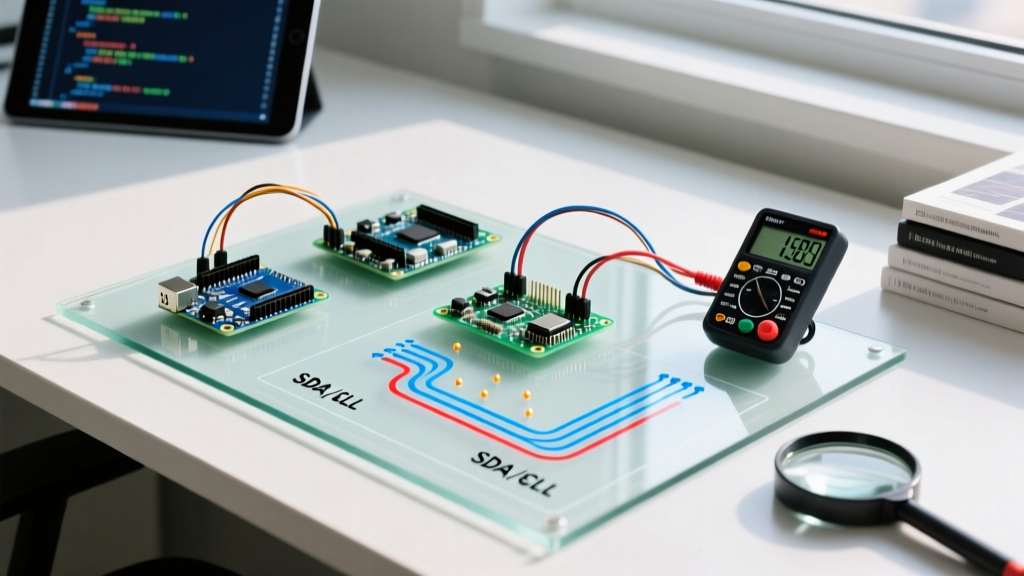
On a physical breadboard, the internal pull-up resistors of the ATmega328P (typically 20kΩ to 50kΩ) are sometimes sufficient to pull the SDA and SCL lines high, allowing an I2C library to initialize successfully. In Wokwi and Proteus, the virtual I2C bus model is strictly compliant with the NXP I2C specification. If you do not explicitly place 4.7kΩ pull-up resistors on the SDA and SCL lines in your schematic, the virtual bus will remain low, and the Wire.beginTransmission() function will timeout indefinitely.
SPI Clock Divider Skew
When using SPI-based libraries (such as those driving SD cards or TFT displays), developers often set the clock speed using SPI.setClockDivider(SPI_CLOCK_DIV2). In simulation, the virtual SPI peripheral may not respect the exact hardware prescaler, leading to data corruption. Always initialize your SPI libraries with explicit frequency definitions (e.g., SPI.beginTransaction(SPISettings(4000000, MSBFIRST, SPI_MODE0))) rather than relying on legacy clock dividers to ensure cross-compatibility between physical silicon and virtual models.
Expert Insight: "If your I2C sensor library returns a 0xFF or 0x00 data payload in simulation but works on hardware, check your virtual logic level shifters. Simulators strictly enforce voltage thresholds; a 3.3V ESP32 reading a 5V virtual sensor without a modeled level shifter will result in undefined logic states."
Creating Custom Simulator Chips for Unsupported Libraries
What happens when your project relies on a highly specialized sensor, and no virtual model exists? Advanced simulators like Wokwi allow you to write custom virtual chips using TypeScript or C++. This is a game-changer for testing proprietary I2C or UART libraries before the physical PCB arrives from the manufacturer.
By defining a custom chip, you can map the exact I2C registers your library expects to read. For example, if your library expects a WHO_AM_I register at address 0x75 returning 0x68, you can script the virtual chip to respond precisely to that sequence.
- Create a
custom-chipsfolder in your project repository. - Write a TypeScript class extending the Wokwi Chip API, defining the
i2cConnectandonI2CWritemethods. - Compile the virtual chip and reference it in your
diagram.jsonfile.
Summary: Best Practices for Virtual Library Testing
Using an arduino code simulator effectively requires more than just uploading your sketch. It demands a deep understanding of how libraries interact with hardware abstractions. Always pin your library versions via manifest files, explicitly model passive components like pull-up resistors, and leverage custom chip APIs to simulate unsupported sensors. By adopting these rigorous virtual testing methodologies, you can eliminate up to 80% of hardware-level debugging time, ensuring your firmware is robust before it ever touches a breadboard. For further reading on standardizing your development environment, refer to the Tinkercad Circuits portal for basic AVR validation, and consult manufacturer datasheets for precise I2C/SPI timing requirements.