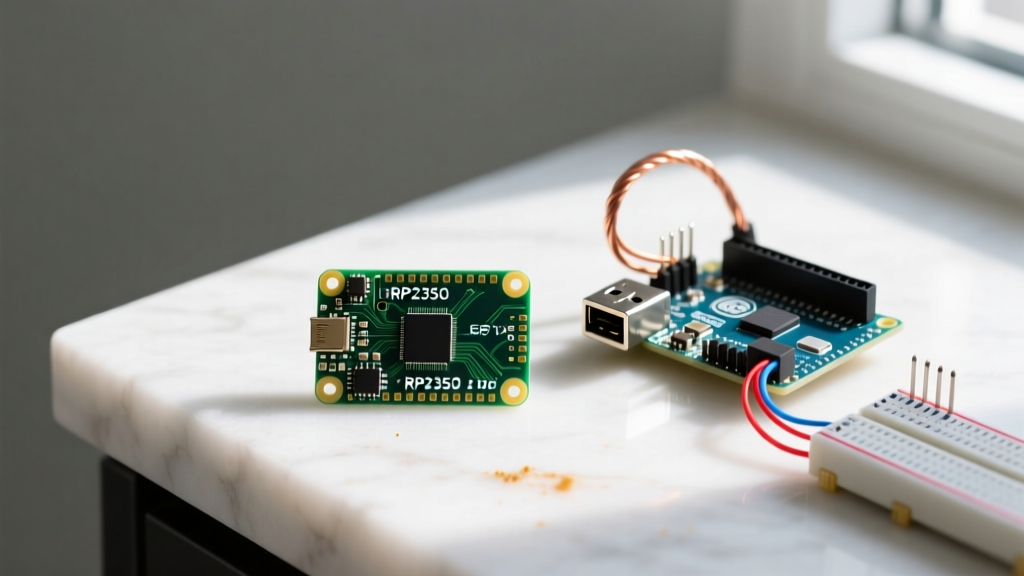

The Microcontroller Divide: Budget vs. Premium in 2026
When evaluating the raspberry pi pico vs arduino debate for your next embedded project, the decision ultimately boils down to a fundamental engineering trade-off: raw silicon value versus ecosystem convenience. The microcontroller market has sharply bifurcated. On one side, the Raspberry Pi Pico family dominates the budget tier, offering staggering computational power for the price of a cup of coffee. On the other, the Arduino Uno R4 series commands the premium tier, justifying its higher cost through zero-config toolchains, legacy shield compatibility, and specialized analog peripherals.
This guide strips away the marketing fluff and dives deep into the hardware architectures, hidden costs, and real-world failure modes of both platforms to help you choose the right board for your workbench.
Hardware Specifications: RP2350 vs. Renesas RA4M1
To understand the budget vs. premium divide, we must compare the current-generation flagships: the Raspberry Pi Pico 2 (powered by the RP2350) and the Arduino Uno R4 WiFi (powered by the Renesas RA4M1).
| Feature | Raspberry Pi Pico 2 (Budget) | Arduino Uno R4 WiFi (Premium) |
|---|---|---|
| MCU Core | Dual Cortex-M33 / RISC-V @ 150MHz | Renesas RA4M1 (Cortex-M4) @ 48MHz |
| Memory | 520KB SRAM, 4MB External Flash | 32KB SRAM, 256KB Flash |
| Board Price (MSRP) | $5.00 - $7.00 | $27.50 |
| Wireless | Wi-Fi 4 / BLE 5.2 (on Pico 2 W) | Wi-Fi 4 / BLE 5.1 (ESP32-S3 coprocessor) |
| Unique Peripherals | Programmable I/O (PIO), HSTX | 12-bit DAC, Internal Op-Amp, 12x8 LED Matrix |
| Form Factor | Breadboard-friendly DIP | Standard Arduino Uno Shield Footprint |
The Budget King: Raspberry Pi Pico Family
The Raspberry Pi Pico redefined the entry-level MCU market. Originally launching with the RP2040, the ecosystem has now evolved to the Raspberry Pi Pico 2, featuring the RP2350 chip. Priced at just $5.00 for the base model and $7.00 for the wireless variant, it is the undisputed budget champion.
The Power of PIO (Programmable I/O)
The Pico's secret weapon is its PIO state machines. Unlike traditional MCUs that rely on fixed hardware peripherals (like I2C or SPI controllers), the Pico allows you to write custom assembly-like instructions to create your own hardware interfaces. Need to drive a niche LED protocol or interface with a legacy VGA monitor? The PIO can handle it without burdening the main CPU cores. This level of hardware flexibility is virtually unheard of at the $5 price point.
Architecture and Security
The RP2350 introduces a unique architectural choice: developers can boot into either dual ARM Cortex-M33 cores or dual RISC-V cores. Furthermore, the Pico 2 integrates robust security features, including secure boot, OTP (One-Time Programmable) memory, and a true random number generator (TRNG), making it viable for commercial IoT deployments where firmware protection is critical.
The Premium Standard: Arduino Uno R4
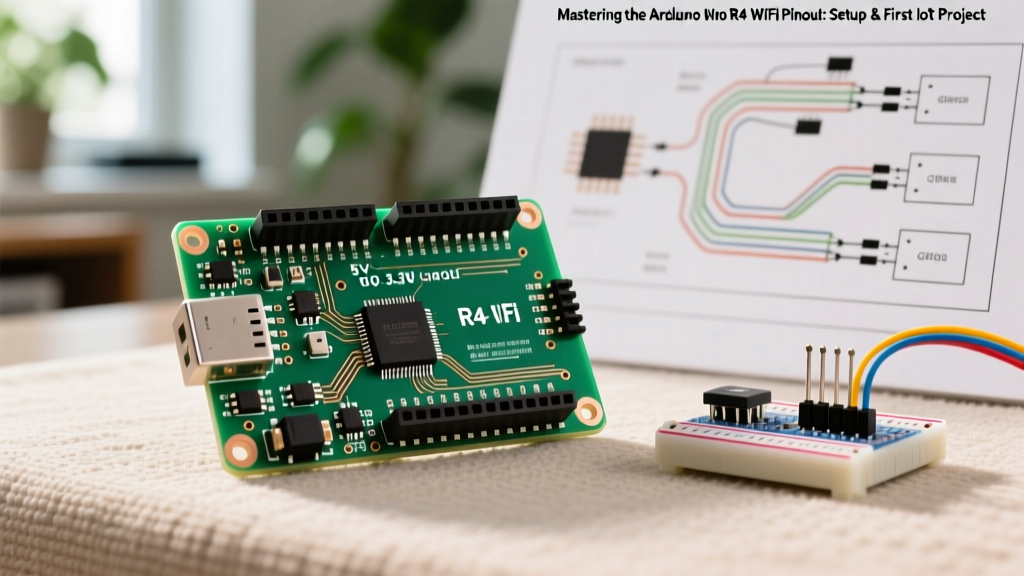
At $17.50 for the Minima and $27.50 for the WiFi version, the Arduino Uno R4 represents the premium tier. You are not just paying for the Renesas RA4M1 Cortex-M4 silicon; you are paying for the unparalleled Arduino ecosystem, backward compatibility, and specialized analog hardware.
Analog Superiority and the Internal Op-Amp
Where the Pico struggles with analog precision, the Uno R4 excels. The RA4M1 includes a true 12-bit Digital-to-Analog Converter (DAC) and an internal operational amplifier. This means you can generate precise analog waveforms or amplify low-level sensor signals (like those from a photodiode or shunt resistor) directly on the board without needing external op-amp ICs. For audio synthesis, motor control, or precision sensoring, the R4's analog suite justifies its premium price tag.
The Shield Ecosystem
The physical footprint of the Arduino Uno is an industry standard. The R4 maintains this legacy, allowing engineers to stack decades worth of third-party shields—from GPS modules to motor drivers—directly onto the board. As noted in the Arduino Official Documentation, the R4 also upgrades the power delivery system, supporting input voltages up to 24V, making it highly resilient in industrial and automotive prototyping environments where 12V or 24V rails are standard.
The Golden Rule of MCU Selection: You either pay with your wallet (premium ecosystems) or you pay with your time (budget raw silicon).
The 'Hidden Cost' Analysis: Toolchains and Ecosystems
When comparing the raspberry pi pico vs arduino, the sticker price is only the beginning. The true cost of a microcontroller includes the time spent configuring the toolchain, debugging, and sourcing libraries.
- Arduino (Time Savings): The Arduino IDE and its massive library repository offer a 'plug-and-play' experience. If you need to interface with a BME280 sensor, you install a library and flash the code in three minutes. The premium price buys you rapid prototyping speed.
- Raspberry Pi Pico (Time Investment): While MicroPython makes the Pico accessible, serious C/C++ development requires setting up the Pico SDK, configuring CMake, and managing SWD debugging via tools like OpenOCD. Furthermore, finding robust, community-maintained libraries for niche sensors can take hours of scouring GitHub forums.
Real-World Failure Modes and Edge Cases
Reading spec sheets only tells half the story. In the lab, both platforms exhibit unique hardware quirks that can derail a weekend project if you are unprepared.
Raspberry Pi Pico: The ADC Noise Quirk
While the RP2040 and RP2350 boast a 12-bit Analog-to-Digital Converter, hardware designers quickly learn that the Pico's ADC is notoriously noisy, effectively yielding 9 to 10 bits of usable resolution without external filtering. Furthermore, the RP2040's ADC2 shares a ground path that introduces digital switching noise. If your project requires precision analog sensing (like load cells or thermistors), the budget Pico will force you to add an external I2C ADC like the ADS1115 ($3.50), negating your initial cost savings. For deep hardware specs, engineers should consult the RP2350 Datasheet for exact ADC characterization graphs.
Arduino Uno R4: Power Delivery and Shield Tolerances
The premium Uno R4 features a robust power section, but the transition to USB-C has introduced edge cases with poorly negotiated Power Delivery (PD) handshakes when connected to modern high-wattage GaN chargers, occasionally causing the board to fail to enumerate on the host PC. Additionally, while the R4 maintains the classic Uno shield footprint, the physical height of the new SMD components on the R4 WiFi can cause clearance issues with older, poorly designed third-party shields that sit too low on the header pins.
Final Verdict: Which Board Belongs on Your Workbench?
The choice between the Raspberry Pi Pico and Arduino Uno R4 is not about which board is 'better,' but rather which board aligns with your project constraints and engineering bandwidth.
Choose the Budget Raspberry Pi Pico 2 if:
- You are manufacturing a consumer product and need to keep the Bill of Materials (BOM) under $8.
- Your project requires high-speed custom protocols (via PIO) or dual-core processing at 150MHz.
- You are comfortable with CMake, SWD debugging, and writing custom drivers.
- You primarily use MicroPython for rapid scripting.
Choose the Premium Arduino Uno R4 if:
- You are prototyping a system that relies on existing Arduino shields.
- Your application requires precise analog output (DAC) or internal signal amplification (Op-Amp).
- You are an educator or hobbyist who values a zero-friction toolchain and immediate library support over raw CPU clock speed.
- You need native CAN bus support (available on the RA4M1) for automotive or industrial robotics projects.
Ultimately, the Pico wins on pure computational value, while the Arduino R4 wins on analog precision and ecosystem maturity. Stock both on your workbench, and deploy them where their specific architectural strengths shine.