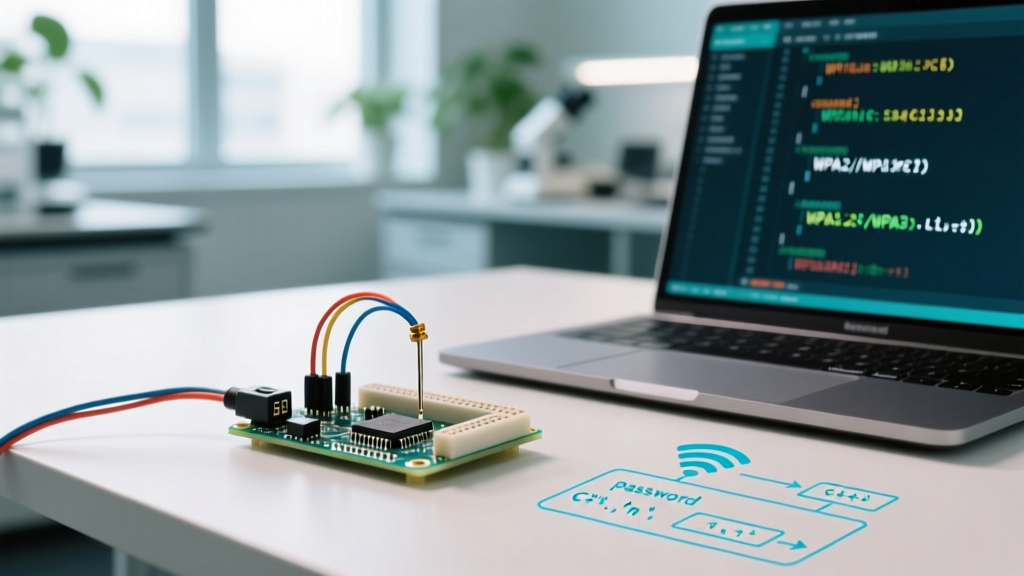

The Silent Killer of ESP32 WiFi Connections
When building IoT projects with the ESP32-WROOM-32E, the dual-core ESP32-S3, or the RISC-V based ESP32-C3, few things are as frustrating as a silent WiFi connection failure. You upload your sketch, open the Serial Monitor at 115200 baud, and watch WiFi.begin() endlessly cycle through WL_CONNECT_FAILED. While beginners often blame the router, the antenna trace, or the 3.3V voltage regulator, a massive percentage of these failures stem from a fundamental misunderstanding of ESP32 Arduino WiFi password legal characters and C++ string literal parsing.
This guide breaks down the exact IEEE 802.11 standards, C++ escape sequence pitfalls, WPA3-SAE handshake nuances, and modern 2026 best practices for handling wireless credentials securely and reliably. Whether you are deploying a $5 ESP32 dev board for a home automation sensor or a $12 industrial module for a commercial fleet, understanding how your password string is compiled and transmitted is critical.
What the IEEE 802.11 Standard Actually Allows
Before diving into Arduino code, we must separate the router's requirements from the microcontroller's compiler. According to the Wi-Fi Alliance WPA specifications, a WPA2-Personal (PSK) or WPA3-SAE passphrase must be between 8 and 63 ASCII characters. Every character must fall within the standard printable ASCII range (decimal 32 to 126).
This legally permits:
- Uppercase and Lowercase Letters: A-Z, a-z (Case-sensitive)
- Numbers: 0-9
- Standard Symbols:
@ # $ % ^ & * ( ) - _ = + [ ] { } | ; : ' , . < > / ? ~ - Space: Decimal 32 (Though trailing spaces are a notorious source of configuration errors on consumer routers)
Critical Edge Case: If your password is exactly 64 characters long, the IEEE standard dictates it must be treated as a raw hexadecimal Pre-Shared Key (PSK), not an ASCII passphrase. The standard Arduino
WiFi.hlibrary does not automatically parse 64-character hex strings into raw PSKs without specific configuration, leading to instant authentication rejection by the router.
The Real Culprit: C++ String Literal Escape Rules
The most common reason an ESP32 fails to connect to a network with a perfectly legal WPA2 password is C++ string literal escaping. When you type a password into the Arduino IDE, you are writing C++ code, not just filling out a text box. The compiler interprets certain characters as commands rather than literal text.
Consider this common scenario: Your home WiFi password is MySecure\Password123. You write the following code:
const char* ssid = "HomeNetwork";
const char* password = "MySecure\Password123";
WiFi.begin(ssid, password);
The compiler reads the backslash \ as an escape character. It looks at \P, realizes it is not a standard escape sequence (like \n or \t), and depending on the exact GCC compiler version used by the ESP32 Arduino Core, it either drops the backslash entirely or throws a warning. The ESP32 ultimately transmits MySecurePassword123 to the router. The router rejects this incorrect string, resulting in a failed handshake.
Common C++ Escape Sequences That Ruin WiFi Passwords
If your password contains any of the following characters, you must escape them properly using a double backslash or adjust your password on the router.
| Character in Password | C++ Escape Sequence | How to Write in Arduino IDE | Result Sent to WiFi Radio |
|---|---|---|---|
Backslash ( \ ) |
\\ |
"Pass\\word" |
Pass\word |
Double Quote ( " ) |
\" |
"Pass\"word" |
Pass"word |
Single Quote ( ' ) |
\' (Optional in strings) |
"Pass'word" |
Pass'word |
| Newline (Enter) | \n |
Not legal in WPA2 | Causes buffer truncation |
| Tab | \t |
Not legal in WPA2 | Causes buffer truncation |
For a deeper understanding of how the Arduino environment handles string data types and memory allocation, refer to the official Arduino String Reference.
Handling Non-ASCII, UTF-8, and Emoji SSIDs
What about non-ASCII characters, accented letters, or emojis? As of the ESP32 Arduino Core v3.x releases, the underlying ESP-IDF framework supports UTF-8 encoded strings in memory. However, the legal character rules for WPA2/WPA3 strictly specify ASCII.
If your router allows you to set a password with an accented character (like é) or an emoji, it is likely using a proprietary UTF-8 hashing extension or treating the multi-byte UTF-8 sequence as raw binary data. When the ESP32 attempts to connect, byte-alignment mismatches between the router's hashing algorithm and the ESP32's wpa_supplicant implementation will cause a silent failure. Furthermore, with the widespread adoption of WPA3-SAE (Simultaneous Authentication of Equals) in 2026, the Dragonfly handshake protocol is highly sensitive to exact byte-for-byte passphrase matching. Rule of thumb for IoT deployments: strictly limit your SSID and password to standard 7-bit ASCII characters to guarantee cross-vendor interoperability.
Step-by-Step Debugging Flow for WL_CONNECT_FAILED
If your ESP32 is stuck in a connection loop, follow this exact diagnostic sequence before rewriting your code:
- Verify the Raw String: Print the password to the Serial Monitor using
Serial.println(password). If the output does not exactly match your router's configuration character-for-character, you have a C++ escape sequence error. - Check String Length: Use
strlen(password). If the length is less than 8 or greater than 63, the ESP-IDF WiFi driver will reject it locally before even attempting a radio transmission. - Test with a Dummy Network: Use your smartphone to create a mobile hotspot with a simple, 8-character alphanumeric password (e.g.,
test1234). If the ESP32 connects to the hotspot but not your router, the issue is 100% related to illegal characters or escape sequences in your primary password. - Inspect Router Security Mode: Ensure your router is broadcasting in WPA2/WPA3 Transition Mode. Some older ESP32-WROOM-32 modules struggle with pure WPA3-SAE enforcement if the Arduino Core version is outdated.
Best Practice: Stop Hardcoding Passwords in 2026
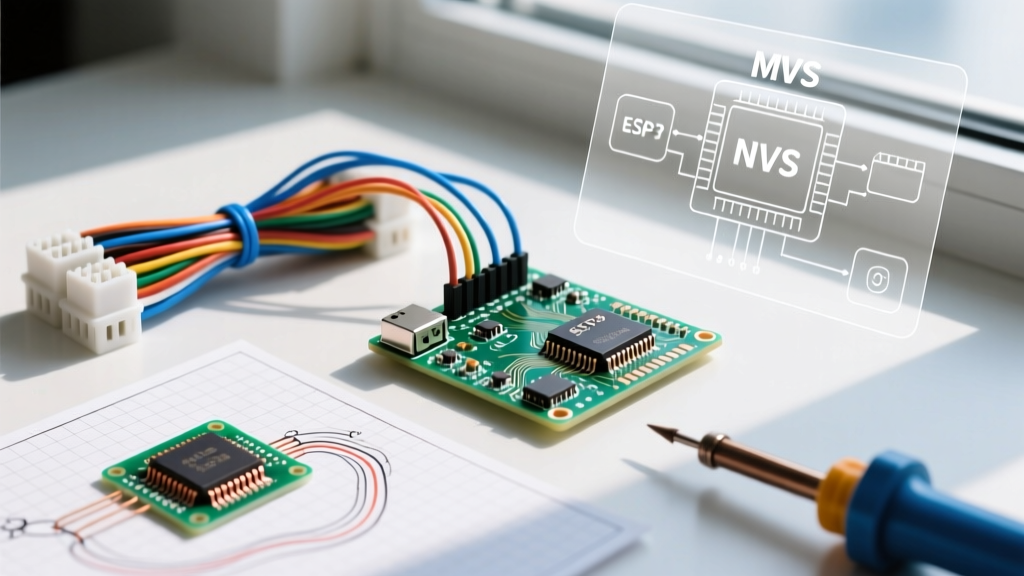
Hardcoding WiFi credentials directly into your .ino file is a major security risk, especially if you push your code to GitHub. It also forces you to recompile and flash the firmware every time you move the device to a new network. The industry standard for ESP32 credential management is using the Non-Volatile Storage (NVS) via the Preferences.h library.
By storing the SSID and password in the ESP32's flash memory, you bypass C++ string literal escaping entirely during the connection phase, as the string is read as raw bytes from the flash partition. Below is a secure provisioning pattern:
#include <WiFi.h>
#include <Preferences.h>

Preferences preferences;

void setup() {
  Serial.begin(115200);

  // Initialize NVS partition
  preferences.begin("wifi-creds", false);

  // Read stored credentials (returns empty string if not found)
  String ssid = preferences.getString("ssid", "");
  String pass = preferences.getString("pass", "");

  if (ssid == "" || pass == "") {
    Serial.println("No credentials found. Please provision via Serial.");
    // Add your Serial provisioning logic here to write to NVS
  } else {
    Serial.print("Connecting to: ");
    Serial.println(ssid);
    WiFi.begin(ssid.c_str(), pass.c_str());

    while (WiFi.status() != WL_CONNECTED) {
      delay(500);
      Serial.print(".");
    }
    Serial.println("\nConnected!");
  }
  preferences.end();
}

void loop() {
  // Your IoT application logic
}
For advanced flash partition management and encryption, consult the Espressif NVS Flash API documentation. Utilizing NVS not only solves the legal character parsing issues inherent in C++ hardcoded strings but also aligns your project with professional IoT security standards.
Final Thoughts on Character Encoding
Understanding ESP32 Arduino WiFi password legal characters is less about memorizing the WPA2 standard and more about understanding how the C++ compiler interprets your text before it ever reaches the WiFi radio. By sticking to standard ASCII, properly escaping backslashes and quotes, and migrating to NVS-based credential storage, you will eliminate the most common, frustrating WiFi connection failures in your embedded projects.