
The Core Question: Is Arduino a Microcontroller?
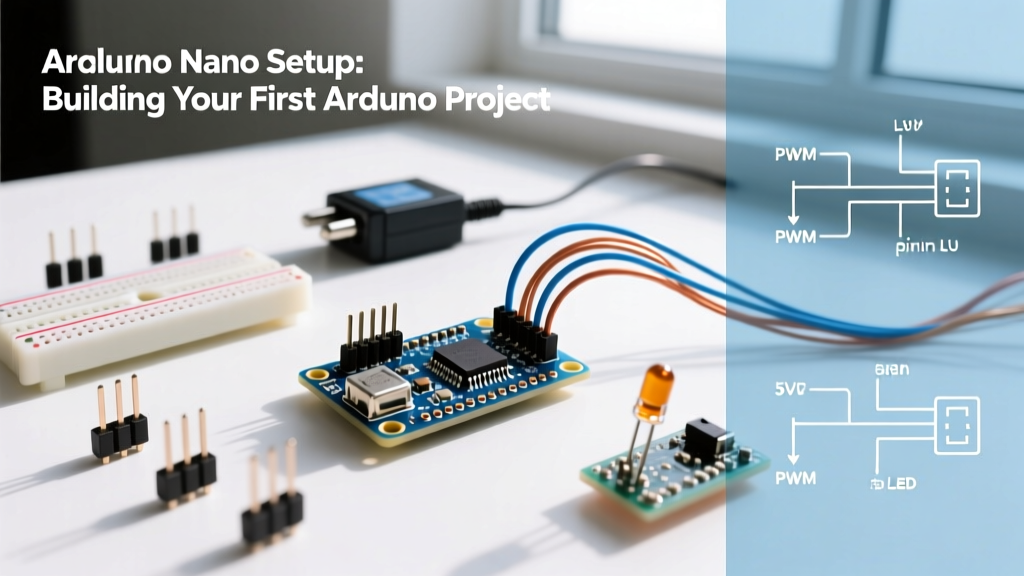
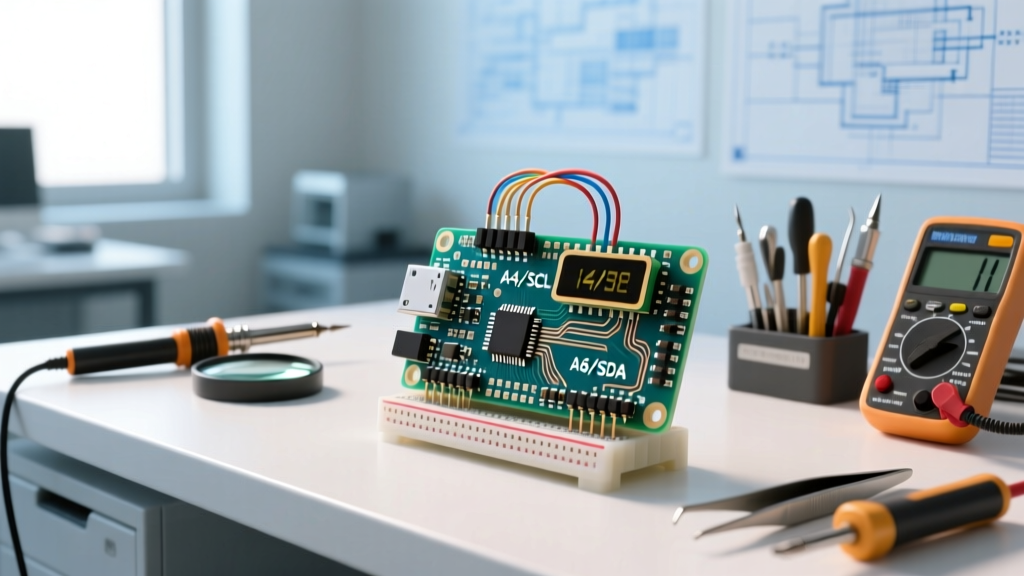
If you are entering the embedded systems space, you have likely asked: is Arduino a microcontroller? The short answer is no. Arduino is not a microcontroller; it is a comprehensive hardware and software ecosystem. The actual microcontroller (MCU) is the black silicon chip soldered onto the Arduino development board. The board itself provides the supporting circuitry—voltage regulators, USB-to-Serial converters, crystal oscillators, and broken-out GPIO pins—required to make the raw microcontroller usable without designing a custom printed circuit board (PCB).
Understanding this distinction is critical when evaluating the budget vs premium Arduino landscape in 2026. When you buy a budget board, you are paying for a basic carrier PCB wrapped around an older, inexpensive 8-bit MCU. When you invest in a premium board, you are paying for advanced 32-bit ARM architectures, integrated sensors, and high-speed interfaces. Let us dissect the silicon and the economics behind both tiers.
The Anatomy of an Arduino Board:
1. The MCU (The Brain): Executes your C++ code (e.g., ATmega328P, STM32H747).
2. The USB-Serial Bridge: Translates USB data from your PC to UART for the MCU (e.g., ATmega16U2, CH340G).
3. The Voltage Regulator: Steps down external power (7-12V) to a stable 5V or 3.3V logic level.
4. The Bootloader: A small program pre-flashed into the MCU's memory that allows code uploading via USB without an external hardware programmer.
The Budget Tier: 8-Bit AVR and the Clone Economy
The budget tier is dominated by the legacy 8-bit AVR architecture, most notably the Microchip ATmega328P found in the Arduino Uno R3 and Nano. In 2026, the official Arduino Uno R3 retails for roughly $27.60, but the open-source nature of the hardware has spawned a massive clone economy. You can easily source ATmega328P-based Nano clones on AliExpress or Amazon for $3.50 to $5.00 each in multi-packs.
Where the Budget Tier Shines
- 5V Logic Tolerance: The ATmega328P operates natively at 5V. This makes it incredibly forgiving for beginners wiring up basic modules like HC-SR04 ultrasonic sensors, 16x2 LCDs, and standard 5V relay boards without worrying about frying the silicon.
- Massive Community Support: Every obscure bug, wiring diagram, and library for the Uno/Nano has been documented extensively over the last decade.
- Low-Stakes Prototyping: At $4 per clone, you can permanently embed the board into a DIY smart mirror or automated plant waterer without feeling guilty about the cost.
The Hidden Compromises of Budget Clones
To hit that $4 price point, clone manufacturers swap out the official ATmega16U2 USB-Serial chip for the cheaper CH340G or CH340C. While functional, the CH340 requires manual driver installation on older operating systems and lacks the native HID (Human Interface Device) capabilities of the 16U2, meaning your budget Nano cannot natively emulate a USB keyboard or gamepad without complex V-USB software hacks. Furthermore, budget boards often use linear voltage regulators that overheat if you draw more than 400mA from the 5V pin while powering the board via the barrel jack at 12V.
The Premium Tier: 32-Bit ARM and Edge Computing
When your project outgrows blinking LEDs and requires digital signal processing (DSP), machine learning, or high-speed data logging, you must migrate to the premium tier. Boards like the Arduino Portenta H7 ($109.00) and the Nano 33 BLE Sense Rev2 ($61.50) represent a massive leap in silicon capability.
The Portenta H7 utilizes the STMicroelectronics STM32H747XI, a dual-core 32-bit ARM Cortex-M7 (running at 480 MHz) and Cortex-M4 (running at 240 MHz). This is not just a microcontroller; it is a microprocessor-class chip capable of running real-time operating systems (RTOS) and executing complex TinyML models locally. Meanwhile, the Nano 33 BLE Sense packs an nRF52840 ARM Cortex-M4F alongside an IMU, barometric sensor, and a PDM microphone, all on a footprint identical to the classic Nano.
Premium Hardware Advantages
- Hardware Floating Point Units (FPU): The Cortex-M4 and M7 cores feature dedicated FPUs, allowing for rapid trigonometric calculations required in drone stabilization and robotics kinematics without bogging down the CPU.
- Massive Memory Footprints: While the budget ATmega328P chokes at 2KB of SRAM, the Portenta H7 boasts 8MB of external SDRAM and 2MB of internal Flash. This allows you to buffer high-resolution audio or store thousands of data points for SD-card-less logging.
- High-Speed Peripherals: Premium boards include hardware-accelerated SPI, I2C, and even MIPI camera interfaces, bypassing the software bottlenecks of 8-bit AVRs.
Hardware Showdown: Budget vs Premium Specifications
To visualize the massive gap in silicon capabilities, compare the core specifications of the standard budget workhorse against the modern premium flagship.
| Specification | Budget: Uno R3 (ATmega328P) | Premium: Portenta H7 (STM32H747) |
|---|---|---|
| Architecture | 8-bit AVR | 32-bit Dual-Core ARM Cortex-M7/M4 |
| Clock Speed | 16 MHz | 480 MHz (M7) / 240 MHz (M4) |
| Flash Memory | 32 KB | 2 MB |
| SRAM | 2 KB | 1 MB (Internal) + 8 MB (External SDRAM) |
| Logic Voltage | 5V (Tolerant) | 3.3V (Strict) |
| USB Capabilities | Serial (via bridge chip) | Native High-Speed USB OTG |
| Typical 2026 Price | $27.60 (Official) / $4.50 (Clone) | $109.00 |
The 3.3V vs 5V Logic Trap: A Costly Migration
The most common failure mode when engineers upgrade from a budget 5V Uno to a premium 3.3V Portenta or Nano 33 BLE is logic level mismatch. The STM32H747 and nRF52840 are strictly 3.3V devices. Their GPIO pins are not 5V tolerant.
If you connect a standard 5V HC-SR04 ultrasonic sensor's Echo pin directly to a digital input on the Portenta H7, the 5V signal will backfeed into the MCU, permanently destroying the silicon die. To safely bridge the budget sensor ecosystem with premium boards, you must integrate a bidirectional logic level shifter, such as the TXB0108 or BSS138 MOSFET-based modules. This adds $2 to $5 and extra wiring complexity to your bill of materials (BOM), a hidden cost of the premium tier that beginners frequently overlook.
Decision Framework: When to Abandon the Budget Tier
Do not fall into the trap of over-engineering. A $4 Nano clone is perfectly adequate for 80% of DIY home automation projects. However, you must upgrade to a premium 32-bit board if your project encounters any of the following edge cases:
- Audio Processing and FFT: If you are building a spectrum analyzer or voice-controlled device, the 2KB SRAM and 16MHz clock of the ATmega328P cannot sample and process audio buffers fast enough. The Cortex-M7's DMA (Direct Memory Access) and SDRAM are mandatory.
- TinyML and Edge AI: Running TensorFlow Lite for Microcontrollers to detect anomalies in motor vibrations requires the hardware FPU and Flash capacity found only on the Nano 33 BLE Sense or Portenta.
- High-Frequency PWM: Standard analogWrite() on an Uno runs at roughly 490 Hz. If you are driving high-speed ESCs for drones or advanced LED multiplexing, you need the advanced hardware timers of the STM32 series to push clean PWM signals at 20 kHz or higher.
- Native USB HID: If you are building a custom macro keypad or flight simulator yoke, premium boards with native USB OTG can enumerate as keyboards or joysticks natively, without relying on buggy software emulation.
Final Verdict
So, is Arduino a microcontroller? No, it is the bridge between raw silicon and human intent. The budget tier remains the undisputed king of 5V-tolerant, low-cost learning and simple actuation. But as embedded systems in 2026 demand more local intelligence, the premium ARM-based boards have transitioned from niche prototyping tools to essential industrial edge-computing platforms. Choose your silicon based on your memory constraints and logic voltage requirements, not just the brand name printed on the PCB.
For detailed pinouts and official schematics, always refer to the Arduino Hardware Documentation before wiring high-current loads to any development board.