
The State of the Arduino Ecosystem in 2026
Despite the rapid proliferation of 32-bit microcontrollers like the ESP32-S3 and Raspberry Pi RP2040, the 8-bit AVR architecture remains the undisputed pedagogical king of embedded systems. When searching for the ideal arduino uno kit for beginners, you are not just buying a printed circuit board; you are buying into a two-decade-old ecosystem of shields, libraries, and community knowledge. In 2026, the landscape has bifurcated into premium official kits and ultra-budget third-party clones, each offering a vastly different out-of-the-box experience.
This ecosystem overview dissects the hardware tiers, the software environment, and the real-world failure modes you will encounter when unboxing your first microcontroller kit.
Anatomy of a Beginner Kit: Pricing Tiers and Component Quality
Not all kits are created equal. The primary differentiator between a $30 clone kit and a $105 official kit lies in the tolerance of the passive components and the reliability of the solderless breadboards. Below is a breakdown of what to expect across the three main market tiers.
| Kit Tier | Estimated Price (2026) | Core Board | Breadboard Quality | Component Selection |
|---|---|---|---|---|
| Official Arduino Starter Kit | $105 - $115 | Genuine Uno R3 / R4 Minima | Premium (Low contact resistance) | Curated, high-quality sensors, printed project book |
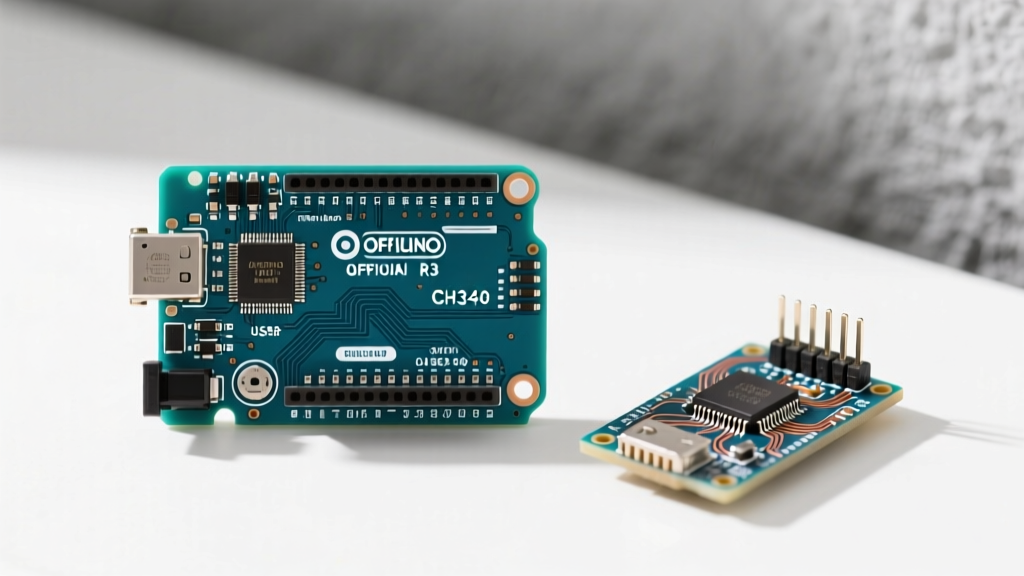
| Premium Third-Party (e.g., Elegoo, Rexqualis) | $40 - $55 | Clone Uno R3 (CH340G UART) | Medium (Occasional loose rails) | Comprehensive, includes DHT11, HC-SR04, LCD1602 |
| Budget Bulk (Generic Amazon/AliExpress) | $20 - $30 | Clone Uno R3 (Poor flux residue) | Poor (High oxidation, >5Ω resistance) | Missing pull-up resistors, low-grade jumper wires |
Expert Insight: If you opt for a third-party clone kit to save money, immediately upgrade the included jumper wires. Budget kits often use 28 AWG stranded wire with thin PVC insulation that fractures internally after 10-15 breadboard insertions, leading to phantom open-circuit debugging nightmares. Invest $8 in a set of 22 AWG solid-core pre-formed wire links.
The Core Board: Uno R3 vs. Uno R4 in the Modern Era
When selecting an arduino uno kit for beginners, you must decide between the legacy ATmega328P (Uno R3) and the modern Renesas RA4M1 (Uno R4). While the Official Arduino Starter Kit historically ships with the R3, the R4 Minima has become increasingly prevalent in 2026.
Why the Legacy R3 Still Matters for Beginners
- 5V Logic Dominance: The R3 operates natively at 5V. Most cheap kit sensors (like the HC-SR04 ultrasonic module) output 5V signals. The R4 is a 3.3V device with 5V-tolerant I/O, but analog reads and certain I2C edge-cases still require logic level shifting.
- Library Compatibility: While the Arduino API abstracts most hardware, older, poorly maintained libraries that rely on direct AVR port manipulation (e.g.,
PORTBregisters) will fail to compile on the ARM-based R4. - Bootloader Recovery: Bricking an R3 is easily fixed with a $15 USBasp programmer. The R4's ARM architecture requires a more complex DFU (Device Firmware Upgrade) recovery process via its secondary hardware bridge.
The Software Ecosystem: Arduino IDE 2.x
The days of the bare-bones, text-editor-style Arduino IDE are over. The current Arduino IDE 2.x ecosystem features IntelliSense autocompletion, real-time variable tracing, and integrated Git support. For a beginner, this drastically reduces the 'syntax error' fatigue that plagues early C++ learning.
However, the IDE is only half the software equation. The true power lies in the Library Manager. In 2026, the ecosystem relies heavily on the Adafruit_Sensor unified API and the Wire.h I2C library. A good beginner kit will include components that have dedicated, actively maintained libraries in this repository, rather than requiring you to hunt down deprecated ZIP files on obscure forums.
Real-World Troubleshooting: Kit Component Failure Modes
When building your first circuits, hardware failures are often misdiagnosed as software bugs. Here are the most common edge cases specific to beginner kit components:
1. The 'Charge-Only' USB Cable Trap
Many budget kits include a Micro-USB or USB-C cable to connect the Uno to your PC. Up to 40% of these bundled cables lack the D+ and D- data lines, functioning only for power delivery. If your PC does not play the USB connection chime and the IDE shows no available COM ports, swap the cable before troubleshooting your CH340/ATmega16U2 drivers.
2. I2C Address Conflicts on LCD1602 Modules
Almost every kit includes an LCD1602 display with an I2C backpack. Beginners frequently copy-paste code using the I2C address 0x27. However, many clone manufacturers use PCF8574A chips instead of PCF8574 chips, shifting the address to 0x3F. Always run an I2C scanner sketch before assuming your display is dead. For a deeper understanding of bus protocols, refer to SparkFun's comprehensive I2C guide.
3. Breadboard Power Rail Discontinuities
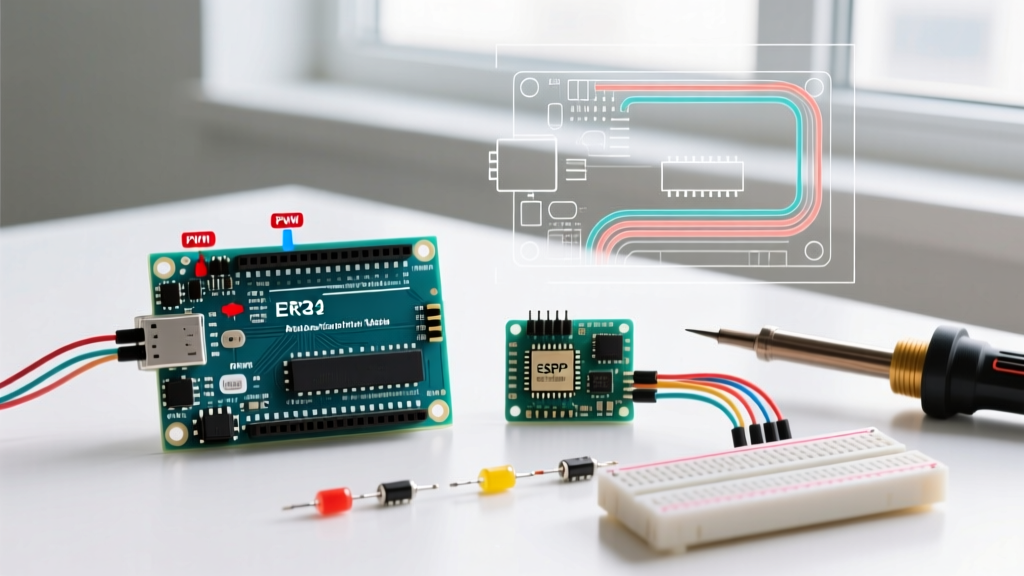
Cheap solderless breadboards often have a physical gap in the middle of the long power rails (marked by a red line break in the silk screen). If you plug your 5V jumper into the left side and your sensor into the right side, it will not power on. Always bridge the center gap with a jumper wire if your kit's breadboard features this split.
Comparison Matrix: When to Graduate from the Uno Kit
An arduino uno kit for beginners is a stepping stone. Once you master basic GPIO manipulation, analog reads, and I2C/SPI protocols, you will inevitably hit the Uno's hardware ceiling. Here is how the Uno ecosystem compares to the next logical platforms in 2026:
| Feature | Arduino Uno R3 (Kit Standard) | ESP32-WROOM-32 | Raspberry Pi Pico W |
|---|---|---|---|
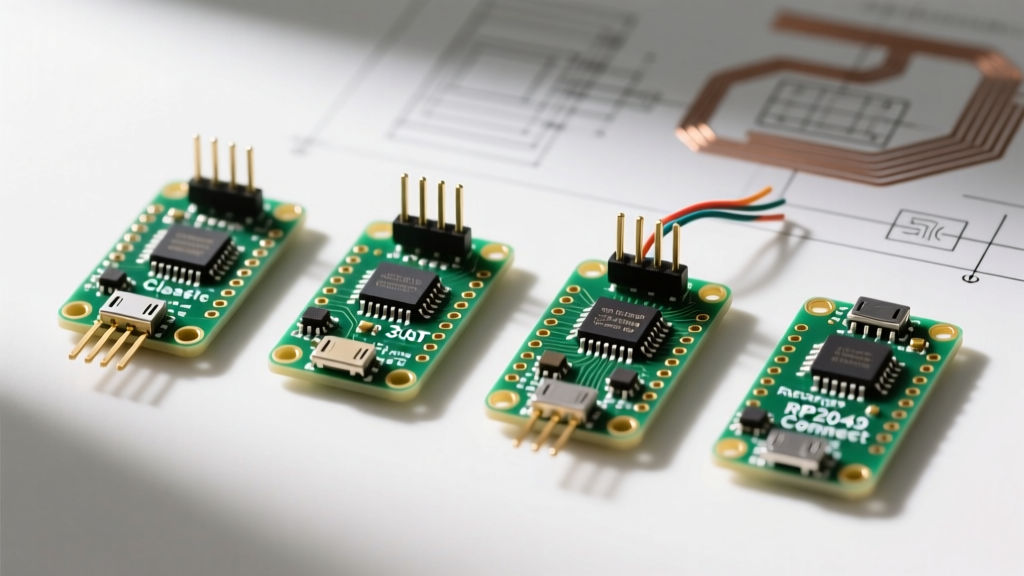
| Architecture | 8-bit AVR (16 MHz) | 32-bit Xtensa Dual-Core (240 MHz) | 32-bit ARM Cortex-M0+ (133 MHz) |
| Connectivity | None (Requires Shields) | Native Wi-Fi 4 & Bluetooth 4.2 | Native Wi-Fi 4 (Pico W variant) |
| ADC Resolution | 10-bit (6 channels) | 12-bit (18 channels, non-linear) | 12-bit (4 channels, highly accurate) |
| Best Use Case | Learning C++, basic robotics, 5V logic interfacing | IoT, web servers, high-speed sensor polling | Precision analog, MicroPython, USB HID devices |
Final Verdict: Building Your Foundation
If your goal is pure education—understanding the flow of current, the timing of digital pins, and the structure of C++—a premium third-party arduino uno kit for beginners (like the Elegoo Super Starter V3) offers the highest ROI. It provides the sheer volume of sensors required to experiment without the $100+ barrier to entry. However, if you are buying for a classroom environment or require guaranteed hardware longevity and support for the official project book, the genuine Arduino Starter Kit remains the gold standard. Remember: the board is just the canvas; the true value lies in the vast, open-source ecosystem you are about to enter.