
The Enduring Anchor of Physical Computing
When engineers and hobbyists refer to an Arduino Uno controller, they are rarely talking about a single piece of fiberglass and silicon. In 2026, the Uno represents the anchor of the largest physical computing ecosystem in the world. While newer 32-bit microcontrollers boast higher clock speeds and native wireless connectivity, the Uno form factor remains the undisputed standard for educational hardware, rapid prototyping, and modular shield integration. Understanding this ecosystem requires looking past the microcontroller itself and examining the hardware derivatives, physical shield standards, software toolchains, and real-world electrical edge cases that define daily use.
The Core Hardware: Official Boards vs. Market Clones
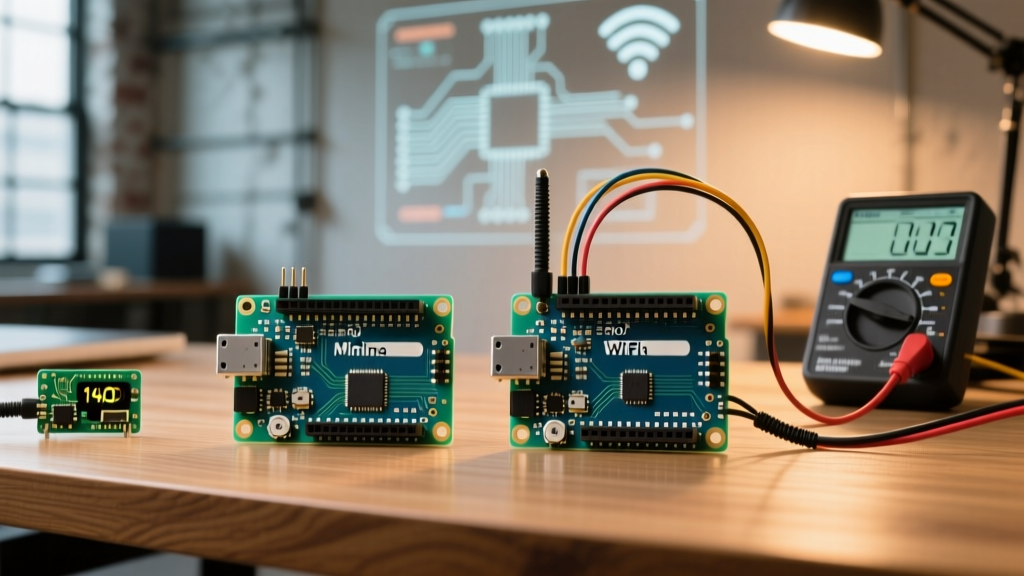
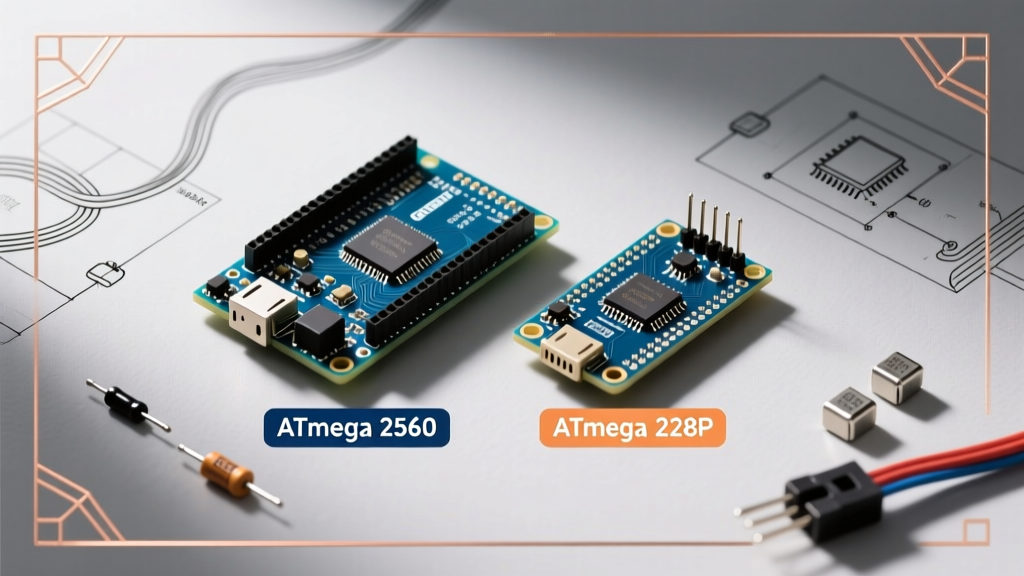
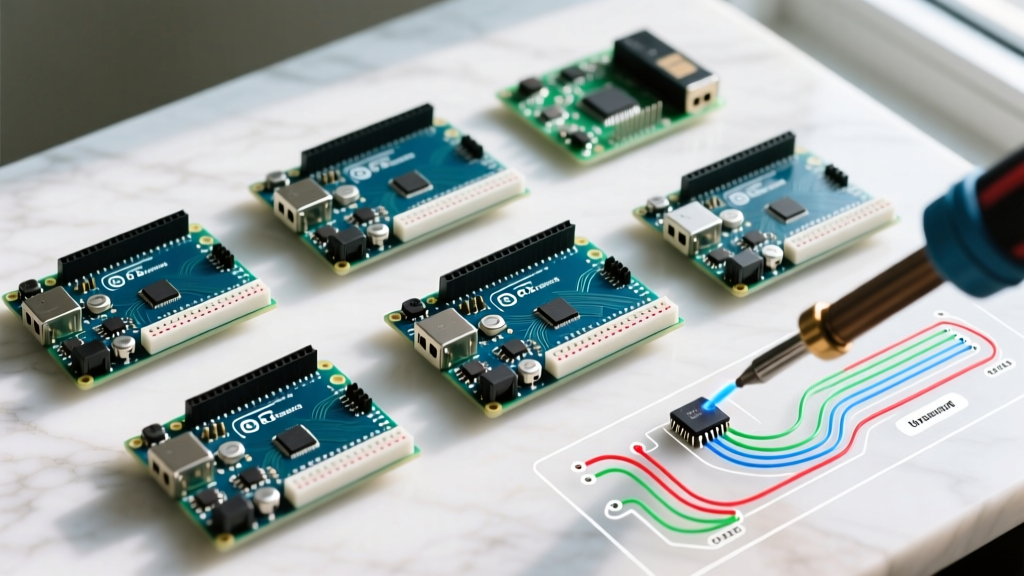
The transition from the classic 8-bit architecture to modern 32-bit ARM Cortex-M4 processors has bifurcated the official Arduino Uno controller lineup. Simultaneously, the third-party clone market has matured, offering highly reliable alternatives at a fraction of the cost. Below is a technical matrix comparing the current landscape.
| Feature | Official Uno R3 | Official Uno R4 Minima | Official Uno R4 WiFi | Premium Clone (e.g., Elegoo) |
|---|---|---|---|---|
| Core MCU | ATmega328P (8-bit AVR) | Renesas RA4M1 (Cortex-M4) | Renesas RA4M1 + ESP32-S3 | ATmega328P (8-bit AVR) |
| Clock Speed | 16 MHz | 48 MHz | 48 MHz | 16 MHz |
| Flash / SRAM | 32 KB / 2 KB | 256 KB / 32 KB | 256 KB / 32 KB | 32 KB / 2 KB |
| USB Interface | ATmega16U2 | USB-C (Native MCU) | USB-C (Native MCU) | CH340G or ATmega16U2 |
| DAC / Op-Amp | None | 12-bit DAC, Internal Op-Amp | 12-bit DAC, Internal Op-Amp | None |
| Avg. Price (2026) | $27.00 | $20.00 | $27.50 | $12.99 - $15.00 |
According to the Arduino Uno Rev3 Documentation, the classic R3 remains in production primarily for legacy compatibility in educational institutions. However, for new designs requiring math-heavy operations or FastLED addressable arrays, the Uno R4 WiFi provides a massive leap in SRAM, preventing the memory overflow issues that plague complex 8-bit projects.
The Clone Debate: CH340G vs. ATmega16U2
Premium clones dominate the hobbyist space by replacing the costly ATmega16U2 USB-to-Serial chip with the WCH CH340G. While early CH340 chips required manual driver installations on Windows, modern Windows 11 and macOS environments include native HID drivers, eliminating the primary friction point of using clone boards. The trade-off is the loss of the 16U2's ability to be reprogrammed as a native USB HID device (like a custom keyboard or mouse), which is a niche requirement for most general-purpose projects.
The Shield Ecosystem and Stacking Physics
The true power of the Arduino Uno controller lies in its physical footprint: a 2.1" x 2.7" PCB with standardized 0.1" header spacing. This standard birthed the 'Shield' ecosystem—stackable daughterboards that add complex functionality without requiring breadboard wiring.
- Motor Control: Shields like the Adafruit Motor Shield V2 utilize I2C PWM drivers (PCA9685) to control up to four DC motors or two steppers, bypassing the Uno's limited hardware timers.
- Relay & Mains Switching: Opto-isolated 4-channel relay shields allow the 5V logic to safely trigger 120V/240V AC loads, provided the physical clearance on the PCB meets UL standards.
- Data Logging: RTC (Real Time Clock) and SD card shields utilize the SPI bus, enabling standalone environmental monitoring without a PC tether.
Engineering Warning: When stacking multiple shields, you are not just stacking physical boards; you are stacking electrical loads. The Uno's onboard 5V linear regulator cannot support multiple high-draw shields simultaneously. Always back-feed 5V directly to the '5V' pin via a dedicated buck converter if your stacked shields draw more than 400mA in total.
SPI Bus Conflicts and I2C Capacitance
A common edge case in the shield ecosystem is bus contention. If you stack an Ethernet Shield (using the W5500 IC) and a CAN-BUS Shield (using the MCP2515 IC), both communicate via SPI. While they use different Chip Select (CS) pins (typically Pin 10 for Ethernet and Pin 9 or 10 for CAN), poorly designed third-party shields often hardcode the CS pin to 10, causing catastrophic data collisions. Furthermore, stacking more than three I2C-based sensor shields can push the total bus capacitance past the 400pF I2C specification limit, resulting in corrupted data packets and NACK errors. In these scenarios, adding a dedicated I2C bus extender (like the PCA9600) is mandatory.
The Software Ecosystem: IDE 2.x and PlatformIO
The software ecosystem surrounding the Arduino Uno controller has matured significantly. The legacy Java-based IDE has been entirely superseded by Arduino IDE 2.x, built on the Eclipse Theia framework. This brings modern features like IntelliSense auto-completion, real-time syntax checking, and integrated serial plotter capabilities.
For advanced firmware engineers, the ecosystem extends into PlatformIO (via VS Code). PlatformIO allows developers to manage library dependencies using semantic versioning, integrate CI/CD pipelines via GitHub Actions, and utilize hardware debugging via SWD on the newer R4 boards. The Adafruit Library Ecosystem remains the gold standard for sensor integration, providing unified sensor APIs that abstract away the underlying I2C/SPI register maps, allowing developers to swap physical sensors without rewriting application logic.
Real-World Failure Modes and Edge Cases
Working with the Arduino Uno controller in field deployments exposes several hardware limitations that are rarely discussed in beginner tutorials. Understanding these failure modes is critical for moving from prototype to production.
1. Voltage Regulator Thermal Throttling
The classic Uno R3 uses an NCP1117 5V linear regulator. If you power the board via the barrel jack with a 12V DC wall adapter and draw 600mA from the 5V pin to power sensors, the regulator must dissipate the excess voltage as heat. The math is straightforward: (12V - 5V) * 0.6A = 4.2 Watts. The TO-223 package on the PCB lacks a dedicated heatsink and will hit its internal thermal shutdown threshold (typically around 150°C junction temperature) within minutes, causing the board to brownout and reset. Solution: Limit barrel jack input to 7.5V, or bypass the regulator entirely by feeding a regulated 5V source directly into the '5V' header pin.
2. USB Port Back-Feeding Destruction
Many motor shields and high-power LED shields include a secondary power terminal block. If a user connects a 12V battery to the shield's terminal block and simultaneously plugs the Uno into a PC via USB, the 12V can back-feed through the shield's jumper traces into the Uno's 5V rail. This instantly destroys the ATmega16U2 USB interface chip and can permanently damage the host computer's USB port. Always use shields with optical isolation or physical trace-cut jumpers when mixing external high-voltage power sources with USB debugging.
3. The 3.3V Pin Current Trap
While the Uno operates at 5V logic, it includes a 3.3V output pin for modern low-voltage sensors (like the BME280 or nRF24L01). On the R3, this 3.3V rail is derived from the USB-to-Serial chip's internal regulator, which is strictly limited to 50mA. Attempting to power a cellular modem or a high-draw Wi-Fi module from this pin will cause severe voltage sag, leading to erratic MCU resets. For 3.3V peripherals requiring more than 50mA, an external logic-level buck converter is required.
Sourcing and Authenticity in 2026
When procuring Arduino Uno controllers for commercial or educational deployments, verifying authenticity is paramount. Counterfeit ATmega328P chips often feature inaccurate internal oscillators, causing serial communication baud-rate mismatches at higher speeds (e.g., 115200 baud). Furthermore, fake boards frequently omit the reverse-polarity protection diode (typically a 1N4007 or equivalent) on the barrel jack input, meaning an accidental negative-polarity power supply connection will instantly fry the MCU. Always source from authorized distributors like Digi-Key, Mouser, or direct from the Arduino Store to guarantee silicon traceability and IPC-A-610 compliant soldering standards.