
Beyond the Silicon: What is an Arduino Uno in 2026?
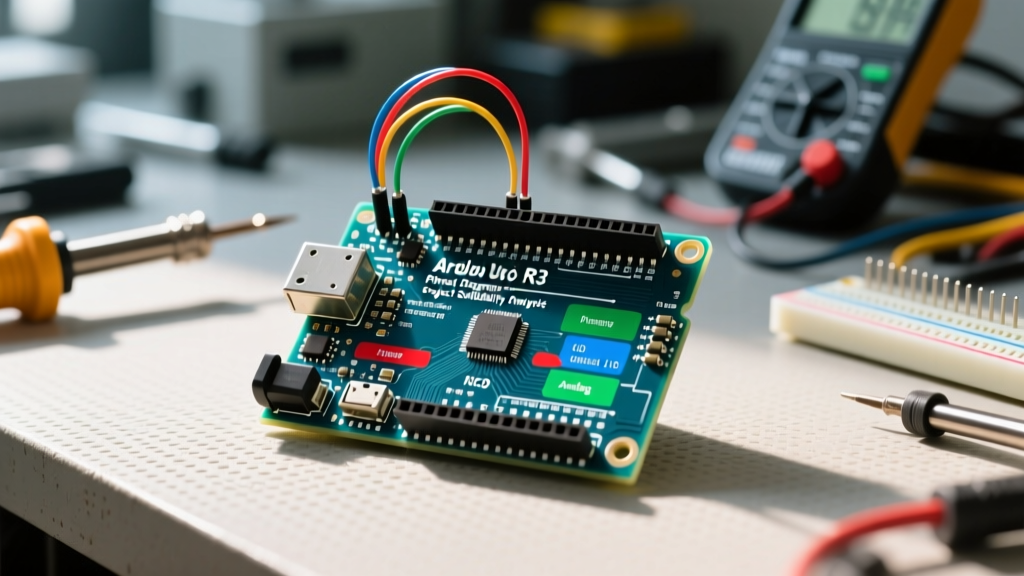
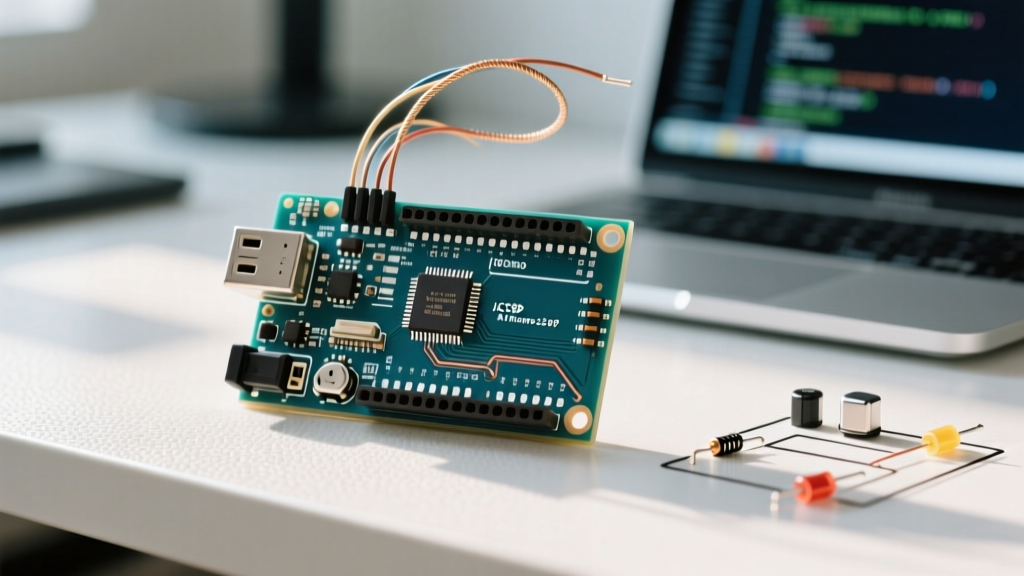
When makers, students, and embedded engineers ask, "what is an arduino uno," the standard textbook answer focuses on the hardware: it is a microcontroller development board based on the Microchip ATmega328P-PU (a 28-pin DIP AVR chip), clocked at 16 MHz, featuring 14 digital I/O pins and 6 analog inputs. However, defining the Uno strictly by its silicon is a massive disservice to its actual value proposition. In 2026, the Arduino Uno is less about the ATmega328P chip itself and entirely about the unrivaled community and library ecosystem that surrounds it.
While newer, more powerful boards like the ESP32-S3 or the Raspberry Pi Pico dominate raw processing benchmarks, the Uno remains the undisputed king of prototyping. Why? Because if you can imagine a sensor, display, or actuator, there is a battle-tested, community-maintained Arduino library for it, and a forum thread documenting every edge case. This guide explores the true superpower of the Uno: its software ecosystem, how to navigate its massive library repository, and expert strategies for troubleshooting common community-sourced code.
The Hardware Context: Uno Rev3 vs. The R4 Generation
To understand the library ecosystem, we must first acknowledge the hardware split that occurred with the release of the Uno R4 series. The community now supports two distinct architectural branches under the "Uno" name: the classic AVR architecture and the modern ARM architecture.
| Specification | Uno Rev3 (Classic) | Uno R4 Minima | Uno R4 WiFi |
|---|---|---|---|
| Microcontroller | ATmega328P (AVR, 8-bit) | Renesas RA4M1 (Arm Cortex-M4, 32-bit) | Renesas RA4M1 + ESP32-S3 |
| Clock Speed | 16 MHz | 48 MHz | 48 MHz |
| Flash Memory | 32 KB | 256 KB | 256 KB |
| SRAM | 2 KB | 32 KB | 32 KB |
| Approx. Price (2026) | $27.00 | $20.00 | $45.00 |
According to the official Arduino Uno Rev3 Documentation, the classic board's 2KB SRAM limit is the primary bottleneck for modern developers. However, this exact limitation has forced the community to write highly optimized, memory-efficient libraries that run beautifully on constrained hardware—a skill that translates directly to professional embedded IoT development.
The True Superpower: The Arduino Library Manager
The Arduino Library Manager is a centralized repository containing over 5,000 open-source libraries. When you install the Arduino IDE (now in its mature 2.x branch), you gain access to a dependency-resolving package manager that rivals modern web development tools.
Essential Community-Maintained Libraries
If you are building a project, you rarely need to write low-level I2C or SPI register configurations. The community has abstracted these into robust libraries:
- FastLED: The gold standard for driving WS2812B (NeoPixel) addressable LEDs. It handles complex timing interrupts and DMA (Direct Memory Access) on supported boards, ensuring flicker-free animations.
- Adafruit_GFX & Adafruit_SSD1306: The universal standard for OLED and TFT displays. The GFX library provides a unified API for drawing primitives (lines, circles, bitmaps) across hundreds of different display drivers.
- PubSubClient: The most widely deployed MQTT client for IoT projects, allowing your Uno (when paired with an Ethernet shield or WiFi module) to publish telemetry to brokers like Mosquitto or AWS IoT Core.
Expert Tip: Always check the
library.propertiesfile in a GitHub repository before installing a third-party library. Look for thearchitectures=*orarchitectures=avr,renesas_unotag. This confirms whether the community has updated the library to support the newer 32-bit Uno R4 boards, or if it is strictly bound to the legacy 8-bit AVR instruction set.
Navigating the Community Ecosystem for Support
Because the Uno is the most cloned and utilized microcontroller board in history, the collective troubleshooting knowledge base is staggering. However, knowing where to look is critical.
- The Arduino Forum (forum.arduino.cc): Best for hardware-level debugging, bootloop issues, and IDE configuration. The "Avr Development Boards" and "Programming Questions" subforums are monitored by veteran contributors who have been writing C++ for AVR chips since the early 2000s.
- Stack Overflow [arduino] Tag: Best for specific C++ syntax errors, memory leak debugging, and algorithmic optimization. Use this when you encounter cryptic compiler errors like
undefined reference to vtable. - GitHub Issues (ArduinoCore-avr): The ArduinoCore-avr repository is where the core language bindings live. If you find a bug in how
analogRead()handles specific prescaler settings on the ATmega328P, this is where you report it and find community-submitted patches.
Real-World Troubleshooting: Library Conflicts & Memory Limits
Working with community libraries on the classic Uno Rev3 often leads to specific failure modes. Here is how domain experts resolve the most common ecosystem hurdles.
1. The 2KB SRAM Exhaustion (Silent Reboots)
The Symptom: Your Uno compiles and uploads perfectly, but the moment it runs, it freezes or continuously reboots (the "watchdog reset" loop).
The Cause: The ATmega328P only has 2,048 bytes of SRAM. Using the standard Arduino String class causes heap fragmentation. Furthermore, libraries like Adafruit_SSD1306 allocate a 1024-byte frame buffer for a 128x64 OLED screen. This instantly consumes 50% of your available memory before your setup() function even runs.
The Fix: Never use the String object; use fixed-size char arrays. More importantly, wrap all serial print statements and static strings in the F() macro. This forces the compiler to store the text in the 32KB Flash memory (PROGMEM) rather than copying it into SRAM at runtime.
// BAD: Consumes SRAM
Serial.println("Initializing I2C OLED Display...");

// GOOD: Reads directly from Flash memory
Serial.println(F("Initializing I2C OLED Display..."));
2. I2C Address Collisions
The Symptom: An OLED display and a BME280 environmental sensor work perfectly on their own, but when wired to the same Uno I2C bus (A4/A5), the system hangs.
The Cause: Many cheap community-sourced sensor modules have hardcoded I2C addresses with no physical jumper pads to change them. If two libraries attempt to poll the same address, the I2C bus locks up.
The Fix: Instead of relying on software workarounds, introduce a TCA9548A I2C Multiplexer (costing roughly $3.50). This chip allows the Uno to route I2C traffic to 8 separate channels, completely bypassing address conflicts and allowing you to daisy-chain dozens of identical sensors.
3. Dependency Hell in Arduino IDE 2.x
The Symptom: Compiler throws Multiple definitions of 'Vector' or fatal error: Wire.h: No such file or directory despite the library being installed.
The Cause: Older libraries were written before the Arduino IDE enforced strict dependency tracking. They may include local, outdated copies of core libraries like Wire.h or SPI.h directly in their src folders.
The Fix: Navigate to your local Arduino libraries folder (typically Documents/Arduino/libraries), open the offending library's folder, and delete any redundant Wire or SPI folders. Rely on the IDE's built-in Library Manager dependency resolver to link the correct, board-specific core files during compilation.
Summary: The Ecosystem is the Product
So, what is an Arduino Uno? It is a gateway to the largest open-source hardware community on the planet. While the ATmega328P chip is a relic of the 2000s, the millions of lines of community-audited C++ code, the exhaustive forum archives, and the standardized library architectures make the Uno an indispensable tool in 2026. Whether you are driving a simple relay or building a multi-node MQTT sensor network, the Uno's ecosystem ensures you are never coding alone.