
Diagnosing a Strange Electrical Outlet: An Expert Inspection Guide
Homeowners frequently encounter a "strange electrical outlet" that exhibits odd behaviors—ranging from subtle buzzing and warmth to discoloration and intermittent power loss. While it is tempting to ignore these quirks, a malfunctioning receptacle is a leading precursor to residential electrical fires. According to the Electrical Safety Foundation International (ESFI), electrical distribution and lighting equipment are consistently among the top causes of home fire incidents, with degraded outlets and loose connections playing a major role.
As of 2026, modern homes are drawing more continuous power than ever before due to high-wattage smart appliances, EV chargers, and space heating devices. This puts immense thermal stress on aging NEMA 5-15R receptacles. This comprehensive inspection and testing guide will walk you through the exact failure modes of strange outlets, the professional tools required for diagnosis, and the step-by-step testing procedures to ensure your home's electrical system remains safe and code-compliant.
The 5 Most Common "Strange" Outlet Symptoms & Failure Modes
Before pulling out a multimeter, you must correctly identify the symptom. The table below maps the most common strange behaviors to their underlying electrical failure modes and immediate risk levels.
| Symptom | Probable Electrical Failure Mode | Risk Level | Immediate Action Required |
|---|---|---|---|
| Warm to the touch | Thermal overload from loose terminal screws or backstabbed push-in connections experiencing high resistance under load. | High | Unplug all devices immediately. Schedule inspection. |
| Buzzing or hissing | Micro-arcing across degraded brass contacts or a failing internal connection. Often precedes carbon tracking. | Critical | Turn off the circuit breaker. Do not use the outlet. |
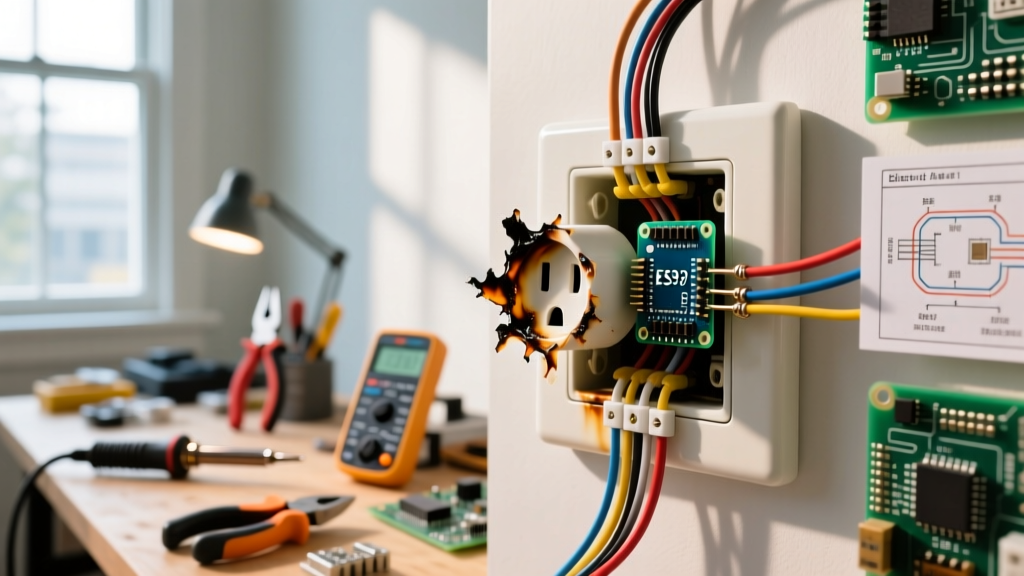
| Brown/Black scorch marks | Carbon tracking caused by sustained arcing, which vaporizes copper and PVC, leaving a conductive path across the plastic face. | Critical | Replace the receptacle and inspect the wiring insulation. |
| Plugs fall out easily | Mechanical fatigue of the internal brass wipers. The outlet no longer meets the UL 498 minimum 3-lb retention force standard. | Moderate | Replace the receptacle to prevent arcing from loose plug prongs. |
| Fishy or burning plastic smell | Overheating PVC wire insulation or Bakelite degradation. The binder chemicals in the wire sheathing are off-gassing before melting. | Critical | Cut power at the main panel immediately. Call an electrician. |
Essential Diagnostic Tools for 2026
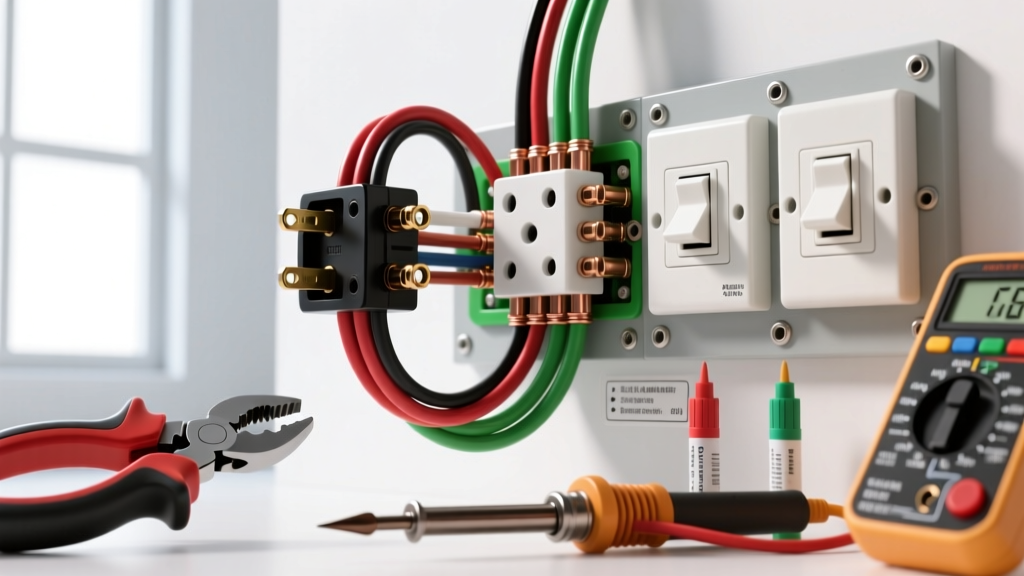
To properly test a strange electrical outlet, you need to move beyond basic visual inspections. The following tools represent the current industry standard for residential diagnostics:
- Basic Receptacle Tester: Gardner Bender GPT-4001 (Approx. $14). Good for quick GFCI trip testing and basic wiring fault identification (open ground, reversed polarity).
- Advanced GFCI/AFCI Tester: Klein Tools RT250 (Approx. $48). Essential for testing the trip times of modern AFCI/GFCI receptacles and verifying proper ground impedance.
- True-RMS Digital Multimeter: Fluke 117 Electricians True-RMS Multimeter (Approx. $220). Non-contact voltage (NCV) detection and precise AC voltage measurement are mandatory for identifying voltage drops and neutral-to-ground faults.
- Infrared Thermometer: Klein Tools IR1 (Approx. $45). Used to scan the outlet faceplate for thermal anomalies without touching the potentially hazardous surface.
Step-by-Step Diagnostic Testing Procedure
Follow this exact sequence to isolate the fault safely. Always wear safety glasses and ensure your hands are dry before beginning.
Step 1: Non-Contact Thermal and Voltage Scan
Before touching the outlet, use your infrared thermometer to scan the faceplate. A healthy outlet should be within 2°F to 3°F of the ambient room temperature. If you detect a hotspot exceeding 105°F (40°C), the outlet is actively overheating. Next, use the NCV feature on your Fluke 117 to verify the presence of voltage without making physical contact. If the NCV alarms but the outlet is dead to appliances, you likely have a broken hot wire connection upstream or a severed neutral.
Step 2: Receptacle Tester Analysis
Plug the Klein Tools RT250 into the top receptacle, then the bottom. Observe the LED matrix. A correct wiring configuration will show two solid lights. If the tester indicates an "Open Neutral," the strange behavior (like flickering lights or half-power) is caused by a disconnected white wire, often due to a failed backstabbed connection at this outlet or the previous one in the daisy chain.
Step 3: Multimeter Voltage & Ground Impedance Check
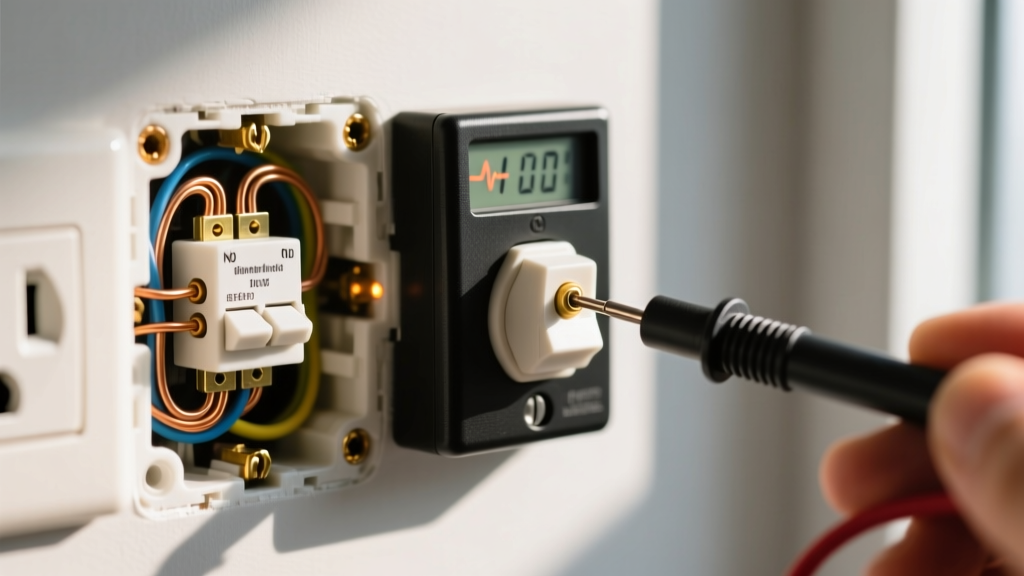
Set your True-RMS multimeter to VAC (Volts Alternating Current). Insert the probes into the receptacle slots to measure three specific junctions:
- Hot to Neutral (Short slot to Long slot): Should read between 114V and 126V (per ANSI C84.1 standards). A reading below 110V under load indicates severe voltage drop, likely from undersized wiring (e.g., 14 AWG wire on a 20A circuit) or a corroded connection.
- Hot to Ground (Short slot to U-shaped hole): Should read identically to Hot-Neutral (114V-126V). If this reads 0V, you have an open ground, rendering surge protectors and equipment grounding useless.
- Neutral to Ground (Long slot to U-shaped hole): Should read as close to 0V as possible (ideally under 1.0V). A reading of 2V to 5V indicates a "floating neutral" or a shared neutral wire carrying return current from another circuit, which is a severe National Electrical Code (NEC) violation.
Step 4: Physical Tension and Mechanical Inspection
With the power turned OFF at the breaker and verified dead with your NCV tester, remove the faceplate. Inspect the wiring method. If the wires are pushed into the back of the receptacle (backstabbed), this is the root cause of 90% of strange outlet behaviors. Push-in terminals rely on a tiny brass spring that loses tension over years of thermal expansion and contraction. Remedy: Always side-wire (screw terminal) or use a pigtail connection. Torque the terminal screws to the manufacturer's specification (typically 12 to 14 in-lbs for standard 15A/20A receptacles) to prevent future loosening.
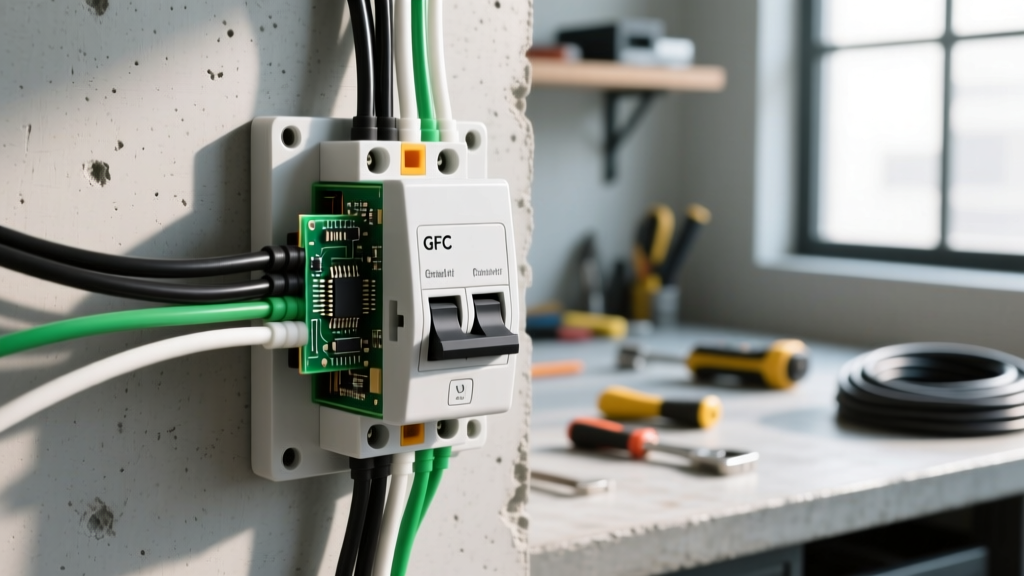
2026 NEC Code Reminder: According to the National Electrical Code (NEC), all 15A and 20A, 125V receptacles installed in dwelling units must be Tamper-Resistant (TR) and, depending on the room, protected by Arc-Fault Circuit Interrupters (AFCI) or Ground-Fault Circuit Interrupters (GFCI). If your strange outlet is an older, non-TR model, it must be upgraded during replacement.
When to Replace the Receptacle vs. Rewire the Circuit
Not all strange outlet behaviors require a full circuit rewire. Use this decision matrix to determine the scope of your repair:
- Replace Receptacle Only: The outlet is physically worn (plugs fall out), shows minor surface discoloration from a faulty appliance plug (not the outlet itself), or has failed backstabbed connections. The wire insulation is pristine, and multimeter readings are within normal parameters.
- Rewire / Replace Cable: You find melted PVC insulation, blackened copper wire (indicating severe oxidation and high resistance), or the circuit exhibits a persistent 5V+ drop under a standard 12A load. The U.S. Consumer Product Safety Commission (CPSC) strongly advises replacing degraded wiring rather than simply capping it off, as hidden thermal damage can extend inside the wall cavity.
Frequently Asked Questions (FAQ)
Why does my outlet make a buzzing sound only when I plug in my vacuum?
High-draw motorized appliances like vacuums (often pulling 10A to 12A on startup) cause a massive inrush current. If the internal brass contacts of the receptacle are fatigued, this inrush current will arc across the microscopic gap between the plug prong and the receptacle wiper. This arcing creates the buzzing sound. The outlet must be replaced immediately, as the arcing will eventually melt the plastic housing.
Can a strange electrical outlet cause my smart home hub to disconnect?
Yes. Smart home hubs and sensitive electronics require clean, stable sine wave power. An outlet with a loose neutral connection will cause rapid voltage fluctuations (flicker) and introduce electrical noise onto the line. This "dirty power" can cause the internal power supplies of smart devices to reset or fail prematurely. Testing the Neutral-to-Ground voltage with a True-RMS multimeter will confirm if the outlet is the culprit.
Is it safe to use a plug adapter on a loose, strange outlet temporarily?
Absolutely not. Using a three-prong to two-prong adapter, or a multi-tap cube adapter, adds physical weight and leverage to the plug. On an outlet with already fatigued internal contacts, this extra weight pulls the prongs slightly away from the brass wipers, increasing electrical resistance. Higher resistance generates exponential heat (per Joule's First Law, Heat = I²R), drastically increasing the risk of an electrical fire.