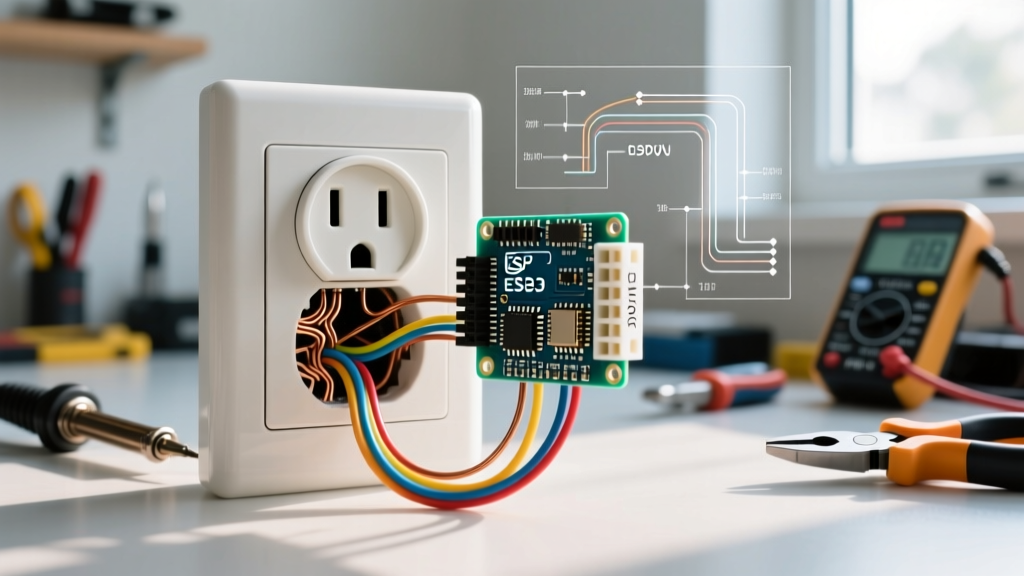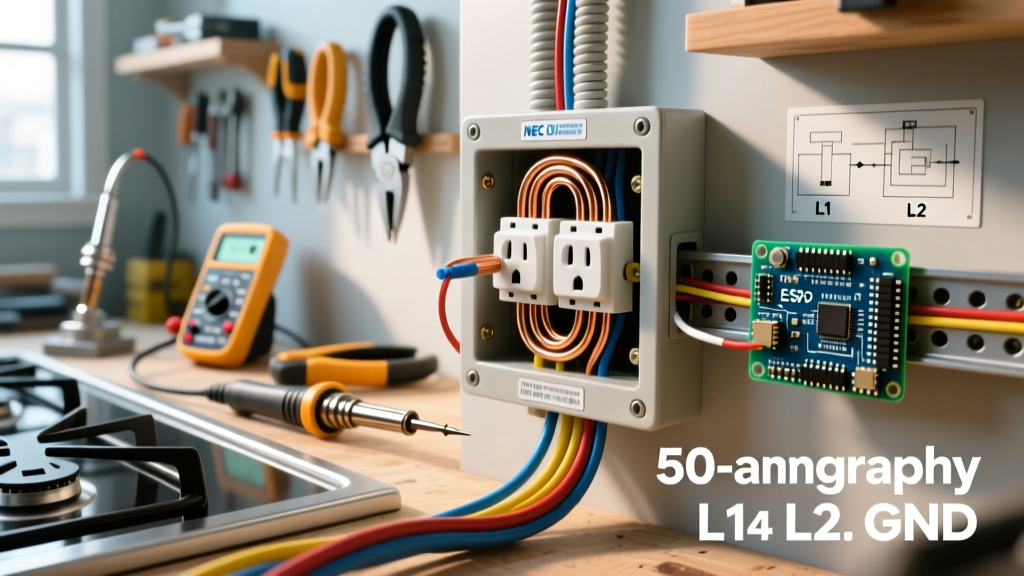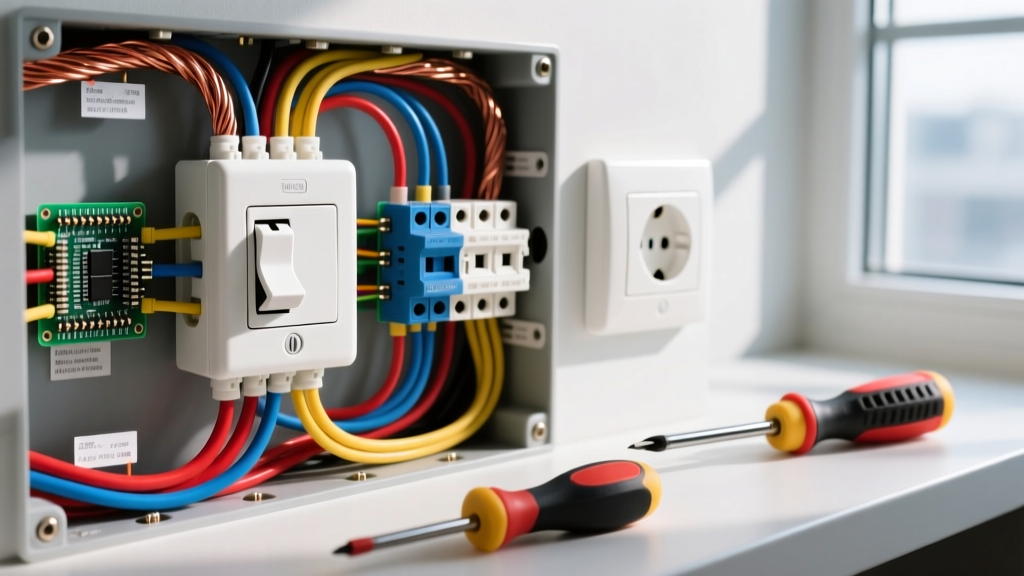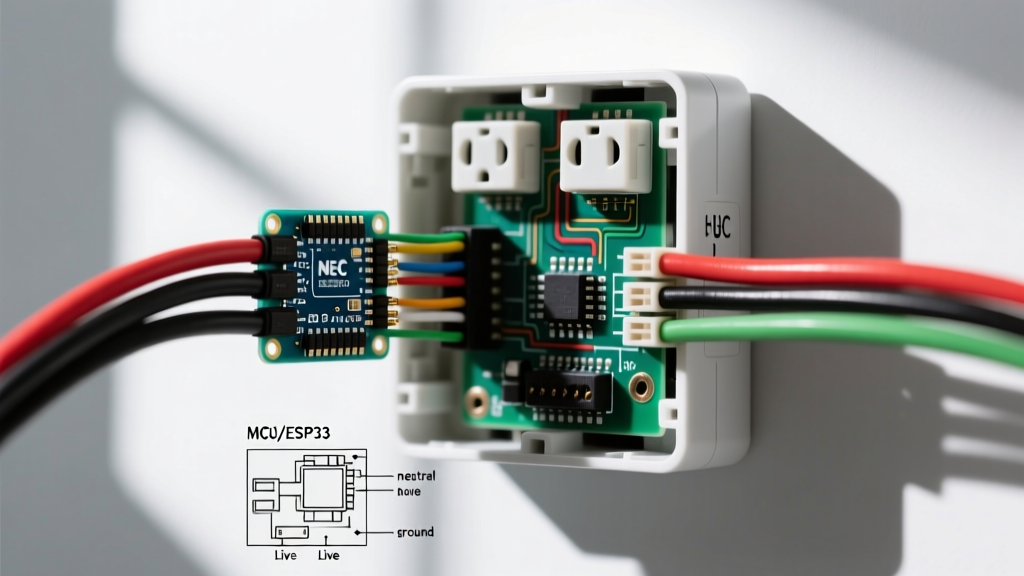

When upgrading a property with automated lighting and appliance control, the search for a reliable commercial electric smart outlet often leads to a critical crossroads between consumer convenience and strict electrical codes. Whether you are referring to the popular retail brand 'Commercial Electric' (frequently stocked at major home improvement stores) or seeking a smart receptacle for an actual commercial-grade building, the safety implications and National Electrical Code (NEC) requirements are profound.
As jurisdictions across the country continue to adopt the 2023 and 2026 NEC cycles, the integration of Wi-Fi-enabled, relay-driven receptacles into both residential and light-commercial spaces requires a deep understanding of load limits, emergency circuit prohibitions, and precise torque specifications. This guide provides a master electrician’s perspective on installing, wiring, and maintaining smart outlets safely and legally.
Brand vs. Application: Decoding the Terminology
Before pulling wires, it is vital to clarify a common industry confusion. 'Commercial Electric' is a well-known house brand that manufactures affordable smart home devices, including their Hubspace-enabled 15A Wi-Fi Smart In-Wall Receptacles (typically priced between $16.98 and $22.00). However, installing any smart outlet in a true commercial occupancy (such as an office, retail storefront, or medical facility) triggers a completely different set of NEC regulations compared to a residential dwelling.
A smart outlet relies on an internal electromechanical relay or a solid-state triac to control power flow. If the network drops or the internal logic board fails, the receptacle may default to an 'off' state. In a residential setting, this means your coffee maker doesn't turn on. In a commercial setting, this could mean a critical piece of equipment loses power, creating a severe liability or life-safety hazard.
NEC Code Compliance for Smart Receptacles
The National Fire Protection Association (NFPA) outlines strict guidelines for receptacle deployment. When integrating smart outlets, three primary NEC articles dictate compliance:
1. The Emergency Circuit Prohibition (NEC Article 700 & 701)
Under no circumstances can a smart outlet be installed on an emergency or legally required standby circuit. Smart receptacles are not listed as automatic transfer switches or life-safety power controls. If a commercial electric smart outlet is used to power emergency egress lighting, medical monitors, or fire alarm panels, a simple Wi-Fi router reboot could cut power to life-saving equipment, resulting in massive code violations and severe fines from the Authority Having Jurisdiction (AHJ).
2. GFCI and AFCI Integration (NEC 210.8 & 210.12)
Most commercial smart receptacles on the market do not have built-in Ground Fault Circuit Interrupter (GFCI) or Arc Fault Circuit Interrupter (AFCI) capabilities due to the physical space required for the Wi-Fi/Zigbee antennas and relay boards. Therefore, if the smart outlet is installed in an area requiring GFCI protection (like a commercial kitchen, bathroom, or outdoor patio), it must be protected by a GFCI circuit breaker upstream. Relying on a standard downstream GFCI receptacle is not permitted if the smart outlet is the first device on the branch circuit.
3. Tamper-Resistant Requirements (NEC 406.12)
For any commercial space that caters to the public or children (such as pediatric clinics or daycares), the smart receptacle must feature Tamper-Resistant (TR) shutters. Many budget-friendly smart outlets lack TR ratings; always verify the UL listing mark and the 'TR' stamp on the yoke before installation.
Commercial Electric Hubspace Smart Outlet: Technical Specs & Failure Modes
Let us examine the specific technical profile of the standard Commercial Electric 15A/125V Hubspace Smart Receptacle. These devices typically utilize a Tuya-based chipset and connect via 2.4GHz Wi-Fi.
- Max Resistive Load: 15 Amps (1875 Watts)
- Max Motor Load: 1/2 HP (Highly discouraged for smart relays)
- Standby Power Draw: ~0.8W to 1.2W continuously
- Operating Temperature: 32°F to 104°F (0°C to 40°C)
Critical Failure Mode: Relay Welding
The most common failure mode for in-wall smart outlets occurs when users exceed the motor load rating. When a commercial exhaust fan, a heavy-duty shop vacuum, or an HVAC compressor kicks on, the inrush current can spike to 40+ Amps for a fraction of a second. This massive surge can literally weld the internal smart relay contacts together. When this happens, the outlet becomes permanently 'ON,' and the physical push-button on the faceplate will fail to break the circuit, creating a severe shock hazard during maintenance.
Master Electrician Insight: Never use a standard 15A smart receptacle to control inductive or motor loads in a commercial environment. If automation of a heavy load is required, use the smart outlet to trigger a low-voltage signal to a heavy-duty, purpose-built contactor rated for the specific inductive load.
Wiring Safety: Step-by-Step Installation & Torque Specifications
According to Occupational Safety and Health Administration (OSHA) guidelines and NEC 110.14(D), electrical connections must be tightened to the manufacturer's specified torque. Smart outlets house dense logic boards directly behind the terminal screws; over-tightening can crack the internal PCB, while under-tightening causes arcing and fires.
- Power Verification: Lock out and tag out (LOTO) the breaker. Verify zero voltage using a CAT III or CAT IV multimeter.
- Wire Stripping: Strip exactly 5/8 inch of insulation from the 12 AWG or 14 AWG solid copper wires. Do not nick the copper conductor.
- Pigtailing (Crucial for Smart Outlets): Because smart outlets have deep, bulky bodies, pushing them into a standard 18-cubic-inch single-gang box can crush the wires. Always use a 22-cubic-inch deep box. Pigtail the neutral (white) and ground (bare/green) wires to ensure the smart outlet's internal Wi-Fi module receives a clean, unshared neutral connection.
- Torque Application: Use a calibrated torque screwdriver set to 14-16 inch-pounds (verify with the specific device's UL spec sheet) to secure the hot and neutral wires to the brass and silver terminal screws.
- Heat Dissipation Check: Ensure no insulation batts are pressed directly against the back of the smart outlet's plastic housing, as the Wi-Fi chip generates continuous ambient heat.
Code Matrix: Residential vs. Commercial Smart Outlet Rules
| Feature / Requirement | Residential Dwelling | Commercial Occupancy |
|---|---|---|
| Emergency Circuits (NEC 700) | N/A (Rarely applicable) | Strictly Prohibited |
| Plenum-Rated Wiring | Standard NM-B (Romex) permitted | Must use MC cable or conduit if above drop ceilings |
| GFCI Protection | Required in kitchens, baths, garages | Required in all commercial kitchens, rooftops, and outdoor areas |
| Network Dependency | Acceptable (Local manual override required) | Must have local manual override; cloud-dependent-only models rejected by AHJ |
| Box Fill Capacity | Standard 18 cu. in. often sufficient | Deep 22+ cu. in. boxes mandated to prevent wire crushing and heat buildup |
Common Edge Cases and Fire Hazards
The U.S. Fire Administration (USFA) frequently reports on electrical fires originating from overloaded or improperly installed receptacles. With smart outlets, the hazards are uniquely tied to their electronic components.
1. The 'Ghost Voltage' and Shared Neutrals
In older commercial buildings with multi-wire branch circuits (MWBC), two hot wires share a single neutral. If an electrician installs a smart outlet on one of the hot legs without identifying the shared neutral, the smart outlet's internal logic board can be subjected to 240V instead of 120V during a neutral fault, instantly destroying the Wi-Fi chip and potentially igniting the plastic faceplate. Always verify independent neutral paths or install a dedicated 2-pole breaker with a handle tie.
2. Wi-Fi Signal Degradation in Metal Enclosures
If a commercial electric smart outlet is installed in a metal junction box surrounded by steel studs or foil-backed drywall, the 2.4GHz Wi-Fi signal will severely degrade. The smart outlet will continuously boost its antenna transmission power to maintain a connection to the router, leading to excessive heat generation inside the wall cavity. In commercial builds, use plastic (PVC) deep boxes for smart receptacles to ensure optimal RF transparency.
Frequently Asked Questions
Can I use a Commercial Electric smart outlet on a 20-Amp circuit?
Yes, but only if the receptacle itself is rated for 20 Amps (which most standard smart outlets are not; they are typically 15A). Per NEC 210.21(B)(3), you can install a 15A receptacle on a 20A circuit only if it is part of a multi-outlet branch circuit (meaning there is more than one receptacle on that breaker). If it is a single-outlet dedicated circuit, the receptacle must match the 20A breaker rating.
Do smart outlets consume power when turned 'off'?
Yes. To maintain the Wi-Fi connection and listen for 'turn on' commands from the Hubspace or Tuya app, the internal logic board draws a continuous standby current, usually between 0.5W and 1.5W. While negligible for a single device, deploying 50 smart outlets in a commercial space adds roughly 50W to 75W of continuous phantom load to your electrical panel.
What happens to the outlet during a power outage?
Most Commercial Electric smart outlets feature a 'Power-On State' memory setting in their respective apps. You can configure the relay to default to 'ON', 'OFF', or 'Remember Last State' when grid power is restored. For commercial spaces, setting this to 'OFF' is highly recommended to prevent a massive inrush current spike when the utility company restores power, which could trip the main breaker.
Final Thoughts on Code-Compliant Automation
Integrating a commercial electric smart outlet into your property offers unparalleled scheduling and energy-monitoring benefits. However, bypassing NEC guidelines regarding emergency circuits, GFCI upstream protection, and proper torque specifications transforms a convenient upgrade into a severe fire and liability risk. Always prioritize deep junction boxes, respect motor-load limitations, and consult with a licensed electrician when deploying smart receptacles in commercial environments.