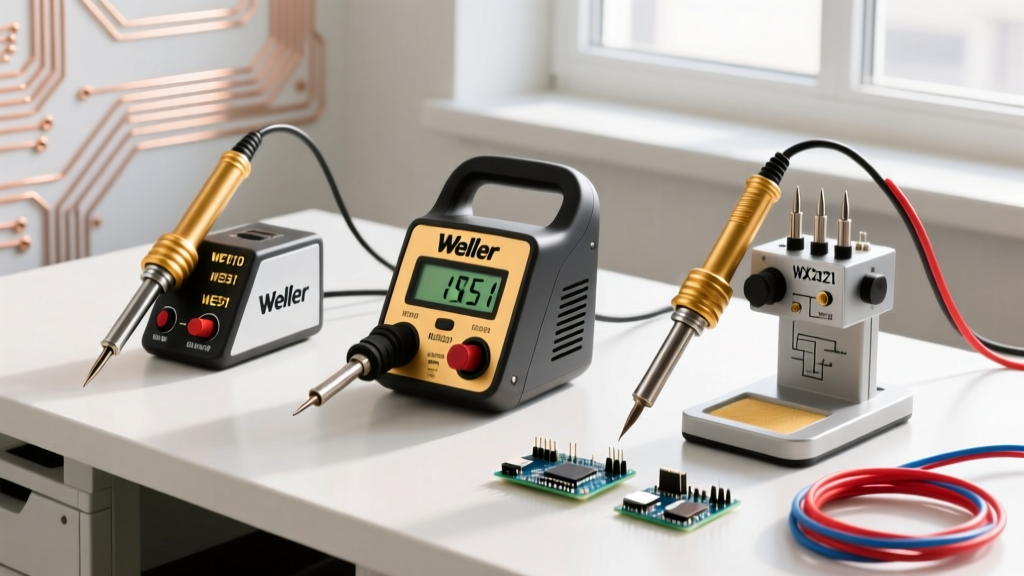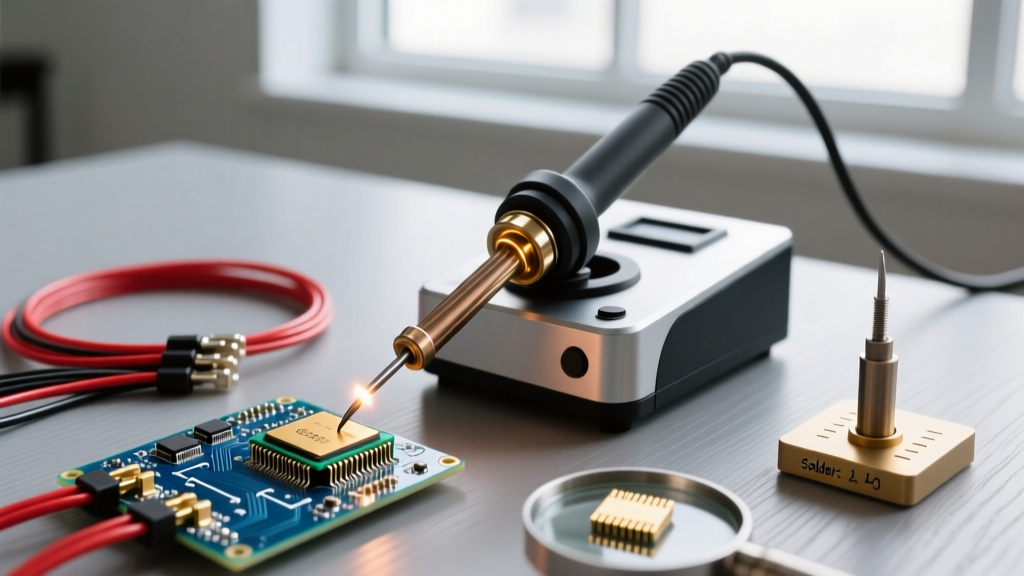

Why Choose a Knife Soldering Tip for SMD and Drag Soldering?
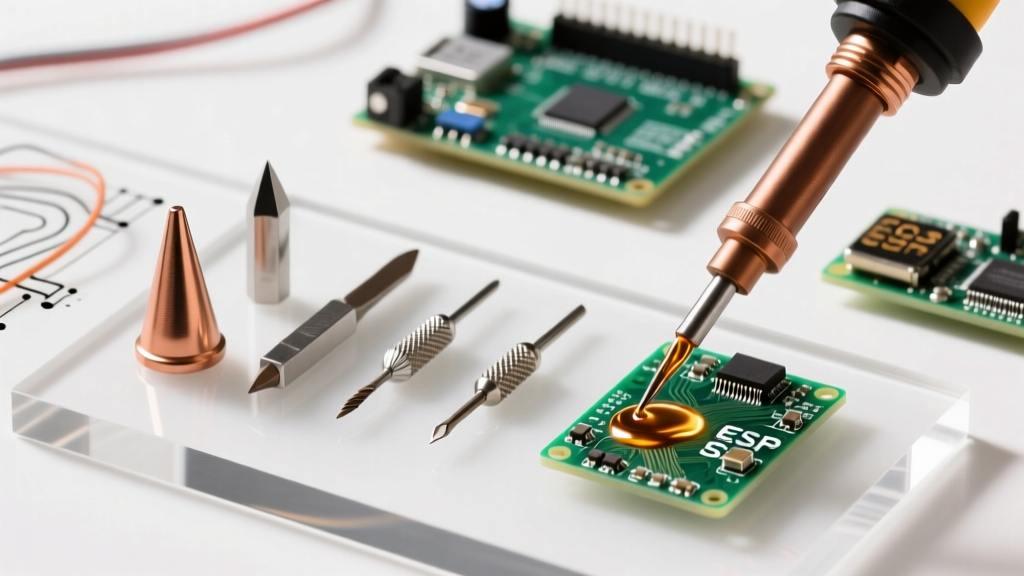
The knife soldering tip, frequently designated as a K-tip or blade tip, is arguably the most versatile geometry in modern electronics assembly. Unlike conical tips that struggle with thermal transfer on ground planes, or standard chisel tips that lack the precision for fine-pitch surface-mount devices (SMD), the knife tip offers a unique linear thermal gradient. The sharp edge allows for pinpoint accuracy on 0402 or 0603 components, while the broad, flat side acts as a massive thermal reservoir and solder carrier for drag soldering dense SOIC or TQFP integrated circuits.
Expert Insight: The primary failure mode for beginners using a knife soldering tip is treating it like a scalpel. The edge is designed for precision heating and scraping oxidation, not for applying mechanical leverage. Prying components off a PCB with the knife edge will instantly chip the iron plating, destroying the tip's capillary action and leading to rapid copper dissolution.
In this complete setup tutorial, we will walk through the exact station configurations, flux chemistries, and mechanical techniques required to master the knife soldering tip for both micro-soldering and heavy-duty drag soldering in 2026.
Essential Gear: Matching Your Knife Tip to the Right Station
Thermal recovery is critical when drag soldering. If your station cannot replenish heat to the blade fast enough, you will create cold joints and solder bridges. Below is a comparison of the industry-standard knife tips and their optimal operating parameters.
| Tip Model | Compatible Station | Optimal Temp (Leaded) | Optimal Temp (Lead-Free) | Approx. Cost |
|---|---|---|---|---|
| Hakko T12-K | FX-951, FX-100, TS101 | 320°C - 340°C | 350°C - 370°C | $25 - $35 |
| Pine64 TS101-K | Pinecil V2, TS101 | 310°C - 330°C | 340°C - 360°C | $12 - $16 |
| Weller RTW3 K | WXR3, WX2 | 330°C - 350°C | 360°C - 380°C | $45 - $55 |
| JBC K115 | T245 Handle / CD-2BQE | 300°C - 320°C | 330°C - 350°C | $55 - $65 |
For hobbyists and independent repair technicians, the Pinecil V2 paired with a TS101-K tip offers the best thermal-to-dollar ratio, utilizing a 65W PD power delivery profile to keep the blade hot during continuous drag operations.
Step-by-Step Knife Tip Setup and Tinning Tutorial
Before attempting your first drag solder, you must properly prepare the knife tip. The broad flat surface is highly susceptible to oxidation if not prepped correctly. According to the Hakko USA official tip care guidelines, proper initial tinning extends tip life by up to 400%.
- Initial Station Calibration: Set your station to 250°C (482°F). Never apply a knife tip to a station already idling at 380°C; the instant thermal shock and immediate flux burn-off will oxidize the plating before you can tin it.
- Flux Core Activation: As the tip approaches 250°C, press a rosin-core solder wire (63/37 Sn/Pb or Sn60/Pb40) directly against the edge and the flat side simultaneously.
- Edge Coating: Melt a generous bead of solder. Use a lint-free swab or high-quality brass wool to gently wipe the edge, ensuring the sharp bevel is perfectly coated. The solder should mirror the metal.
- Flat Side Reservoir: Flip the iron so the broad flat side faces up. Pool a large droplet of solder on this flat surface. This will serve as your thermal bridge and solder feeder during drag operations.
- Temperature Ramp: Once fully tinned, increase your station temperature to your working range (e.g., 330°C for leaded SMD work). Allow 30 seconds for the thermal mass of the blade to stabilize.
The Drag Soldering Technique: Execution and Troubleshooting
Drag soldering with a knife soldering tip relies on surface tension and capillary action rather than brute force. The technique is heavily documented in advanced SMD assembly guides, such as the SparkFun SMD Soldering Tutorial, but mastering the physical mechanics requires specific attention to wrist angle and flux viscosity.
Phase 1: Pad Preparation and Flux Application
Do not use cheap liquid flux pens for drag soldering. They boil and spatter when exposed to the wide surface area of a knife tip. Instead, use a high-viscosity, no-clean tacky flux like Amtech NC-559-V2-TF or Chip Quik SMD4300AX10. Apply a thin, even layer across all IC pads using a syringe or a fine needle tip. The flux must cover the pads and slightly overlap onto the PCB mask to provide a path for solder flow.
Phase 2: The 45-Degree Drag
Hold your soldering iron so the knife edge is perfectly parallel to the row of pins you are soldering. Tilt the iron back so it rests on the flat side at roughly a 30 to 45-degree angle. Load the flat side of the blade with a medium-sized solder reservoir. Gently touch the sharp edge of the blade to the first pin and pad. As the solder flows, slowly pull the iron across the row of pins. Critical Timing: The drag should take approximately 1 to 1.5 seconds per 10 pins. Moving too fast starves the joints of heat; moving too slow melts the component's internal die-attach epoxy.
Phase 3: The Flick and Bridge Clearing
When you reach the final pin in the row, do not simply lift the iron straight up. This will leave a massive solder bridge on the last pad. Instead, execute a slight outward 'flick' or pull-away motion toward the empty PCB space. This uses surface tension to draw the excess solder reservoir off the IC and onto the knife tip. If bridges remain, apply a tiny dot of fresh flux and drag a clean, dry knife edge back across the pins. The flux will lower the surface tension, and the clean metal will wick away the excess solder.
Troubleshooting Matrix: Common Knife Tip Failures
Even with perfect setup, environmental variables and pad oxidation can cause defects. Use this matrix to diagnose issues specific to the knife soldering tip geometry.
| Defect Observed | Root Cause (K-Tip Specific) | Corrective Action |
|---|---|---|
| Solder Bridges (Shorts) | Excessive solder on the flat reservoir; dragging too slowly. | Clean tip on brass wool. Apply fresh tacky flux. Drag the dry, sharp edge across the bridge at a 45-degree angle to wick it up. |
| Tombstoning (Component lifting) | Heating only one side of the component with the knife edge. | Lay the flat side of the knife tip completely across the component body to heat both pads simultaneously before releasing. |
| Solder Beading / Non-Wetting | Tip oxidation on the flat side; flux boiled off prematurely. | Lower temp to 300°C. Clean with brass wool and re-tin immediately. Switch to a higher-activation rosin flux. |
| Pad Lifting / Delamination | Using the knife edge to apply downward mechanical pressure. | Let capillary action do the work. The iron should only rest on the pins; zero downward pressure is required. |
Maintenance and Edge Case Failure Modes
The knife soldering tip is a precision instrument that demands rigorous maintenance. The most common edge case failure mode is micro-chipping of the iron plating. This occurs when users attempt to scrape stubborn oxidation off PCB pads using the sharp edge of the blade. Always use chemical flux to remove oxidation; never use the knife tip as a mechanical scraper.
Furthermore, avoid using damp cellulose sponges to clean your knife tip during a drag soldering session. The sudden thermal contraction caused by the moisture can crack the microscopic iron plating on the broad flat surface, leading to copper corrosion. Instead, use a dry brass wire ball. The brass is softer than the iron plating but harder than the solder and carbonized flux, allowing you to clean the edge and the flat reservoir without dropping the tip's core temperature below the solder's liquidus point.
Finally, adhere to the Adafruit Guide to Excellent Soldering principles regarding idle times. Never leave a knife tip resting in a holder at 350°C for more than three minutes. The massive surface area of the flat side will oxidize rapidly in the presence of atmospheric oxygen. Always engage your station's auto-sleep feature, dropping the temperature to 150°C when the iron is holstered, and always, without exception, apply a thick coat of fresh solder to the entire blade before powering down your station for the day.