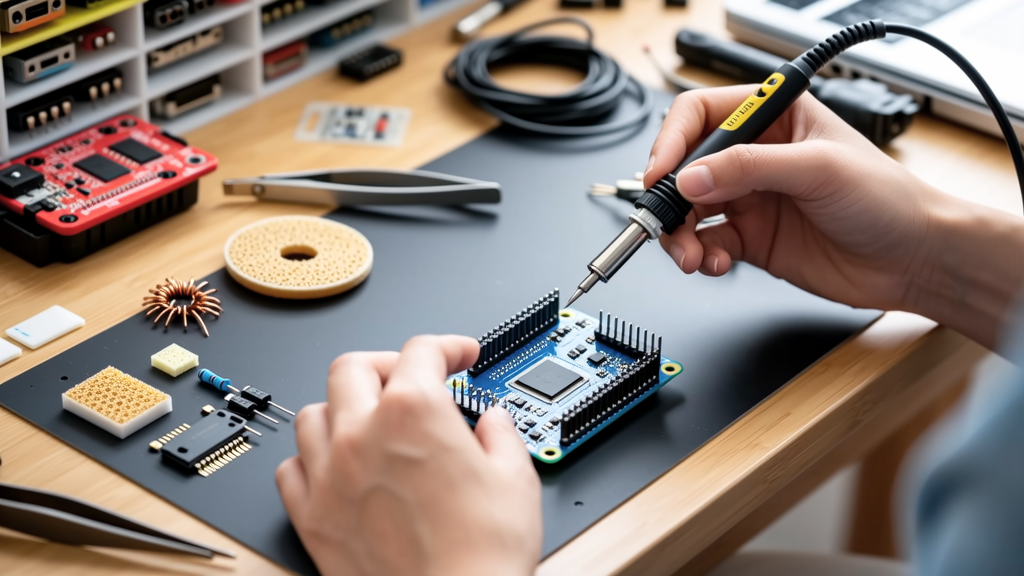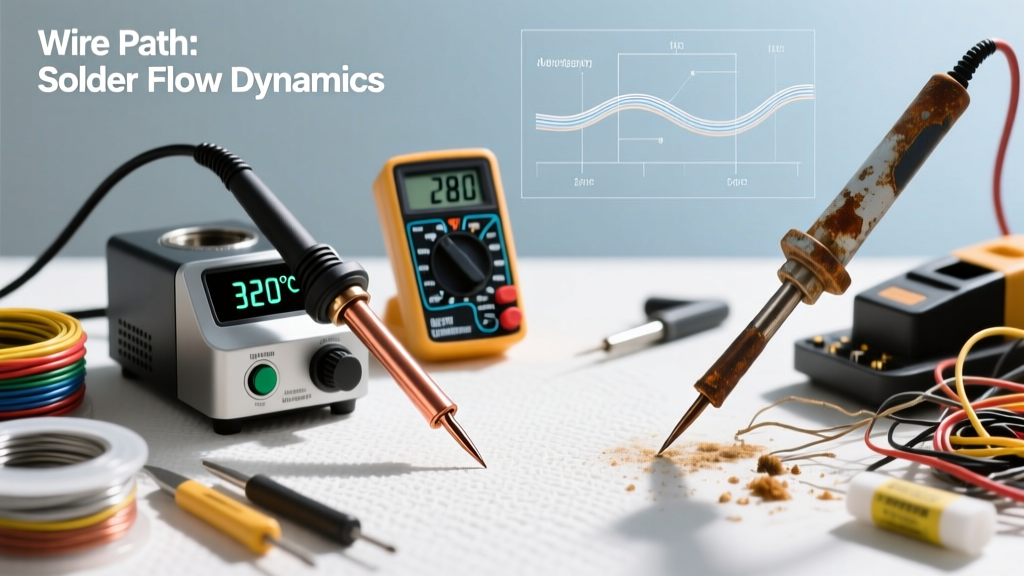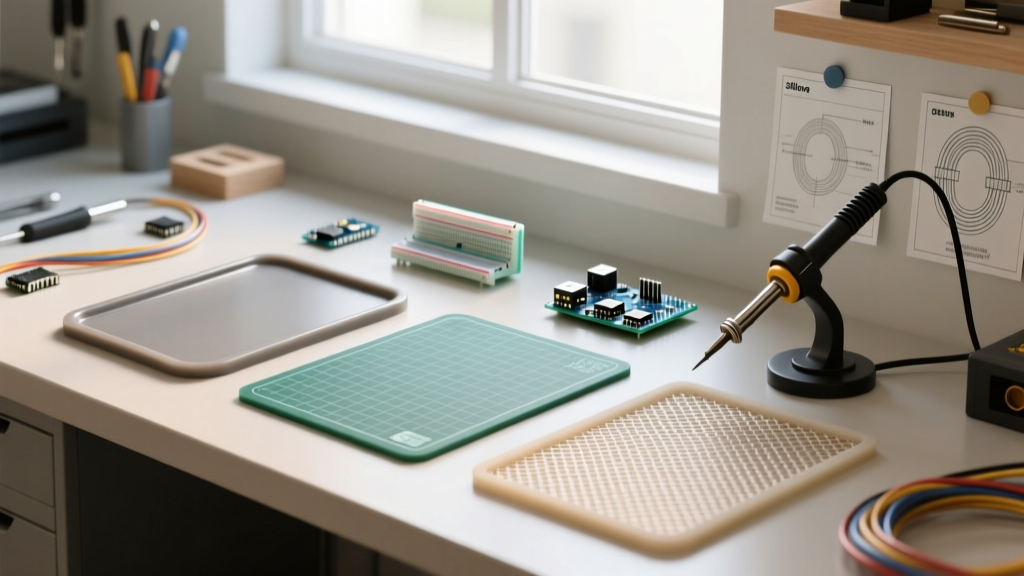

When designing an electronics workspace in 2026, hobbyists and professionals alike often overspend on high-end soldering stations while neglecting the most critical foundational element: the workbench surface. Selecting the correct soldering mats is not merely about protecting your desk from scorch marks; it is about electrostatic discharge (ESD) mitigation, thermal management, and component organization. According to the ESD Association, improper grounding and static generation on non-dissipative surfaces can destroy sensitive microcontrollers and MOSFETs before they are even soldered.
Material Breakdown: Silicone vs. ESD vs. Fiberglass
To build an effective workspace, you must understand that no single material handles every soldering task. The market is dominated by three distinct categories of soldering mats, each with specific thermal limits and electrical properties.
1. High-Temperature Silicone Mats
Typically constructed from polydimethylsiloxane, these mats are the ubiquitous gray or blue grids seen on most DIY workbenches.
- Thermal Limit: Up to 500°C (932°F).
- ESD Safety: Non-dissipative. They can generate triboelectric charges when components are dragged across them.
- Best Use: Direct iron resting, hot-air rework, and heavy through-hole desoldering.
- Cost: $15 – $25 for a standard 450x350mm pad.
2. Static-Dissipative ESD Mats
Professional labs require ESD-safe surfaces. Mats like the Desco 16982 or Weller WSA003 feature a dual-layer construction: a static-dissipative top layer (usually 10^6 to 10^9 ohms surface resistance) and a conductive bottom layer that grounds to your wrist strap hub.
- Thermal Limit: ~260°C (500°F). Warning: Resting a 400°C iron directly on these will permanently scorch and ruin the dissipative coating.
- ESD Safety: Excellent. Meets ANSI/ESD S20.20 standards.
- Best Use: PCB assembly, handling bare ICs, and SMD staging.
- Cost: $45 – $120 depending on size and grounding hardware inclusion.
3. Fiberglass and PTFE Sheets
Products like the Hakko 599B fiberglass mat offer a middle ground. Woven from glass fibers and coated in PTFE (Teflon), they are highly heat resistant but lack the cushioning of silicone.
- Thermal Limit: Up to 500°C (932°F).
- ESD Safety: Generally non-ESD unless specifically treated.
- Best Use: Placed over ESD mats to create a localized 'hot zone' for iron resting without sacrificing the ESD safety of the surrounding area.
- Cost: $10 – $20.
Comparison Matrix: Choosing Your Mat
| Feature | Silicone Grid Mats | ESD Dissipative Rubber | Fiberglass / PTFE |
|---|---|---|---|
| Max Temp | 500°C (932°F) | 260°C (500°F) | 500°C (932°F) |
| ESD Safe? | No | Yes (10^6 - 10^9 Ω) | No (Usually) |
| Iron Resting? | Yes, Direct | No, Requires Stand | Yes, Direct |
| Magnetic? | No | No | No |
| Avg. Price (2026) | $15 - $25 | $45 - $120 | $10 - $20 |
The Three-Zone Workbench Layout Strategy
To maximize efficiency and safety, professional engineers do not rely on a single mat. Instead, they divide the workbench into three distinct zones. This methodology aligns with the stringent cleanliness and handling guidelines outlined in NASA-STD-8739.3 for soldering workmanship.
Zone 1: The Hot / Active Soldering Area
Place a high-temperature silicone or fiberglass mat directly under your soldering iron stand and hot-air rework station. This zone is strictly for thermal abuse. Keep flux dispensers and isopropyl alcohol (IPA) pumps at least 12 inches away from this zone to prevent accidental ignition or melting of plastic pump housings.
Zone 2: The ESD Assembly Staging Area
This is the largest section of your desk, covered by a grounded, static-dissipative ESD mat. This is where you unbox sensitive ICs, stage SMD components, and physically hold the PCB during soldering. Ensure your ESD mat is connected to a common ground point via a 1-megohm resistor snap. Never place a bare, heated soldering iron directly onto this mat.
Zone 3: Inspection and Cooling
A clean, non-marring surface (often a separate ESD mat or a specialized silicone cooling pad) where freshly soldered boards are placed to cool. This zone should be equipped with a magnifying lamp or digital microscope.
Expert Insight: Many beginners purchase 'magnetic project mats' to hold tiny SMD screws and components. While excellent for teardowns, these magnetic mats have a strict thermal limit of around 80°C. Placing a hot soldering iron or freshly reflowed PCB on a magnetic mat will permanently warp the silicone and destroy the embedded magnetic polarization. Keep magnetic mats strictly in Zone 3 or off the soldering bench entirely.
Critical Failure Modes and Edge Cases
Even high-quality soldering mats fail if subjected to improper chemical or thermal stress. Understanding these failure modes will save you from ruined workpieces and hazardous fumes.
- Flux Carbonization on ESD Mats: Rosin-based fluxes (like RMA or RA) contain activators that, when baked onto an ESD mat by stray heat, leave a carbon-rich residue. Because carbon is conductive, this residue creates localized short-circuit risks. If you place a high-impedance analog circuit on this spot, you will introduce parasitic leakage paths.
- Silicone Edge Curling: Cheap silicone mats often curl at the edges after months of localized heating. This creates a tripping hazard for soldering iron cords and causes SMD components to roll off the desk. Fix: Buy mats with reinforced fiberglass mesh cores (often labeled as 'anti-warp' or 'composite core') which cost about $5 more but remain perfectly flat.
- Solvent Degradation: Using harsh solvents like acetone or MEK to clean flux off an ESD mat will strip the static-dissipative polyurethane top layer, exposing the conductive carbon-black bottom layer. This turns your $100 mat into a dead short. Always use dedicated ESD mat cleaners (like Desco Reztore) or mild dish soap and warm water.
Maintenance: Cleaning Flux Without Destroying ESD Properties
Maintaining your mats is just as critical as maintaining your soldering iron tips. According to guidelines supported by the IPC (Association Connecting Electronics Industries), workspace cleanliness directly impacts solder joint reliability and prevents electrochemical migration.
How to Clean Silicone Mats
Silicone is highly chemically resistant. You can safely scrub it with 99% Isopropyl Alcohol (IPA) and a stiff-bristled nylon brush to remove baked-on flux. For severe scorch marks, a melamine sponge lightly dampened with water will lift the carbon without degrading the silicone polymer.
How to Clean ESD Mats
- Do: Wipe daily with a microfiber cloth dampened with a specialized ESD cleaner.
- Do: Use mild, non-abrasive liquid soap and water for heavy flux spills.
- Do Not: Use IPA or acetone. While occasional IPA use won't instantly destroy a high-quality mat, repeated use dries out the plasticizers in the rubber, leading to cracking and a loss of dissipative properties.
- Do Not: Use paper towels. They leave behind cellulose micro-fibers that can interfere with SMD placement and solder joints.
Final Thoughts on Workspace Investment
Upgrading your workspace with the correct soldering mats is one of the highest-ROI investments you can make in 2026. By pairing a $20 high-temp silicone mat for your hot zone with a $60 grounded ESD mat for your assembly zone, you bridge the gap between hobbyist convenience and professional reliability. Protect your components, protect your desk, and solder with confidence.