
The Physics of Soldering Iron Wattage: Beyond the Numbers
When evaluating soldering equipment, beginners often conflate wattage with maximum temperature. In reality, temperature is a measure of thermal energy state, while soldering iron wattage measures the rate of energy transfer (Joules per second). According to the NASA Workmanship Standard for Soldered Electrical Connections, maintaining proper thermal profiles during the soldering process is critical to preventing intermetallic compound (IMC) overgrowth and pad delamination. A high-wattage iron doesn't necessarily run hotter; it simply recovers its tip temperature faster when introduced to a thermally demanding joint.
In 2026, the landscape of soldering iron wattage has fractured into three distinct categories: the ultra-portable USB-C smart irons, the legacy 70W transformer-based stations, and the high-wattage active-tip systems. This guide compares the best setups across these classes to help you match your tool to your specific PCB copper weights and component densities.
The Thermal Mass Myth: A 40W iron struggling to heat a large ground plane will force the user to apply it for 10+ seconds at 420°C, destroying the pad. A 130W iron set to 340°C will transfer the required joules in 1.5 seconds, saving the board. Wattage protects PCBs by minimizing dwell time.
2026 Soldering Iron Wattage Comparison Matrix
| Wattage Class | Top Model (2026) | Peak Wattage | Heater Technology | Thermal Recovery (50°C Drop) | Avg. Price |
|---|---|---|---|---|---|
| Smart USB-C | Pine64 Pinecil V2 | 65W (PD) / 120W (DC) | Passive (T12 Compatible) | ~6.5 seconds | $26.00 |
| Standard Station | Hakko FX-888D | 70W | Passive (T18 Series) | ~14.0 seconds | $115.00 |
| Standard Station | Weller WE1010NA | 70W | Passive (ETA Series) | ~11.0 seconds | $129.00 |
| Active-Tip Heavy | JBC CD-2BQE | 130W | Active (C245 Cartridge) | < 1.8 seconds | $445.00 |
Category Breakdown: Best Wattage Setups by Use Case
1. The Smart USB-C Class (65W - 120W)
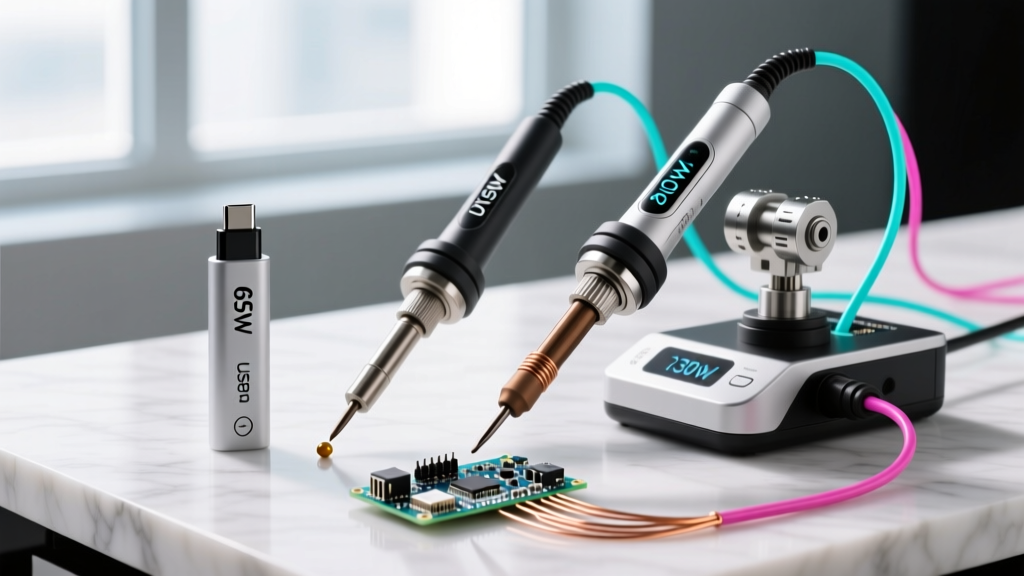
The rise of USB-C Power Delivery (PD 3.1) has revolutionized the 65W wattage tier. The Pine64 Pinecil V2 utilizes a RISC-V BL706 microcontroller to negotiate power profiles. When connected to a standard 65W PD wall brick, it delivers roughly 45W-55W of usable heating power. However, when paired with a DC 5525 barrel jack adapter and a 24V laptop power supply, it pushes a massive 120W to the heater element.
- Best For: Field repair, drone electronics, 1oz copper PCBs, and 0603 to SOIC SMD components.
- The Edge Case: USB-C cables matter. To achieve full 65W negotiation, you must use an E-marked 100W cable. Standard 3A cables will bottleneck the iron at 60W, causing thermal droop on larger joints.
- Verdict: The undisputed value champion. As noted in a comprehensive teardown by Hackaday, the V2's firmware allows for precise PID tuning, making its 65W output punch far above its weight class.
2. The Standard Station Class (70W)
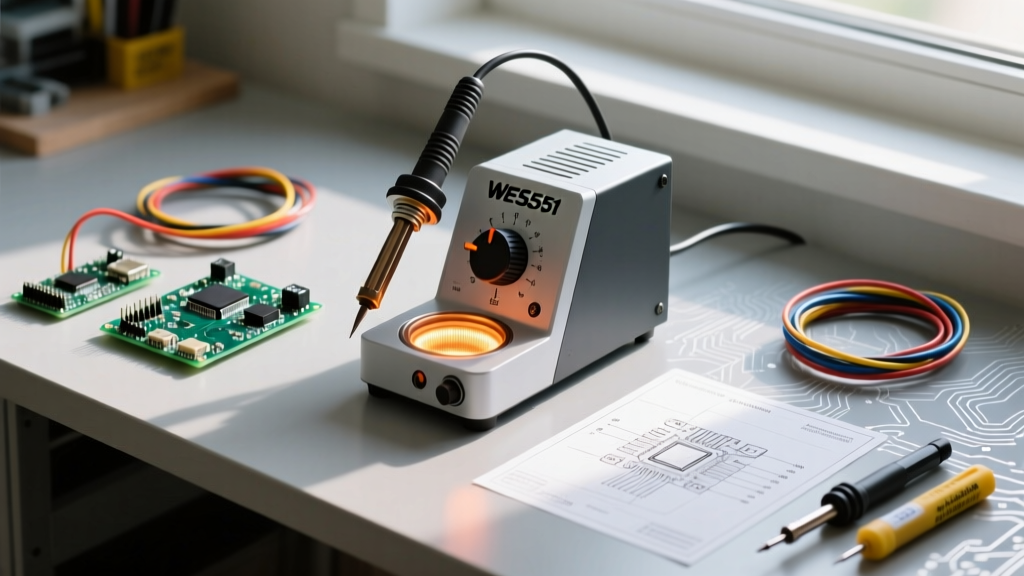
For decades, 70W has been the benchmark for benchtop electronics work. The Hakko FX-888D and Weller WE1010NA dominate this space. These stations use traditional resistive heating elements housed inside the wand, transferring heat to the tip via a physical interface. This introduces thermal resistance. While 70W is sufficient for 95% of through-hole and standard SMD work, these irons will struggle with 2oz copper pours or large TO-220 voltage regulators without pre-heating the board.
- Best For: Dedicated benchtop setups, educational labs, general through-hole prototyping, and wire tinning up to 14 AWG.
- The Edge Case: Tip selection is critical here. Upgrading from a standard conical tip to a Hakko T18-D24 (chisel) or Weller ETA (bevel) increases the surface area contact, effectively maximizing the 70W transfer rate by reducing the air gap between heater and joint.
- Verdict: Reliable and durable, but technologically stagnant. Choose this if you need a rugged, zero-maintenance station that will survive a decade of daily abuse.
3. The Active-Tip Heavyweight Class (130W+)
When dealing with multi-layer motherboards, thick battery tabs, or heavy ground planes, 130W+ is mandatory. The JBC CD-2BQE station outputs 130W, but the magic lies in the C245 tip cartridge. JBC integrates the heating element and the thermocouple directly into the tip itself. This eliminates the thermal lag inherent in 70W passive stations. The station detects a temperature drop and dumps 130W directly into the joint in milliseconds.
- Best For: Automotive wiring, 2oz-4oz copper PCBs, large ground plane vias, and heavy-duty connector desoldering.
- The Edge Case: The cost of ownership is high. While the station is ~$445, genuine C245 cartridges cost $45-$55 each. However, their lifespan is significantly longer than passive tips due to lower operating temperatures and zero oxidation at the heater interface.
- Verdict: The professional standard. As detailed on the JBC Tools technology portal, active-tip systems reduce dwell time by up to 70%, virtually eliminating thermal damage to sensitive BGA pads and multi-layer vias.
Decision Framework: Matching Wattage to PCB Copper Weight
Do not buy wattage blindly. Use this framework to select your iron based on your primary workload:
- 0.5oz Copper (Standard Raspberry Pi / Arduino Shields): A 65W USB-C iron is more than adequate. The thin traces require minimal thermal mass, and the fast heat-up time of smart irons improves workflow.
- 1oz Copper (Standard Commercial PCBA / Motherboards): A 70W standard station or a 120W DC-powered smart iron provides the perfect balance of thermal reserve and tip longevity.
- 2oz+ Copper (Power Supplies, Motor Controllers, Automotive): You must step up to a 130W+ active-tip station. Attempting to solder a 10 AWG wire to a 2oz ground plane with a 70W iron will result in cold solder joints and prolonged heat exposure, which will delaminate the fiberglass substrate.
Frequently Asked Questions
Will a 130W iron burn my delicate SMD pads?
No. Pads are burned by excessive time and excessive temperature, not wattage. A 130W iron set to 320°C will melt the solder and allow you to remove the iron in 1 second. A 40W iron set to 380°C might take 6 seconds to transfer the same amount of heat, baking the pad and lifting it off the FR4 substrate.
Why does my 65W USB-C iron drop temperature on large joints?
This is usually a Power Delivery (PD) negotiation failure. If your power brick does not support the PPS (Programmable Power Supply) protocol or lacks the amperage to sustain 20V/3.25A, the iron will throttle its wattage to prevent the power supply from tripping its over-current protection. Always verify your brick's PD profile.
Is it worth upgrading from a 70W Hakko to a 130W JBC?
If your work is strictly limited to 0805 resistors and DIP chips, no. The 70W Hakko FX-888D will serve you perfectly for decades. However, if you frequently do rework on multi-layer boards, desolder large connectors, or work with thick gauge wires, the 130W active-tip system will pay for itself in saved PCBs and reduced frustration within the first month.
Final Thoughts
Understanding soldering iron wattage is about understanding thermal dynamics. In 2026, you no longer need a massive, heavy transformer on your desk to get high-wattage performance; USB-C PD technology has democratized 65W-120W setups for hobbyists. However, for uncompromising professional rework, the 130W active-tip architecture remains the undisputed king of thermal recovery. Match the joule delivery rate to your copper weight, keep your tips tinned, and let the physics do the work.