
The Thermal Reality: Why Soldering Iron Types Matter
When evaluating soldering iron types, most hobbyists and technicians mistakenly focus solely on wattage or maximum temperature. However, the true differentiator in modern electronics assembly is thermal recovery time and closed-loop temperature regulation. A 40-watt smart iron with an advanced PID controller will consistently outperform a 60-watt unregulated mains wand when soldering heavy ground planes on a 4-layer PCB. The heat sink effect of internal copper layers can drop a tip's temperature by over 50°C in a fraction of a second. If the iron cannot detect this drop and inject raw wattage back into the tip instantly, you are left with cold solder joints, prolonged dwell times, and lifted pads.
Understanding the distinct architectures of modern soldering tools is critical for matching your equipment to your specific workload—whether you are assembling 0402 surface-mount components, repairing heavy-gauge wire harnesses, or prototyping with through-hole DIP chips. Below, we break down the primary soldering iron types available in 2026, analyzing their thermal dynamics, pricing, and ideal use cases.
Core Soldering Iron Types: Comparison Matrix
| Soldering Iron Type | Archetype Model (2026) | Avg. Price Range | Heater Technology | Thermal Recovery | Best Application |
|---|---|---|---|---|---|
| Mains Analog | Weller WES51 | $110 - $140 | Nichrome / Ceramic | 8 - 15 seconds | Basic through-hole, wire tinning |
| Digital Station | Hakko FX-888D | $105 - $125 | Ceramic Core | 4 - 6 seconds | General PCB repair, hobbyist SMD |
| Smart USB-C Portable | Pinecil V2 | $26 - $35 | Resistive DC | 2 - 3 seconds | Field repairs, drone building, travel |
| High-Freq Cartridge | JBC CD-2BQE (C245) | $500 - $600 | Integrated HF Induction | < 1 second | Professional SMT, multilayer RF boards |
1. Mains-Powered Analog Stations: The Legacy Workhorses
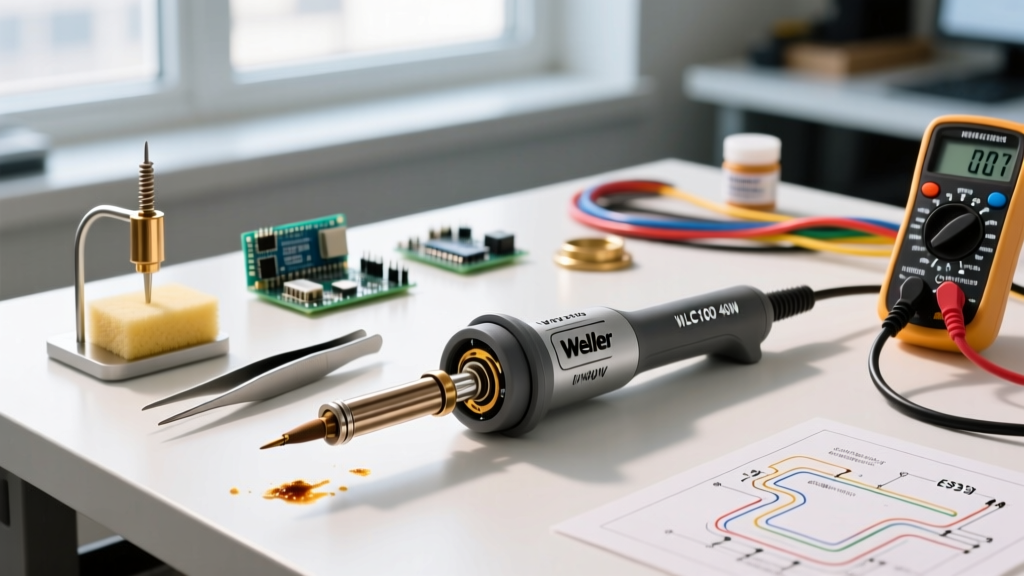
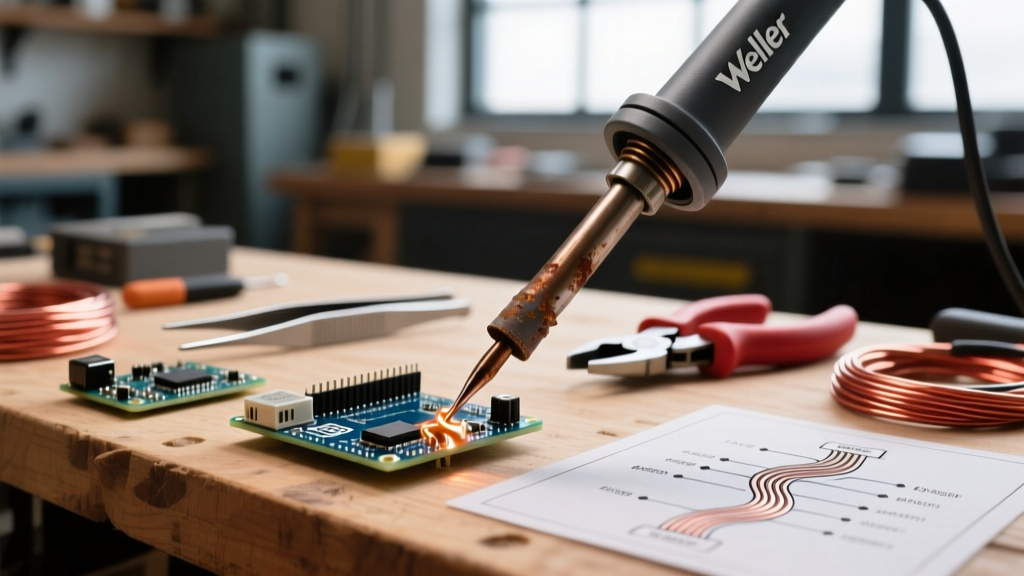
Analog stations, epitomized by the legendary Weller WES51, rely on a simple magnetic thermostat or a basic analog dial to control a heating element. While these units are virtually indestructible and require zero firmware updates, their thermal feedback loop is inherently slow.
Pros and Cons of Analog Stations
- Pros: Extreme durability, low maintenance, no digital menus to navigate, cheap replacement tips (e.g., Weller ET series).
- Cons: Slow thermal recovery, temperature overshoot during idle states, lack of digital precision for sensitive components.
Expert Insight: If you are strictly soldering large through-hole capacitors or heavy 12-AWG silicone wires, an analog station is perfectly adequate. However, attempting to drag-solder a dense SOIC-16 chip with a WES51 often results in uneven heating because the tip loses thermal mass faster than the analog sensor can trigger the relay.
2. Digital Temperature-Controlled Stations
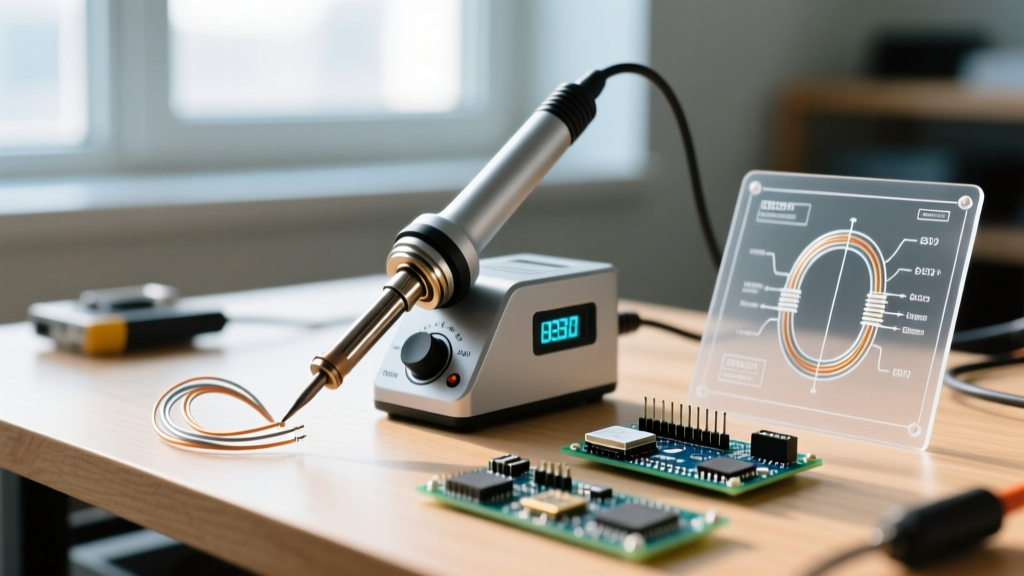
The transition to digital stations introduced microcontrollers and thermocouples directly into the handpiece feedback loop. The Hakko FX-888D remains the undisputed king of this category in educational and maker spaces. It utilizes a ceramic heating element that wraps around the tip, providing much faster heat transfer than older nichrome wire heaters.
According to comprehensive guides on electronics assembly, such as the Adafruit Guide to Excellent Soldering, maintaining a stable tip temperature between 320°C and 360°C is crucial for activating the flux core in standard Sn63/Pb37 or SAC305 lead-free solders without burning the rosin. Digital stations allow you to lock in these exact temperatures, preventing the erratic heat spikes common in cheap, unregulated irons.
Pro-Tip for Hakko Users: The FX-888D uses a proprietary digital chip inside the handpiece to verify tip insertion. Always ensure the handpiece connector is fully seated; a loose connection will trigger an error code and halt heating, a common point of frustration for new technicians.
3. Smart USB-C Portable Irons: The RISC-V Revolution
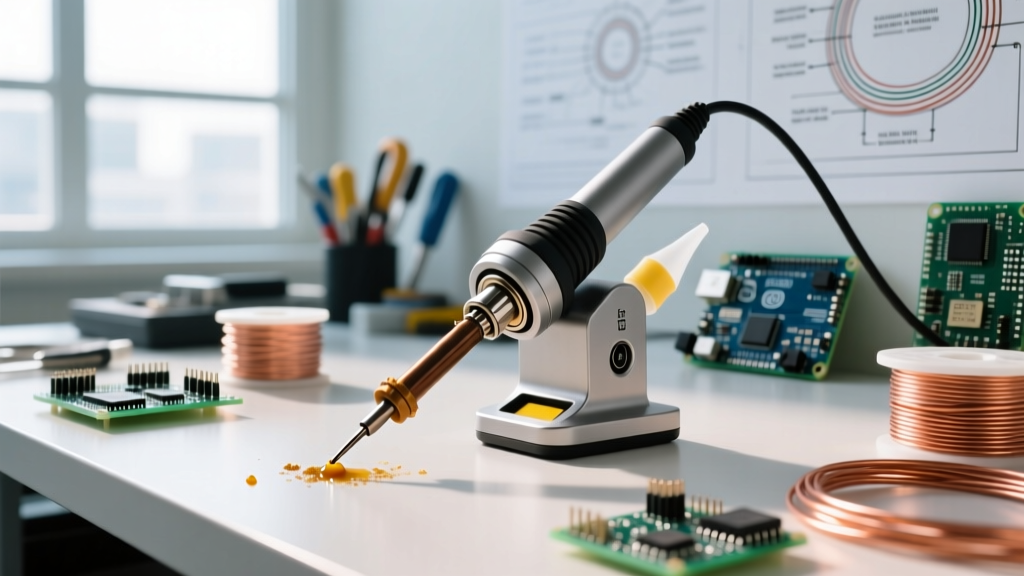
The most disruptive evolution in soldering iron types over the last few years is the rise of smart, open-source USB-C irons. The Pinecil V2, developed by Pine64, has completely rewritten the rules for portable soldering. Priced under $30, it features a Bouffalo Lab BL706 RISC-V microcontroller, a full-color IPS display, and customizable firmware via IronOS on the Pine64 Wiki.
Power Delivery (PD) Requirements
To extract the full 65 watts of thermal output from a Pinecil V2, you must pair it with a USB-C Power Delivery (PD) 3.0 or 3.1 wall adapter capable of outputting 20V at 3.25A. If you plug it into a standard 5V/2A phone charger, the iron will boot but will cap its output at roughly 10 watts, rendering it useless for anything heavier than 24-AWG wire.
- Boot Time: Reaches 320°C in roughly 6 to 8 seconds (with a 65W PD supply).
- Sleep Mode: Features a built-in accelerometer that automatically drops the tip temperature to 150°C when set down, drastically extending tip life by preventing dry oxidation.
- Tip Compatibility: Uses standard TS100/Pine64 short tips, which are abundant and inexpensive.
4. Professional Cartridge Systems: High-Frequency Thermal Dominance
When dealing with 6-layer motherboards, heavy copper RF shielding, or micro-BGA rework, standard ceramic heaters fail. This is where high-frequency cartridge systems, primarily from JBC Tools and high-end Hakko FX-951 stations, take over.
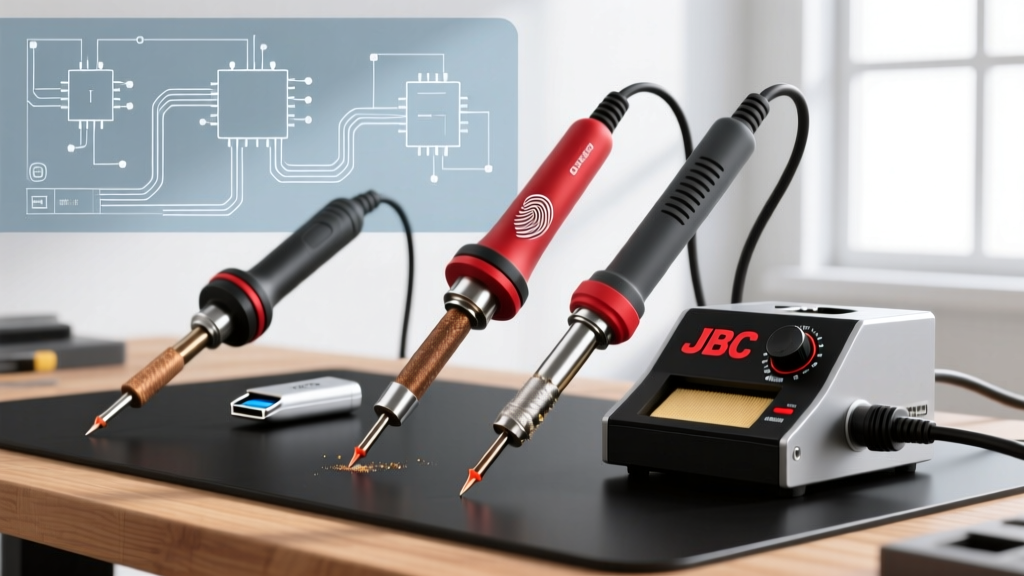
In a cartridge system, the heating element and the thermocouple are integrated directly into the consumable tip itself (e.g., JBC C245 or C115 series). Because the heater is located mere millimeters from the solder joint, thermal recovery is virtually instantaneous—often measuring in milliseconds rather than seconds.
Geometry Matters: Selecting the Right Cartridge Tip
Investing in a $550 JBC station is only half the battle; selecting the correct tip geometry is where the actual work happens:
- Chisel (e.g., C245-945): Maximizes surface area contact. Essential for transferring high thermal mass into large ground plane vias.
- Hoof / Mini-Wave: The concave shape holds a small reservoir of molten solder, making it the ultimate choice for drag-soldering QFP and SOIC surface-mount ICs.
- Conical / Needle (e.g., C115-112): Used exclusively for micro-SMD work (0402 or 0201 components). Note that conical tips have terrible thermal transfer for large joints; they should never be used for through-hole work.
ESD Safety and Industry Standards
When evaluating soldering iron types for professional or aerospace environments, Electrostatic Discharge (ESD) safety is non-negotiable. Modern MOSFETs and CMOS logic gates can be destroyed by static spikes as low as 20 volts. Reputable stations are designed to be ESD-safe, meaning the metal shaft and the soldering tip are electrically bonded to the earth ground pin of the power cord.
Industry benchmarks, such as those outlined in IPC standards and detailed in foundational tutorials like SparkFun's Soldering Guide, dictate that the resistance from the tip to the ground pin must be strictly maintained below 2 ohms. Cheap, unbranded irons often lack this internal grounding wire, posing a catastrophic risk to sensitive microcontrollers like the ESP32 or STM32 families. Always verify tip-to-ground continuity with a multimeter before touching a bare PCB.
Application-Specific Selection Framework
Use this quick decision matrix to finalize your purchase based on your primary workload:
- For Drone Builders & Field Technicians: Buy the Pinecil V2 and a 65W Anker or UGREEN GaN charger. The portability and rapid boot times are unmatched in the field.
- For University Labs & Maker Spaces: Standardize on the Hakko FX-888D. It is rugged, the digital lock prevents students from cranking the heat to 450°C and destroying tips, and replacement parts are globally available.
- For Professional SMT Rework & RF Engineering: Invest in a JBC CD-2BQE with a selection of C245 hoof and chisel tips. The instant thermal recovery will pay for itself by preventing damaged multilayer boards and reducing rework time by over 50%.
Frequently Asked Questions
Can I use a plumbing soldering iron for electronics?
No. Plumbing irons (like the Weller 100W+ guns) operate at massive wattages designed to melt thick 50/50 tin-lead or silver-bearing solder onto copper pipes. They lack precise temperature control and will instantly vaporize the flux and delaminate the copper traces on a printed circuit board.
Why does my soldering iron tip turn black and stop melting solder?
This is called tip oxidation. It occurs when the iron is left at high temperatures (above 380°C) for extended periods without a protective layer of solder. To prevent this, always 'tin' your tip with a blob of fresh solder before turning the station off. If a tip is already oxidized, use a brass wire sponge and specialized tip tinner paste; never use sandpaper or a file, as this will strip the protective iron plating and ruin the copper core.