
The Paradigm Shift in Soldering Iron Basics
When approaching soldering iron basics, most beginners assume that technique alone dictates the quality of a solder joint. While wetting angles and flux application are critical, the thermal delivery system in your hand is the silent partner in every connection. In 2026, the soldering tool market has undergone a massive disruption. Ultra-budget, open-source smart irons now outperform legacy mid-tier analog stations in raw heating speed, forcing a reevaluation of what constitutes a 'beginner' versus 'professional' tool.
Mastering the fundamentals requires understanding how different price tiers manage thermal equilibrium, tip metallurgy, and ergonomic feedback. This analysis breaks down the budget versus premium divide, providing an actionable framework to match your hardware with your skill development.
Defining the Tiers: The 2026 Market Landscape
To accurately compare tools, we must categorize the current market into three distinct tiers based on architecture, not just price.
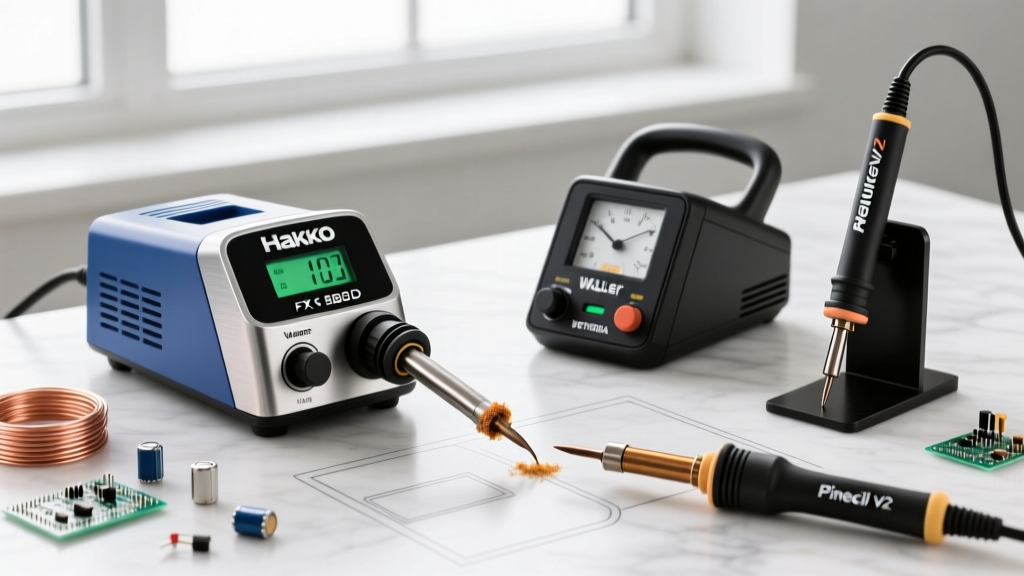
- Ultra-Budget Smart Irons ($25 - $60): Devices like the Pine64 Pinecil V2 ($26) and Sequre S60P ($35). These utilize STM32 microcontrollers, USB-C Power Delivery (up to 100W), and open-source firmware (IronOS). They heat up in seconds but rely on third-party tip ecosystems.
- Mid-Tier Workhorses ($90 - $160): The traditional domain of the Hakko FX-888D ($110) and Weller WE1010NA ($130). These are robust, ESD-safe, analog or digital PID-controlled stations with proprietary, highly available tip cartridges.
- Premium Active-Tip Systems ($300 - $600+): Systems like the JBC CD-2BE ($480) or Metcal MX-500 ($550). These integrate the heater, thermocouple, and tip into a single consumable cartridge, or use RF induction (Metcal) to achieve near-instantaneous thermal recovery.
Thermal Recovery: The Hidden Metric of Basics
The most critical concept in soldering iron basics is thermal recovery—the ability of the iron to maintain its set temperature when a cold component lead and a massive copper ground plane rapidly leach heat away from the tip. Beginners often compensate for poor thermal recovery by lingering on the pad, which boils the flux, oxidizes the tip, and risks delaminating the PCB pad.
According to the NASA Workmanship Training Manual (NASA-STD-8739.3), proper wetting requires the pad and terminal to reach the solder's liquidus temperature simultaneously. If the iron lacks thermal mass, the user inadvertently creates a cold joint by removing the iron before the internal layers of the PCB are adequately heated.
Real-World Thermal Drop and Recovery Matrix
The following data illustrates how different tiers handle a severe thermal load: dragging the tip across a 2oz copper ground plane at a set temperature of 350°C (662°F).
| Station Model (Tier) | Max Wattage | Temp Drop (2s Drag) | Recovery Time to 345°C | Tip Architecture |
|---|---|---|---|---|
| Pinecil V2 (Budget) | 65W (PD) | Drops to 275°C | ~4.8 seconds | TS100/Pine64 Clone |
| Hakko FX-888D (Mid) | 70W | Drops to 290°C | ~6.5 seconds | Ceramic Heater + T18 Sleeve |
| JBC C245 (Premium) | 130W (Active) | Drops to 335°C | ~1.1 seconds | Integrated Cartridge |
Note: The Pinecil V2's rapid recovery is heavily dependent on using a high-quality 65W+ USB-C PD power supply. Using a standard 18W phone charger will cripple its performance, dropping recovery times to over 12 seconds.
Tip Metallurgy and the True Cost of Ownership
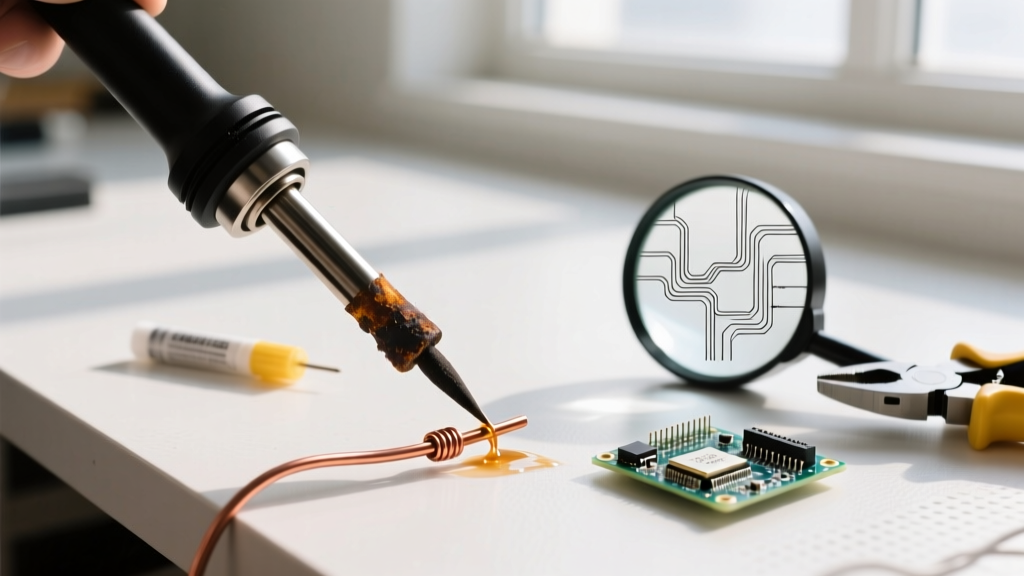
When learning soldering iron basics, novices often destroy tips through 'dry burning'—leaving the iron on without a protective layer of solder. The Hakko Technical Guide on Tip Care emphasizes that flux activation at high temperatures rapidly eats away at the iron plating if not properly tinned.
This is where the budget versus premium divide becomes a long-term financial calculation.
Budget Tip Ecosystems
Budget irons typically use stamped copper cores with a thin (0.05mm - 0.1mm) iron plating. While replacement tips are incredibly cheap ($1.50 to $3.00 each), they are prone to pitting, copper core erosion, and uneven heating. For a beginner practicing basic through-hole soldering, this is acceptable. However, when transitioning to delicate SMD (Surface Mount Device) work, the inconsistent thermal transfer of warped budget tips leads to bridging and tombstoning.
Premium Cartridge Systems
Premium systems like JBC use a solid copper core with advanced multi-layer metallurgy and thicker iron/chromium plating. A single JBC C245 cartridge costs between $45 and $60. While this seems exorbitant, the cartridge integrates the heating element. You are not just buying a piece of plated copper; you are buying a precision-engineered thermal engine that guarantees identical thermal profiles across every unit. For professionals or advanced hobbyists working with demanding lead-free alloys like SAC305 (which requires higher working temperatures of 350°C+), premium tips resist oxidation exponentially longer than budget alternatives.
Expert Insight: The IPC J-STD-001 standard strictly dictates the visual and metallurgical requirements for soldered assemblies. Achieving Class 3 reliability (high-performance electronics) is significantly more difficult with budget tips that suffer from microscopic pitting, as pits trap carbonized flux and prevent proper solder wetting.
Ergonomics: Cable Drag and Handle Balance
An often-ignored aspect of soldering iron basics is physical ergonomics. Soldering requires micro-motor control. If your tool fights your hand, your joints will suffer, and your precision will degrade.
- Cable Flexibility: Budget irons and older mid-tier stations often ship with stiff PVC or standard silicone cables that harden when exposed to ambient heat or flux fumes. Premium stations utilize high-strand-count, burn-resistant silicone or TPE (Thermoplastic Elastomer) cables that exhibit near-zero memory and drag.
- Center of Gravity: The JBC and Metcal handles are engineered to balance precisely at the pinch point between the thumb and index finger. The Pinecil V2, while lightweight at 28 grams, can feel front-heavy when paired with larger chisel tips, requiring the user to adjust their grip during extended sessions.
The Verdict: Actionable Buying Framework
Which tier actually teaches the best soldering iron basics? The answer depends entirely on your end goal and the solder alloys you intend to use.
Step-by-Step Decision Matrix
- Assess Your Alloy: If you are exclusively using Sn63/Pb37 (63/37 Eutectic leaded solder) for through-hole components, DIY repairs, and basic prototyping, a Budget Smart Iron (Pinecil V2) is the undisputed champion. Its rapid heating and digital precision teach you to rely on temperature control rather than brute force.
- Evaluate Your Workspace: If you need a rugged, 'leave-it-on-the-bench' station for a shared makerspace or a classroom environment where users may not respect sleep-mode settings, invest in a Mid-Tier Station (Hakko FX-888D). The analog robustness and cheap, easily replaceable T18 tips make it the ultimate survivor in high-abuse environments.
- Targeting SMD and Lead-Free: If your basics include 0402 SMD components, QFN chips, or you are mandated to use lead-free SAC305 solder on multi-layer boards, skip the mid-tier entirely. The thermal deficit will frustrate you and ruin boards. Invest directly in a Premium Active System (JBC or Pace ADS200). The instant thermal feedback removes the variable of 'heat management' from the equation, allowing you to focus purely on flux application, wetting angles, and hand stability.
Ultimately, mastering soldering iron basics is about understanding the thermodynamics of the joint. A budget iron in 2026 is more than capable of producing aerospace-grade joints in the hands of a knowledgeable user, but a premium station provides the thermal forgiveness required to learn those techniques without the penalty of ruined PCBs.