
The Budget Soldering Iron Landscape in 2026
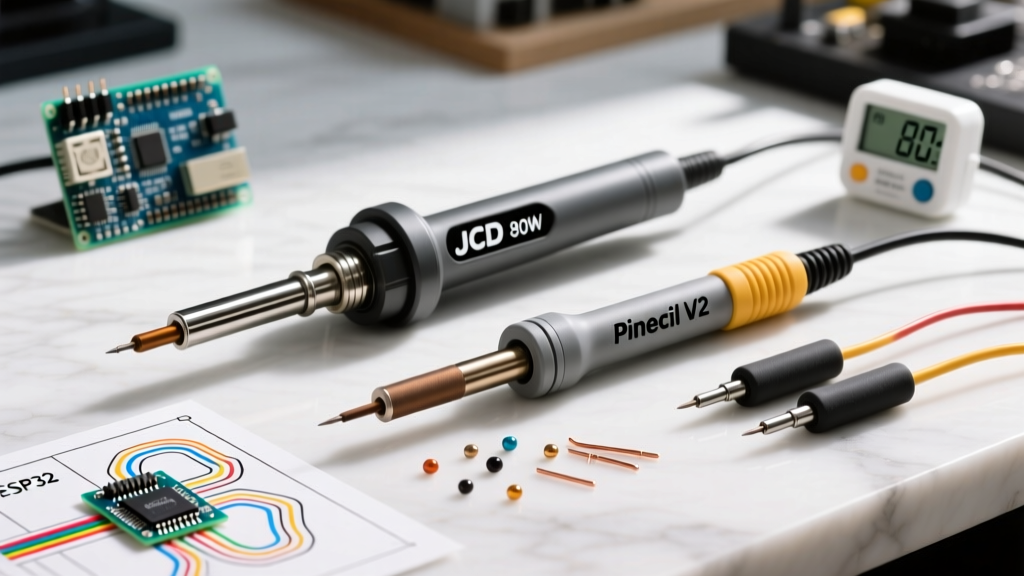
For years, the JCD soldering iron 80W digital kit has been the undisputed entry-level king on platforms like Amazon and AliExpress. Bundled with a digital LCD, a solder sucker, tweezers, and five interchangeable tips, it offers an intimidating spec sheet for roughly $20 to $25. But as the hobbyist electronics space has evolved, so has the competition. The rise of USB-C PD (Power Delivery) smart irons and the enduring reliability of mid-tier Japanese stations have fundamentally shifted the value proposition.
In this comprehensive tool comparison, we put the JCD soldering iron 80W head-to-head against the modern enthusiast favorite, the Pinecil V2, and the industry-standard step-up, the Hakko FX-601. We will bypass the marketing fluff and examine thermal recovery curves, tip ecosystem longevity, and the critical ESD (Electrostatic Discharge) safety realities that every DIYer and prototyping engineer needs to understand before touching a sensitive microcontroller.
JCD 80W Digital Kit: Teardown Realities and Performance
The JCD 80W kit relies on a traditional mains-powered (110V/220V) design with an internal ceramic heating element. The digital display is a welcome upgrade over older analog dial irons, allowing users to set temperatures between 180°C and 480°C. However, the "80W" rating requires context.
While the heater can draw up to 80 watts during initial heat-up, the sustained thermal transfer is severely bottlenecked by the included 900M series tips. These tips are essentially hollow copper sleeves plated with a thin layer of iron. Because they slide over the ceramic heater rather than integrating with it, there is a microscopic air gap that acts as a thermal insulator. When you attempt to solder a large ground plane on a PCB, the JCD's thermal recovery time drops significantly, often leading to cold solder joints—a direct violation of the IPC J-STD-001 soldering standard which mandates proper wetting and thermal profiles for reliable intermetallic cu6sn5 formation.
Head-to-Head Matrix: JCD 80W vs. Pinecil V2 vs. Hakko FX-601
To understand where the JCD stands in the current market, we must compare its raw specifications and real-world performance metrics against its closest alternatives.
| Feature | JCD 80W Digital Kit | Pinecil V2 (USB-C) | Hakko FX-601 |
|---|---|---|---|
| Claimed Power | 80W (Mains) | 65W - 88W (USB-C PD) | 67W / 54W (Switchable) |
| Heat-Up Time (to 320°C) | ~45 seconds | ~8 seconds | ~25 seconds |
| Tip Ecosystem | 900M Series (Sleeve) | Pine64 Short Tips (Core) | Hakko T19 (Core) |
| Controller Type | Basic Op-Amp / PWM | RISC-V BL706 (PID) | Analog Dial / Thermostat |
| ESD Grounding | None (2-Prong Plug) | Yes (via USB-C Shield) | Yes (3-Prong Mains) |
| Avg. Price (2026) | $22.00 | $26.00 (Iron only) | $72.00 |
Thermal Recovery: The "80W" Marketing Myth vs. Smart PID
Wattage alone does not dictate soldering performance; thermal mass and feedback loop speed are far more critical. The JCD soldering iron 80W uses a relatively slow polling rate for its thermocouple. When the tip contacts a cold copper pad, the temperature drops, and the controller takes several seconds to recognize the delta and push more current to the heater.
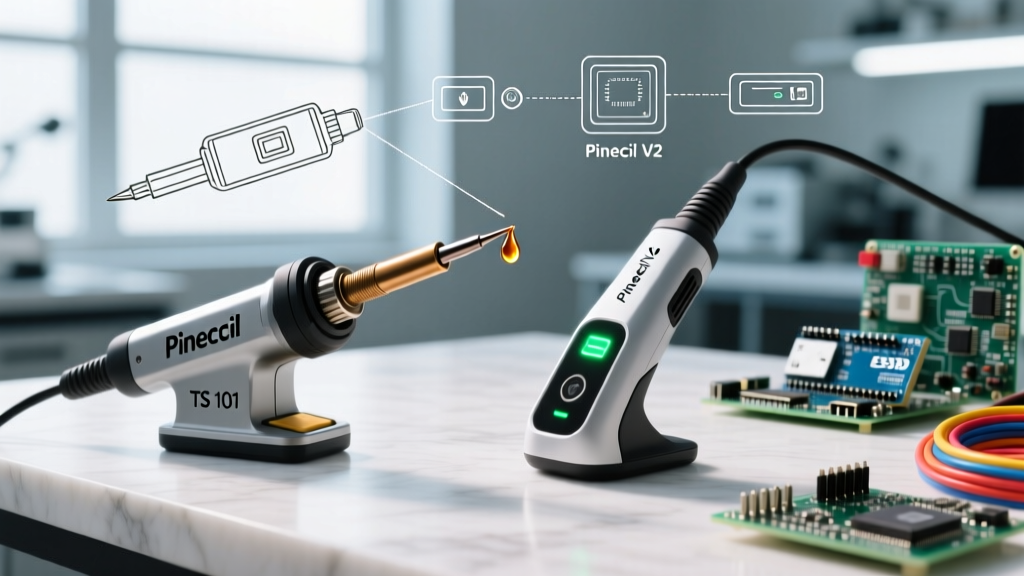
Conversely, the Pinecil V2 utilizes a RISC-V microcontroller running a sophisticated PID (Proportional-Integral-Derivative) algorithm. It polls the thermocouple hundreds of times per second. Even though the Pinecil might be operating at 65W via a standard laptop charger, its integrated heater tip design (where the heating element is embedded directly inside the tip) means zero air gaps. The result? The Pinecil V2 recovers from a 50°C drop in under 1.5 seconds, while the JCD 80W can take 6 to 8 seconds to stabilize, increasing the risk of thermal pad lifting on fragile FR-4 PCBs.
The Hidden Cost: Tip Ecosystems and Longevity
When evaluating the total cost of ownership, the JCD's initial $20 price tag becomes less appealing. The 900M tips included in the kit are notorious for rapid oxidation. If left at 380°C for more than ten minutes, the iron plating degrades, and solder will no longer wet the surface. Replacing them is cheap (roughly $5 for a pack of 10), but the downtime and frustration of constantly re-tinning ruined tips add up.
In contrast, the Hakko FX-601 uses the T19 series, and the Pinecil uses custom short-tips. These feature a solid copper core with thick iron plating, designed for rapid thermal transfer and extreme longevity. A single $8 Hakko T19 tip will routinely outlast an entire 10-pack of generic 900M sleeves, making the mid-tier irons vastly more economical for daily users.
ESD Safety and Grounding: A Critical Warning for Microcontrollers
Perhaps the most dangerous flaw of the JCD 80W kit is its power cable. In most regions, it ships with a 2-prong, ungrounded plug. Without a path to earth ground, stray electromagnetic interference and capacitive coupling can induce an AC voltage of 20V to 50V directly on the soldering tip.
Expert Warning: If you are soldering bare CMOS chips, MOSFETs, or sensitive microcontrollers like the ESP32 or STM32, an ungrounded tip can discharge stray voltage directly into the silicon gate, instantly destroying the component. As highlighted in the Adafruit Guide to Excellent Soldering, proper tool grounding is non-negotiable for modern logic-level electronics.
The Pinecil V2 solves this elegantly by grounding the tip through the metal shell of the USB-C connector (provided you use a grounded laptop charger or a grounded PD brick). The Hakko FX-601 uses a standard 3-prong grounded mains plug with a dedicated earth wire connected directly to the tip shaft. The JCD 80W offers no such protection, restricting its safe use to basic wire splicing, plumbing, or through-hole resistors and capacitors.
Final Verdict: Who Should Actually Buy the JCD 80W?
The JCD soldering iron 80W is not a bad tool; it is simply a relic of an older design philosophy that has been outpaced by modern USB-C smart irons.
Pros of the JCD 80W:
- Extremely low barrier to entry (under $25 for a full kit).
- Requires no external power bricks or specialized USB-C PD chargers.
- Includes basic accessories (solder sucker, flux, wire) for absolute beginners.
Cons of the JCD 80W:
- Unacceptable thermal recovery for large ground planes or multilayer PCBs.
- Lack of ESD grounding poses a lethal risk to sensitive SMD microcontrollers.
- 900M tip ecosystem is prone to rapid oxidation and poor wetting.
- Bulky handle design causes hand fatigue during intricate SMD work.
The Bottom Line
If your budget is strictly capped at $25 and you only plan to solder thick wires, RC car batteries, or basic through-hole DIY kits, the JCD soldering iron 80W will get the job done. However, if you are working with surface-mount components, repairing modern consumer electronics, or building custom PCBs, spending an extra $5 for a Pinecil V2 (assuming you already own a 65W USB-C laptop charger) is the single best upgrade you can make for your workbench in 2026.
Frequently Asked Questions
Can I use lead-free solder with the JCD 80W?
Yes, but it is not ideal. Lead-free solder (like SAC305) requires higher temperatures (around 350°C to 380°C). The JCD's slow thermal recovery means the tip will drop in temperature upon contact, requiring you to hold the iron on the joint longer, which can easily scorch the PCB pad or melt plastic connectors.
Why does my JCD soldering iron tip turn black and refuse to melt solder?
This is called oxidation. The 900M tips have a very thin iron plating. If you leave the iron on at high temperatures without applying a protective layer of flux-core solder, the iron reacts with oxygen in the air. To fix it, you must gently clean the tip with a brass sponge and immediately apply a generous blob of rosin-core solder to seal it from the air.
Is the Pinecil V2 safe to use without a grounded outlet?
If your USB-C PD charger has a 2-prong plug (common with compact GaN chargers), the Pinecil V2 will not have an earth ground path, though its low DC voltage makes it significantly safer than the mains-powered JCD. For absolute ESD safety, use a 3-prong grounded laptop power brick.