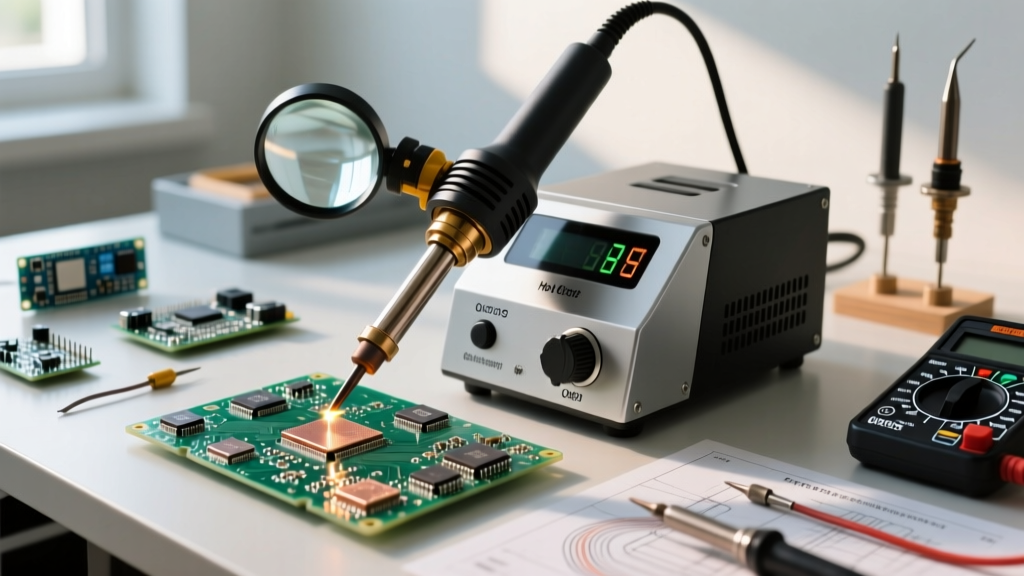

The Shift from Iron to Air: Why SMD Demands Convection
Transitioning from through-hole components to Surface Mount Devices (SMD) requires a fundamental shift in thermal management. While a traditional soldering iron relies on direct conduction, hot air blower soldering utilizes forced convection to heat component leads and PCB pads simultaneously. This is non-negotiable for modern electronics, where components like QFNs (Quad Flat No-leads), BGAs (Ball Grid Arrays), and dense 0402 passives lack exposed leads for an iron tip to grip. Mastering hot air rework is the gateway to repairing smartphones, automotive ECUs, and high-density IoT boards.
Choosing Your Station: 2026 Market Breakdown
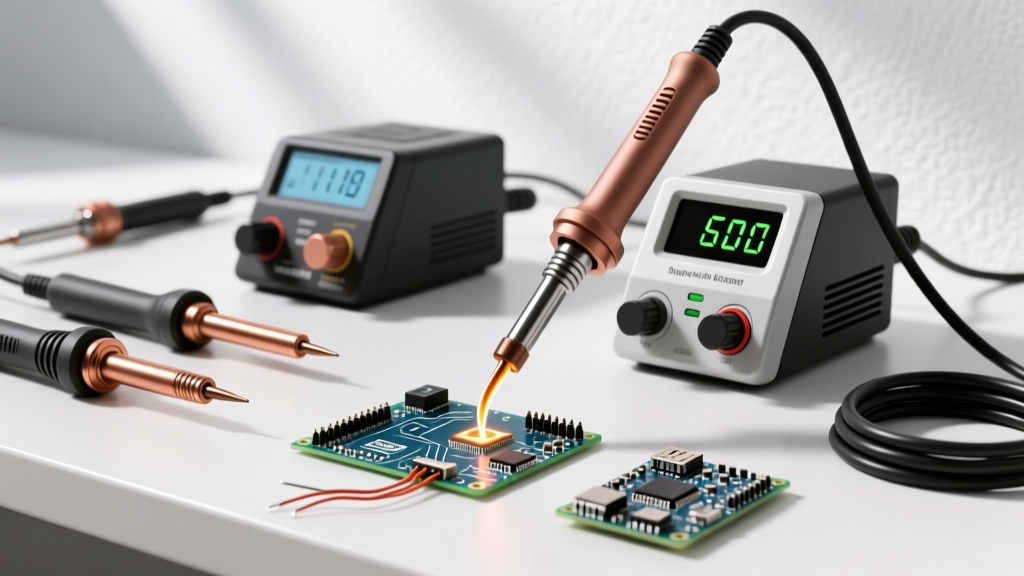
Not all hot air stations are created equal. The primary differentiator is the air pump mechanism: diaphragm pumps (budget) versus brushless centrifugal fans (professional). Brushless fans offer precise, low-vibration airflow, which is critical when working with microscopic 0201 components that can easily be blown off the board.
| Station Model | Pump Type | Max Power | Airflow Control | Est. Price (2026) | Best For |
|---|---|---|---|---|---|
| Yihua 8786D | Diaphragm | 700W | Analog Dial | $75 - $90 | Hobbyists, basic SOP ICs |
| Quick 861DW | Brushless | 1000W | Digital (1-120 L/min) | $550 - $600 | Prosumers, QFN/BGA rework |
| Hakko FR-810B | Brushless | 1100W | Digital (Nitrogen Ready) | $650 - $750 | Industrial, high-reliability |
For beginners, the Quick 861DW represents the sweet spot in the 2026 market. Its brushless motor prevents the pulsating air bursts typical of diaphragm pumps, ensuring your flux doesn't splatter and your tiny passives stay in place. You can view detailed specifications on professional equipment directly via Hakko's official portal to compare industrial benchmarks.
The Physics of Rework: Temperature, Airflow, and Thermal Mass
The most common beginner mistake is setting the temperature to 400°C and the airflow to 100%. This causes thermal shock, delaminates the PCB substrate, and blows components into the nearest carpet. Hot air blower soldering requires balancing three variables: temperature, airflow volume (L/min), and nozzle proximity.
Baseline Settings Matrix for Lead-Free Solder (SAC305)
- 0402 / 0603 Passives: 300°C - 320°C | Airflow: 20 - 30 L/min | Nozzle: 4mm round | Time: 10-15s
- SOIC / SOP ICs (8-16 pin): 330°C - 350°C | Airflow: 30 - 40 L/min | Nozzle: 8mm round | Time: 20-30s
- QFN with Thermal Pad: 360°C - 380°C | Airflow: 40 - 50 L/min | Nozzle: 12mm square | Time: 45-60s
Pro Tip: The thermal pad on a QFN acts as a massive heat sink, drawing heat away from the perimeter leads. Always apply a small amount of solder paste to the thermal pad on the PCB before placing the component to ensure proper thermal transfer and mechanical stability.
Essential Consumables: Flux and Paste Selection
Flux is the unsung hero of hot air rework. It removes oxidation, lowers surface tension, and prevents solder balls from bridging fine-pitch pins. For SMD rework, you need a tacky flux, not a liquid pen flux.
- Amtech NC-559-V2-TF: The industry standard for BGA and QFN rework. Highly viscous, excellent wetting, and leaves a minimal, easily cleanable residue. (~$45 per 10cc syringe).
- Chip Quik SMD291AX: A fantastic, slightly more affordable alternative for general SOP and passive rework. (~$25 per 10g jar).
- Solder Paste (Type 4): For replacing components, use Type 4 solder paste (20-38µm particle size) rather than Type 3. The smaller powder size prevents bridging on 0.4mm pitch ICs. Keep your paste refrigerated and allow it to reach room temperature before use to prevent condensation-induced splattering.
Step-by-Step SMD Removal and Replacement Protocol
Follow this standardized workflow to ensure high-reliability joints, aligning with the workmanship criteria outlined in NASA-STD-8739.3 for soldered electrical assemblies.
- Prep and Shield: Clean the area with 99% Isopropyl Alcohol (IPA). Apply Kapton (polyimide) tape and aluminum foil tape to shield surrounding sensitive components (like plastic connectors and electrolytic capacitors) from heat damage.
- Apply Tacky Flux: Dispense a generous amount of tacky flux around the perimeter of the IC. Do not skimp; flux is cheap, but a lifted pad ruins a $200 motherboard.
- Preheat (Optional but Recommended): For 4-layer+ boards or large ground planes, use a bottom preheater set to 120°C. This reduces the thermal delta, meaning your hot air blower doesn't have to work as hard, minimizing the risk of scorching the PCB silkscreen.
- Heat and Extract: Hold the nozzle 15mm above the component. Move in a continuous circular motion to distribute heat evenly. Once the solder melts (the component will 'float' when nudged gently with tweezers), lift it vertically.
- Clean the Pads: Apply liquid flux and use a copper solder wick (0.098" width) with a 350°C iron to flatten and clean the pads. Finish with an IPA wash and lint-free Kimwipes.
- Paste and Place: Apply a thin, even layer of solder paste to the pads using a stencil or precision syringe. Align the component using tweezers under a stereo microscope.
- Reflow with Air: Drop the airflow to 20 L/min to prevent the component from shifting. Apply heat evenly until the paste turns shiny and the component self-centers due to surface tension.
Diagnosing Common Failure Modes
Even with the right equipment, beginners encounter specific failure modes. Here is how to identify and fix them.
1. Popcorning (IC Package Cracking)
The Cause: Moisture trapped inside the plastic IC package turns to steam during rework, expanding and cracking the silicon die or package body. This is governed by Moisture Sensitivity Levels (MSL).
The Fix: Bake moisture-sensitive components in a dedicated convection oven at 125°C for 4 to 8 hours before hot air rework. Never use a kitchen microwave or standard food oven.
2. Tombstoning on Passives
The Cause: One pad of a 0603 or 0402 capacitor heats up faster than the other, causing the solder to melt on one side first. The surface tension pulls the component upright like a tombstone.
The Fix: Use a wider nozzle to heat both pads simultaneously, or angle the airflow to favor the pad connected to the larger ground plane, which dissipates heat faster.
3. Solder Bridging
The Cause: Insufficient flux or excessive solder paste application on fine-pitch (0.5mm) SOP pins.
The Fix: Add more tacky flux and drag a clean, fluxed soldering iron tip across the pins. The flux will break the surface tension and pull the excess solder away from the bridges.
ESD and Thermal Safety Standards
Hot air blower soldering generates significant static electricity through the friction of moving air (triboelectric effect). When working on MOSFETs, microcontrollers, or RF transceivers, an ungrounded air nozzle can deliver an Electrostatic Discharge (ESD) spike that silently kills the silicon. According to the guidelines published by the ESD Association, all rework stations must be properly grounded.
- Ensure your hot air station's chassis is connected to a verified earth ground.
- Use an ESD-safe wrist strap connected to a 1-megohm grounding plug.
- Work on an ESD-dissipative silicone mat, not a standard wooden or plastic desk.
- Never rest the hot air wand directly on the PCB or flammable surfaces; always use the designated magnetic or microswitch-activated wand holder.
By respecting the physics of convection heating, investing in a brushless pump station, and adhering to strict flux and ESD protocols, hot air blower soldering transforms from a frustrating guessing game into a precise, repeatable science. Start with scrap boards to build your muscle memory for airflow and temperature management before attempting rework on mission-critical hardware.