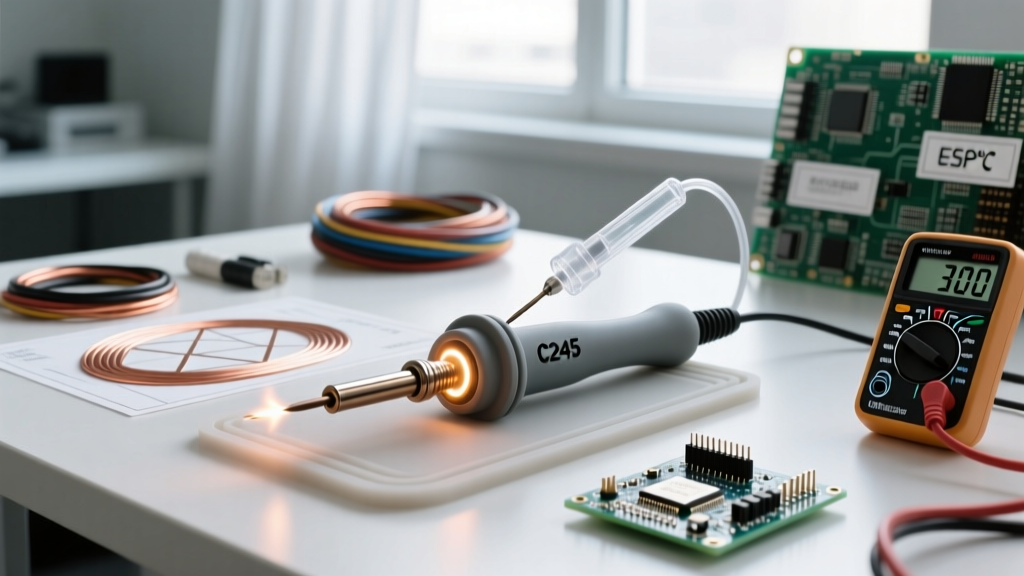

The C245 soldering iron format, originally pioneered by JBC Tools, has become the undisputed gold standard for precision printed circuit board (PCB) assembly and micro-soldering in 2026. Unlike traditional soldering irons where the tip slides over a separate ceramic heating element, the C245 ecosystem integrates the heater and thermocouple directly into the disposable cartridge. This design yields near-instantaneous thermal recovery, making it ideal for everything from 0201 surface-mount device (SMD) rework to heavy multi-layer ground plane soldering.
However, out-of-the-box accuracy varies wildly depending on whether you are using a genuine $550 JBC T245 station, a $75 generic "T245" OLED clone, or an open-source setup like the Pinecil V2 with a C245 adapter. Proper setup and rigorous temperature calibration are mandatory to comply with the IPC J-STD-001 standard for soldered electronic assemblies, which strictly dictates thermal profiles to prevent component damage.
The C245 Ecosystem: Genuine vs. Open-Source Adapters
Before initiating calibration, you must understand the hardware driving your C245 soldering iron. The market is currently split into three main categories:
- Genuine JBC T245 Stations: Feature proprietary 5-pin DIN connectors, hardware-level PID tuning, and zero setup required. Cartridges cost $45-$60 each.
- Generic "T245" OLED Stations: Widely available for $65-$85. These use cloned 5-pin connectors and basic microcontrollers. They often suffer from a +10°C to -15°C temperature offset straight from the factory.
- Open-Source Smart Irons (e.g., Pinecil V2 + C245 Adapter): A highly popular 2026 budget route (under $45 total). Requires a specific firmware like IronOS open-source firmware to properly map the C245 thermocouple resistance curves.
Physical Setup and Grounding Protocols
Improper physical setup is the leading cause of C245 cartridge failure. The internal thermocouple wires are incredibly fragile.
Safe Cartridge Insertion
Never twist the C245 cartridge when inserting or removing it from the handle. Twisting shears the microscopic internal sensor wires, resulting in an immediate "Sensor Open" error. Push the cartridge straight in until it clicks or seats firmly against the internal contacts. When removing, pull straight back using the silicone grip ring.
ESD Grounding Verification
For sensitive RF and microcontroller work, your C245 handle must be earth-grounded. Genuine JBC handles route the ground through pin 5 of the DIN connector. If using a generic clone or a Pinecil adapter, ensure the 2.5mm or 3.5mm ESD grounding jack on the handle or adapter is connected to your workstation's verified earth ground point using a 1MΩ safety resistor inline.
Step-by-Step Temperature Calibration Procedure
Factory calibration on budget C245 stations is notoriously inaccurate. To calibrate, you need a reliable K-type thermocouple thermometer. Refer to Fluke K-type thermocouple guidelines for proper probe handling. A Hakko FG-100B tip thermometer is the industry standard, but a high-quality multimeter with a K-type bead probe will suffice.
Phase 1: Baseline Measurement
- Insert a fresh, medium-mass C245 tip (e.g., C245-945 Chisel 1.2mm).
- Set the station to 300°C (572°F) and allow it to stabilize for 60 seconds.
- Apply a small blob of SAC305 (Sn96.5/Ag3.0/Cu0.5) solder to the tip to act as a thermal bridge.
- Press the K-type thermocouple bead directly into the molten solder blob on the tip.
- Record the actual temperature displayed on your multimeter.
Phase 2: Applying the Offset
If your station reads 300°C but the thermocouple reads 288°C, you have a -12°C offset.
- On Generic OLED T245 Stations: Long-press the rotary encoder to enter the settings menu. Navigate to Temp Cal or Offset. Input +12 to correct the delta. Save and reboot.
- On IronOS (Pinecil V2): Navigate to Settings > Calibration > C245. IronOS uses a multi-point curve calibration rather than a simple offset. You will be prompted to measure at 200°C, 300°C, and 400°C. Input your thermocouple readings at each step to allow the firmware to map the non-linear resistance curve of the clone cartridge.
Thermal Recovery Matrix: C245 Tip Profiles
Understanding your specific tip geometry is crucial for setting the correct operational temperature. Using an ultra-fine tip on a heavy ground plane will cause thermal lag, leading to cold solder joints and prolonged heat exposure to the PCB pads.
| Tip Model | Geometry | Thermal Mass | Ideal Application | Avg. Recovery Time (0.1s/dec) |
|---|---|---|---|---|
| C245-002 | Conical 0.2mm | Ultra Low | 0201 SMD, micro-jumpers | 1.4 seconds |
| C245-945 | Chisel 1.2mm | Medium | 0603/0805 SMD, standard DIP | 0.8 seconds |
| C245-116 | Bevel 1.5mm | High | SOP-8 ICs, drag soldering | 0.5 seconds |
| C245-905 | Heavy Chisel 2.5mm | Very High | Multi-layer vias, XT60 connectors | 0.3 seconds |
Advanced PID Tuning for High-Mass Ground Planes
If your C245 station supports manual PID (Proportional-Integral-Derivative) tuning, adjusting these values can drastically reduce temperature overshoot when switching between delicate SMD work and heavy through-hole components.
Pro-Tip for PID Tuning: The C245 cartridge has a very low thermal mass compared to traditional Hakko T12 or T18 tips. Therefore, the Derivative (D) value must be kept relatively high to predict and brake the heating curve before it overshoots the target temperature. If you experience severe overshoot (e.g., spiking to 340°C before settling at 300°C), increase your D value by 15% and decrease your Proportional (P) gain.
Troubleshooting C245 Error Codes and Thermal Lag
Modern C245 controllers utilize diagnostic error codes to protect the station and the PCB. Here is how to diagnose the most common faults:
- E01 (Sensor Open): The controller cannot read the internal thermocouple. Fix: Clean the 5-pin handle contacts with isopropyl alcohol. If the issue persists, the cartridge internal wire has snapped; discard the tip.
- E02 (Heater Short): The heating element is shorting to the metal casing or ground. Fix: Inspect the ceramic insulator inside the handle. If mica dust or solder splatter has bridged the pins, clean it with a fiberglass scratch pen.
- E03 (Overheat / Thermal Runaway): The tip temperature exceeded the set point by more than 50°C. Fix: This indicates a failed TRIAC in the station or a degraded thermocouple in the tip that is feeding false low readings to the controller. Replace the cartridge immediately to prevent PCB delamination.
Maintenance: Maximizing C245 Cartridge Lifespan
Genuine JBC C245 cartridges can last for years if maintained correctly, while budget clones may degrade in weeks if abused. Never use abrasive sanding sponges or steel wool on C245 tips; the iron plating is exceptionally thin to maximize thermal transfer. Always use a damp cellulose sponge or brass wool. Crucially, never leave the station at 350°C+ while idle. Utilize the auto-sleep feature (set to 150°C after 2 minutes of inactivity) to prevent the flux core from carbonizing inside the tip barrel, which leads to irreversible de-wetting.