
The Wattage Misconception: Heat Capacity vs. Maximum Temperature
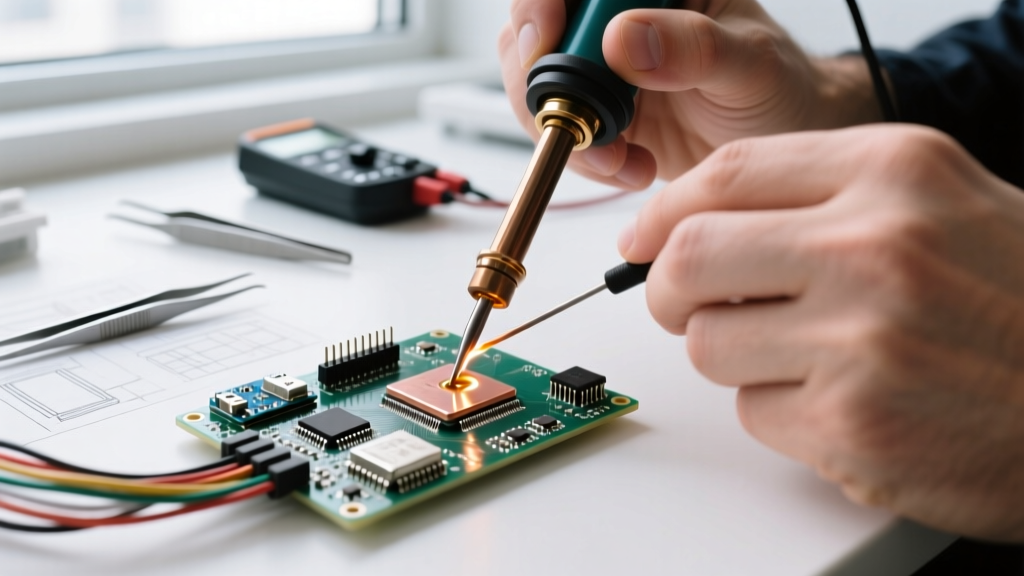
When beginners enter the world of electronics assembly, the 30w soldering iron is often the first tool they purchase. It is inexpensive, widely available, and marketed as the 'safe' option for delicate printed circuit boards (PCBs). However, as we navigate the electronics landscape in 2026, the dominance of the fixed-wattage 30W pencil iron is being heavily challenged by variable-temperature smart irons and 60W+ ceramic stations. To make the right purchasing decision, we must first dismantle a persistent myth: wattage does not dictate maximum temperature; it dictates thermal recovery and heat capacity.
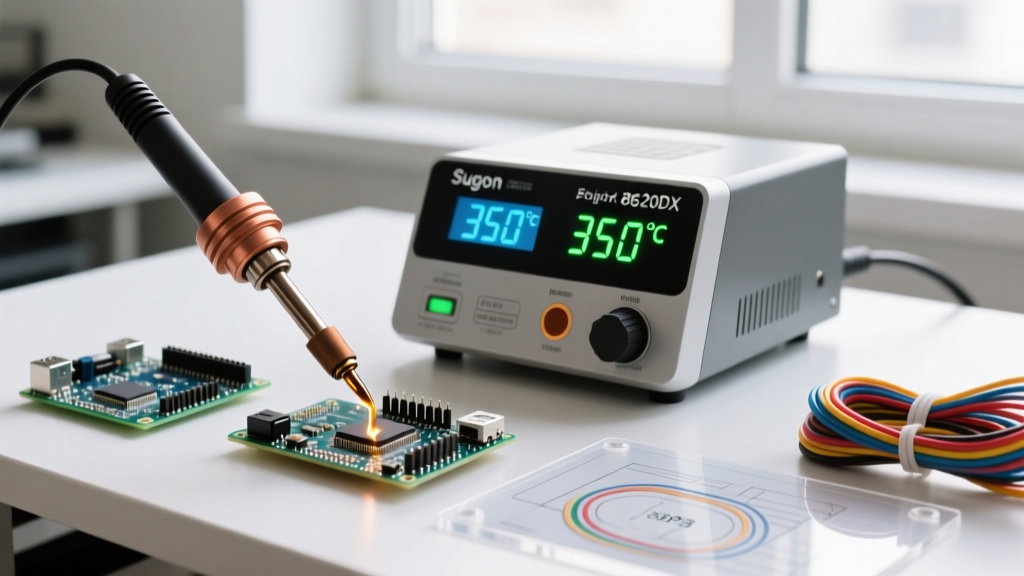
A cheap, unregulated 30W iron can easily exceed 400°C (752°F) at the tip if left idle in the air. Conversely, a 60W temperature-controlled station like the Hakko FX-888D will hold a steady 320°C (608°F) for lead-free SAC305 solder. The difference lies in what happens the moment the tip touches a cold copper pad and a component lead. The 30W iron experiences a massive thermal drop, often taking 8 to 12 seconds to recover. The 60W station's PID controller detects the temperature drop and floods the ceramic heater with power, recovering in under 3 seconds.
Head-to-Head: Fixed 30W vs. 60W Temperature-Controlled Stations
To understand where the 30w soldering iron fits into a modern workbench, let us compare the three primary categories of irons you will encounter today: the traditional fixed 30W pencil, the classic 60W analog/digital station, and the modern 65W smart iron (which can be software-limited to 30W for delicate work).
| Feature | Fixed 30W Pencil Iron | 60W Digital Station (e.g., Hakko FX-888D) | Smart Iron (e.g., Pinecil V2 / FNIRSI HS-01) |
|---|---|---|---|
| Average Price (2026) | $12 - $18 | $110 - $135 | $22 - $28 (Device only) |
| Temperature Control | None (Thermal Equilibrium) | PID Analog/Digital Dial | Digital PID with OLED UI |
| Thermal Recovery Time | 10+ Seconds (Severe Drop) | 3 - 5 Seconds | 1 - 2 Seconds (Boost Mode) |
| ESD Safe / Grounded? | Rarely | Yes (Standard) | Depends on Power Supply (PD) |
| Best Application | Basic wire splicing, hobbyist through-hole | Heavy through-hole, large ground planes | SMD, 0402 components, daily bench work |
Deep Dive: The 30W Soldering Iron Experience
The traditional 30w soldering iron utilizes a simple nichrome wire wound around a ceramic or mica core. When plugged into a 120V or 240V mains outlet, it outputs a continuous 30 watts of heat. Because there is no thermocouple feedback loop, the iron relies on the physical mass of the tip and ambient air cooling to reach a baseline temperature.
Where Fixed 30W Irons Fail (The Thermal Cliff)
If you are soldering 24 AWG wire to a small switch, a 30W iron performs adequately. However, the moment you attempt to solder a capacitor to a multi-layer PCB with internal copper ground planes, the board acts as a massive heatsink. The 30W iron transfers its stored thermal energy into the board, and because it only draws 30W from the wall, it cannot replenish that energy fast enough. The tip temperature plummets below the melting point of your solder alloy (183°C for Sn63/Pb37, or 217°C for SAC305).
This leads to the dreaded 'cold solder joint'—a dull, grainy connection with high electrical resistance and mechanical fragility. To compensate, beginners often hold the iron on the pad longer, which causes the flux to burn off completely, oxidizing the pad and ruining the connection. As noted in Adafruit's Guide to Excellent Soldering, proper flux activity and rapid heat transfer are the cornerstones of a reliable solder joint, both of which are compromised by underpowered tools.
Pros and Cons of Fixed 30W Irons
- Pros: Ultra-low entry cost; simple to operate (plug and play); lightweight and highly portable; low risk of instant thermal shock to extremely static-sensitive, non-grounded components (due to slow heat transfer).
- Cons: No temperature regulation; high risk of cold joints on multi-layer boards; tips oxidize rapidly due to unregulated idle temperatures; incompatible with modern lead-free solder pastes and wires.
The Smart Iron Alternative: Capping a 65W Iron at 30W
In 2026, the most effective way to utilize '30W' for delicate SMD (Surface Mount Device) work is not to buy a fixed 30W iron, but to use a USB-C PD smart iron like the Pine64 Pinecil V2. By plugging it into a standard 30W USB-C wall charger, you physically limit the maximum power draw to 30W. However, because the Pinecil utilizes a low-thermal-mass tip with an integrated thermocouple, its PID algorithm pulses the available 30W with extreme precision. This gives you the safety of a 30W power envelope with the temperature accuracy of a $300 bench station.
Application-Specific Wattage Selection Guide
Choosing between a 30w soldering iron and a higher-wattage station depends entirely on your specific project queue. Use this decision matrix to select the right thermal profile for your workbench.
- Scenario A: 0603 and 0402 SMD Components on Thin PCBs.
Recommendation: Smart Iron (Software limited to 30W-40W) or a dedicated micro-soldering station. You need low thermal mass to prevent lifting microscopic pads. A heavy 60W chisel tip will destroy these boards. - Scenario B: Standard Through-Hole Resistors, ICs, and 22 AWG Wire.
Recommendation: 60W Temperature-Controlled Station. Set to 320°C. The 60W reservoir ensures the temperature does not drop when the tip touches the component lead and the solder wire simultaneously. - Scenario C: 14 AWG Silicone Wire, XT60 Connectors, and RC Drone Builds.
Recommendation: 100W to 200W Station (e.g., Hakko FX-951 or JBC C245). A 30W or even 60W iron will fail to melt the solder pool required for thick gauge wires, resulting in dangerous mechanical failures in high-current applications. - Scenario D: Basic Educational Kits and Simple Wire Splicing.
Recommendation: Fixed 30W Iron. If you are a teacher outfitting a classroom of 30 students on a strict budget, the 30W pencil iron remains the most economically viable, albeit technically inferior, choice.
Tip Selection: Maximizing a 30W Iron's Potential
If you are committed to using a 30w soldering iron, your choice of tip geometry is critical. Because you lack the wattage to force heat into a joint, you must maximize the surface area contact between the tip and the workpiece.
Rule of Thumb: Never use a conical (I-series) tip on a low-wattage iron for anything other than micro-SMD rework. The point of a conical tip has almost zero thermal mass and acts as a thermal bottleneck.
Instead, opt for a Chisel (D-series) or Knife (K-series) tip. A 2.4mm chisel tip allows you to press the flat side of the copper against the PCB pad and the component lead simultaneously, bridging the thermal gap via conduction rather than relying on the iron's internal heater to push heat through a tiny point. Furthermore, keeping your tip heavily tinned with rosin-core solder when not in use will act as a thermal bridge, slightly mitigating the slow recovery time inherent to 30W heating elements.
Expert Verdict: Do You Actually Need a Dedicated 30W Iron?
The era of the fixed 30w soldering iron as a 'must-have' electronics tool is effectively over, relegated primarily to educational bulk-purchases and emergency field-repair kits where budget is the only constraint. For any serious DIYer, hobbyist, or professional in 2026, the physics of thermal recovery make a compelling case for higher wattage.
A 60W or 65W temperature-controlled iron will not burn your delicate PCBs; in fact, it will save them by completing the solder joint in 2 seconds rather than 10 seconds. If you require the low-power safety profile of a 30W tool for ultra-fine SMD work, leverage modern USB-C smart irons and limit their wattage via software or power supply constraints. By upgrading from a fixed 30W pencil to a dynamically controlled system, you eliminate cold joints, reduce tip oxidation, and align your workbench with modern IPC soldering standards.